Jump to content
View in the app

A better way to browse. Learn more.

Surly Horns

A full-screen app on your home screen with push notifications, badges and more.

To install this app on iOS and iPadOS
  1. Tap the Share icon in Safari
  2. Scroll the menu and tap Add to Home Screen.
  3. Tap Add in the top-right corner.
To install this app on Android
  1. Tap the 3-dot menu (⋮) in the top-right corner of the browser.
  2. Tap Add to Home screen or Install app.
  3. Confirm by tapping Install.
Football ... Basketball ... Baseball ... Other Sports ... Futbol ... 🤫995🤫 ... Gambling ... Movies & TV ... Music ... Hobbies ... Lulz ... Food & Travel ... Daily Texan ... Business & Markets ... Cloak Room ... Help ... For Sale ... Board Discussion ... Advertise... Tailgate Donations

Austinite

Legacy Members
  • Joined

  • Last visited

Everything posted by Austinite

  1. My step-granddaughter is marrying a sooner...during the freaking TX/ousux game!!!!! I told my family I would NOT be there. My husband told me I did not have a choice in the matter. I am wearing Burnt Orange even though I was told it was not one of my color options. I asked if the game would be on at the reception and was told there would be NO TV in bar. Screw them. I'm thinking of disowning my stepson as he is obviously a terrible parent.
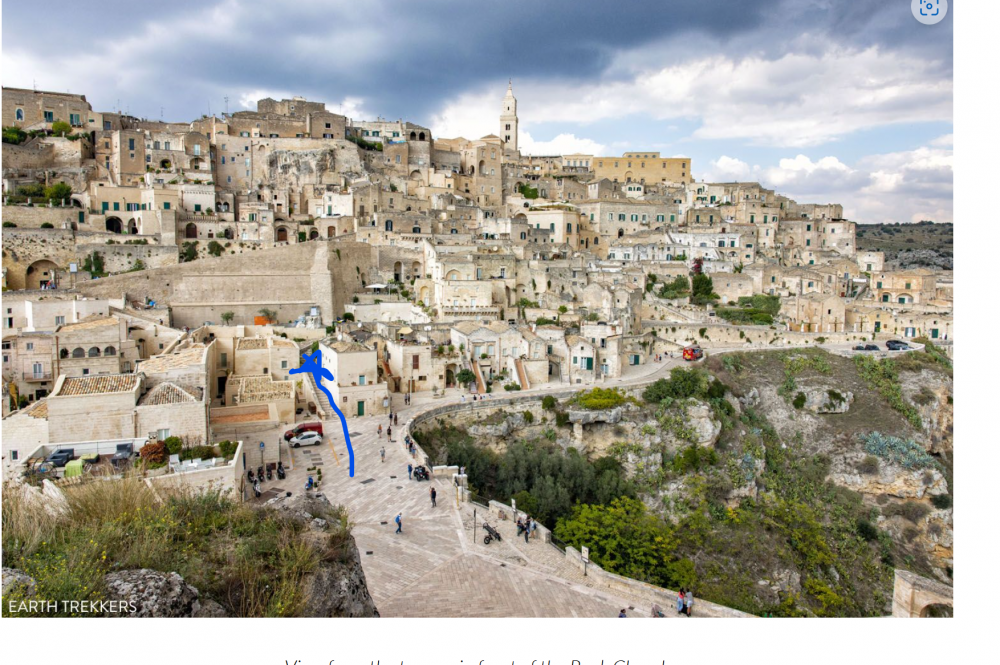
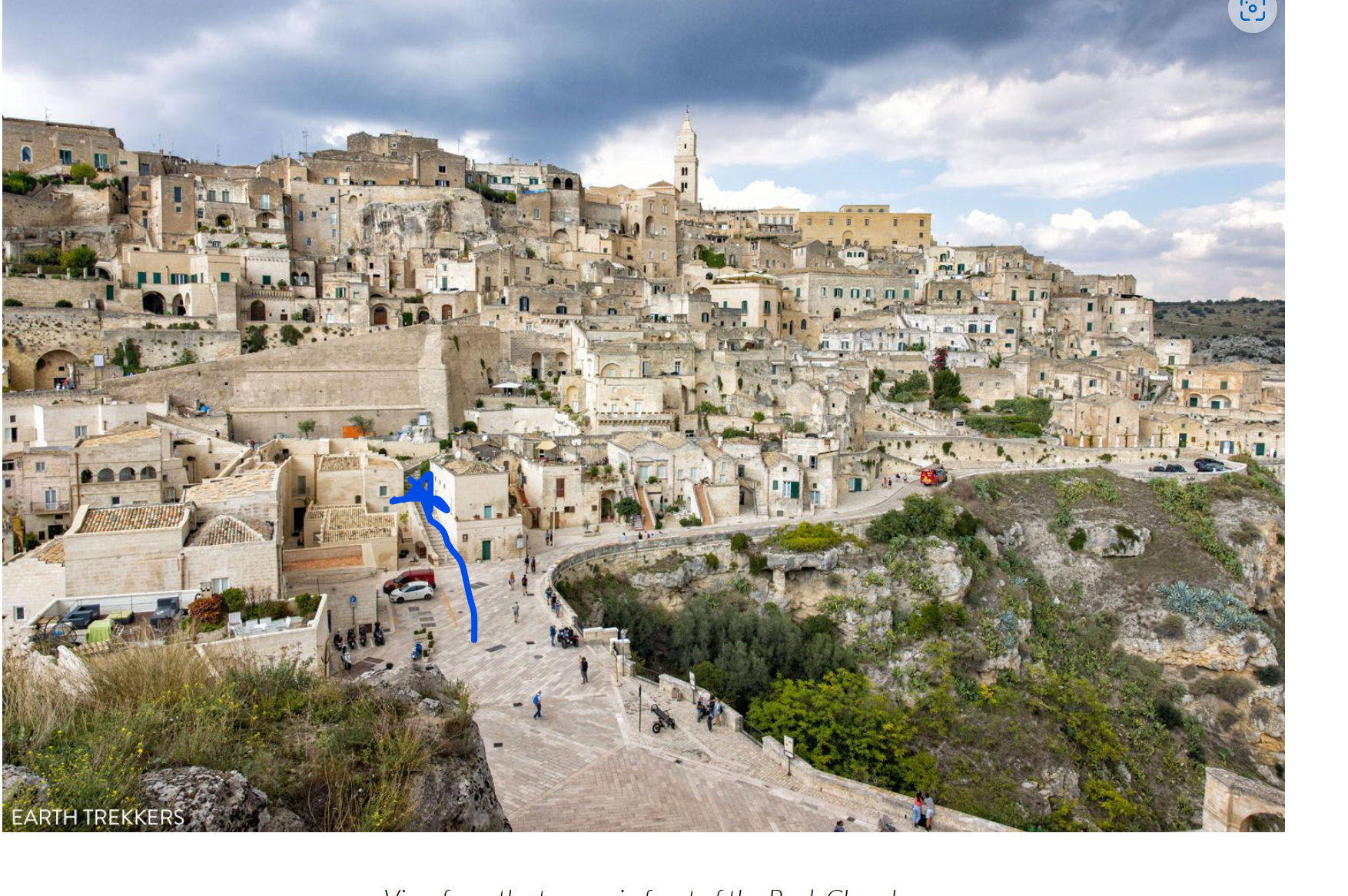
  2. TEXAS!!! from Matera, Italy
  3. Laramie 2009. Freezing. Flew into Denver and rented Harleys with hubby and friends and rode up for the game then rode around Wyoming and Yellowstone NP for a week. Never experienced windy conditions that bad before or after. Also remember many WTF moments early on in that game. Good times.
  4. I've called it TEXAS - ousux for years. Still seems correct.
  5. And FYI - his lovely wife (and she is lovely I know her personally) is an Aggie. 🙂
  6. FYI - There are FREE cold/cool water stations all over the stadium...with free cups. I believe you can also bring in an empty bottle and fill it.

Football ... Basketball ... Baseball ... Other Sports ... Futbol ... 🤫995🤫 ... Gambling ... Movies & TV ... Music ... Hobbies ... Lulz ... Food & Travel ... Daily Texan ... Business & Markets ... Cloak Room ... Help ... For Sale ... Board Discussion ... Advertise... Tailgate Donations

Configure browser push notifications

Chrome (Android)
  1. Tap the lock icon next to the address bar.
  2. Tap Permissions → Notifications.
  3. Adjust your preference.
Chrome (Desktop)
  1. Click the padlock icon in the address bar.
  2. Select Site settings.
  3. Find Notifications and adjust your preference.