

SDG
Burnt Ends
-
Joined
-
Last visited
Everything posted by SDG
-
 Can’t let them get easy offensive rebounds.
 -
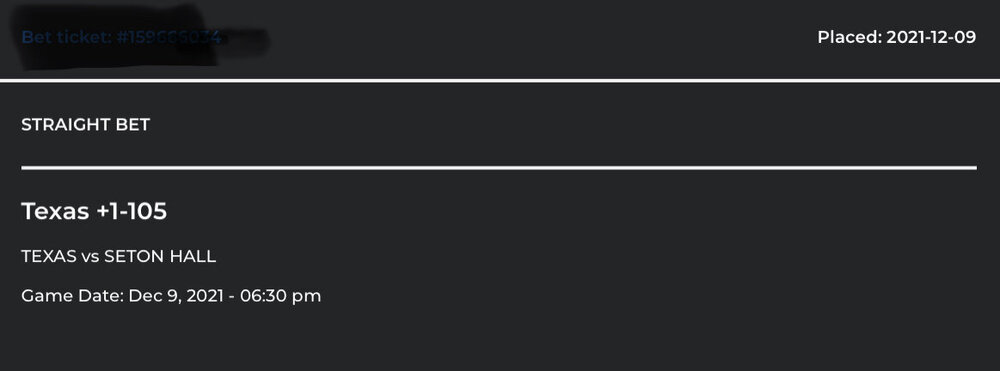
This you?
Rolling with it
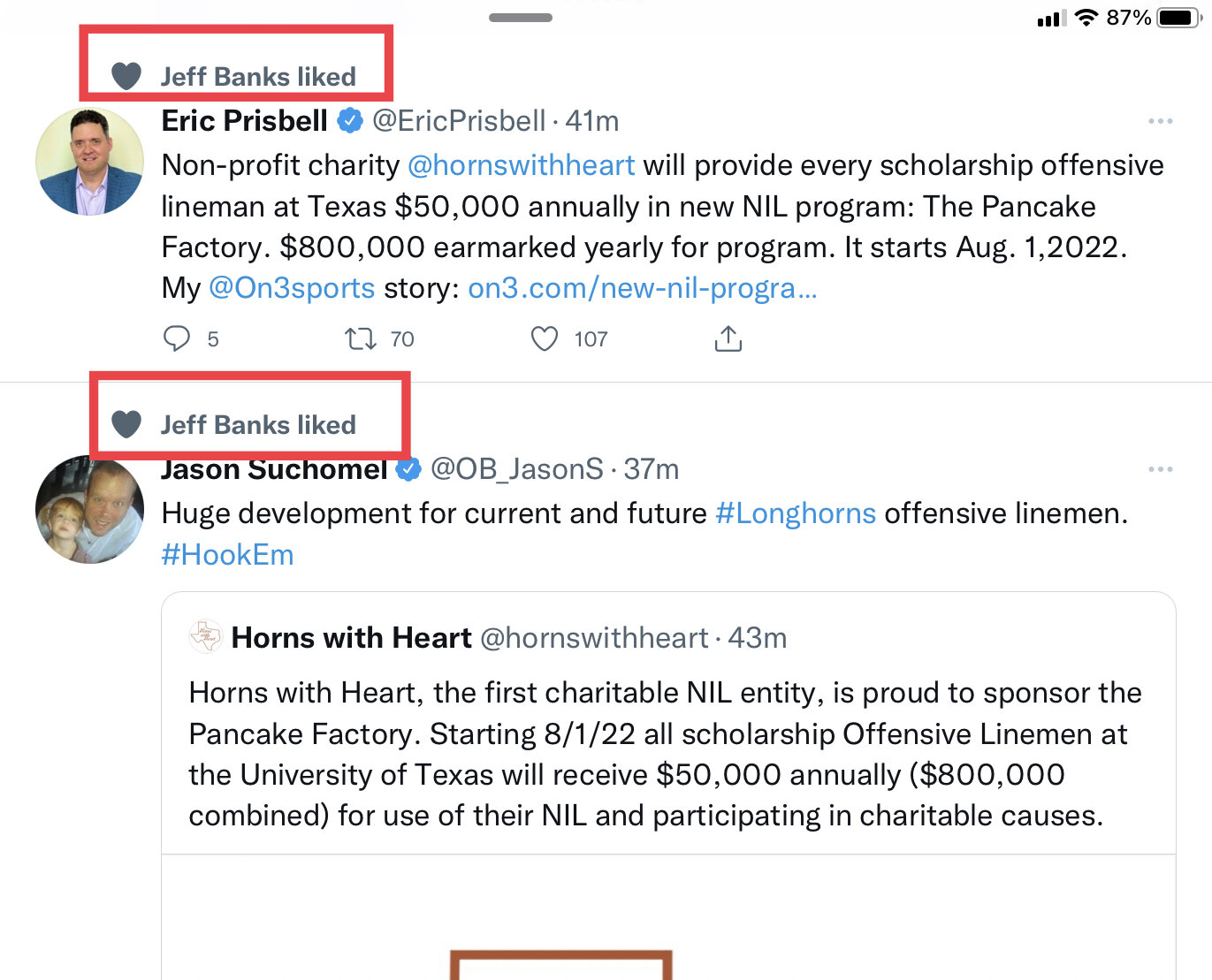
 Recruits use it to recruit.
Karen isn’t happy so it must be good.
True.
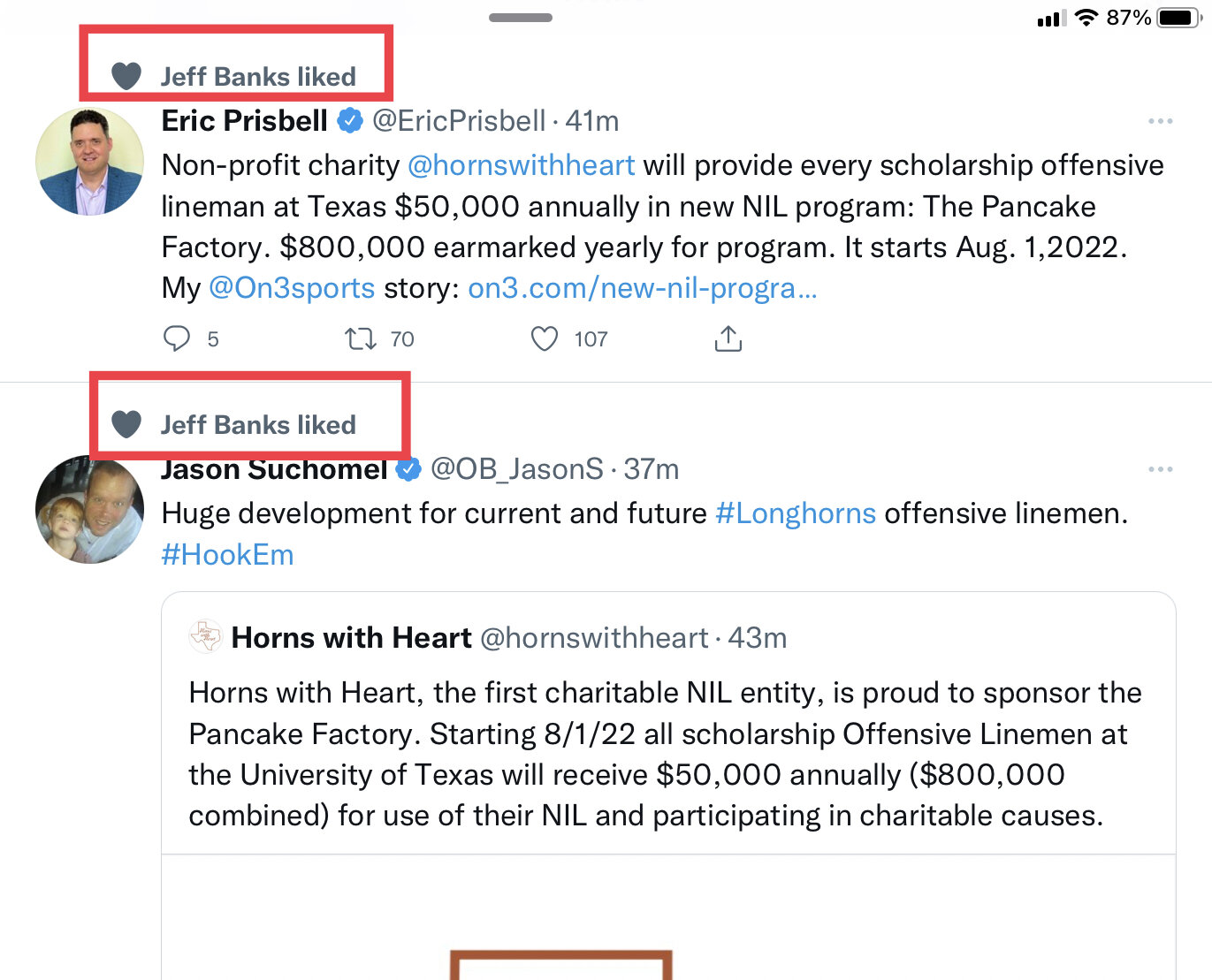
I shared this screenshot yesterday.
Recruits use it to recruit.
Karen isn’t happy so it must be good.
True.
I shared this screenshot yesterday.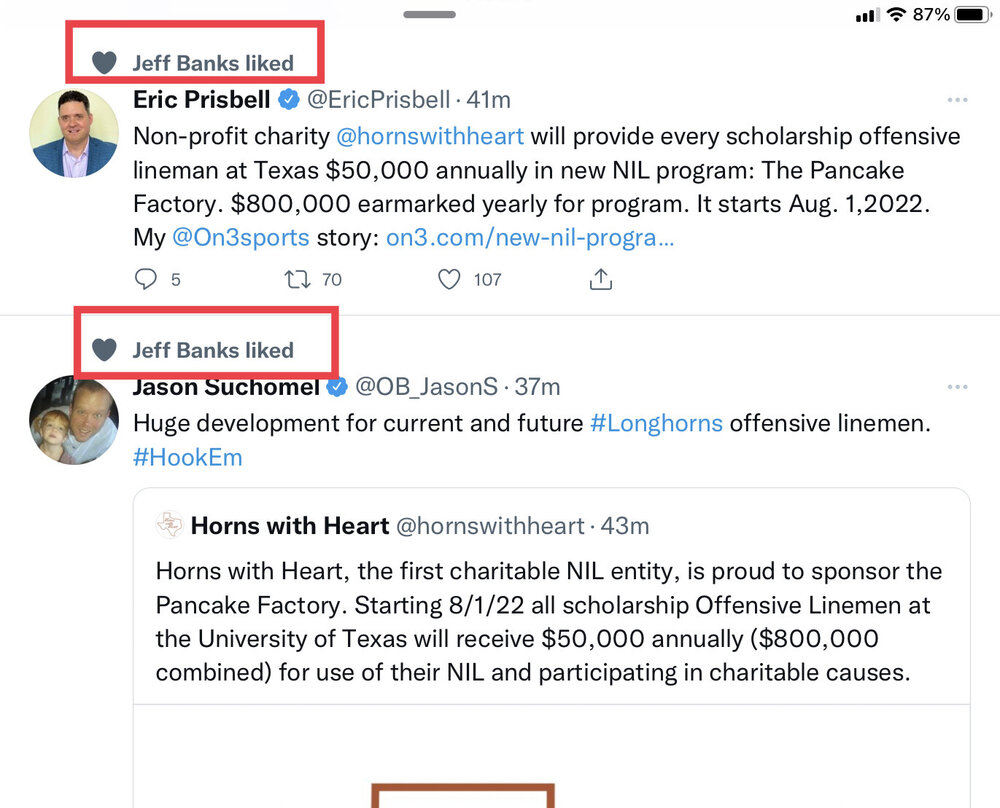 Someone seems happy with the arrangement
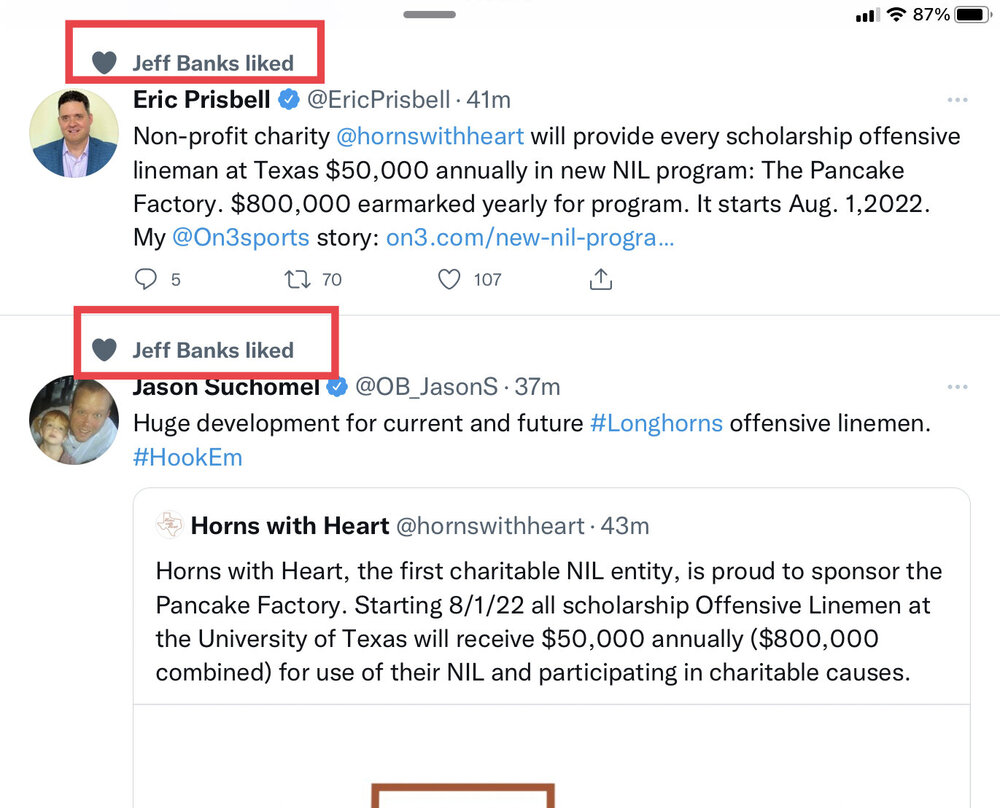 Are the players getting paid $50k each or are they getting $50k donated to charity on their behalf?
Add 247 Freshman All American to the list.
Coming back for one more year
Posting for internet record.
I probably owe a couple of you assholes a beer.
Are the players getting paid $50k each or are they getting $50k donated to charity on their behalf?
Add 247 Freshman All American to the list.
Coming back for one more year
Posting for internet record.
I probably owe a couple of you assholes a beer.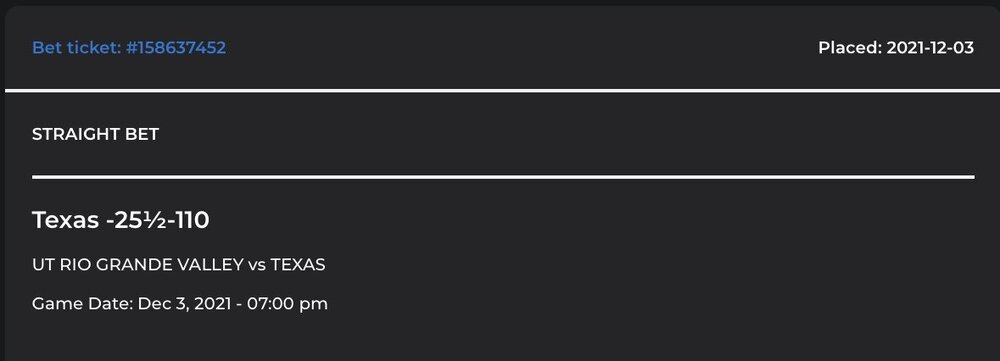 Hawaii shirt guys girl!
Isn’t he a GA?
Oh. I thought it was something serious. Ive personally met Tony on several occasions and couldn’t imagine anyone hating him for a real reason.
Context, why?
Did we find a line up?
We probably don’t either but i’ll take the rent a player approach if we can, you know, make a fucking bowl game.
Hawaii shirt guys girl!
Isn’t he a GA?
Oh. I thought it was something serious. Ive personally met Tony on several occasions and couldn’t imagine anyone hating him for a real reason.
Context, why?
Did we find a line up?
We probably don’t either but i’ll take the rent a player approach if we can, you know, make a fucking bowl game.



Football ...
Basketball ...
Baseball ...
Other Sports ...
Futbol ...
🤫995🤫 ...
Gambling ...
Movies & TV ...
Music ...
Hobbies ...
Lulz ...
Food & Travel
...
Daily Texan ...
Business & Markets ...
Cloak Room ...
Help ...
For Sale ...
Board Discussion ...
Advertise...
Tailgate Donations
Account
Search
Configure browser push notifications
Chrome (Android)
- Tap the lock icon next to the address bar.
- Tap Permissions → Notifications.
- Adjust your preference.
Chrome (Desktop)
- Click the padlock icon in the address bar.
- Select Site settings.
- Find Notifications and adjust your preference.
Safari (iOS 16.4+)
- Ensure the site is installed via Add to Home Screen.
- Open Settings App → Notifications.
- Find your app name and adjust your preference.
Safari (macOS)
- Go to Safari → Preferences.
- Click the Websites tab.
- Select Notifications in the sidebar.
- Find this website and adjust your preference.
Edge (Android)
- Tap the lock icon next to the address bar.
- Tap Permissions.
- Find Notifications and adjust your preference.
Edge (Desktop)
- Click the padlock icon in the address bar.
- Click Permissions for this site.
- Find Notifications and adjust your preference.
Firefox (Android)
- Go to Settings → Site permissions.
- Tap Notifications.
- Find this site in the list and adjust your preference.
Firefox (Desktop)
- Open Firefox Settings.
- Search for Notifications.
- Find this site in the list and adjust your preference.