
Everything posted by MontereyMX
-
 You’re becoming another bo&w. That’s not good. Why would you want that? Has your access to the program been cut? Sure appears that way.
@immamac got any recs?
Not looking so classy any more. Dirty as hell. Got it out of the Mojave desert yesterday and left it at a Ford dealership in Indio. Jumped in a super duty and headed back to Texas. Will fly back in to Palm Springs next week and take it to San Francisco. Ford wants it parked on the Marina Blvd seawall with Golden Gate and Alcatraz in the background. Never been to San Francisco but google maps shows this may be a challenge. SMDH at the Ford marketing crew.
@immamac is our bartender tonight in 29 Palms
Actually AB that’s a good thing. God damn that was bad
and a GC Bearkat
That’s incredible!
No show. Just a couple beers and moved on
Ok. Could have
Yum. I like
Then what happened?
Can I volunteer for penis model?
That’s a fireable offense!
bo&w did it.
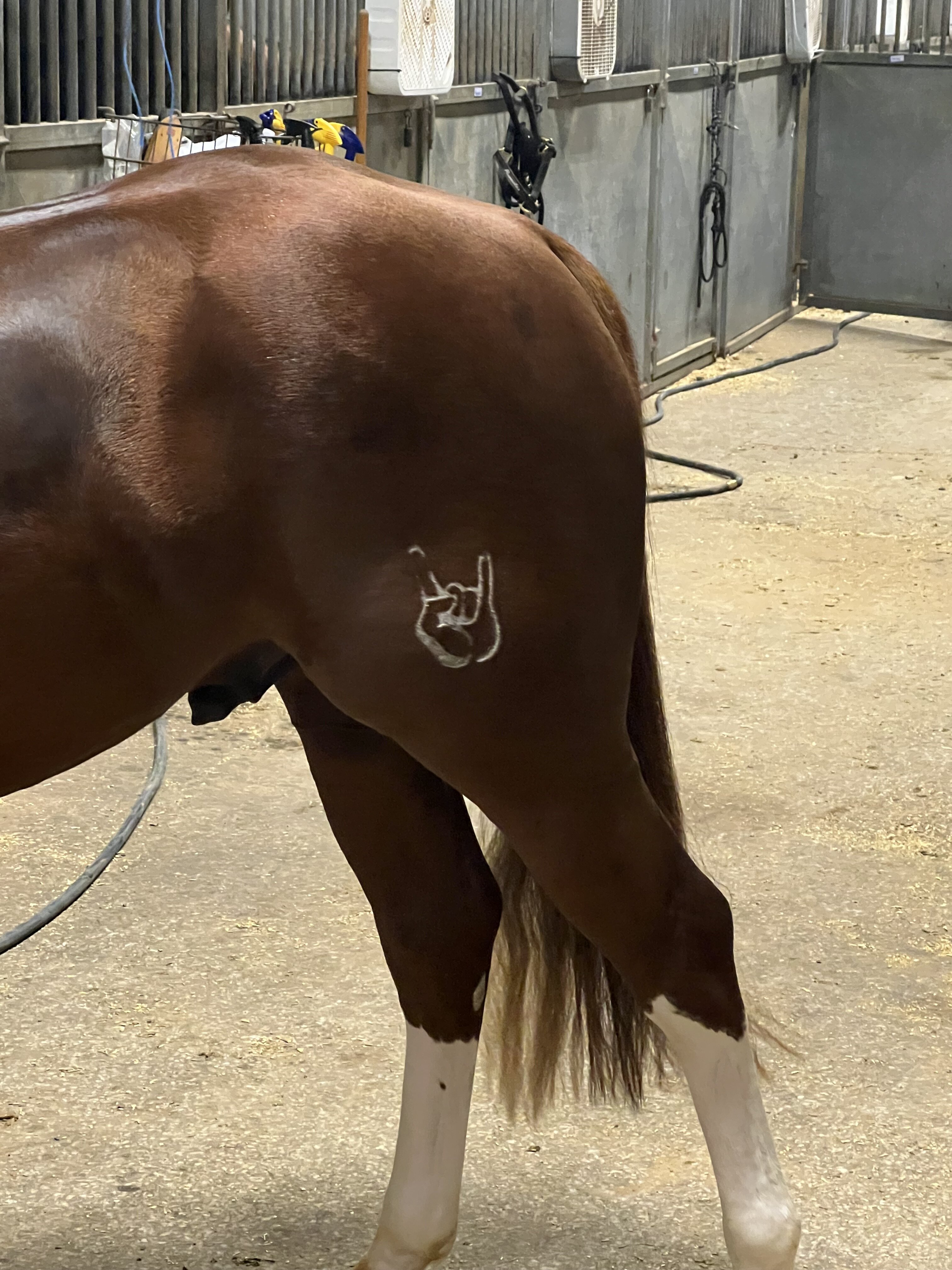
Like this?
and it shows. fucking fuck!!
Yep, put these on every house we build.
You’re becoming another bo&w. That’s not good. Why would you want that? Has your access to the program been cut? Sure appears that way.
@immamac got any recs?
Not looking so classy any more. Dirty as hell. Got it out of the Mojave desert yesterday and left it at a Ford dealership in Indio. Jumped in a super duty and headed back to Texas. Will fly back in to Palm Springs next week and take it to San Francisco. Ford wants it parked on the Marina Blvd seawall with Golden Gate and Alcatraz in the background. Never been to San Francisco but google maps shows this may be a challenge. SMDH at the Ford marketing crew.
@immamac is our bartender tonight in 29 Palms
Actually AB that’s a good thing. God damn that was bad
and a GC Bearkat
That’s incredible!
No show. Just a couple beers and moved on
Ok. Could have
Yum. I like
Then what happened?
Can I volunteer for penis model?
That’s a fireable offense!
bo&w did it.
Like this?
and it shows. fucking fuck!!
Yep, put these on every house we build.
Football ...
Basketball ...
Baseball ...
Other Sports ...
Futbol ...
🤫995🤫 ...
Gambling ...
Movies & TV ...
Music ...
Hobbies ...
Lulz ...
Food & Travel
...
Daily Texan ...
Business & Markets ...
Cloak Room ...
Help ...
For Sale ...
Board Discussion ...
Advertise...
Tailgate Donations
Account
Search
Configure browser push notifications
Chrome (Android)
- Tap the lock icon next to the address bar.
- Tap Permissions → Notifications.
- Adjust your preference.
Chrome (Desktop)
- Click the padlock icon in the address bar.
- Select Site settings.
- Find Notifications and adjust your preference.
Safari (iOS 16.4+)
- Ensure the site is installed via Add to Home Screen.
- Open Settings App → Notifications.
- Find your app name and adjust your preference.
Safari (macOS)
- Go to Safari → Preferences.
- Click the Websites tab.
- Select Notifications in the sidebar.
- Find this website and adjust your preference.
Edge (Android)
- Tap the lock icon next to the address bar.
- Tap Permissions.
- Find Notifications and adjust your preference.
Edge (Desktop)
- Click the padlock icon in the address bar.
- Click Permissions for this site.
- Find Notifications and adjust your preference.
Firefox (Android)
- Go to Settings → Site permissions.
- Tap Notifications.
- Find this site in the list and adjust your preference.
Firefox (Desktop)
- Open Firefox Settings.
- Search for Notifications.
- Find this site in the list and adjust your preference.