ButtFumble
Legacy Members
-
Joined
-
Last visited
Everything posted by ButtFumble
-
 then he took a job coaching aggy
 threadsdownloader.com_f9be56.mp4 tire finds it's long lost home.....worker has no clue they have a free new tire
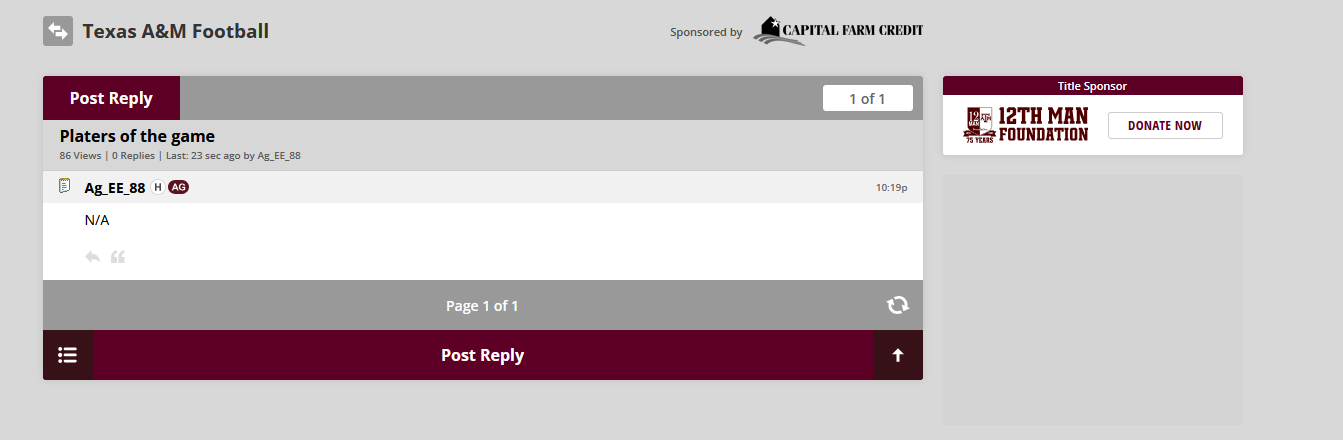
I thought for sure the platers of the game would be the guys serving the chicken wraps at the concession stand
threadsdownloader.com_f9be56.mp4 tire finds it's long lost home.....worker has no clue they have a free new tire
I thought for sure the platers of the game would be the guys serving the chicken wraps at the concession stand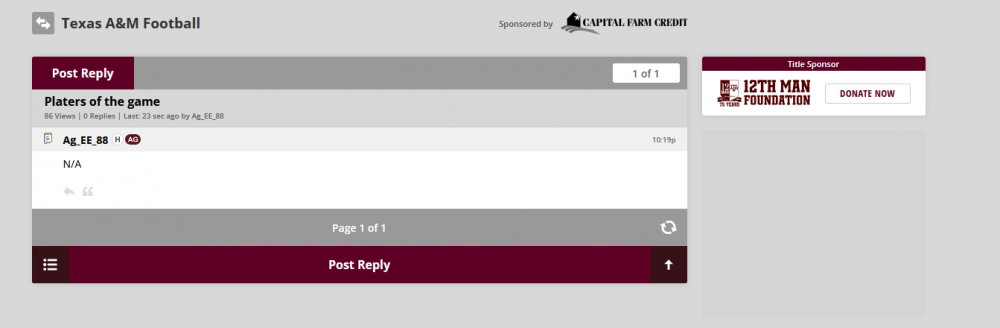 yea just 6 days ago 😁🤘
nice a QB that sees the first down and smashes some ass to get it
missing the snap....throwing over the head of receivers....taking a sack on a designed run and aggy has already named their arena for him...
SMU would like to have a word with you
threadsdownloader.com_226edf.mp4
yea their lawns are getting trenched
Football ... Basketball ... Baseball ... Other Sports ... Futbol ... 🤫995🤫 ... Gambling ... Movies & TV ... Music ... Hobbies ... Lulz ... Food & Travel ... Daily Texan ... Business & Markets ... Cloak Room ... Help ... For Sale ... Board Discussion ... Advertise... Tailgate Donations
yea just 6 days ago 😁🤘
nice a QB that sees the first down and smashes some ass to get it
missing the snap....throwing over the head of receivers....taking a sack on a designed run and aggy has already named their arena for him...
SMU would like to have a word with you
threadsdownloader.com_226edf.mp4
yea their lawns are getting trenched
Football ... Basketball ... Baseball ... Other Sports ... Futbol ... 🤫995🤫 ... Gambling ... Movies & TV ... Music ... Hobbies ... Lulz ... Food & Travel ... Daily Texan ... Business & Markets ... Cloak Room ... Help ... For Sale ... Board Discussion ... Advertise... Tailgate DonationsAccount
Search
Configure browser push notifications
Chrome (Android)
- Tap the lock icon next to the address bar.
- Tap Permissions → Notifications.
- Adjust your preference.
Chrome (Desktop)
- Click the padlock icon in the address bar.
- Select Site settings.
- Find Notifications and adjust your preference.
Safari (iOS 16.4+)
- Ensure the site is installed via Add to Home Screen.
- Open Settings App → Notifications.
- Find your app name and adjust your preference.
Safari (macOS)
- Go to Safari → Preferences.
- Click the Websites tab.
- Select Notifications in the sidebar.
- Find this website and adjust your preference.
Edge (Android)
- Tap the lock icon next to the address bar.
- Tap Permissions.
- Find Notifications and adjust your preference.
Edge (Desktop)
- Click the padlock icon in the address bar.
- Click Permissions for this site.
- Find Notifications and adjust your preference.
Firefox (Android)
- Go to Settings → Site permissions.
- Tap Notifications.
- Find this site in the list and adjust your preference.
Firefox (Desktop)
- Open Firefox Settings.
- Search for Notifications.
- Find this site in the list and adjust your preference.