joe dirt
Certifiably Surly
-
Joined
-
Last visited
-
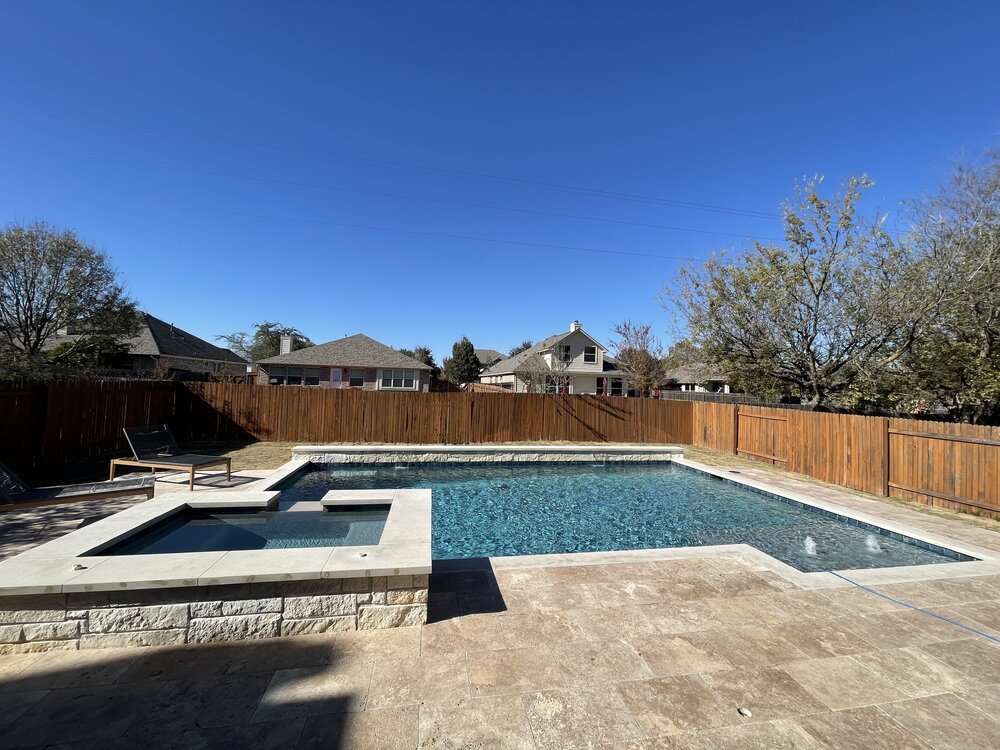
 hesrightyouknow.gif 3 builders brought designs, two were replications, one was this. one of those things where when you see it you know. darker pebble fit with the shape. the fence is that good neighbor suburbia shit that. back fence isn’t that way bc that was an old existing neighborhood with a fence when our home was built.
 -
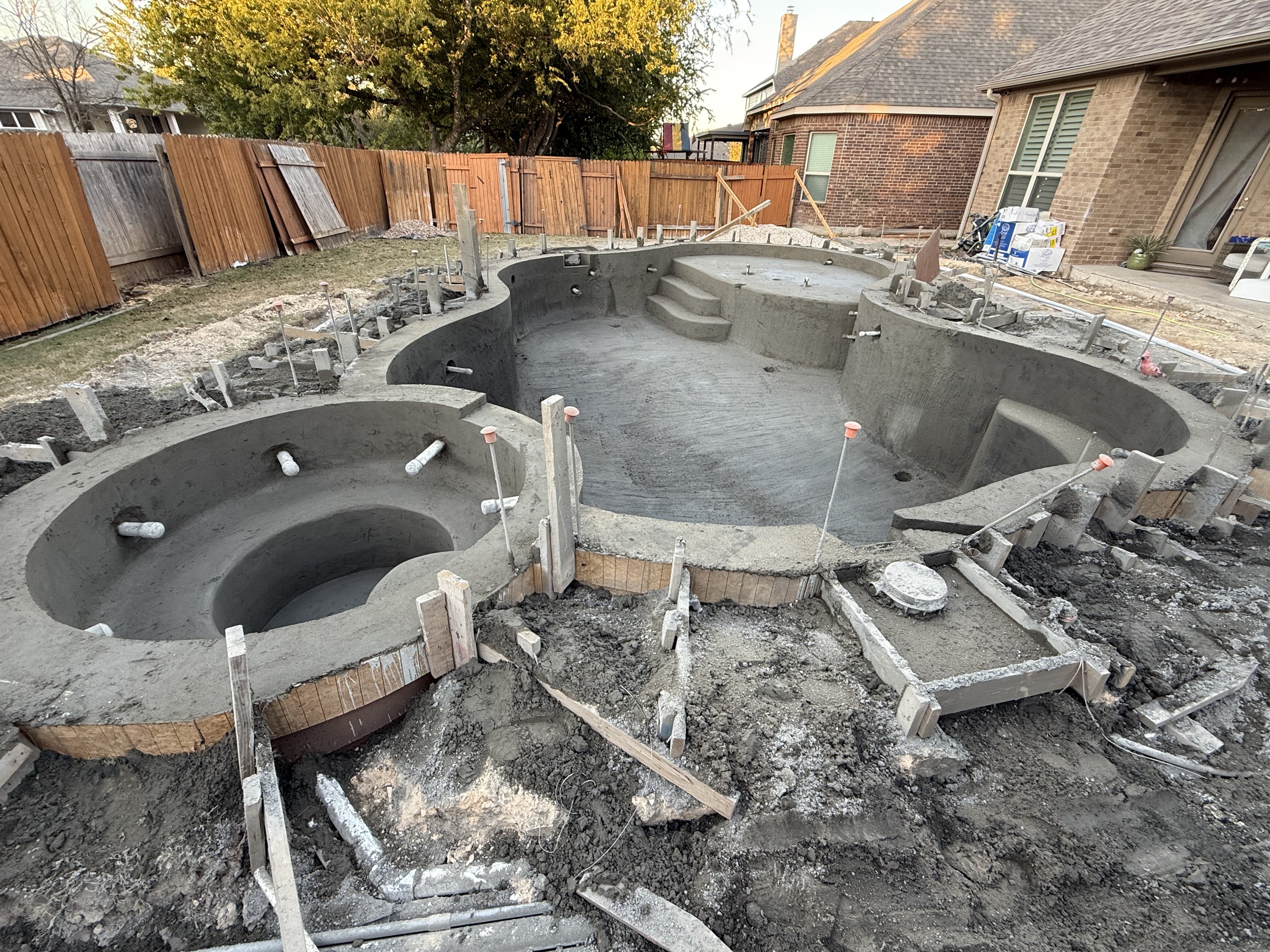
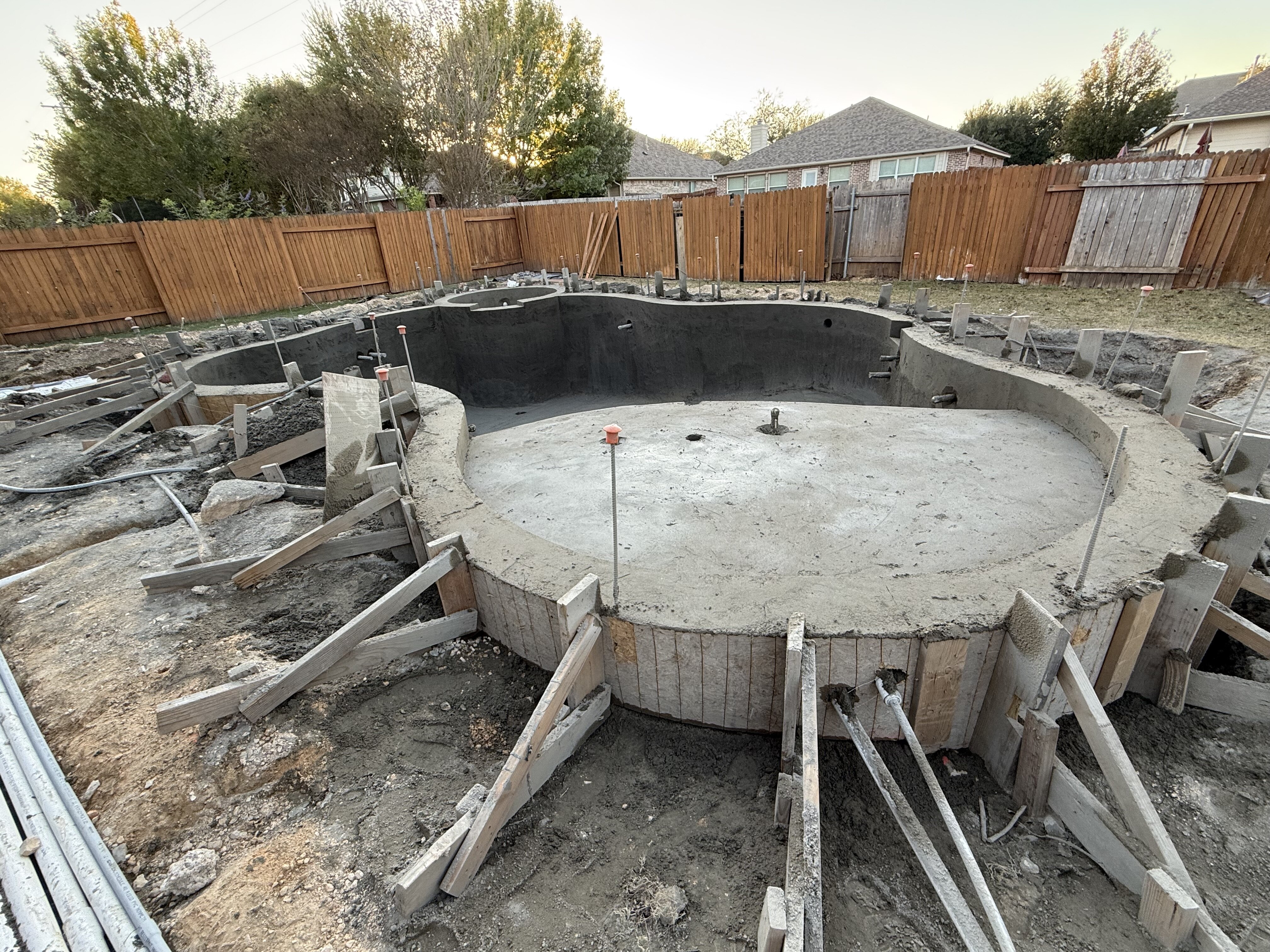
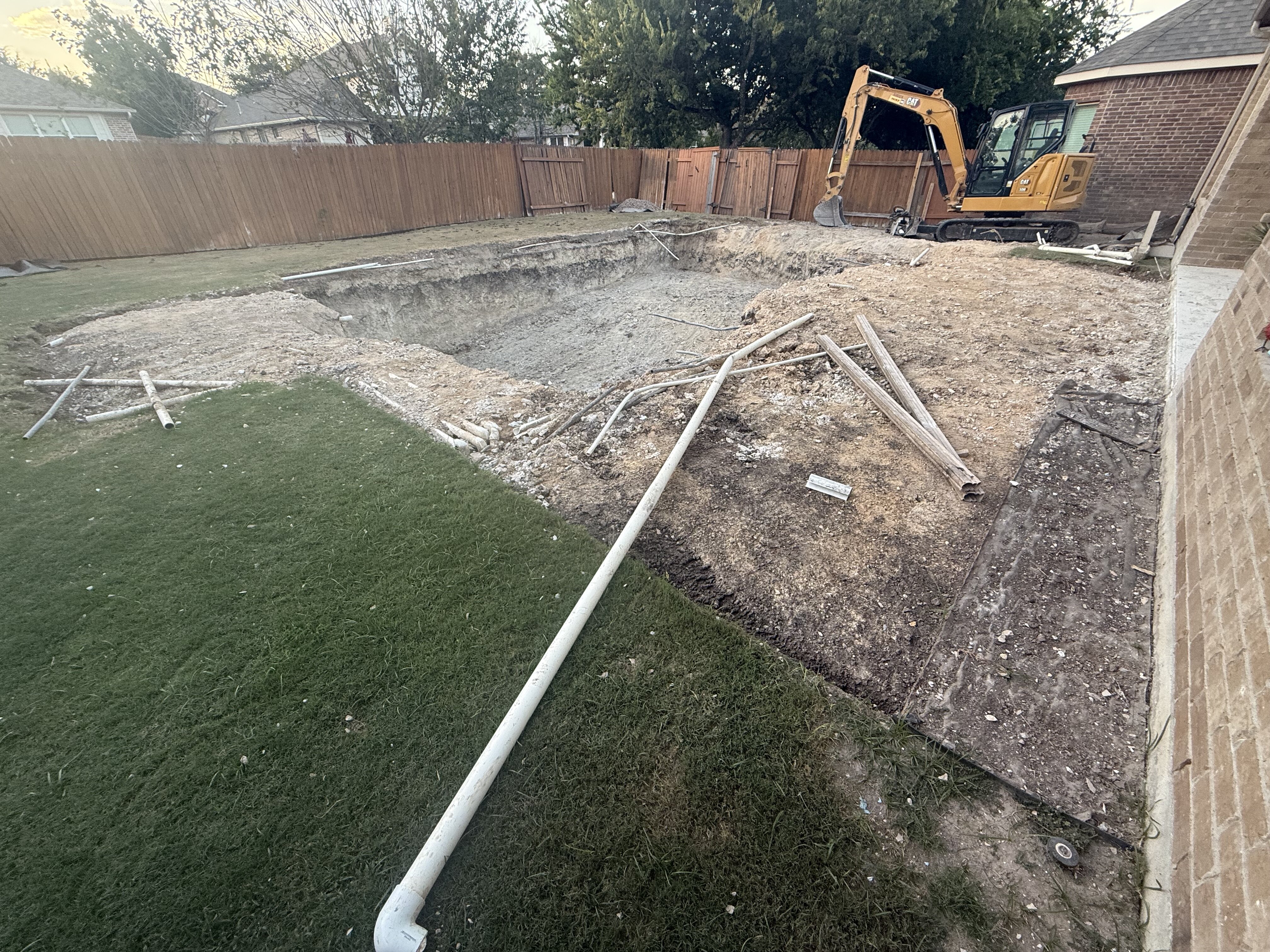
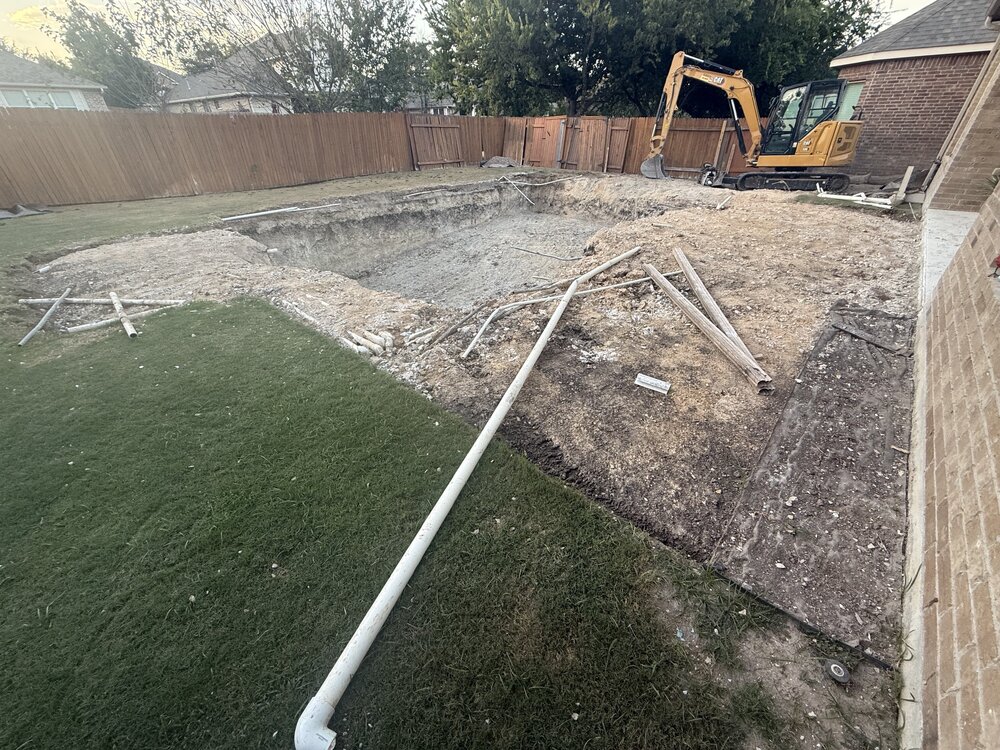
asr/concrete cancer. only way to fix is to rip it out and rebuild. realized we wanted a change so we went for it.
-
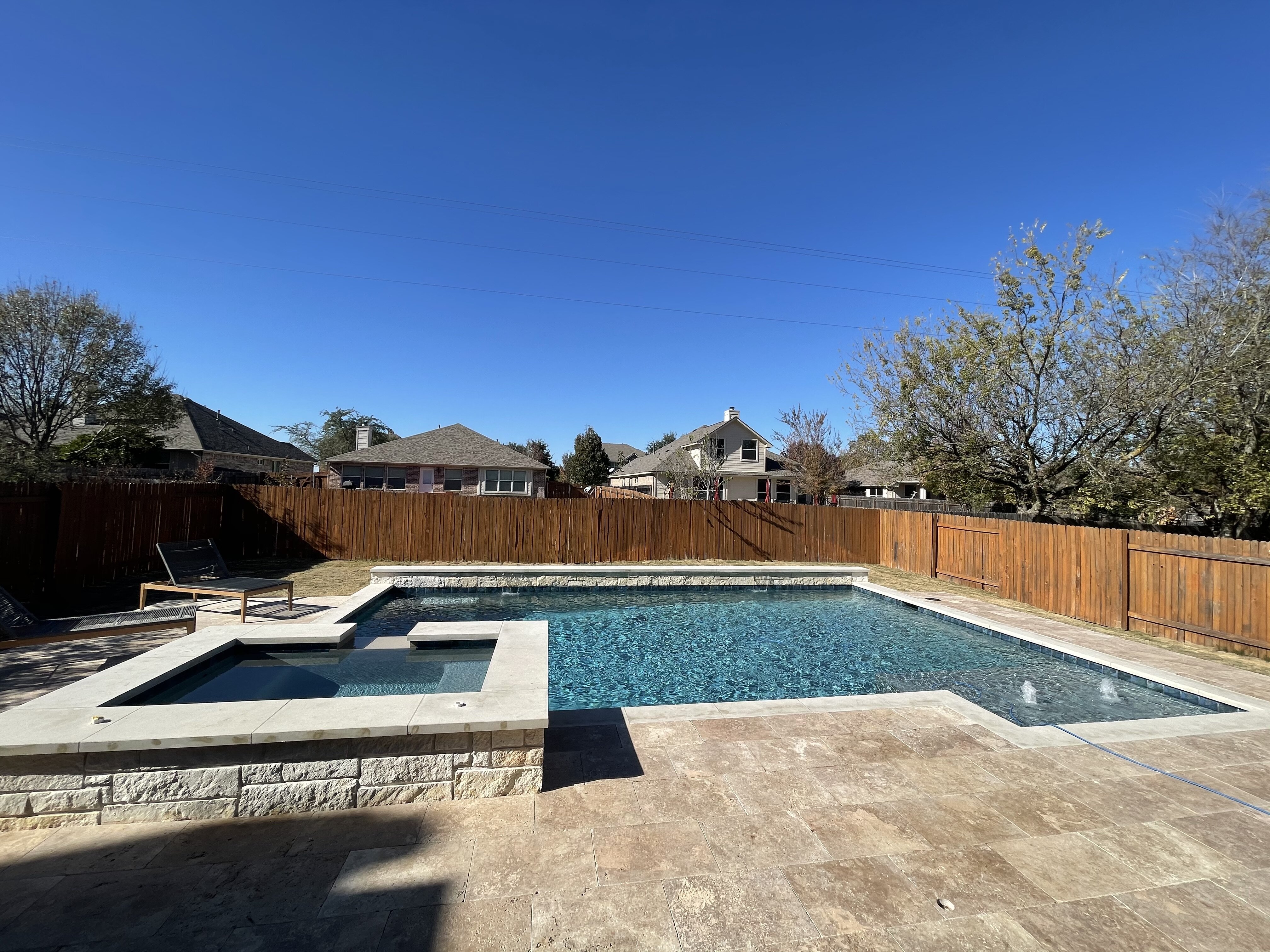
finally filled this bitch up a few days before all the ice hit. couple minor things left to fix before pool school on friday. patio build started yesterday. shit never ends around here Uploading Attachment...
-
did you think this was just a coincidence? ‘Rush Hour 4’ in the Works at Paramount at Trump’s Request
-
something similar happened to me as well. i cancelled the paypal shit and tried to reup via applepay but it locked up. i didn’t take any screenshots tho. i just changed to annual treefiddy and switched to a cc. i ended up losing access to the titties for my trouble. 🤷🏽♂️ fuckin apple, man.
-
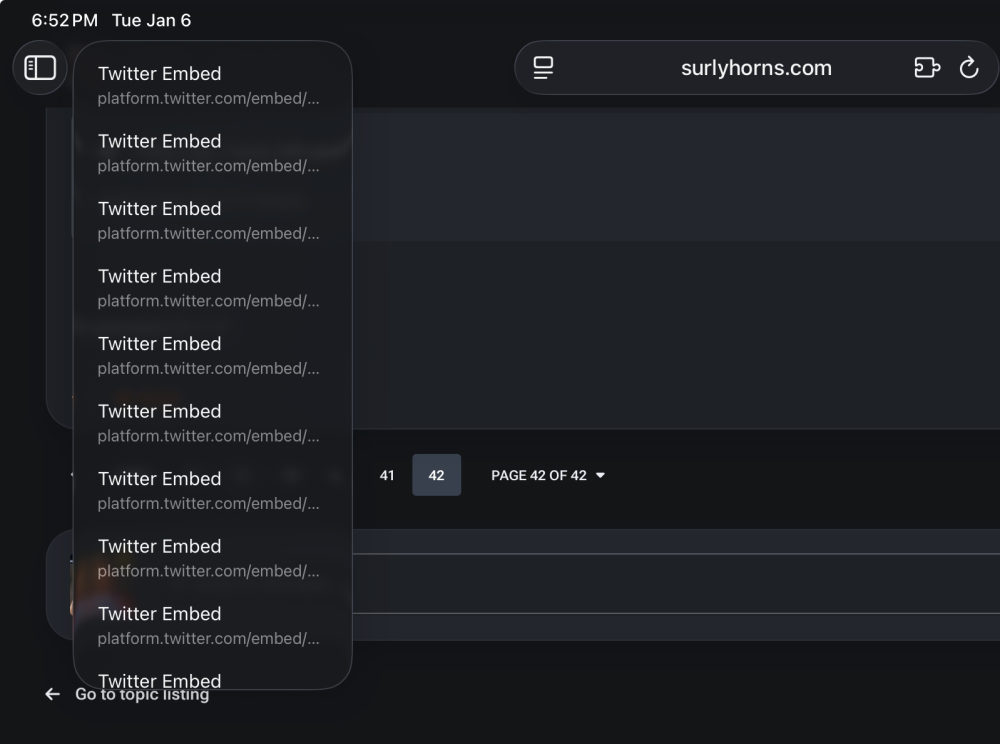
i typically swipe to go back, just showed the back button so imma could see all the embeds as separate pages. sometimes when i swipe to go back i end up in a loop where the same page loads over and over. other times it takes me to individual tweets with each swipe. the loop happened before the switch, i think this twitter embed thing is new.
-
i know ipados/ios sucks or whatever. but this happens, constantly. i can’t be the only one, right? RIGHT?! that’s the back button btw. guess safari is reading twitter embeds as whole ass pages or something.
-
not seeing it either on safari or chrome on ipad os or ios. also can’t switch to fluid. when i do, screen acts like it’s gonna load for a minute then just turns white. the other 3 layouts load fine. edit: links and fluid show up when i log out. weird shit happens again when i log back in.
-
-
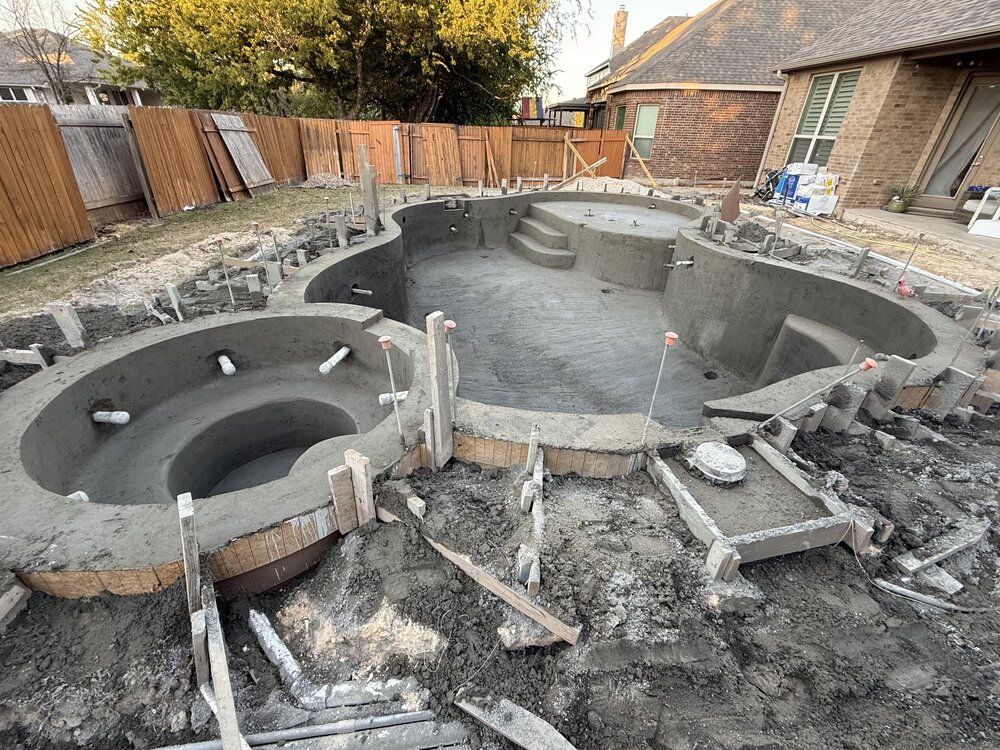
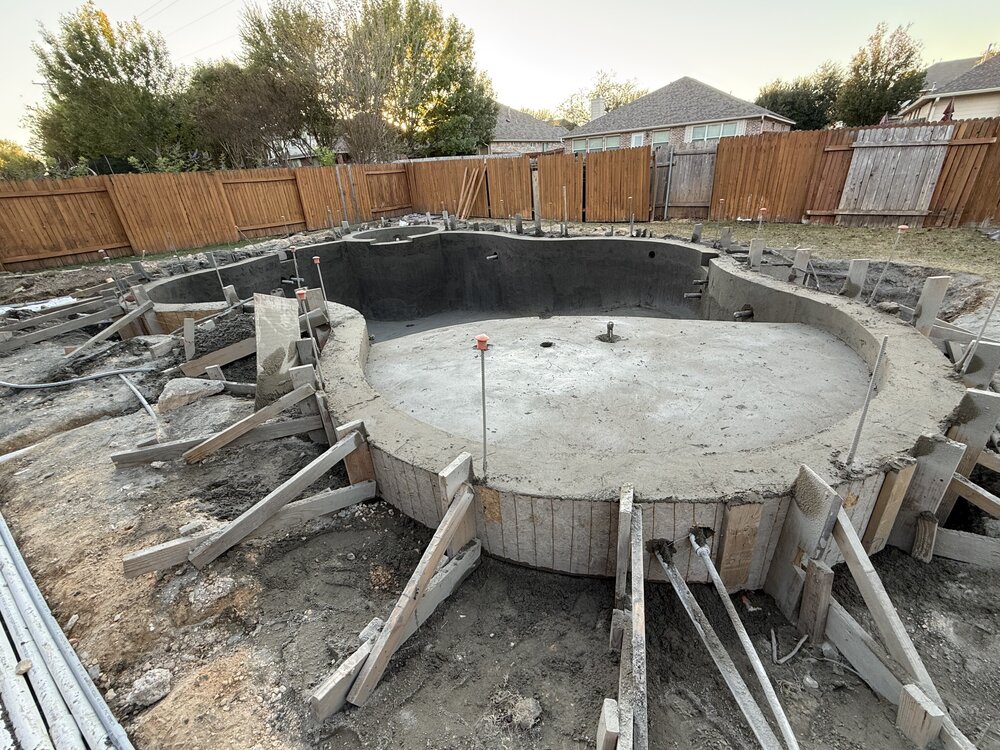
gunite day. things moving along nicely. need to start figuring out how to block out the neighbors now. think i might line the back fence line with little gem magnolias and some kind of holly.
-
same as portland/chicago/dc i’d imagine
-
yep, asr. absolutely shit situation, but we did get a settlement that helped offset the rebuild. luckily i was too lazy to do the landscaping the first time around or we’d have lost that money too. this time around lady dirt making sure we get that done plus we’ll be extending the patio to go with a full on pool redesign. fml.
-
how it started / how it’s going
-
my daughter is on a combination of rinvoq ($6.8k/mo) and skyrizi ($20k/2 mo). keeps me up at night thinking about what happens if/when i can no longer carry her on my insurance