Jump to content
View in the app

A better way to browse. Learn more.

Surly Horns

A full-screen app on your home screen with push notifications, badges and more.

To install this app on iOS and iPadOS
  1. Tap the Share icon in Safari
  2. Scroll the menu and tap Add to Home Screen.
  3. Tap Add in the top-right corner.
To install this app on Android
  1. Tap the 3-dot menu (⋮) in the top-right corner of the browser.
  2. Tap Add to Home screen or Install app.
  3. Confirm by tapping Install.
Football ... Basketball ... Baseball ... Other Sports ... Futbol ... 🤫995🤫 ... Gambling ... Movies & TV ... Music ... Hobbies ... Lulz ... Food & Travel ... Daily Texan ... Business & Markets ... Cloak Room ... Help ... For Sale ... Board Discussion ... Advertise... Tailgate Donations

Bevoette

Full Members
  • Joined

  • Last visited

Everything posted by Bevoette

  1. Hold them to 3. And make some freaking adjustments on D
  2. Fucking fuck! Texas got flagged not long ago for being passed the line of scrimmage and his foot was passed not 2 ft like this mother fucker. You'll have to excuse my cussing but it's Longhorn football
  3. Quinn needs to get his shit together
  4. That guy lost 2 fucking yard and they refs give in line of scrimmage. Bullshit . Great stop
  5. WTF PENALTIES! Did not see below the knee.
  6. Wow! Alabama going down! I think there was just one too many bad snaps! If I were the Bama quarterback I'd be fucking pissed off right now
  7. Michigan screwd on the late tackle on the QB
  8. Yeah Yeah has a weird helmet
  9. Same! Whew !! Happy Dance
  10. And of course! The Patriots find a way to fuck up a decent lead!
  11. I hope we fucking win by double digits! I got money riding on this game! And we doubled the payout and shook on it! .50 baby!
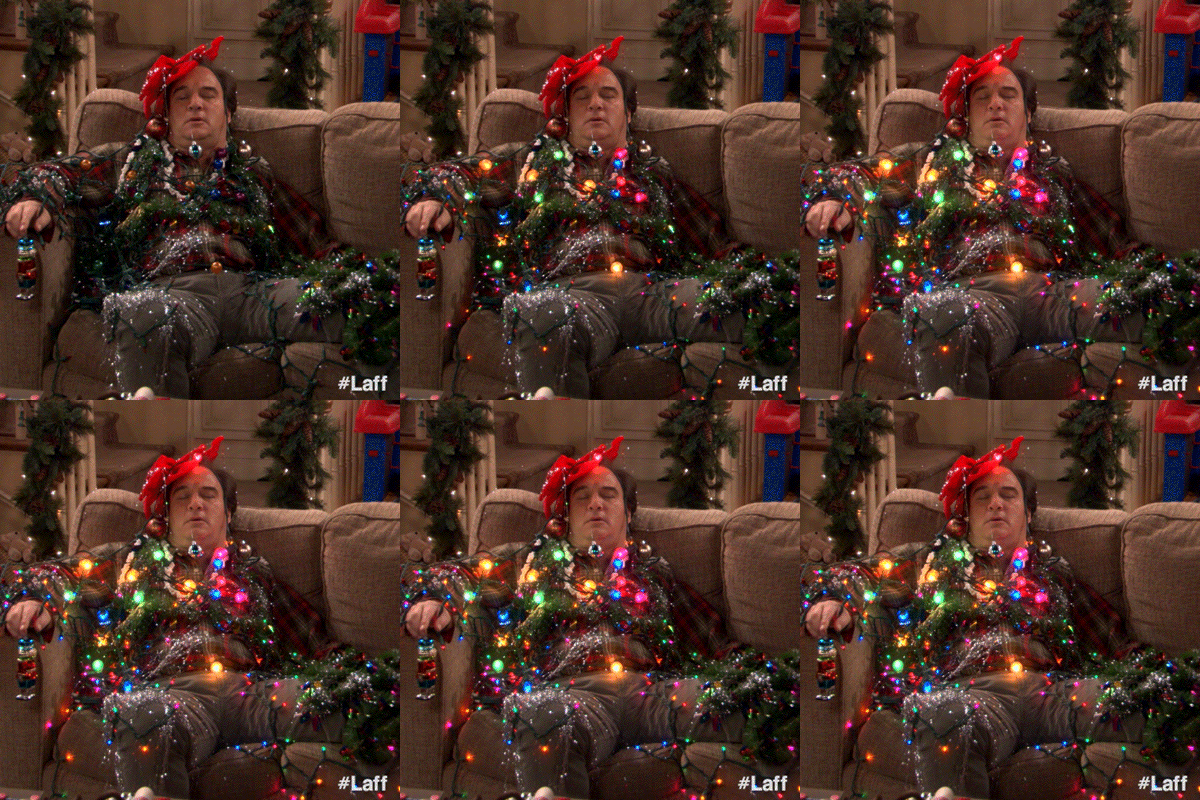
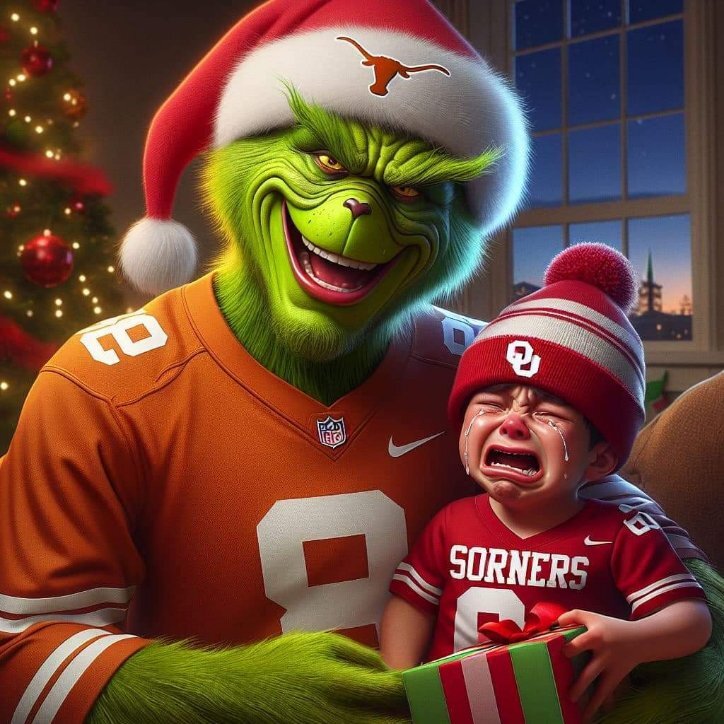
  12. MERRY CHRISTMAS assholes
Football ... Basketball ... Baseball ... Other Sports ... Futbol ... 🤫995🤫 ... Gambling ... Movies & TV ... Music ... Hobbies ... Lulz ... Food & Travel ... Daily Texan ... Business & Markets ... Cloak Room ... Help ... For Sale ... Board Discussion ... Advertise... Tailgate Donations

Configure browser push notifications

Chrome (Android)
  1. Tap the lock icon next to the address bar.
  2. Tap Permissions → Notifications.
  3. Adjust your preference.
Chrome (Desktop)
  1. Click the padlock icon in the address bar.
  2. Select Site settings.
  3. Find Notifications and adjust your preference.