tfoolry
Legacy Members
-
Joined
-
Last visited
Everything posted by tfoolry
-
 Hold my beer.
-
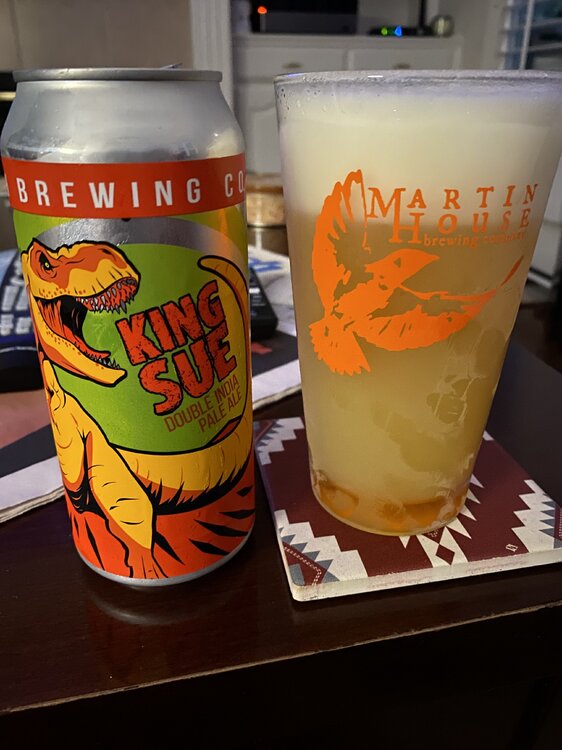
Toppling Goliath. Pretty sure that’s Constellation Brands head & not T-Rex on can. Just a matter of time.
 “ touching them over their clothes and showing them pornography“ Sounds like about every late Sat night after bars my freshman year in college.
^^^^^^Hot or Not dogs from Burt?
Place will be ruined after the hotel goes up.
This is first MLB game I’ve watched all year.
I thought it was the historic capital of the Emilia-Romagna region in northern Italy.
I read thread title as Pegging Steel Shank NowThis
And Hoody Warrelson?
Why do I feel a Monkey Pox update is next?
“ touching them over their clothes and showing them pornography“ Sounds like about every late Sat night after bars my freshman year in college.
^^^^^^Hot or Not dogs from Burt?
Place will be ruined after the hotel goes up.
This is first MLB game I’ve watched all year.
I thought it was the historic capital of the Emilia-Romagna region in northern Italy.
I read thread title as Pegging Steel Shank NowThis
And Hoody Warrelson?
Why do I feel a Monkey Pox update is next?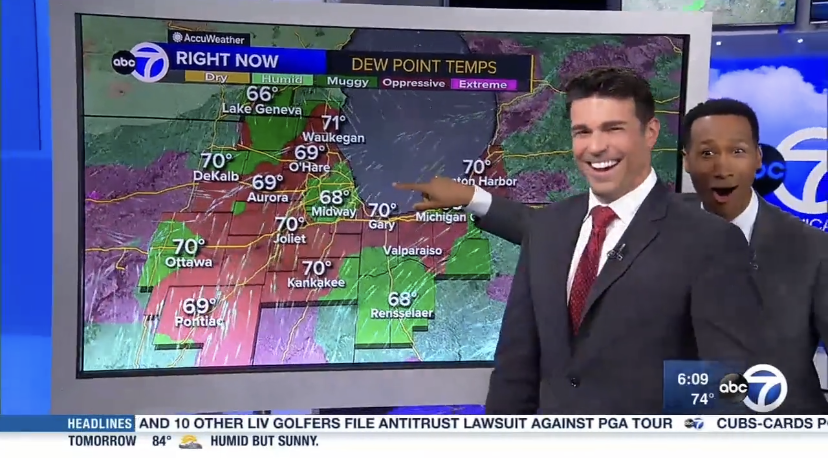 I read thread title as Post pic of gf/tweet. Disappointed.
Football ... Basketball ... Baseball ... Other Sports ... Futbol ... 🤫995🤫 ... Gambling ... Movies & TV ... Music ... Hobbies ... Lulz ... Food & Travel ... Daily Texan ... Business & Markets ... Cloak Room ... Help ... For Sale ... Board Discussion ... Advertise... Tailgate Donations
I read thread title as Post pic of gf/tweet. Disappointed.
Football ... Basketball ... Baseball ... Other Sports ... Futbol ... 🤫995🤫 ... Gambling ... Movies & TV ... Music ... Hobbies ... Lulz ... Food & Travel ... Daily Texan ... Business & Markets ... Cloak Room ... Help ... For Sale ... Board Discussion ... Advertise... Tailgate DonationsAccount
Search
Configure browser push notifications
Chrome (Android)
- Tap the lock icon next to the address bar.
- Tap Permissions → Notifications.
- Adjust your preference.
Chrome (Desktop)
- Click the padlock icon in the address bar.
- Select Site settings.
- Find Notifications and adjust your preference.
Safari (iOS 16.4+)
- Ensure the site is installed via Add to Home Screen.
- Open Settings App → Notifications.
- Find your app name and adjust your preference.
Safari (macOS)
- Go to Safari → Preferences.
- Click the Websites tab.
- Select Notifications in the sidebar.
- Find this website and adjust your preference.
Edge (Android)
- Tap the lock icon next to the address bar.
- Tap Permissions.
- Find Notifications and adjust your preference.
Edge (Desktop)
- Click the padlock icon in the address bar.
- Click Permissions for this site.
- Find Notifications and adjust your preference.
Firefox (Android)
- Go to Settings → Site permissions.
- Tap Notifications.
- Find this site in the list and adjust your preference.
Firefox (Desktop)
- Open Firefox Settings.
- Search for Notifications.
- Find this site in the list and adjust your preference.