Firemans4Horn
Legacy Members
-
Joined
Everything posted by Firemans4Horn
-
 human error (not AI hallucination).
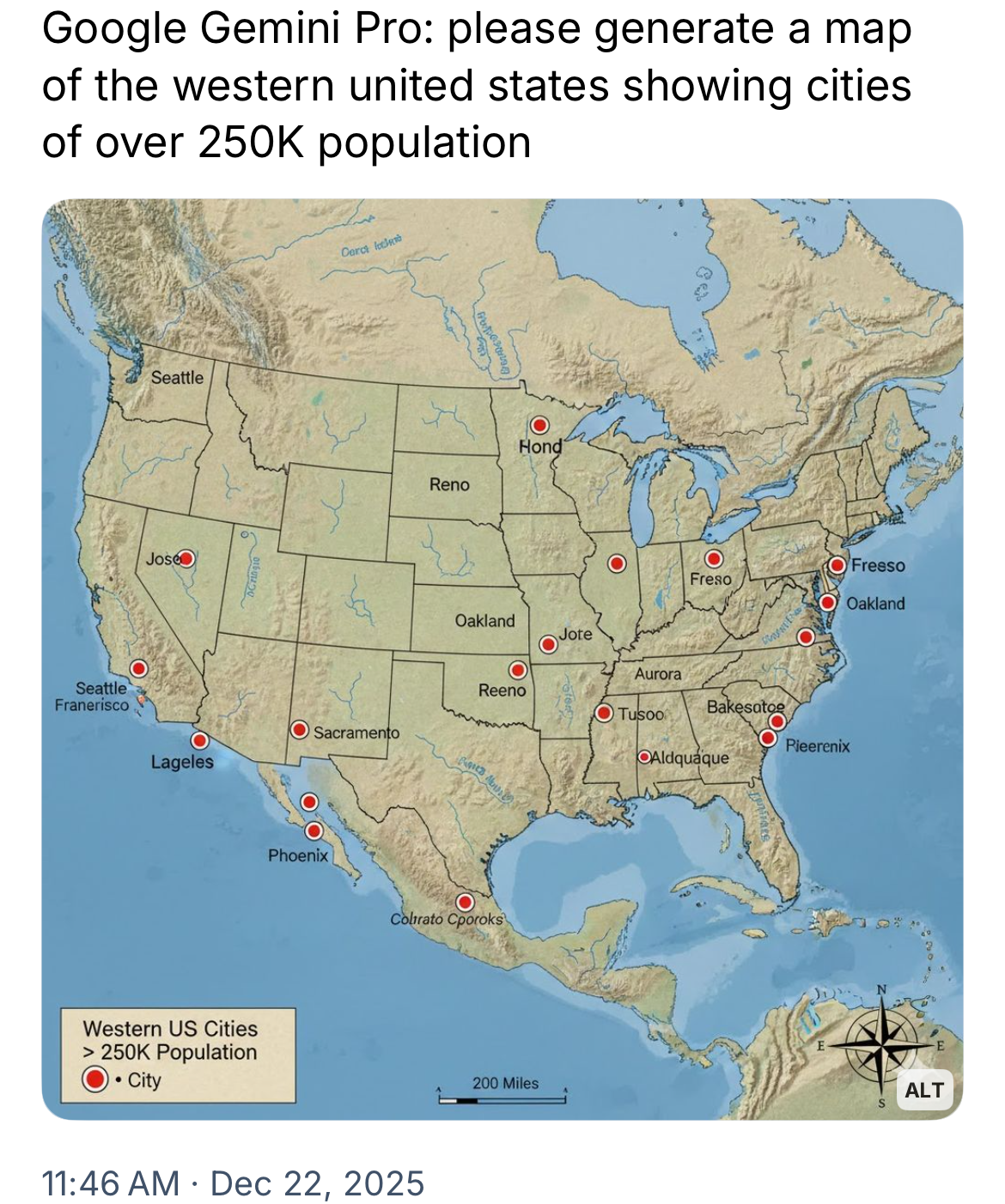
You nailed it. As much as this map nailed it.
human error (not AI hallucination).
You nailed it. As much as this map nailed it.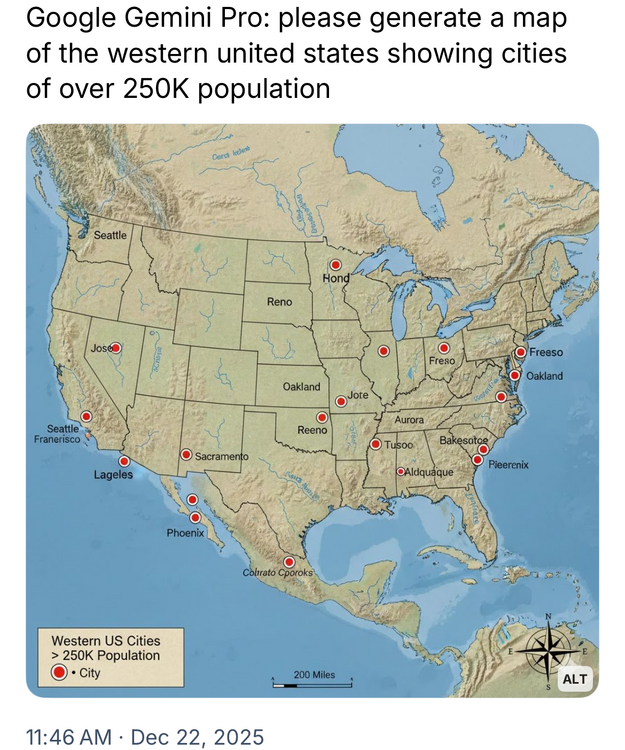
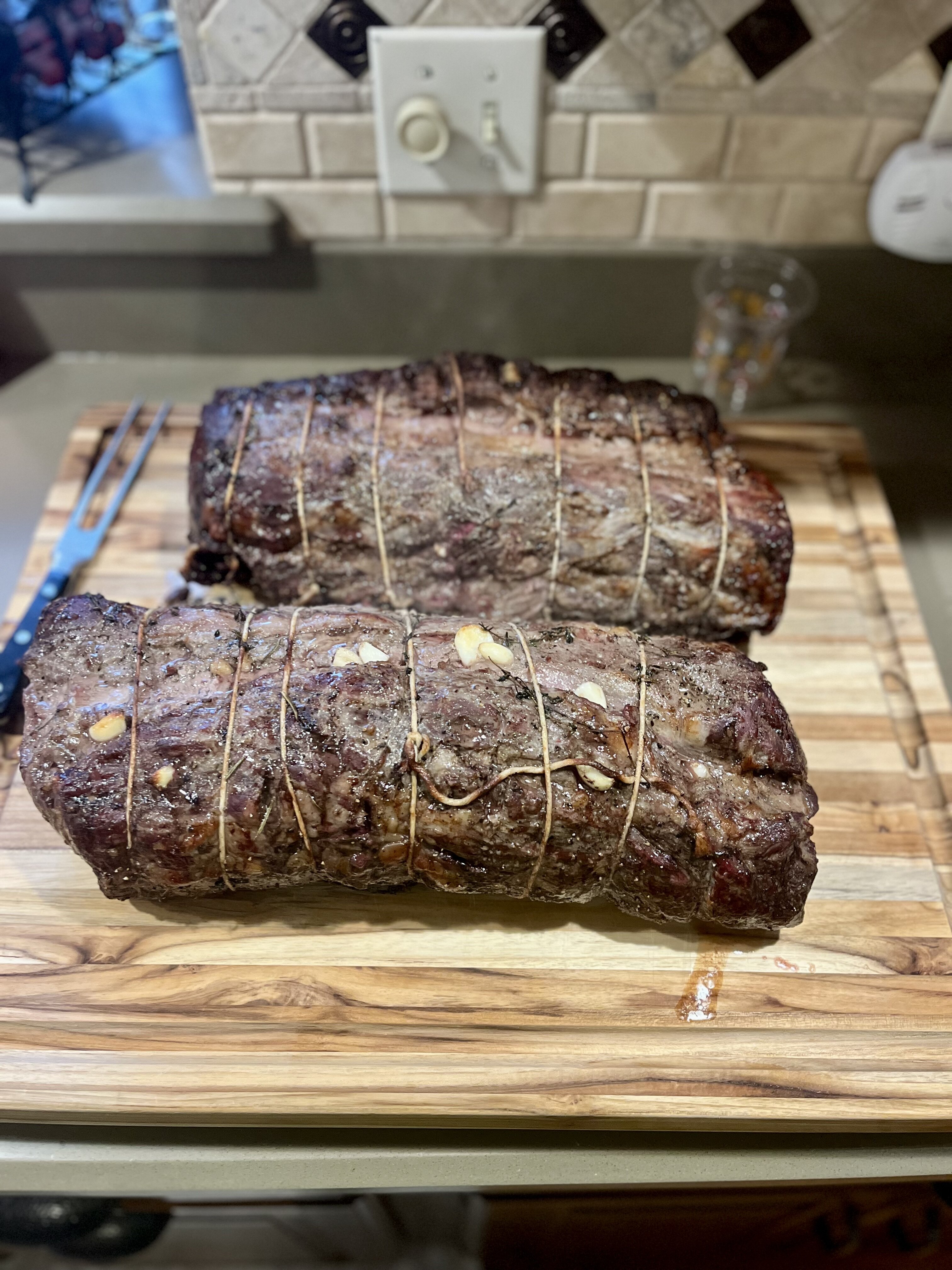
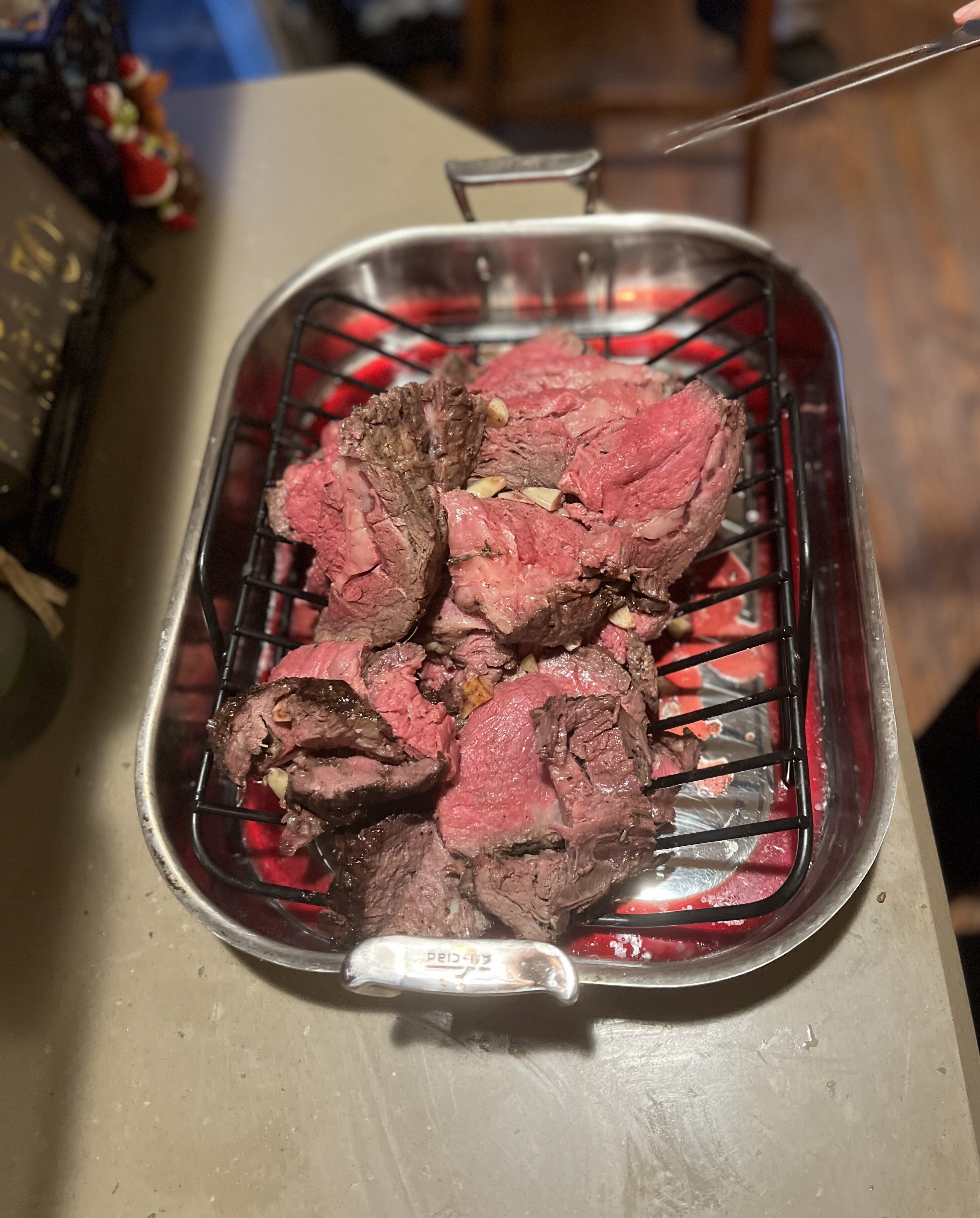
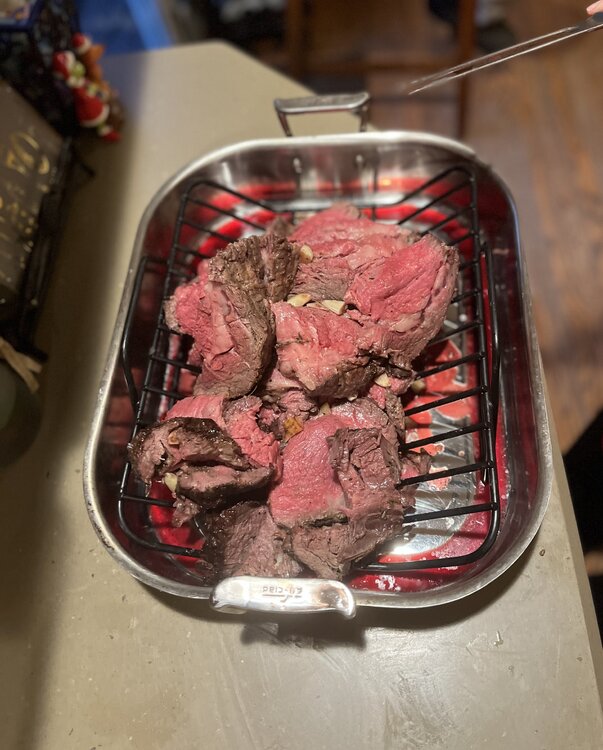
 35 pounds total for ~55 people. Trimmed and seasoned yesterday and did 4+ hours at 265 today; finished with about 15 minutes of reverse sear at 500. Second pic was about 1/4 of the total meat.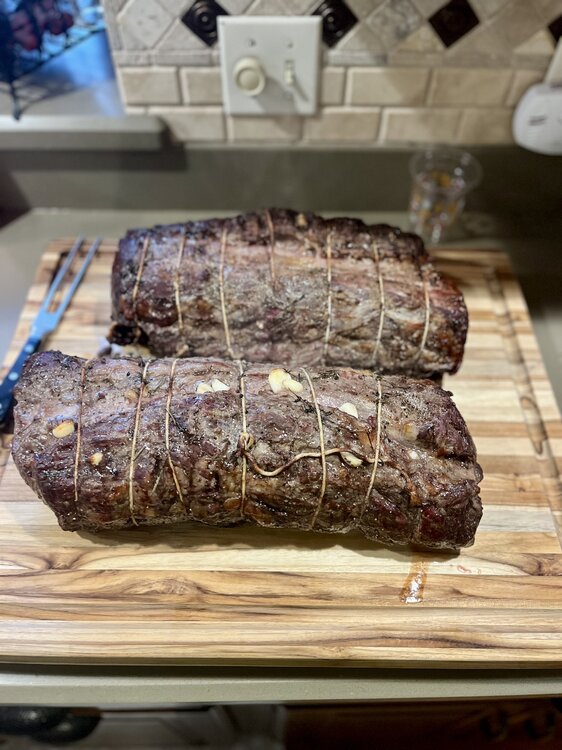
 These guys are so good.
Cool fake. Fat mike Elko thought that sucked. That OPI was soft as hell. Flags all over the place every game.
The most over officiated league in the world.
That’s what the Greek wants everyone to think.
Gainwell is an unbelievable pass catcher.
Play of the year!
Such a scam
you must be unfamiliar with the Chicago Bears.
Wow. What a throw and grab
lol ref. He was down for 4 seconds.
Die MF’er
Cornball Corby and Aggy Bobert
These guys are so good.
Cool fake. Fat mike Elko thought that sucked. That OPI was soft as hell. Flags all over the place every game.
The most over officiated league in the world.
That’s what the Greek wants everyone to think.
Gainwell is an unbelievable pass catcher.
Play of the year!
Such a scam
you must be unfamiliar with the Chicago Bears.
Wow. What a throw and grab
lol ref. He was down for 4 seconds.
Die MF’er
Cornball Corby and Aggy Bobert Football ... Basketball ... Baseball ... Other Sports ... Futbol ... 🤫995🤫 ... Gambling ... Movies & TV ... Music ... Hobbies ... Lulz ... Food & Travel ... Daily Texan ... Business & Markets ... Cloak Room ... Help ... For Sale ... Board Discussion ... Advertise... Tailgate Donations
Account
Search
Configure browser push notifications
Chrome (Android)
- Tap the lock icon next to the address bar.
- Tap Permissions → Notifications.
- Adjust your preference.
Chrome (Desktop)
- Click the padlock icon in the address bar.
- Select Site settings.
- Find Notifications and adjust your preference.
Safari (iOS 16.4+)
- Ensure the site is installed via Add to Home Screen.
- Open Settings App → Notifications.
- Find your app name and adjust your preference.
Safari (macOS)
- Go to Safari → Preferences.
- Click the Websites tab.
- Select Notifications in the sidebar.
- Find this website and adjust your preference.
Edge (Android)
- Tap the lock icon next to the address bar.
- Tap Permissions.
- Find Notifications and adjust your preference.
Edge (Desktop)
- Click the padlock icon in the address bar.
- Click Permissions for this site.
- Find Notifications and adjust your preference.
Firefox (Android)
- Go to Settings → Site permissions.
- Tap Notifications.
- Find this site in the list and adjust your preference.
Firefox (Desktop)
- Open Firefox Settings.
- Search for Notifications.
- Find this site in the list and adjust your preference.