

nedtugent
Legacy Members
-
Joined
-
Last visited
-
 geddy?
cumsteen 3:16
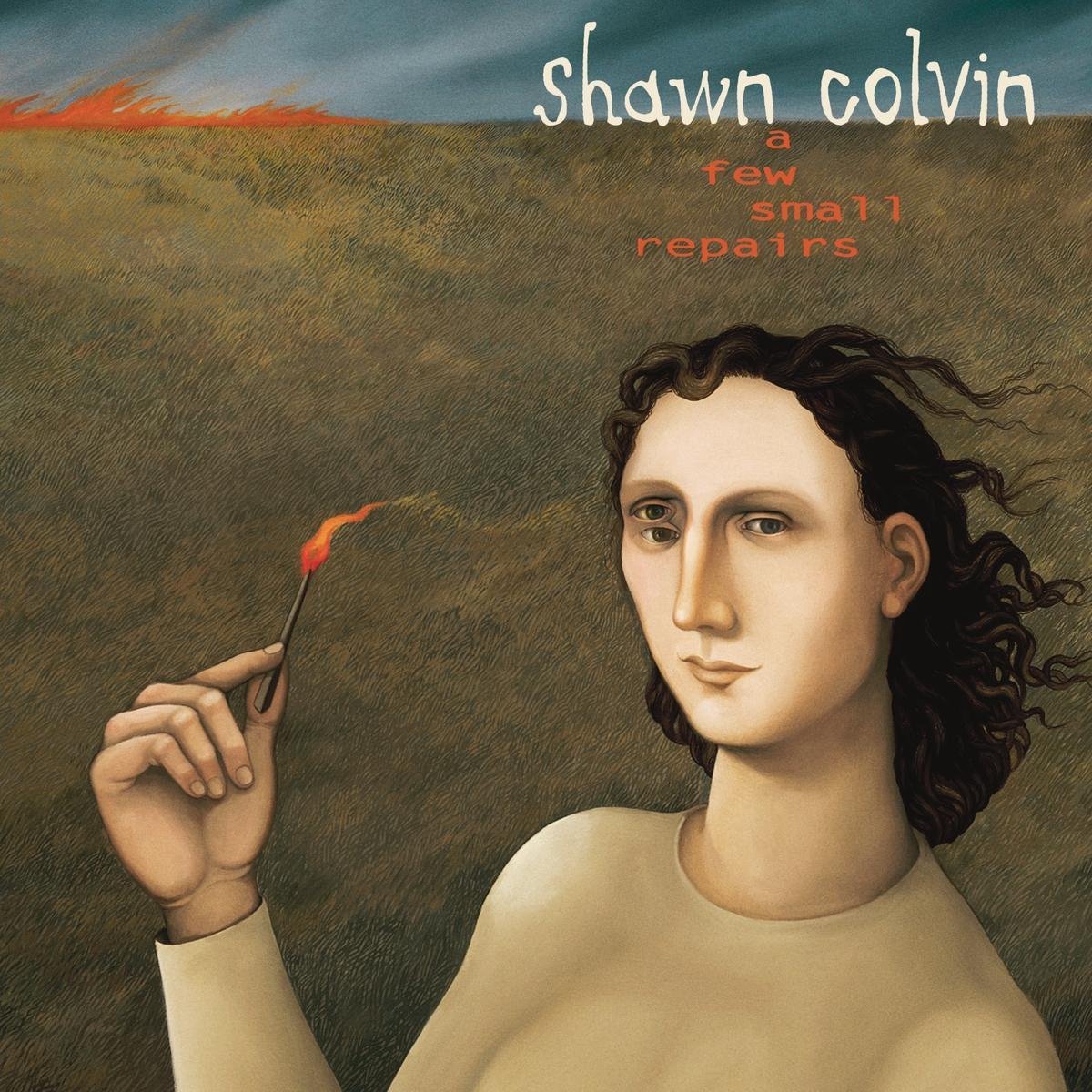
food truck out front sells fried peanut butter and nanner sammiches..... >> Poor boys and pilgrims with familiesAnd we are going to GracelandAnd my traveling companions are ghosts and empty socketsI'm looking at ghosts and empties << still a great album - background issues notwithstanding.
bears need to avoid another slow start. the tortillas will be flyin'. tech 44, bears 27.
e-MAN-u-ell gee-no-BEE-li - rod thorn congrats manu - every honor is well deserved.
who's the next bozo to be invited to wear his pajamas to a sleep over at jerry's???? clown show - year 25.
need a report on this one and some bootleg audio like it's 2001.
stopped watching WT after Gabriela Sabatini retired.
sperlt. damn sperlt.
is weiskamp cant, then the spurs will vamp. said no one. GSG!
surprise, surprise, surprise.... - g. pyle
geddy?
cumsteen 3:16
food truck out front sells fried peanut butter and nanner sammiches..... >> Poor boys and pilgrims with familiesAnd we are going to GracelandAnd my traveling companions are ghosts and empty socketsI'm looking at ghosts and empties << still a great album - background issues notwithstanding.
bears need to avoid another slow start. the tortillas will be flyin'. tech 44, bears 27.
e-MAN-u-ell gee-no-BEE-li - rod thorn congrats manu - every honor is well deserved.
who's the next bozo to be invited to wear his pajamas to a sleep over at jerry's???? clown show - year 25.
need a report on this one and some bootleg audio like it's 2001.
stopped watching WT after Gabriela Sabatini retired.
sperlt. damn sperlt.
is weiskamp cant, then the spurs will vamp. said no one. GSG!
surprise, surprise, surprise.... - g. pyle


Football ...
Basketball ...
Baseball ...
Other Sports ...
Futbol ...
🤫995🤫 ...
Gambling ...
Movies & TV ...
Music ...
Hobbies ...
Lulz ...
Food & Travel
...
Daily Texan ...
Business & Markets ...
Cloak Room ...
Help ...
For Sale ...
Board Discussion ...
Advertise...
Tailgate Donations
Account
Search
Configure browser push notifications
Chrome (Android)
- Tap the lock icon next to the address bar.
- Tap Permissions → Notifications.
- Adjust your preference.
Chrome (Desktop)
- Click the padlock icon in the address bar.
- Select Site settings.
- Find Notifications and adjust your preference.
Safari (iOS 16.4+)
- Ensure the site is installed via Add to Home Screen.
- Open Settings App → Notifications.
- Find your app name and adjust your preference.
Safari (macOS)
- Go to Safari → Preferences.
- Click the Websites tab.
- Select Notifications in the sidebar.
- Find this website and adjust your preference.
Edge (Android)
- Tap the lock icon next to the address bar.
- Tap Permissions.
- Find Notifications and adjust your preference.
Edge (Desktop)
- Click the padlock icon in the address bar.
- Click Permissions for this site.
- Find Notifications and adjust your preference.
Firefox (Android)
- Go to Settings → Site permissions.
- Tap Notifications.
- Find this site in the list and adjust your preference.
Firefox (Desktop)
- Open Firefox Settings.
- Search for Notifications.
- Find this site in the list and adjust your preference.