Jump to content
View in the app

A better way to browse. Learn more.

Surly Horns

A full-screen app on your home screen with push notifications, badges and more.

To install this app on iOS and iPadOS
  1. Tap the Share icon in Safari
  2. Scroll the menu and tap Add to Home Screen.
  3. Tap Add in the top-right corner.
To install this app on Android
  1. Tap the 3-dot menu (⋮) in the top-right corner of the browser.
  2. Tap Add to Home screen or Install app.
  3. Confirm by tapping Install.
Football ... Basketball ... Baseball ... Other Sports ... Futbol ... 🤫995🤫 ... Gambling ... Movies & TV ... Music ... Hobbies ... Lulz ... Food & Travel ... Daily Texan ... Business & Markets ... Cloak Room ... Help ... For Sale ... Board Discussion ... Advertise... Tailgate Donations

rpspeed

Legacy Members
  • Joined

  • Last visited

  1. we ain't come to play SCHOOL
  2. Kinetic $5/mo for "premium" support
  3. Both ours are very large employers, both over 50k
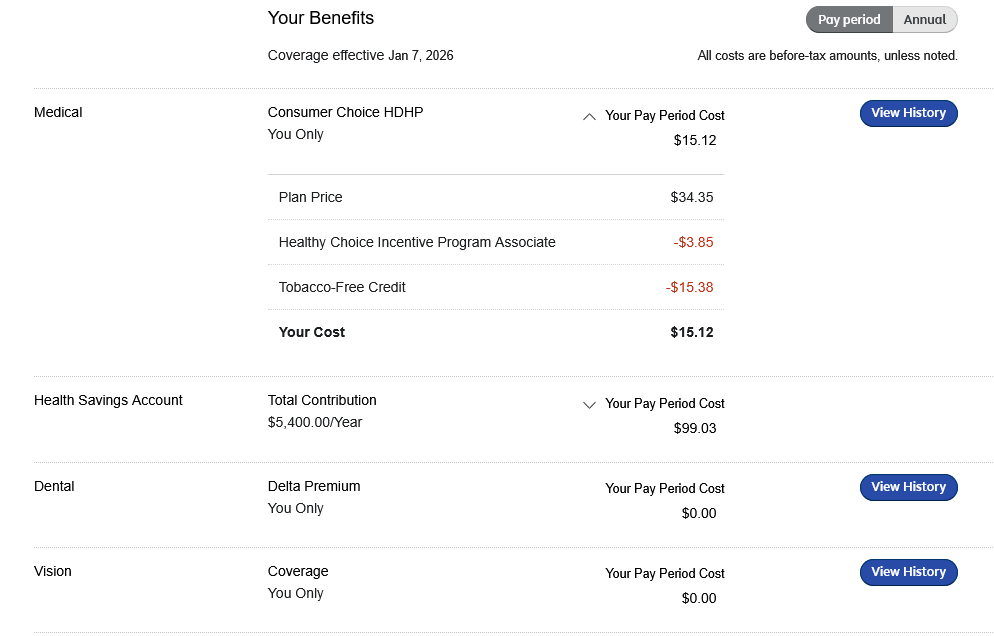
  4. Group insurance through my employer. I have a $1700 deductible, $3500 oop, Dental and Vision are included. It went up a few dollars this year. I honestly cant believe what some of you are having to pay. My wife keeps insurance through her employer which covers her Orencia medication at no cost. ($6000/month biologic)
  5. In regards to a FB post about yell leaders

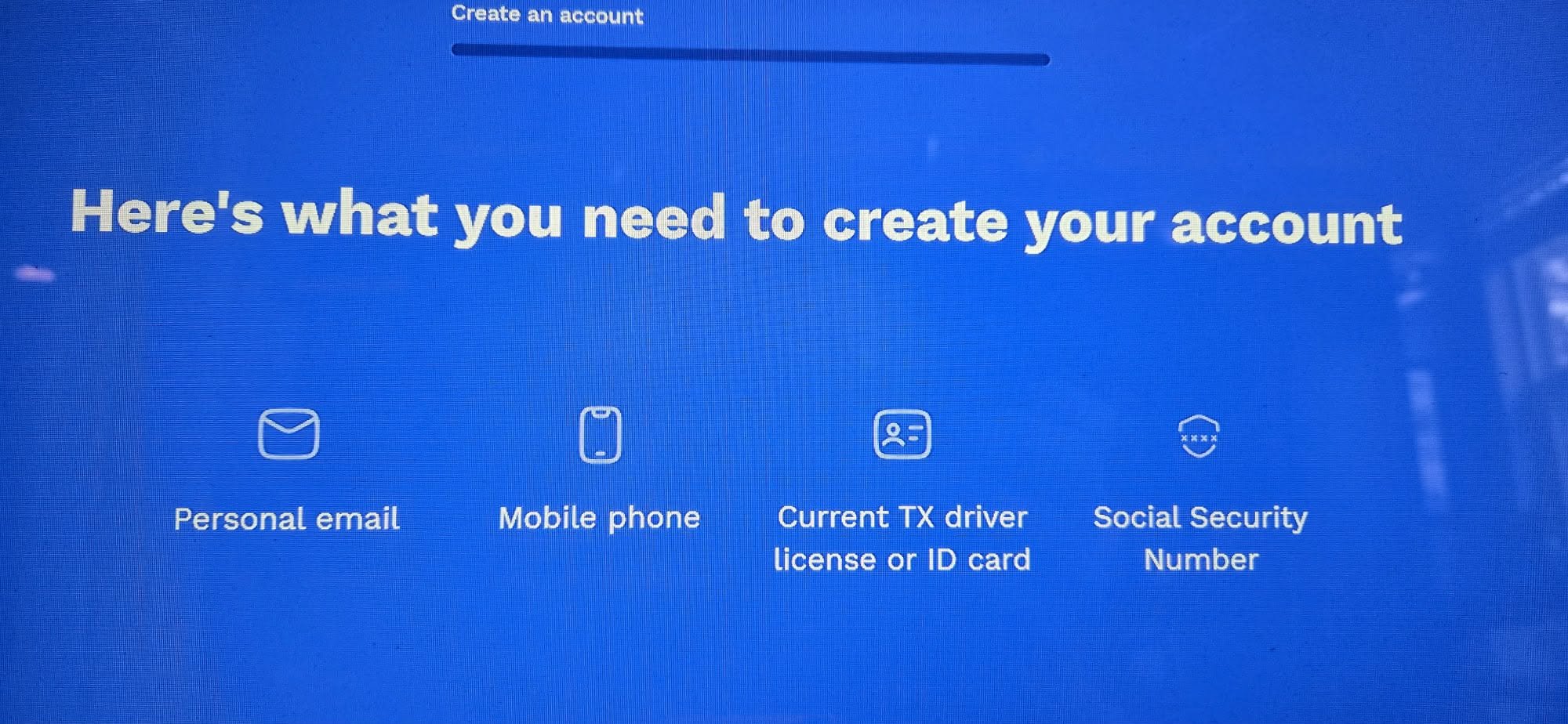
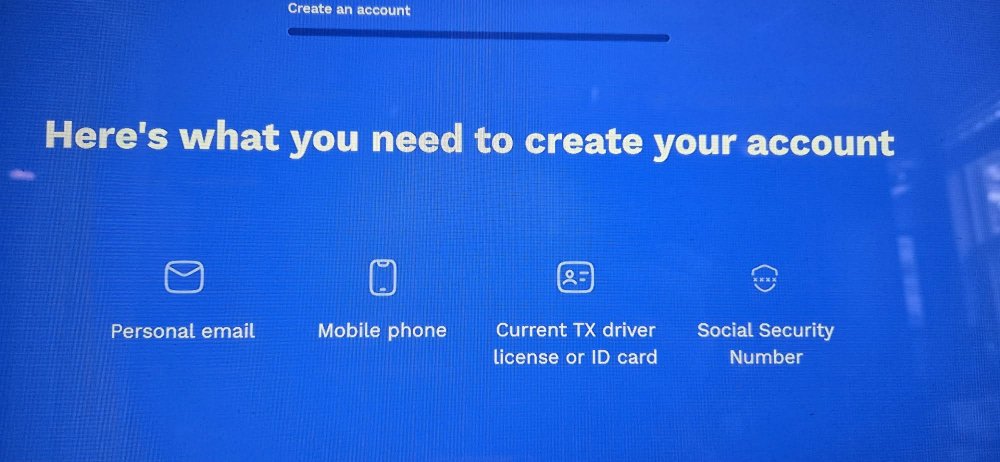
  6. A big FU to Texas for taking a relatively simple process to renew car tags online and making it a whole ordeal by having to sign up for a new account at TxT.
  7. I havent blocked you, avatar saved your ass (ironic) jk 🤣
  8. Ever heard of Pat Benatar..hell is for children
Football ... Basketball ... Baseball ... Other Sports ... Futbol ... 🤫995🤫 ... Gambling ... Movies & TV ... Music ... Hobbies ... Lulz ... Food & Travel ... Daily Texan ... Business & Markets ... Cloak Room ... Help ... For Sale ... Board Discussion ... Advertise... Tailgate Donations

Configure browser push notifications

Chrome (Android)
  1. Tap the lock icon next to the address bar.
  2. Tap Permissions → Notifications.
  3. Adjust your preference.
Chrome (Desktop)
  1. Click the padlock icon in the address bar.
  2. Select Site settings.
  3. Find Notifications and adjust your preference.