

Upgrayedd
Full Members
-
Joined
-
Last visited
Everything posted by Upgrayedd
-
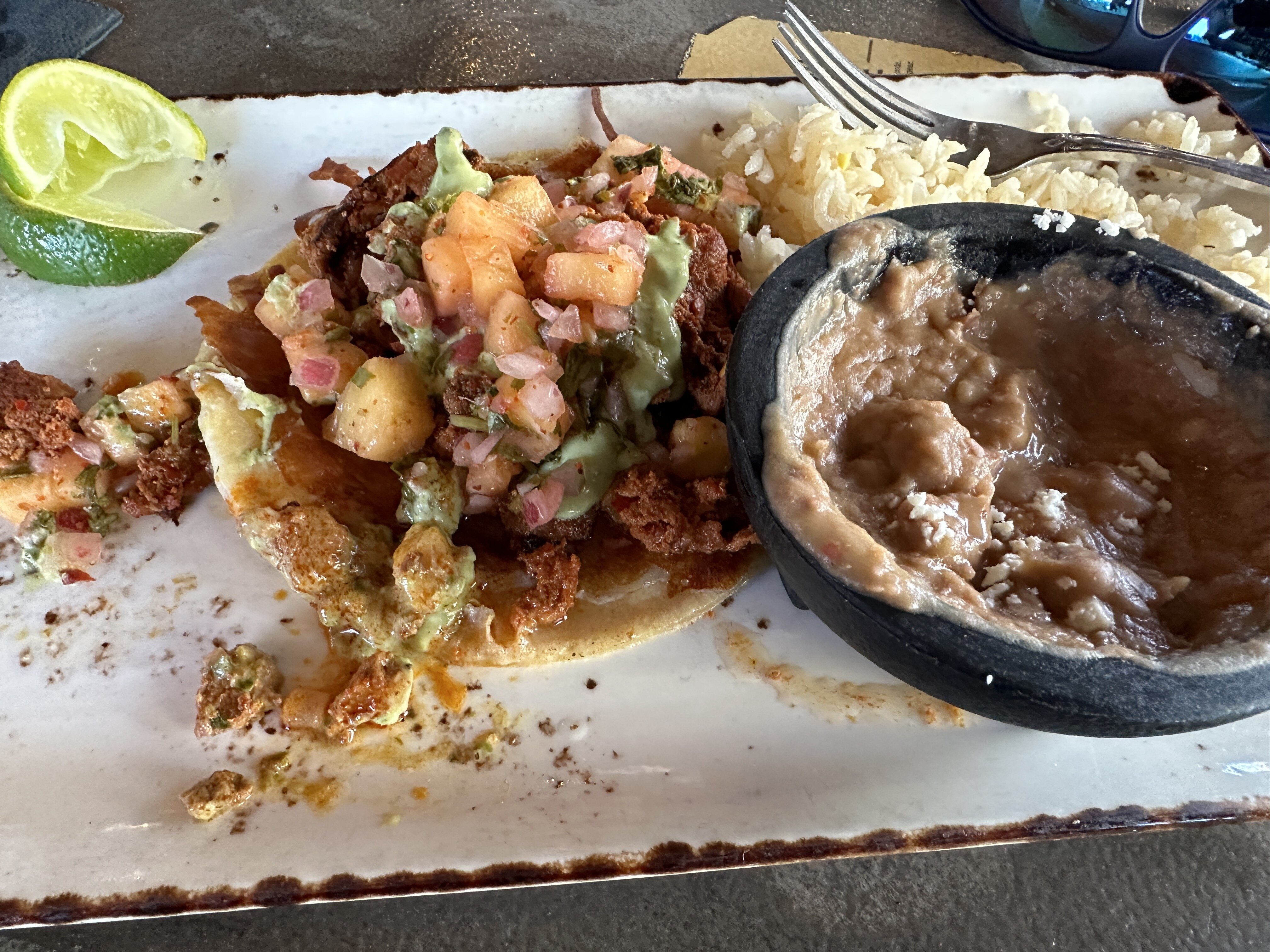
 Rode down for lunch since you mentioned it
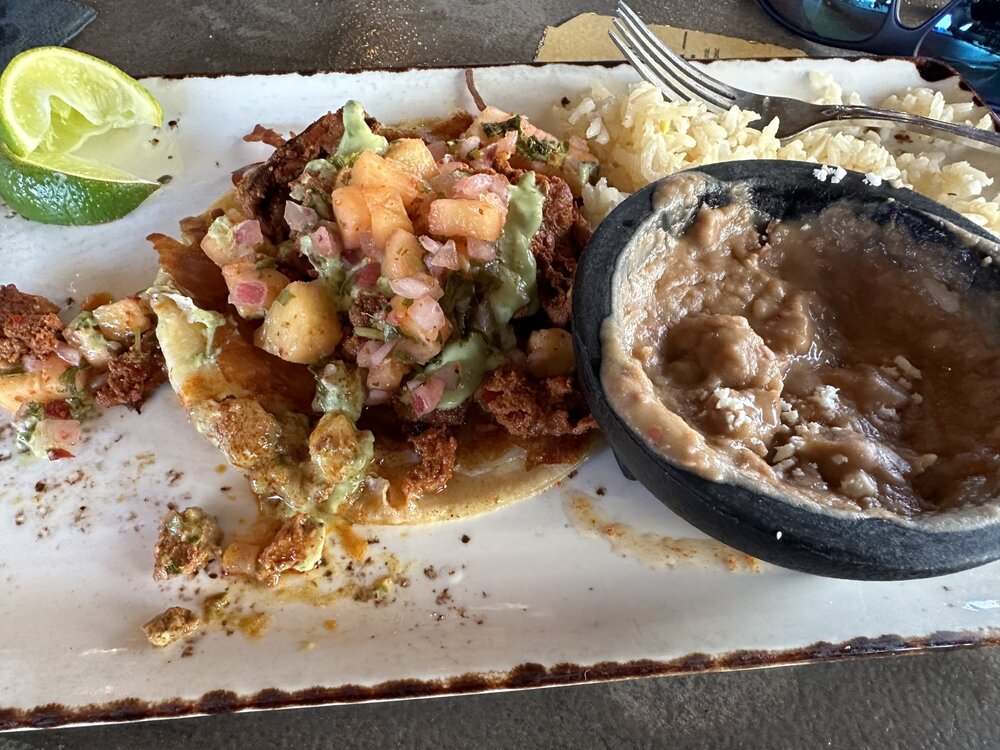 La Dona is good. She told me she makes 1,000 a day
Lulz I was thinking about riding my bike down tho Pizza Port 2 hours ago.
If lesbians like girls so much, why do they always try to look like dudes?
Oh don’t you worry, we will have a Guaranteed Max Price in the contract. All the line items will be allowances though. We can go through how those are reconciled after we sign the contract.
*General Conditions at $250,000 per month no retainage.
That video had me rolling. Congrats.
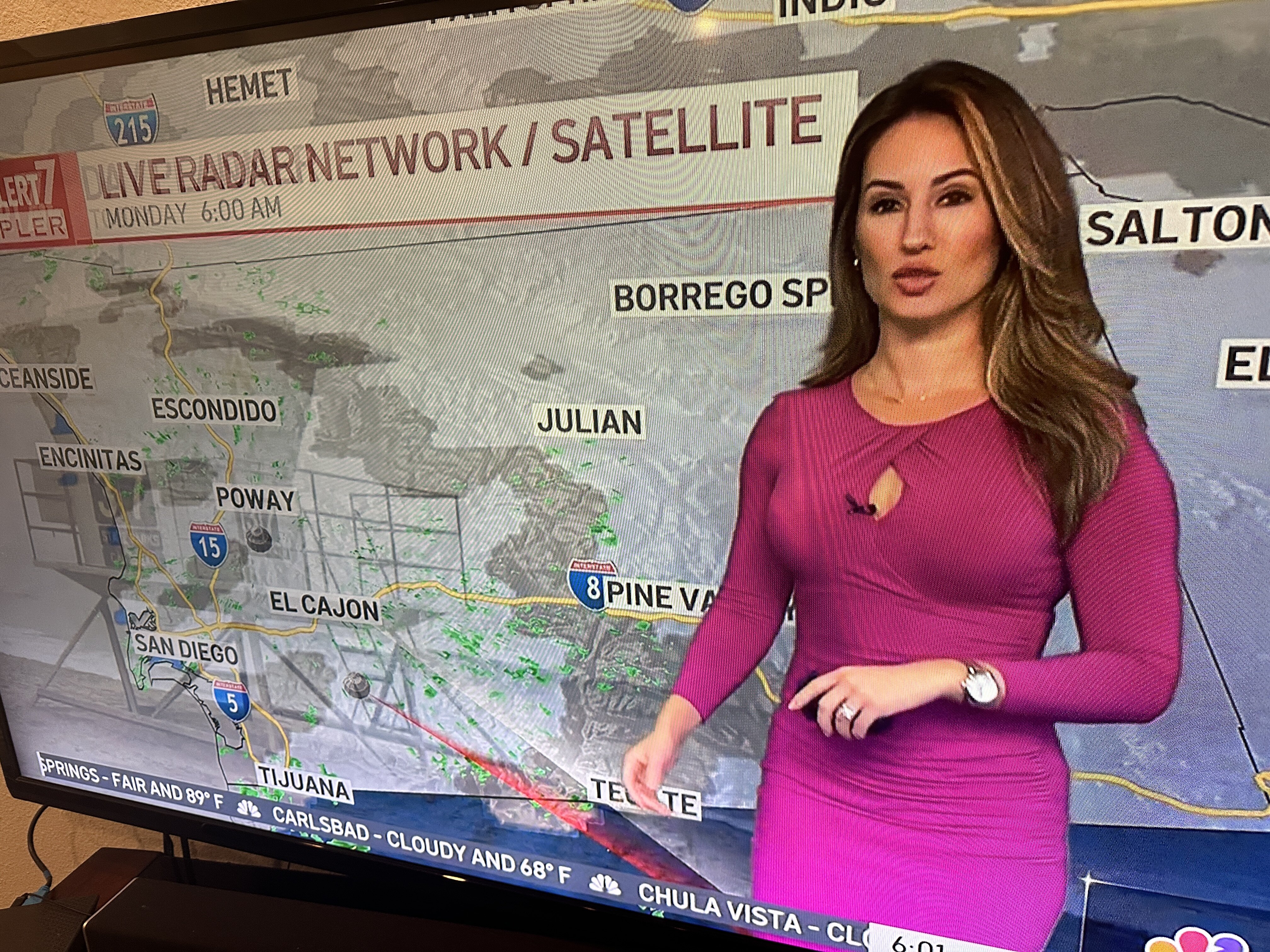
Radar looks clear
La Dona is good. She told me she makes 1,000 a day
Lulz I was thinking about riding my bike down tho Pizza Port 2 hours ago.
If lesbians like girls so much, why do they always try to look like dudes?
Oh don’t you worry, we will have a Guaranteed Max Price in the contract. All the line items will be allowances though. We can go through how those are reconciled after we sign the contract.
*General Conditions at $250,000 per month no retainage.
That video had me rolling. Congrats.
Radar looks clear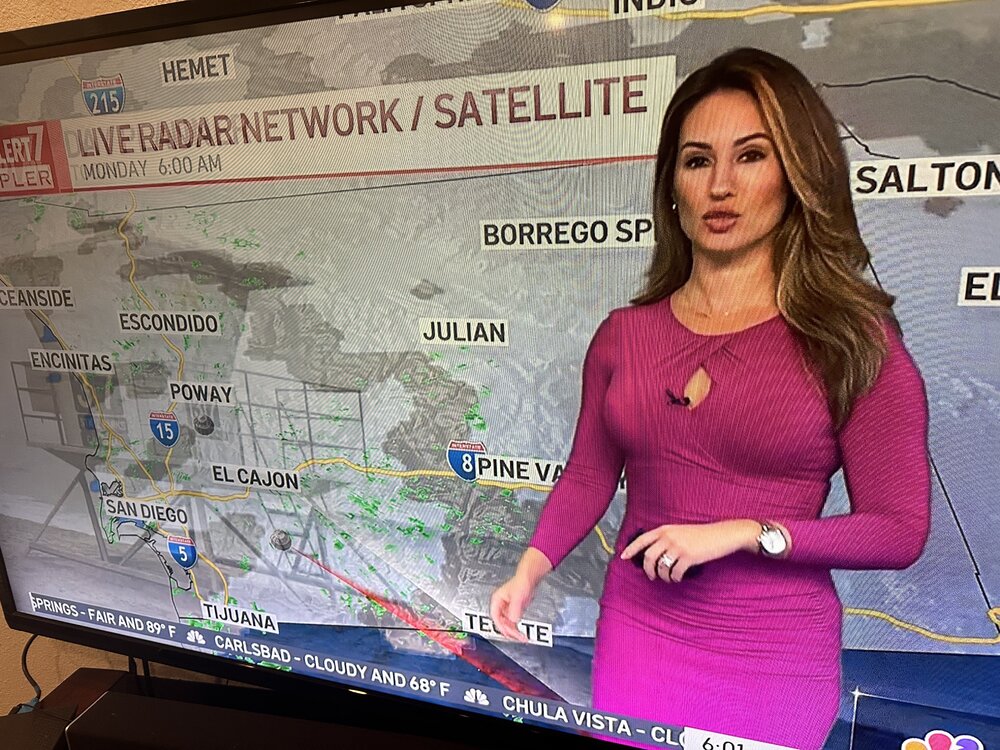 Glad to see that dude turned his life around and became an LA County firefighter. Be right back, gotta run to the dispensary.
It came from Democrats
Welp. Nice knowing you guys.
Glad to see that dude turned his life around and became an LA County firefighter. Be right back, gotta run to the dispensary.
It came from Democrats
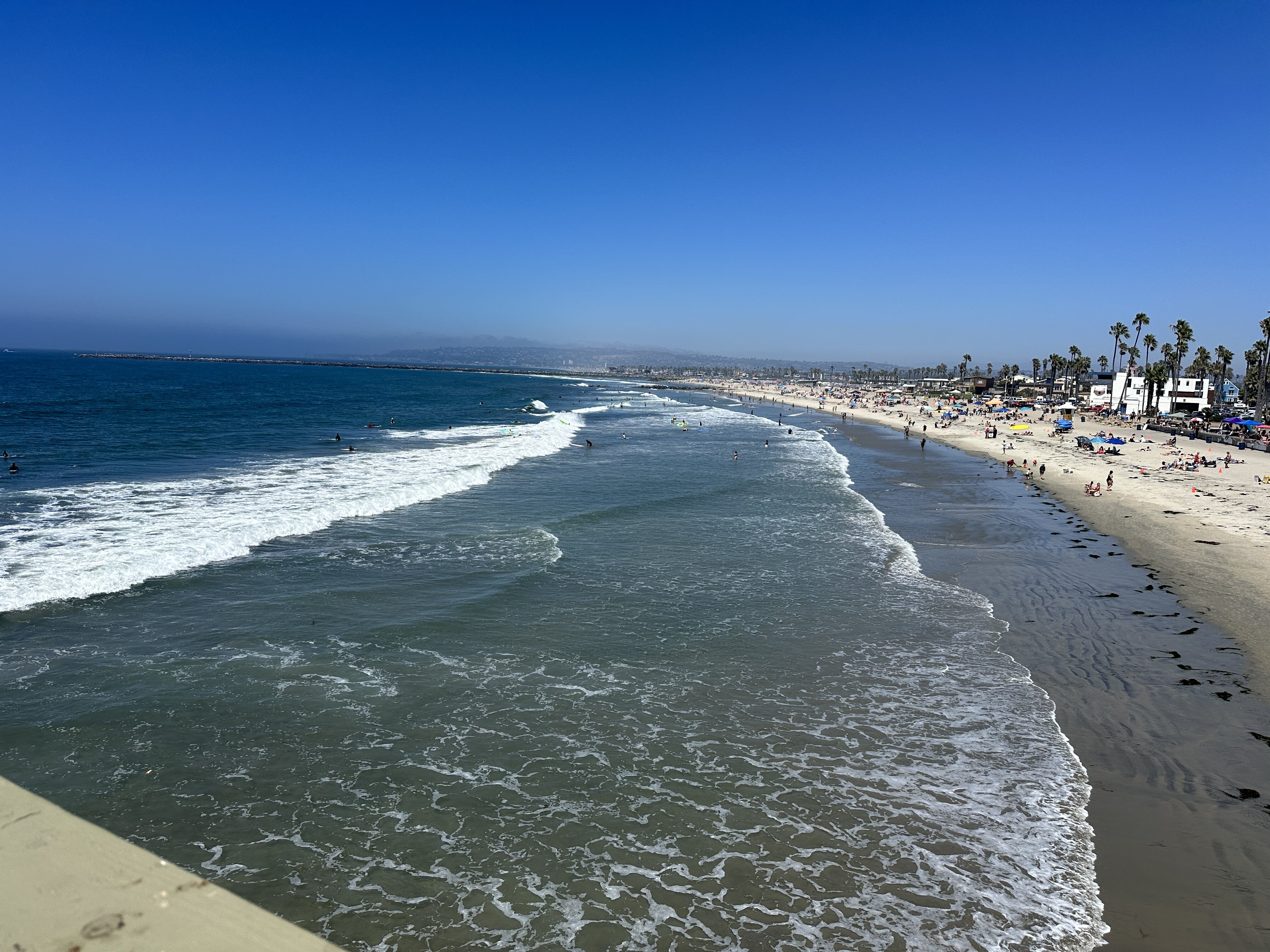
Welp. Nice knowing you guys.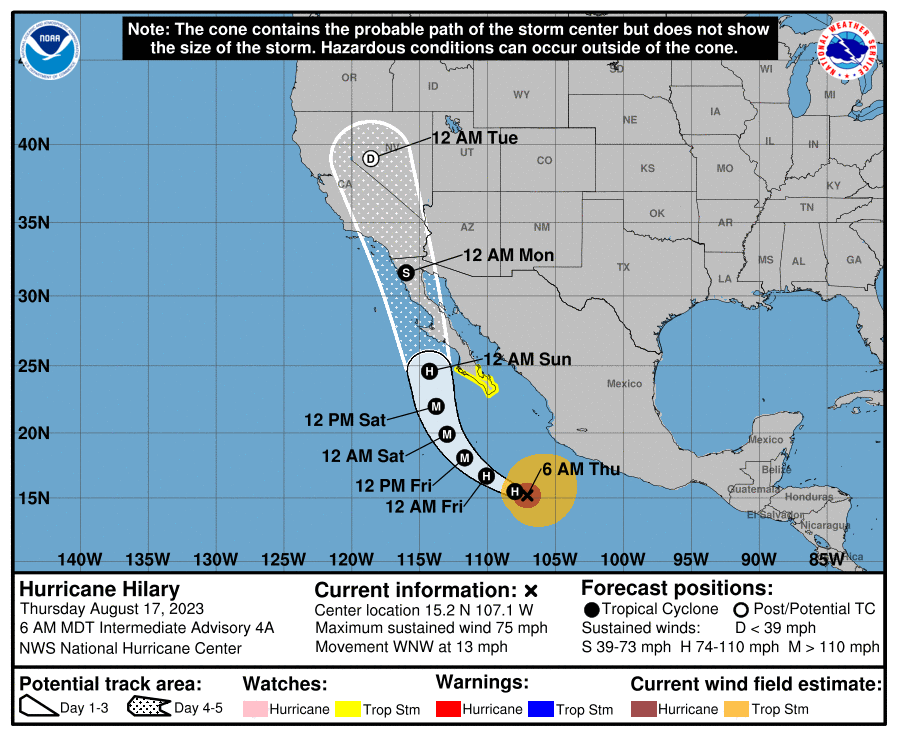 The Aristocrats!
WAP talk not going away
Gave zero, absolutely zero, fucks.
Saw them the first time at the Whiskey in Hollywood in 1995.
Lulz, just saw she was a Chi O. I’ve got a type.
Glad she ditched the magic underwear
AP KKK?
You don’t already do this?
Lulz. Looking forward to the at Rutgers loss.
The Aristocrats!
WAP talk not going away
Gave zero, absolutely zero, fucks.
Saw them the first time at the Whiskey in Hollywood in 1995.
Lulz, just saw she was a Chi O. I’ve got a type.
Glad she ditched the magic underwear
AP KKK?
You don’t already do this?
Lulz. Looking forward to the at Rutgers loss.







Football ...
Basketball ...
Baseball ...
Other Sports ...
Futbol ...
🤫995🤫 ...
Gambling ...
Movies & TV ...
Music ...
Hobbies ...
Lulz ...
Food & Travel
...
Daily Texan ...
Business & Markets ...
Cloak Room ...
Help ...
For Sale ...
Board Discussion ...
Advertise...
Tailgate Donations
Account
Search
Configure browser push notifications
Chrome (Android)
- Tap the lock icon next to the address bar.
- Tap Permissions → Notifications.
- Adjust your preference.
Chrome (Desktop)
- Click the padlock icon in the address bar.
- Select Site settings.
- Find Notifications and adjust your preference.
Safari (iOS 16.4+)
- Ensure the site is installed via Add to Home Screen.
- Open Settings App → Notifications.
- Find your app name and adjust your preference.
Safari (macOS)
- Go to Safari → Preferences.
- Click the Websites tab.
- Select Notifications in the sidebar.
- Find this website and adjust your preference.
Edge (Android)
- Tap the lock icon next to the address bar.
- Tap Permissions.
- Find Notifications and adjust your preference.
Edge (Desktop)
- Click the padlock icon in the address bar.
- Click Permissions for this site.
- Find Notifications and adjust your preference.
Firefox (Android)
- Go to Settings → Site permissions.
- Tap Notifications.
- Find this site in the list and adjust your preference.
Firefox (Desktop)
- Open Firefox Settings.
- Search for Notifications.
- Find this site in the list and adjust your preference.