Jump to content
View in the app

A better way to browse. Learn more.

Surly Horns

A full-screen app on your home screen with push notifications, badges and more.

To install this app on iOS and iPadOS
  1. Tap the Share icon in Safari
  2. Scroll the menu and tap Add to Home Screen.
  3. Tap Add in the top-right corner.
To install this app on Android
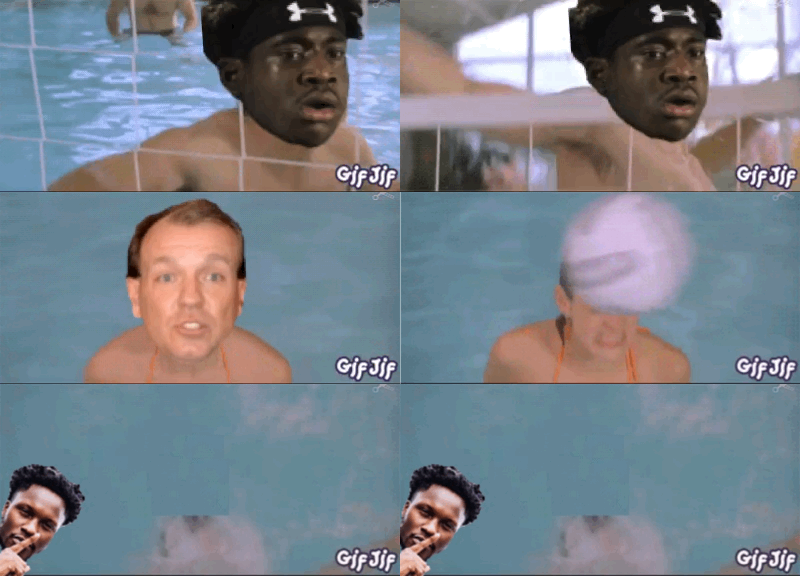
  1. Tap the 3-dot menu (⋮) in the top-right corner of the browser.
  2. Tap Add to Home screen or Install app.
  3. Confirm by tapping Install.
Football ... Basketball ... Baseball ... Other Sports ... Futbol ... 🤫995🤫 ... Gambling ... Movies & TV ... Music ... Hobbies ... Lulz ... Food & Travel ... Daily Texan ... Business & Markets ... Cloak Room ... Help ... For Sale ... Board Discussion ... Advertise... Tailgate Donations

Boerne Horn

Legacy Members
  • Joined

  • Last visited

  1. Shut up, bitch
  2. I’ll see y’all motherfuckers in Houston. We’re winning this shit.
  3. Let’s fucking gooooooooooo
  4. They’ll be gone by halftime. Enjoy your seats.
  5. We’re getting errrrrybody. Fuck bama
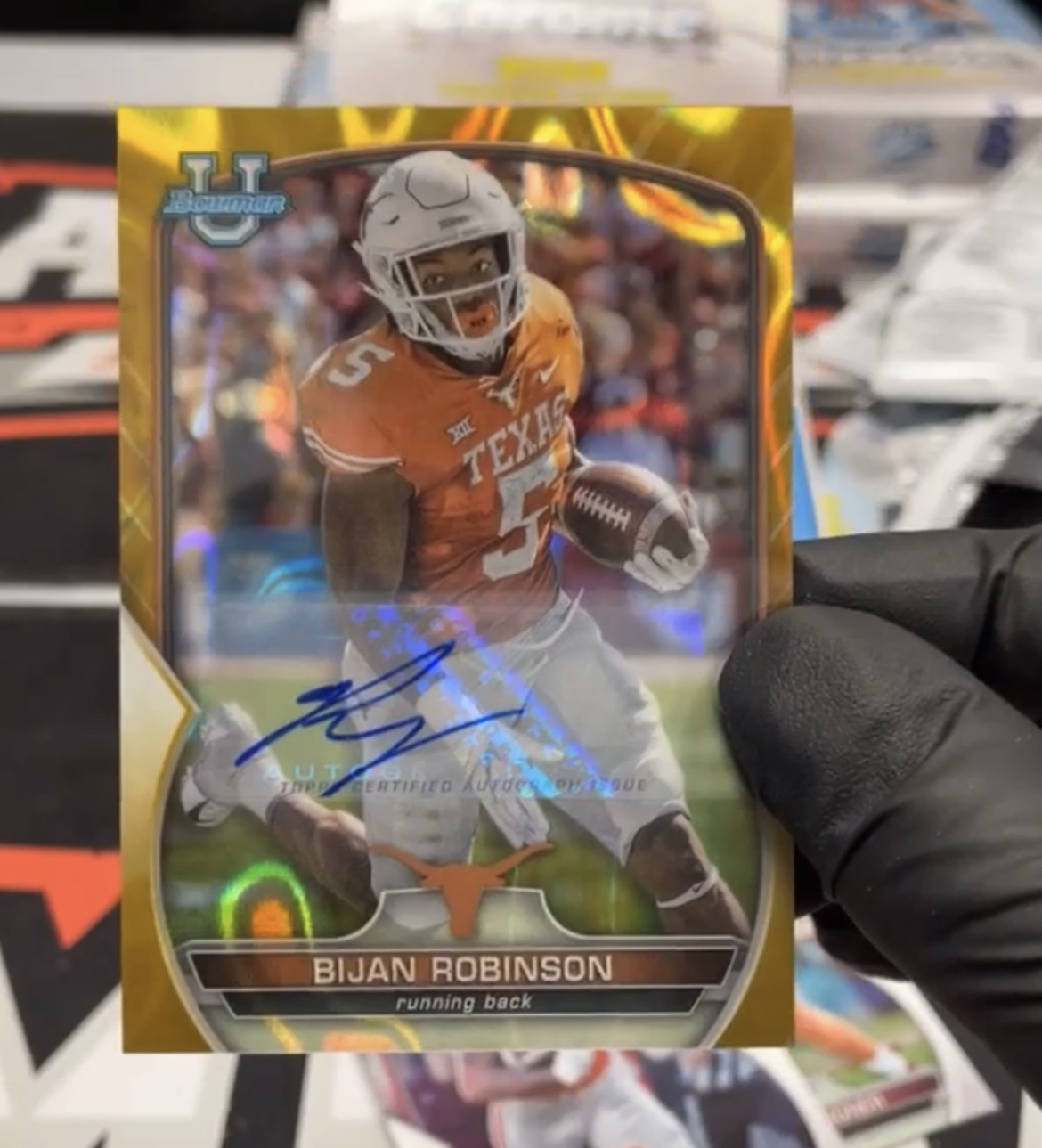
  6. Pulled this on Whatnot last night to add to the collection.
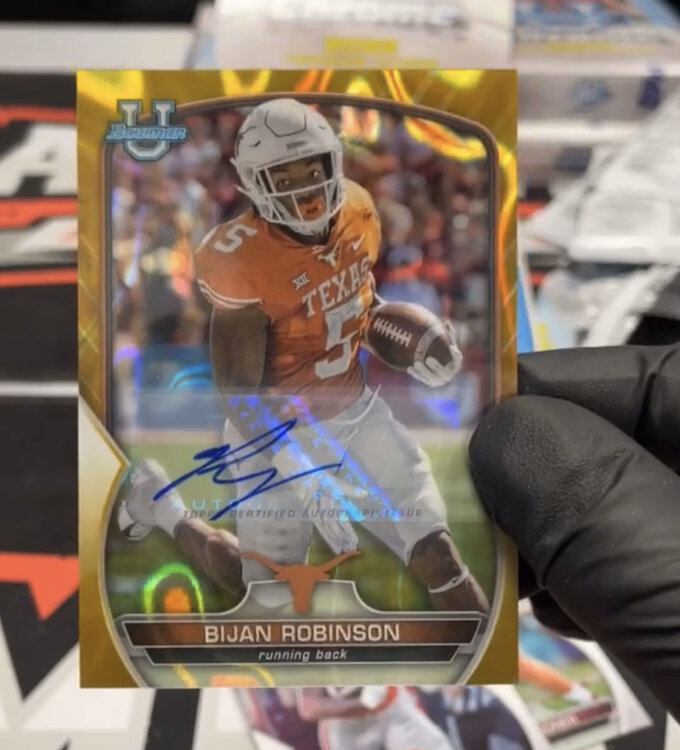
  7. Malakoff beats Grandview 29-17 in the rematch. Malakoff went for it on 4th and 2 around midfield late in the 4th with the score 22-17. Grandview stuffed it - with 12 on the field and got called for it. Malakoff scored a couple plays later to put it to bed.
  8. Texas by 78 fuck ou
  9. Anybody here I can bum a pinch off of? 🤣
  10. Of course he was last
  11. They were holding all fucking game.
  12. We’re scoring 80 on these motherfuckers

Football ... Basketball ... Baseball ... Other Sports ... Futbol ... 🤫995🤫 ... Gambling ... Movies & TV ... Music ... Hobbies ... Lulz ... Food & Travel ... Daily Texan ... Business & Markets ... Cloak Room ... Help ... For Sale ... Board Discussion ... Advertise... Tailgate Donations

Configure browser push notifications

Chrome (Android)
  1. Tap the lock icon next to the address bar.
  2. Tap Permissions → Notifications.
  3. Adjust your preference.
Chrome (Desktop)
  1. Click the padlock icon in the address bar.
  2. Select Site settings.
  3. Find Notifications and adjust your preference.