

totallynotabuttpirate
Burnt Ends
-
Joined
-
Last visited
Everything posted by totallynotabuttpirate
-
 Damn, guess this thread is Derka'd.
 -
Careful, you might summon Randy.
-
Pics?
I got my glizzy gladiator ready
So I guess we're using On3 instead of 24/7 now?
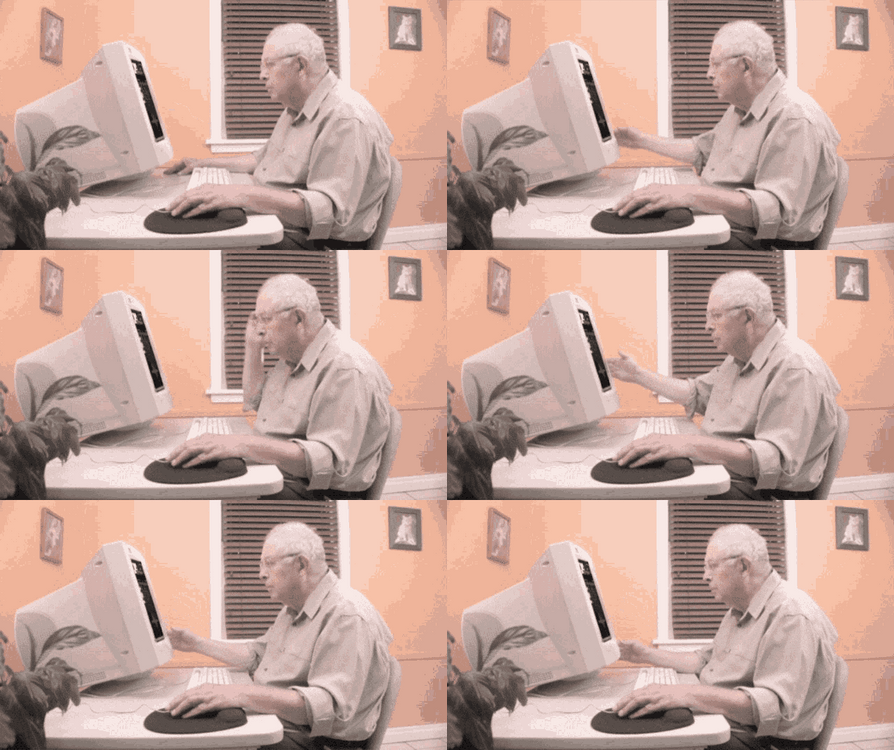 Yes
Witt should be able to go 60-70 tomorrow.
Shaw here?
I think it's pretty clear that Abbot's staff is non-functioning at this point.
Our defense is trash.
X, 2, 1
Roomba J7+ is really good. Routinely goes on sale for <$500.
Seems like everyday on Surly I discover a new fetish.
Like 3 games ago.
TCU up 5-0 on K St
Ah, the ole tried and true both sides. You must be a real truth seeker like Elmo.
Aggy gets walked off against Mississippi St. Ouch.
Poor aggy loses 11-0 Bama. Fuck Kendall Rogers and his hyping of them.
I think it was a Clayton Bigsby situation.
Daly hates meatballs.
Gotta review that
Yes
Witt should be able to go 60-70 tomorrow.
Shaw here?
I think it's pretty clear that Abbot's staff is non-functioning at this point.
Our defense is trash.
X, 2, 1
Roomba J7+ is really good. Routinely goes on sale for <$500.
Seems like everyday on Surly I discover a new fetish.
Like 3 games ago.
TCU up 5-0 on K St
Ah, the ole tried and true both sides. You must be a real truth seeker like Elmo.
Aggy gets walked off against Mississippi St. Ouch.
Poor aggy loses 11-0 Bama. Fuck Kendall Rogers and his hyping of them.
I think it was a Clayton Bigsby situation.
Daly hates meatballs.
Gotta review that






Football ...
Basketball ...
Baseball ...
Other Sports ...
Futbol ...
🤫995🤫 ...
Gambling ...
Movies & TV ...
Music ...
Hobbies ...
Lulz ...
Food & Travel
...
Daily Texan ...
Business & Markets ...
Cloak Room ...
Help ...
For Sale ...
Board Discussion ...
Advertise...
Tailgate Donations
Account
Search
Configure browser push notifications
Chrome (Android)
- Tap the lock icon next to the address bar.
- Tap Permissions → Notifications.
- Adjust your preference.
Chrome (Desktop)
- Click the padlock icon in the address bar.
- Select Site settings.
- Find Notifications and adjust your preference.
Safari (iOS 16.4+)
- Ensure the site is installed via Add to Home Screen.
- Open Settings App → Notifications.
- Find your app name and adjust your preference.
Safari (macOS)
- Go to Safari → Preferences.
- Click the Websites tab.
- Select Notifications in the sidebar.
- Find this website and adjust your preference.
Edge (Android)
- Tap the lock icon next to the address bar.
- Tap Permissions.
- Find Notifications and adjust your preference.
Edge (Desktop)
- Click the padlock icon in the address bar.
- Click Permissions for this site.
- Find Notifications and adjust your preference.
Firefox (Android)
- Go to Settings → Site permissions.
- Tap Notifications.
- Find this site in the list and adjust your preference.
Firefox (Desktop)
- Open Firefox Settings.
- Search for Notifications.
- Find this site in the list and adjust your preference.