

SuperSport
Full Members
-
Joined
-
Last visited
-
 Katfid is in hell.
 -
Just get him on campus, we’ll see if he can mix it up in the spring.
-
Last line of this article blurb quotes the NTSB as pylon structure still attached to wing.

-
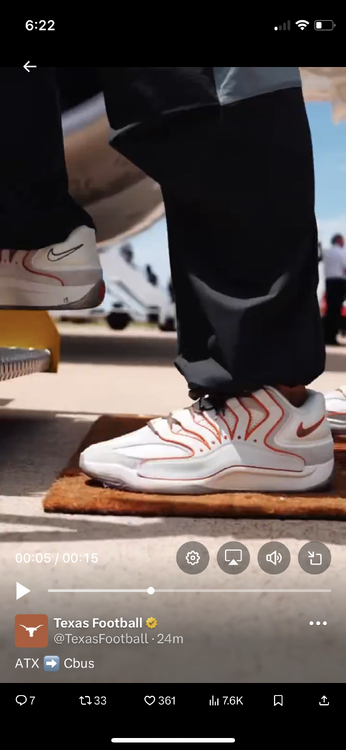
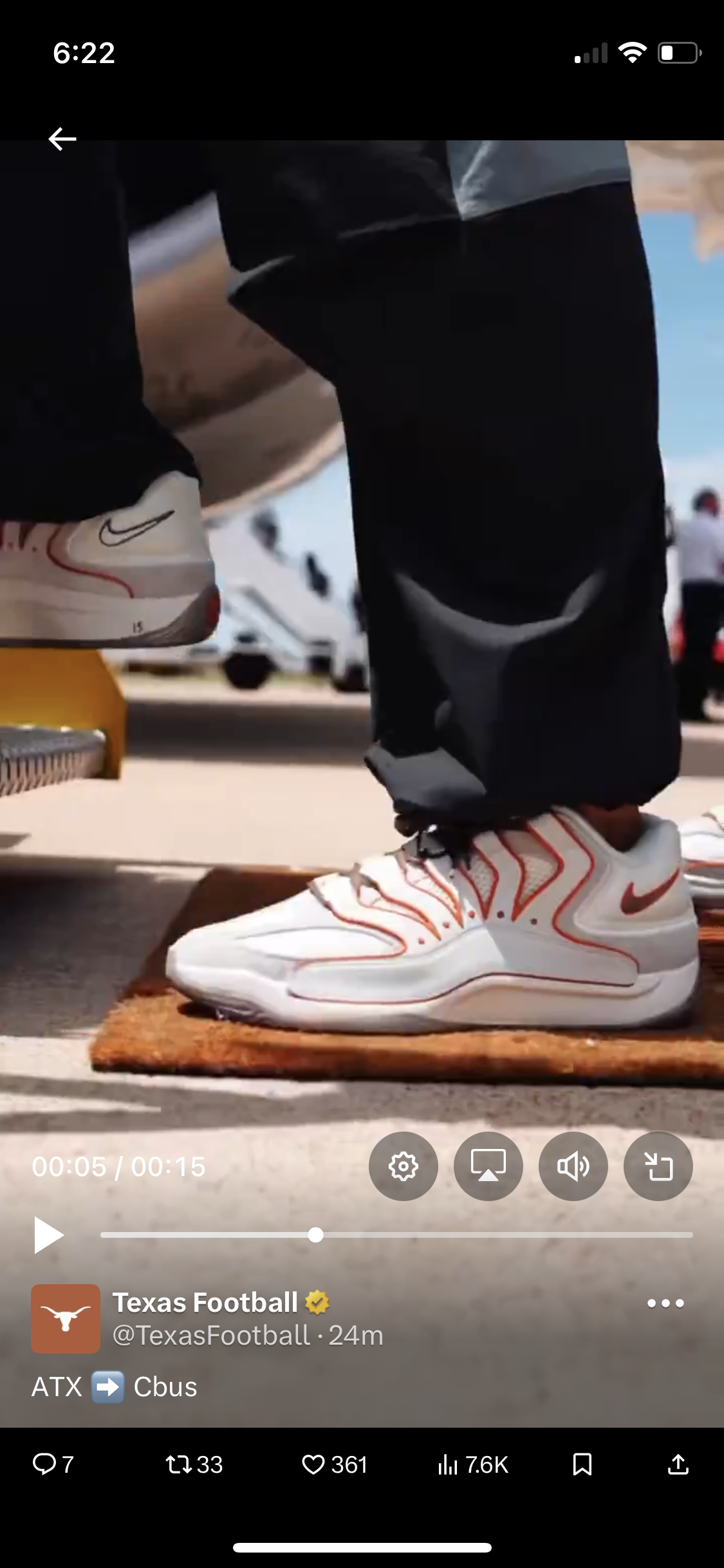
Example #287516295 that players get all the best stuff. Sheesh 🥵
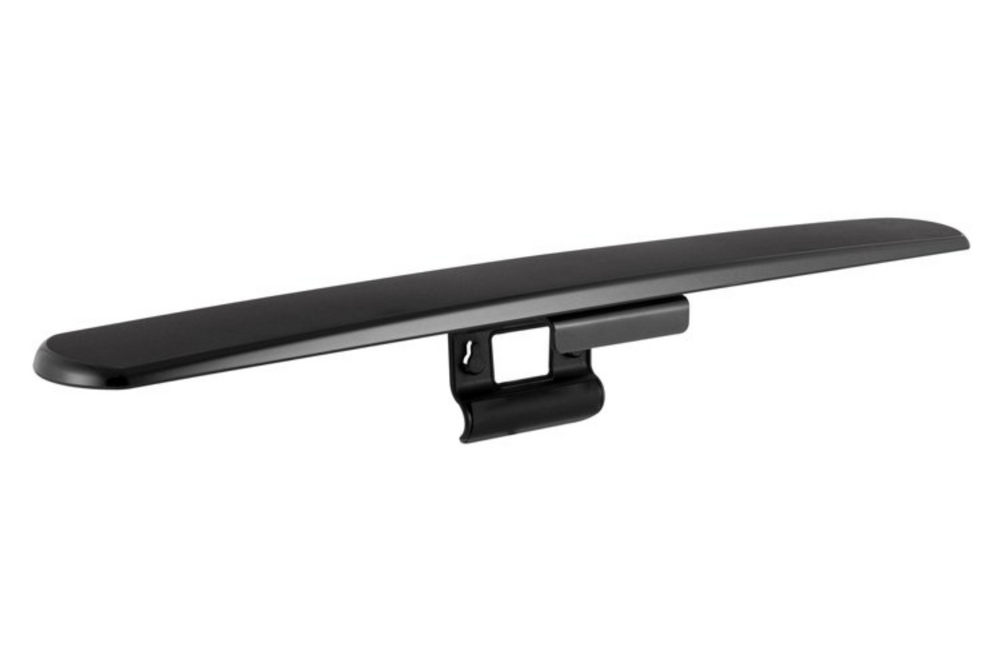
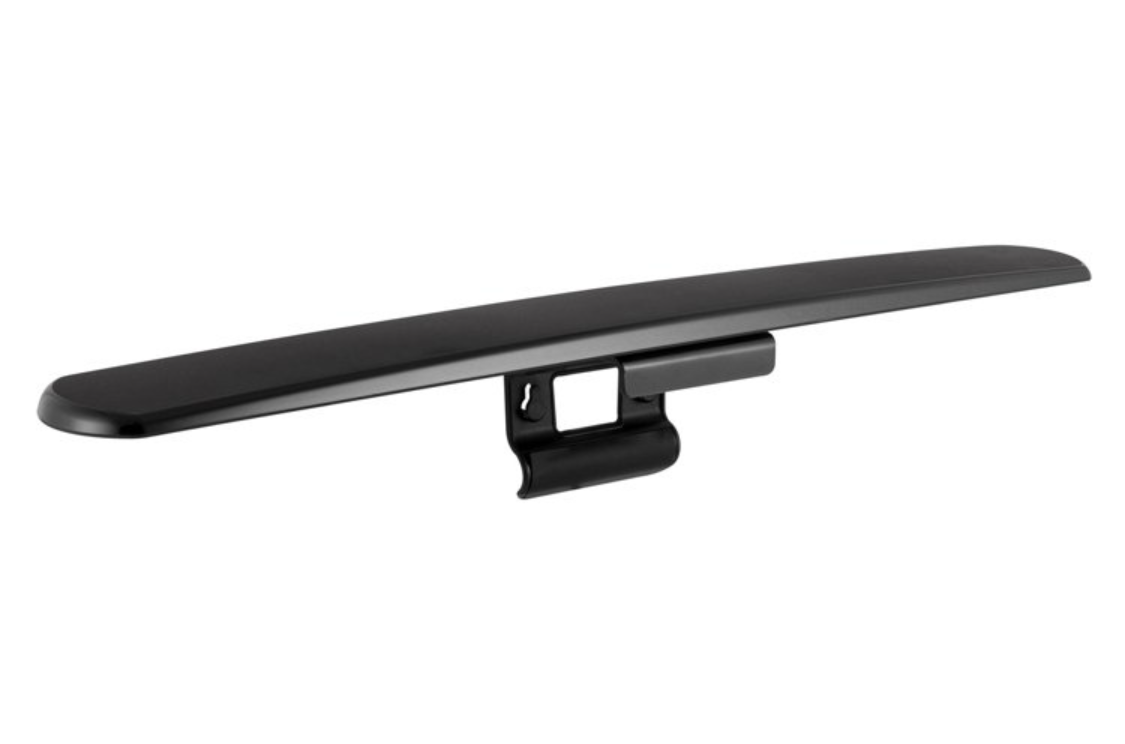
 I have one of these…works well, sits on top of the tv (or wall mount), and has a low-profile aesthetic.
 Hurricane Aggy, you say? The fine folks in College Station were born ready.
I think I see their problem.
Initial report is out:
Boeing probably already knows, switch positions are logged in the EAFR data.
Ah yes, the rare Irish-West African-German-Spanish quadfecta.
Texas Recruiting Notes 2026: Basket Case Find a more fitting lyric. You can't.
SIAP. Seems topical.
Hurricane Aggy, you say? The fine folks in College Station were born ready.
I think I see their problem.
Initial report is out:
Boeing probably already knows, switch positions are logged in the EAFR data.
Ah yes, the rare Irish-West African-German-Spanish quadfecta.
Texas Recruiting Notes 2026: Basket Case Find a more fitting lyric. You can't.
SIAP. Seems topical.







Football ...
Basketball ...
Baseball ...
Other Sports ...
Futbol ...
🤫995🤫 ...
Gambling ...
Movies & TV ...
Music ...
Hobbies ...
Lulz ...
Food & Travel
...
Daily Texan ...
Business & Markets ...
Cloak Room ...
Help ...
For Sale ...
Board Discussion ...
Advertise...
Tailgate Donations
Account
Search
Configure browser push notifications
Chrome (Android)
- Tap the lock icon next to the address bar.
- Tap Permissions → Notifications.
- Adjust your preference.
Chrome (Desktop)
- Click the padlock icon in the address bar.
- Select Site settings.
- Find Notifications and adjust your preference.
Safari (iOS 16.4+)
- Ensure the site is installed via Add to Home Screen.
- Open Settings App → Notifications.
- Find your app name and adjust your preference.
Safari (macOS)
- Go to Safari → Preferences.
- Click the Websites tab.
- Select Notifications in the sidebar.
- Find this website and adjust your preference.
Edge (Android)
- Tap the lock icon next to the address bar.
- Tap Permissions.
- Find Notifications and adjust your preference.
Edge (Desktop)
- Click the padlock icon in the address bar.
- Click Permissions for this site.
- Find Notifications and adjust your preference.
Firefox (Android)
- Go to Settings → Site permissions.
- Tap Notifications.
- Find this site in the list and adjust your preference.
Firefox (Desktop)
- Open Firefox Settings.
- Search for Notifications.
- Find this site in the list and adjust your preference.