
Jump to content
View in the app

A better way to browse. Learn more.

Surly Horns

A full-screen app on your home screen with push notifications, badges and more.

To install this app on iOS and iPadOS
  1. Tap the Share icon in Safari
  2. Scroll the menu and tap Add to Home Screen.
  3. Tap Add in the top-right corner.
To install this app on Android
  1. Tap the 3-dot menu (⋮) in the top-right corner of the browser.
  2. Tap Add to Home screen or Install app.
  3. Confirm by tapping Install.
Football ... Basketball ... Baseball ... Other Sports ... Futbol ... 🤫995🤫 ... Gambling ... Movies & TV ... Music ... Hobbies ... Lulz ... Food & Travel ... Daily Texan ... Business & Markets ... Cloak Room ... Help ... For Sale ... Board Discussion ... Advertise... Tailgate Donations

Irwin M Fletcher

Legacy Members
  • Joined

  • Last visited

Everything posted by Irwin M Fletcher

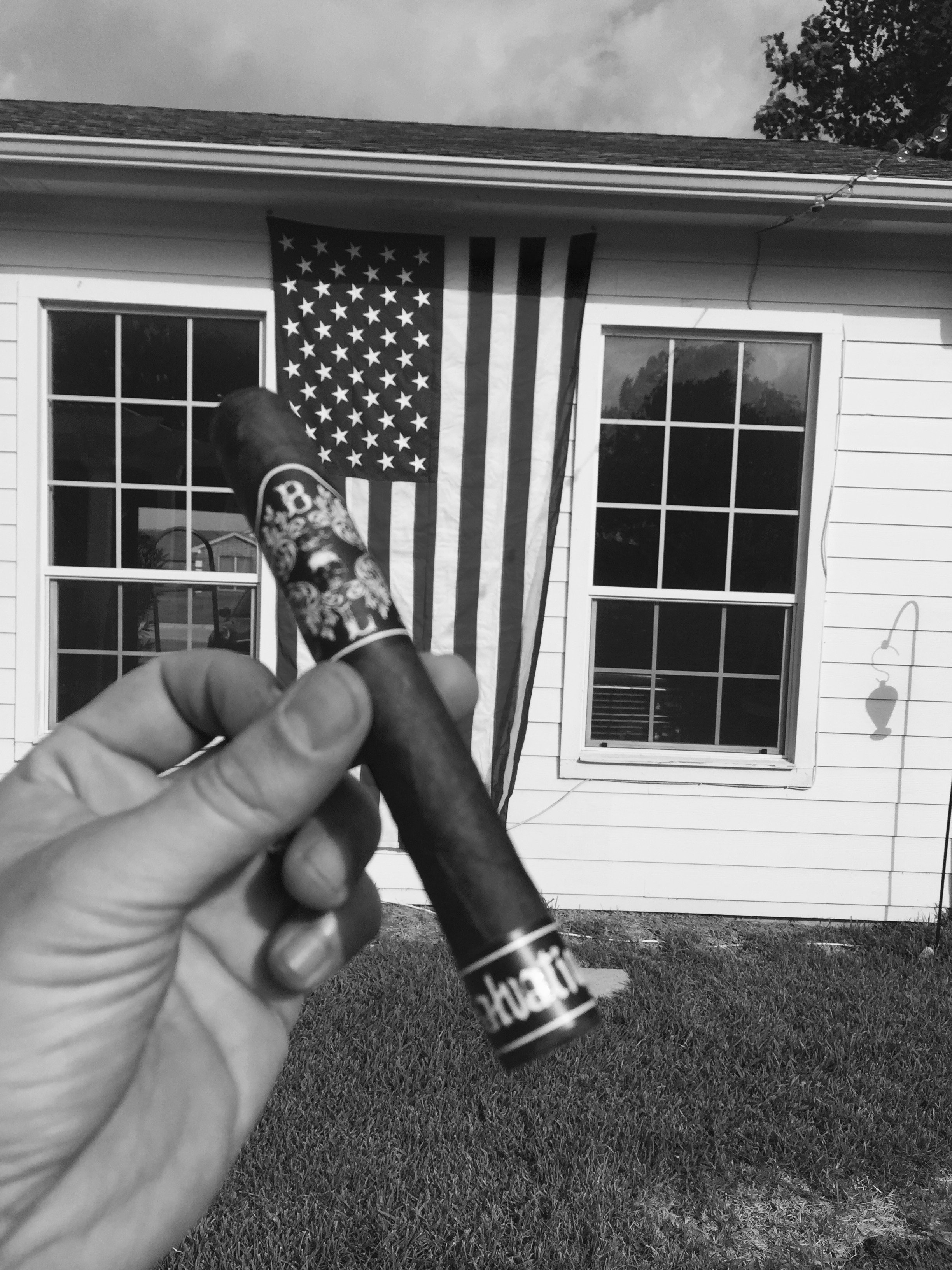
  1. So a buddy and fellow Longhorn let me know about this thread. I'm class of 97 and 99 and am a partial owner of a cigar company called Black Label Trading Company. Our founder is also a fellow Longhorn. He and his wife live full time in Esteli, Nicaragua running our factory, Oveja Negra (Black Sheep). We are a boutique cigar brand that specializes in medium/full to full bodied cigars. A lot of the brands mentioned here are great and are big name companies. Think of us as the Jones Soda to say, Drew Estate's Coca Cola. The current issue of Cigar Press features our factory and my partners, so if you're interested in a full bodied boutique cigar experience, check out the article and our sticks. Long Ashes and Hook 'Em!
Football ... Basketball ... Baseball ... Other Sports ... Futbol ... 🤫995🤫 ... Gambling ... Movies & TV ... Music ... Hobbies ... Lulz ... Food & Travel ... Daily Texan ... Business & Markets ... Cloak Room ... Help ... For Sale ... Board Discussion ... Advertise... Tailgate Donations

Configure browser push notifications

Chrome (Android)
  1. Tap the lock icon next to the address bar.
  2. Tap Permissions → Notifications.
  3. Adjust your preference.
Chrome (Desktop)
  1. Click the padlock icon in the address bar.
  2. Select Site settings.
  3. Find Notifications and adjust your preference.