-
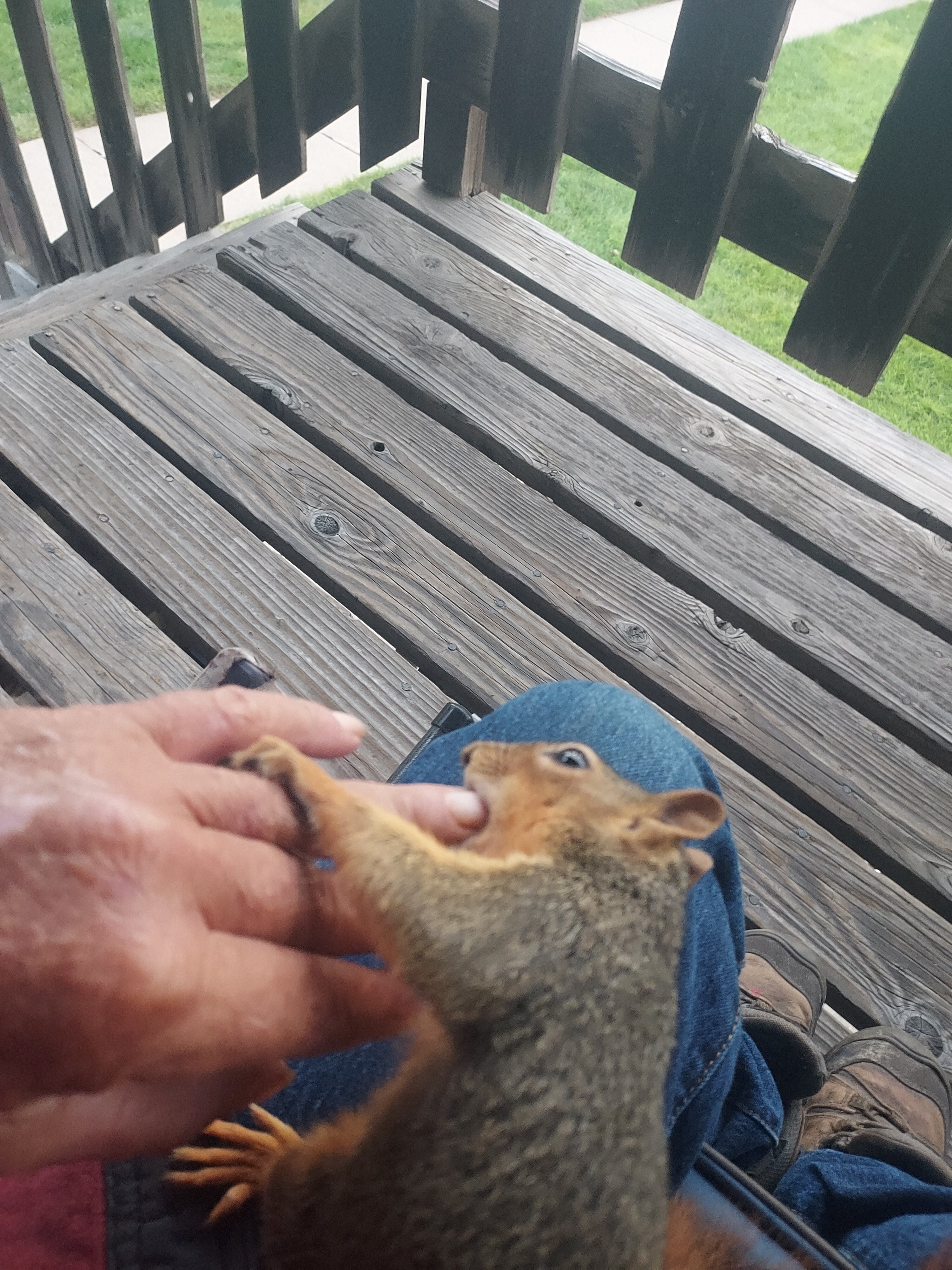
 No way in he'll would my little squirrel buddy touch that.
 -
Could you do the same for me? Thanks.
-
Land surveyors, most pompous aregant, self righteous pompous people I know, and I work for one, they are all the same.
-
Enough about Mr. Squirrel, back to the pups.
-
Are you aggy?
-
Most times a rabid animal with rabbies will kill it with the bite. LOl, that also.
-
Squirrels very seldom contact rabbies.
-
No need too, he will not bite, even the nibble on a finger is a act of grooming and affection, really tender.
-
He is my little buddy. Just showed up in late September, he has been here ever since, even the neighbors can handle him.
-
My squirrel is awesome.
-
Drink a 12 pack of beer, eat then go to bed.
-
At altitude, that is impressive.
-
How fast do you have to run to catch a moose?
-
Right in the head
-
We know she used to put out.
Football ...
Basketball ...
Baseball ...
Other Sports ...
Futbol ...
🤫995🤫 ...
Gambling ...
Movies & TV ...
Music ...
Hobbies ...
Lulz ...
Food & Travel
...
Daily Texan ...
Business & Markets ...
Cloak Room ...
Help ...
For Sale ...
Board Discussion ...
Advertise...
Tailgate Donations