Junior Bonner
Burnt Ends
-
Joined
-
Last visited
Everything posted by Junior Bonner
-
 Here. On Surly. For the low, low price of tree fiddy…
 -
Yeah. It’s beautiful, isn’t it.
True. Old on Old violence is strictly prohibited…
And worth every penny…
I see you Norman Dale.
Von Miller lost a bet, apparently…
 Welcome! Hook’em! 🤘🤘
 Welcome. Hook’em! 🤘🤘
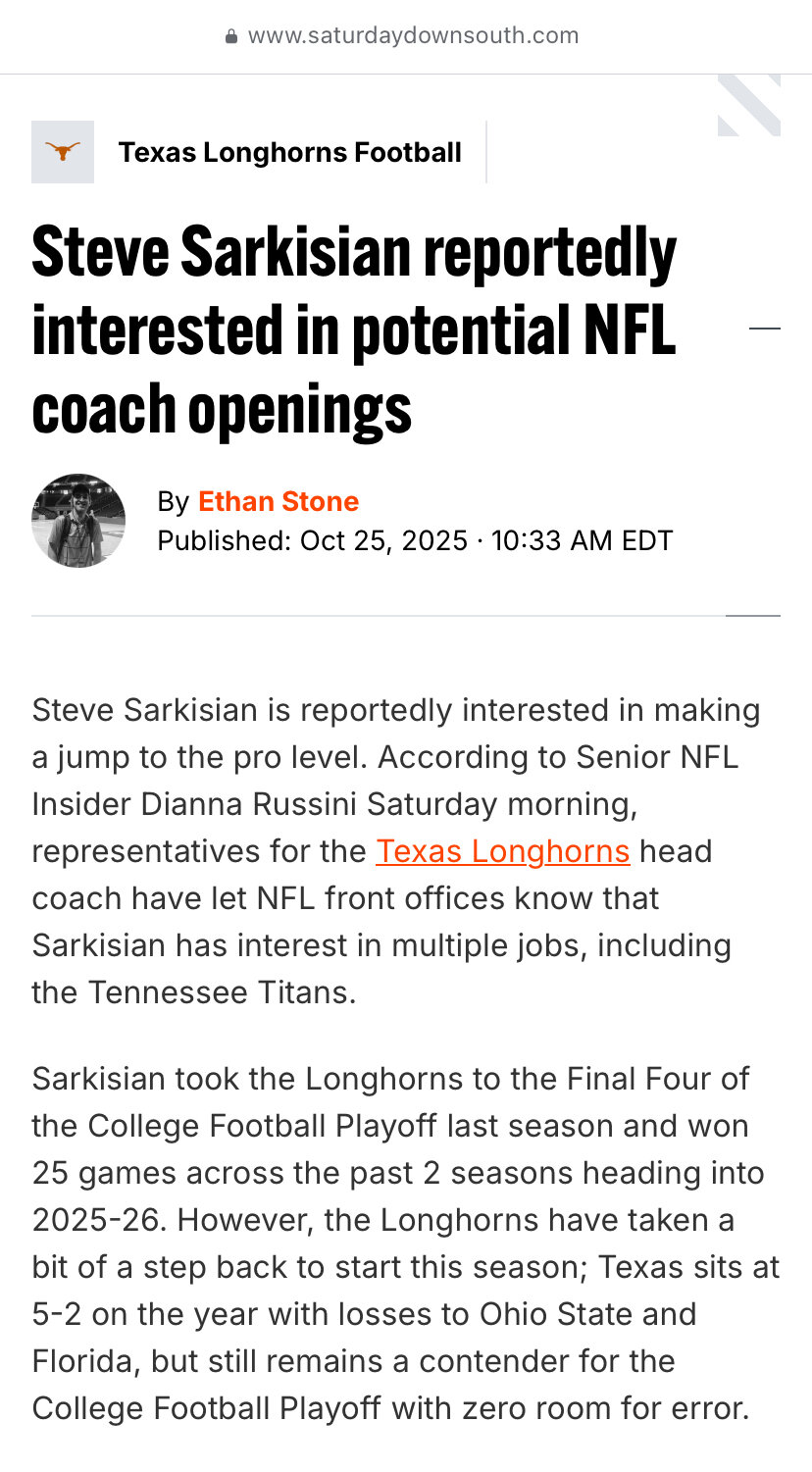
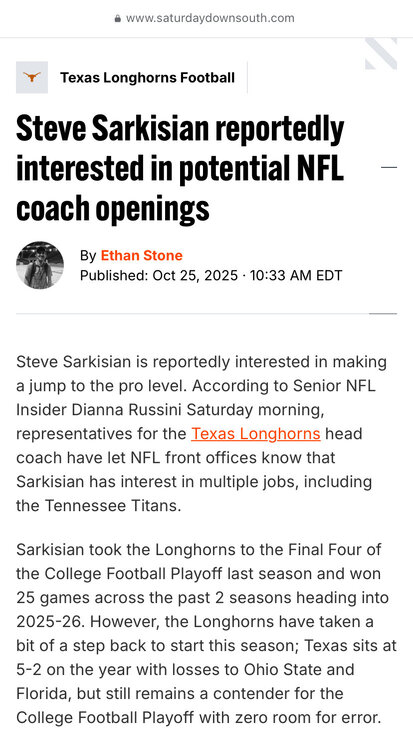
 https://www.saturdaydownsouth.com/news/college-football/steve-sarkisian-reportedly-interested-in-potential-nfl-coach-openings/?fbclid=IwZnRzaANpxR1leHRuA2FlbQIxMQABHhv9HZi6gzNu9ePg6d9ajJGsUulH7w9ulPDq3VAw5m_ffh7F9vElhWb7Gi1T_aem_ax6adWFyjSu8n7mhHU5Giw
 Football ... Basketball ... Baseball ... Other Sports ... Futbol ... 🤫995🤫 ... Gambling ... Movies & TV ... Music ... Hobbies ... Lulz ... Food & Travel ... Daily Texan ... Business & Markets ... Cloak Room ... Help ... For Sale ... Board Discussion ... Advertise... Tailgate Donations
Account
Search
Configure browser push notifications
Chrome (Android)
- Tap the lock icon next to the address bar.
- Tap Permissions → Notifications.
- Adjust your preference.
Chrome (Desktop)
- Click the padlock icon in the address bar.
- Select Site settings.
- Find Notifications and adjust your preference.
Safari (iOS 16.4+)
- Ensure the site is installed via Add to Home Screen.
- Open Settings App → Notifications.
- Find your app name and adjust your preference.
Safari (macOS)
- Go to Safari → Preferences.
- Click the Websites tab.
- Select Notifications in the sidebar.
- Find this website and adjust your preference.
Edge (Android)
- Tap the lock icon next to the address bar.
- Tap Permissions.
- Find Notifications and adjust your preference.
Edge (Desktop)
- Click the padlock icon in the address bar.
- Click Permissions for this site.
- Find Notifications and adjust your preference.
Firefox (Android)
- Go to Settings → Site permissions.
- Tap Notifications.
- Find this site in the list and adjust your preference.
Firefox (Desktop)
- Open Firefox Settings.
- Search for Notifications.
- Find this site in the list and adjust your preference.