


JesusSweatDuck
Certifiably Surly
-
Joined
-
Last visited
Everything posted by JesusSweatDuck
-
 Also, pooooooooor aggies
 -
Well, not any more
Bama On3 update On3 Update
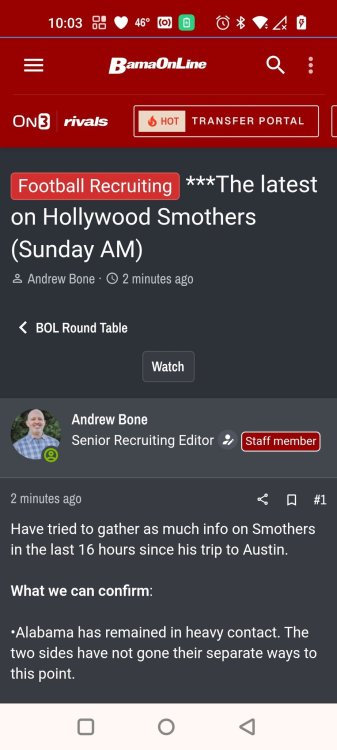
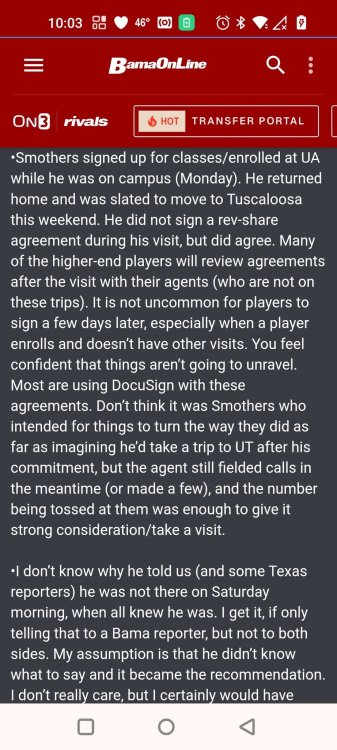
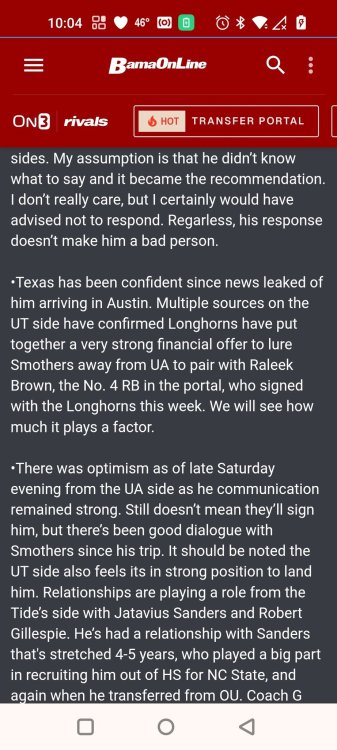
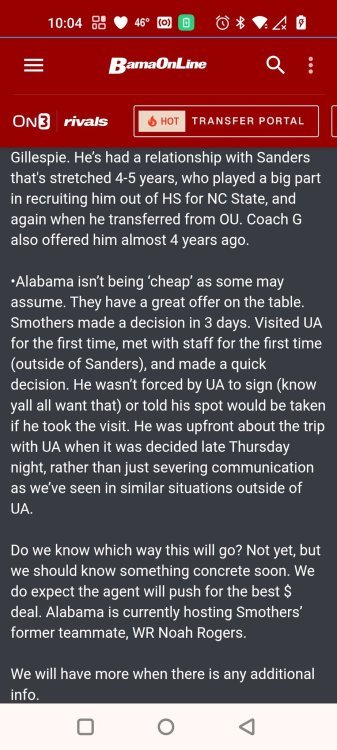 No one wants to hire an aggy to be their agent
Billy Glasscock before he left for Ole Miss? So that would be 4 semi-finals teams
Don't threaten me with a good time
You had dinner with Chip Brown didn't you?
Works, thanks!
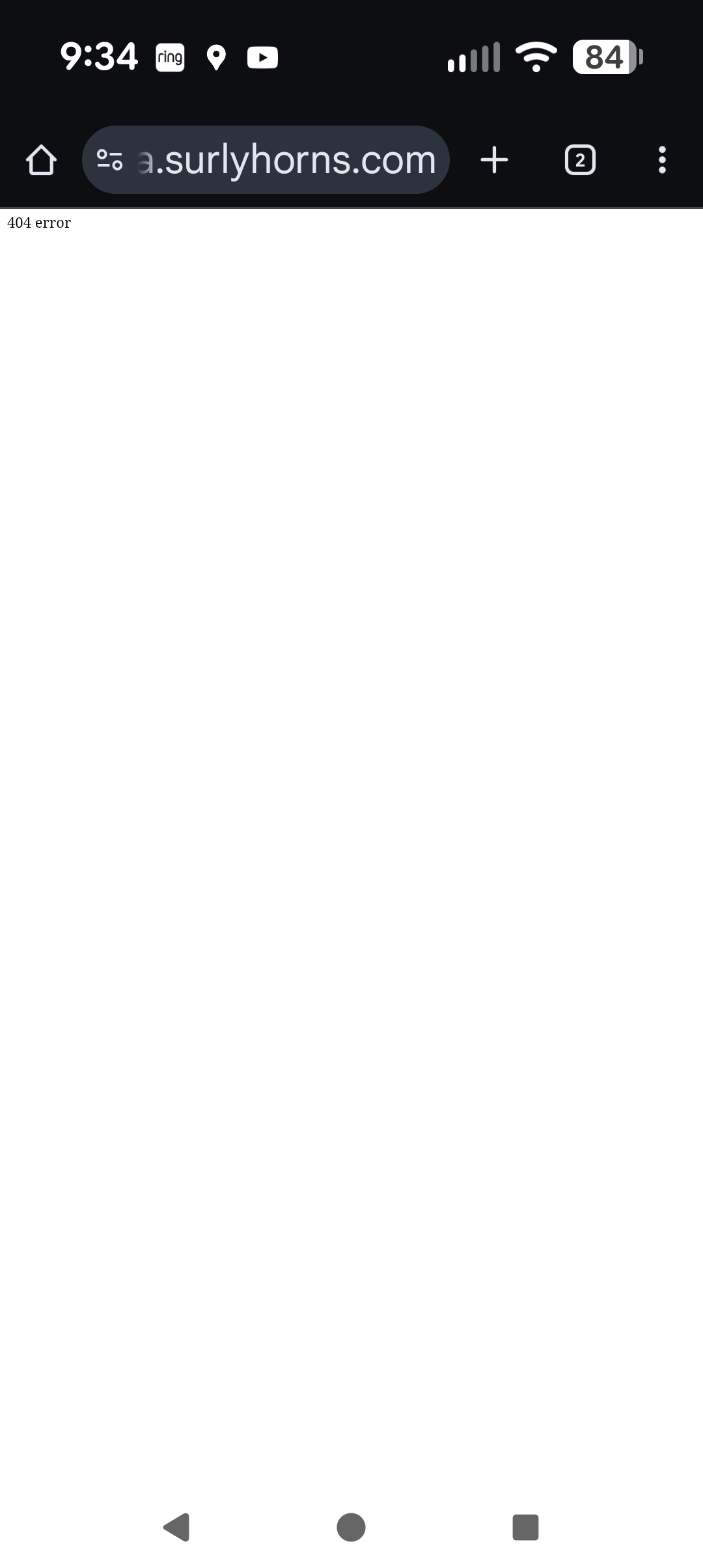
See screenshot (if you can) of 404
No one wants to hire an aggy to be their agent
Billy Glasscock before he left for Ole Miss? So that would be 4 semi-finals teams
Don't threaten me with a good time
You had dinner with Chip Brown didn't you?
Works, thanks!
See screenshot (if you can) of 404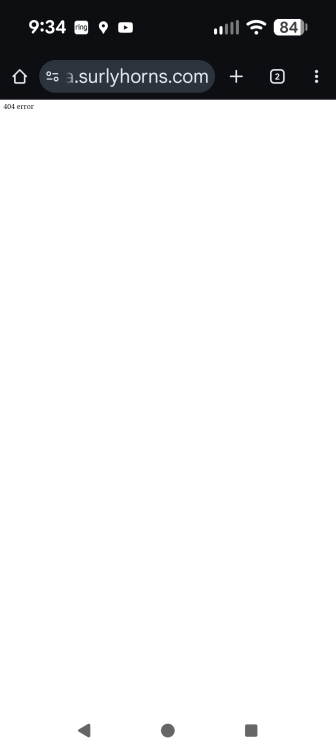 Ah, the underpants gnome career strategy
When I click on the image I get a 404 to this URL https://media.surlyhorns.com/monthly_2026_01/Screenshot_20260110-092110.png.110176564303247be87e468ea1ac76f3.png
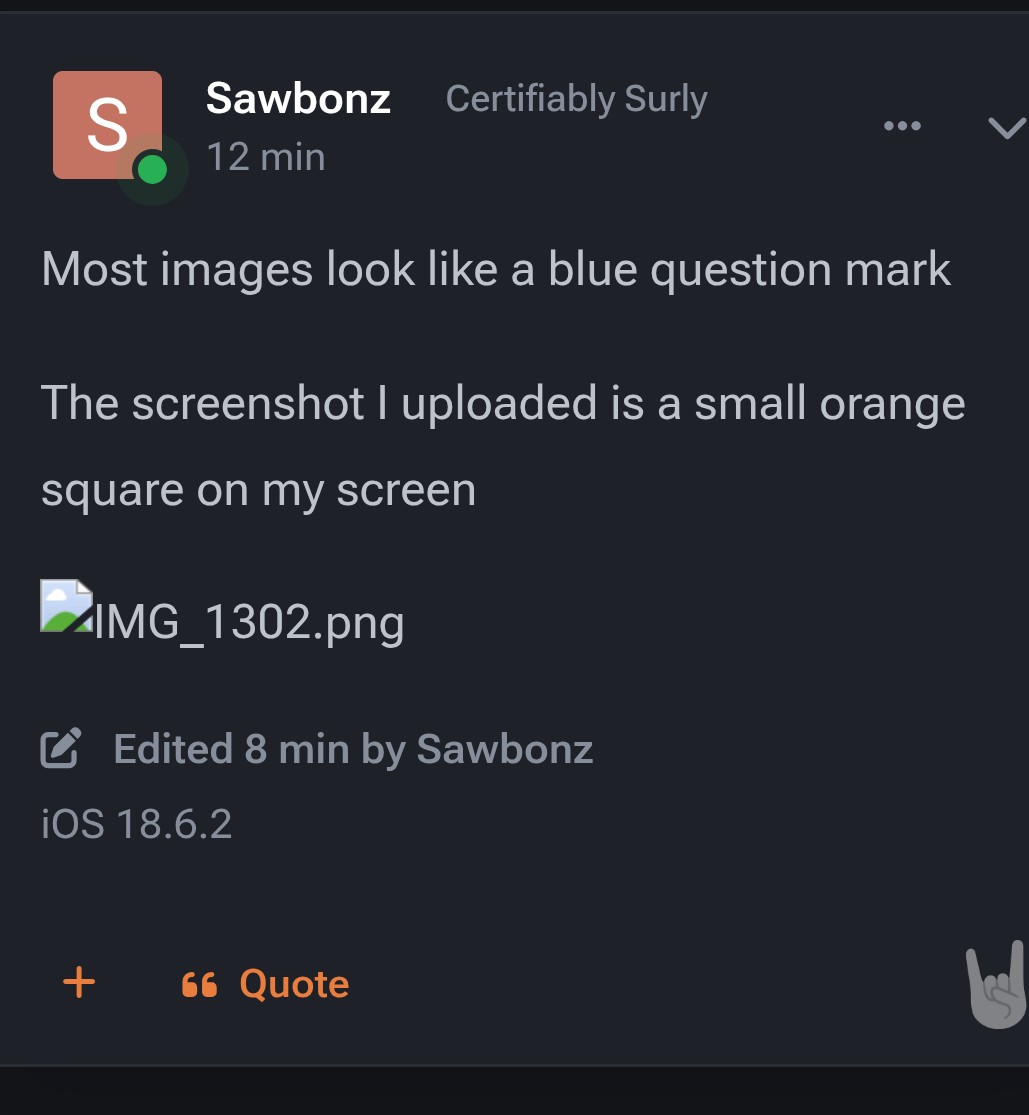
It's not all images and I can't tell what makes some load and some not load see what I'm seeing above for @Sawbonz post
Ah, the underpants gnome career strategy
When I click on the image I get a 404 to this URL https://media.surlyhorns.com/monthly_2026_01/Screenshot_20260110-092110.png.110176564303247be87e468ea1ac76f3.png
It's not all images and I can't tell what makes some load and some not load see what I'm seeing above for @Sawbonz post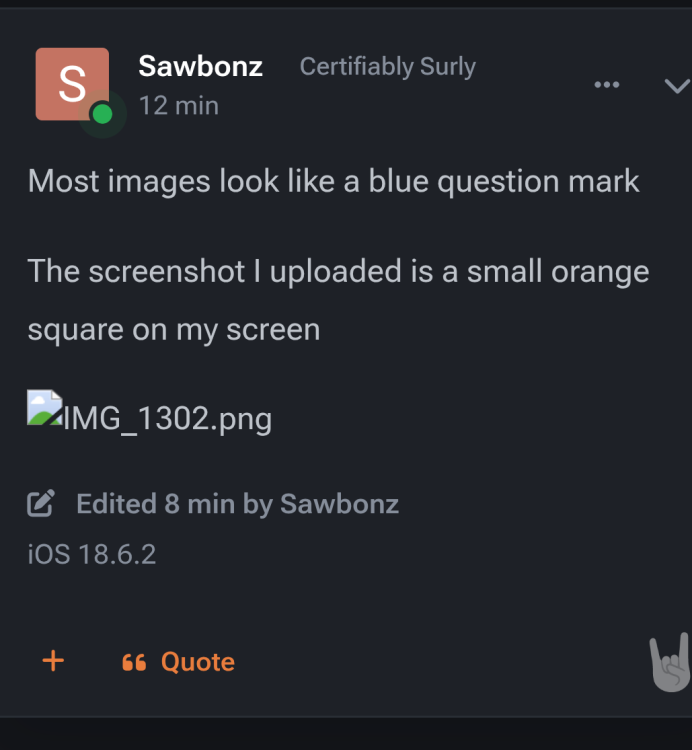 Images aren't loading so not sure if this was posted
Who was the guy that used to post shit like ^ all the time. I don't think he posts her anymore
Anyone pick up that Wyoming kid yet?
Sherrone is that you?Football ... Basketball ... Baseball ... Other Sports ... Futbol ... 🤫995🤫 ... Gambling ... Movies & TV ... Music ... Hobbies ... Lulz ... Food & Travel ... Daily Texan ... Business & Markets ... Cloak Room ... Help ... For Sale ... Board Discussion ... Advertise... Tailgate Donations
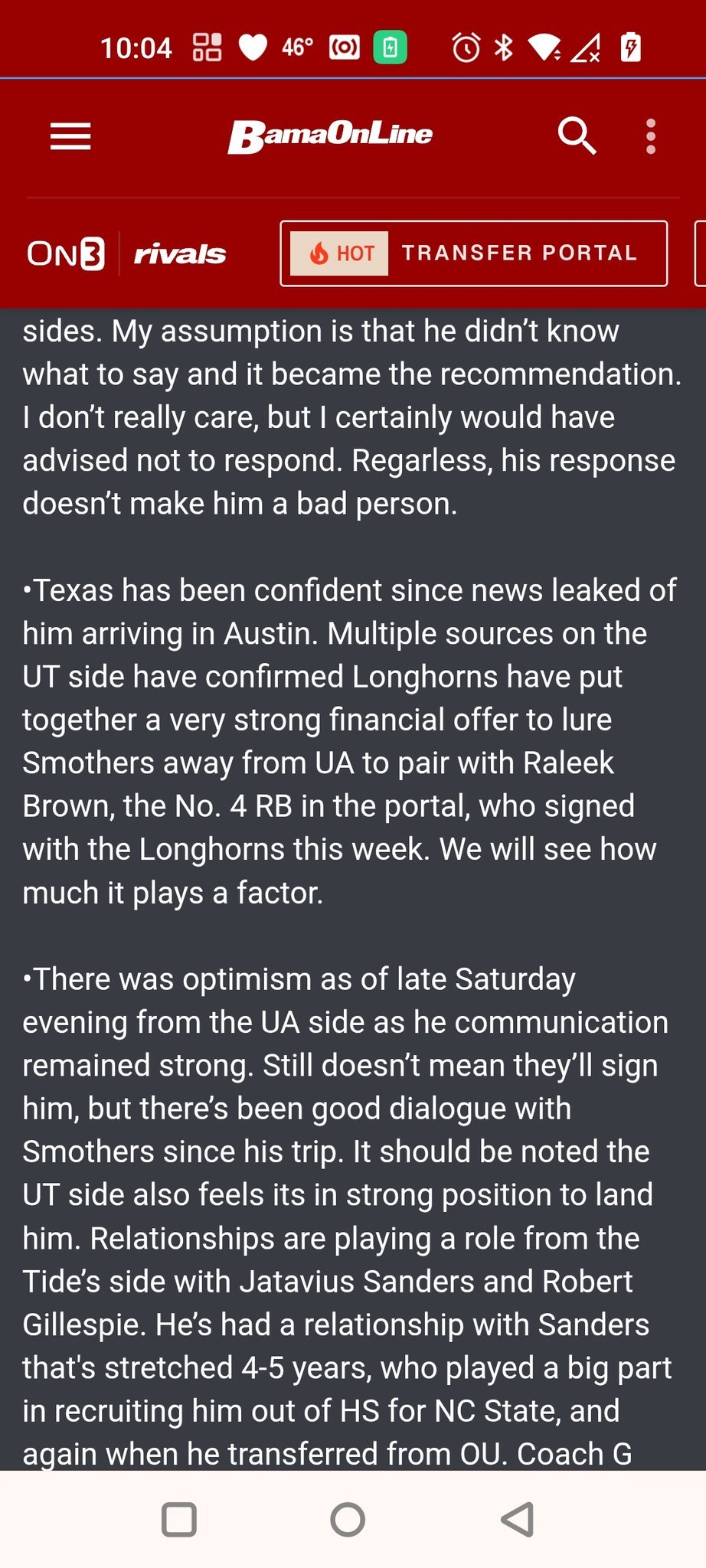
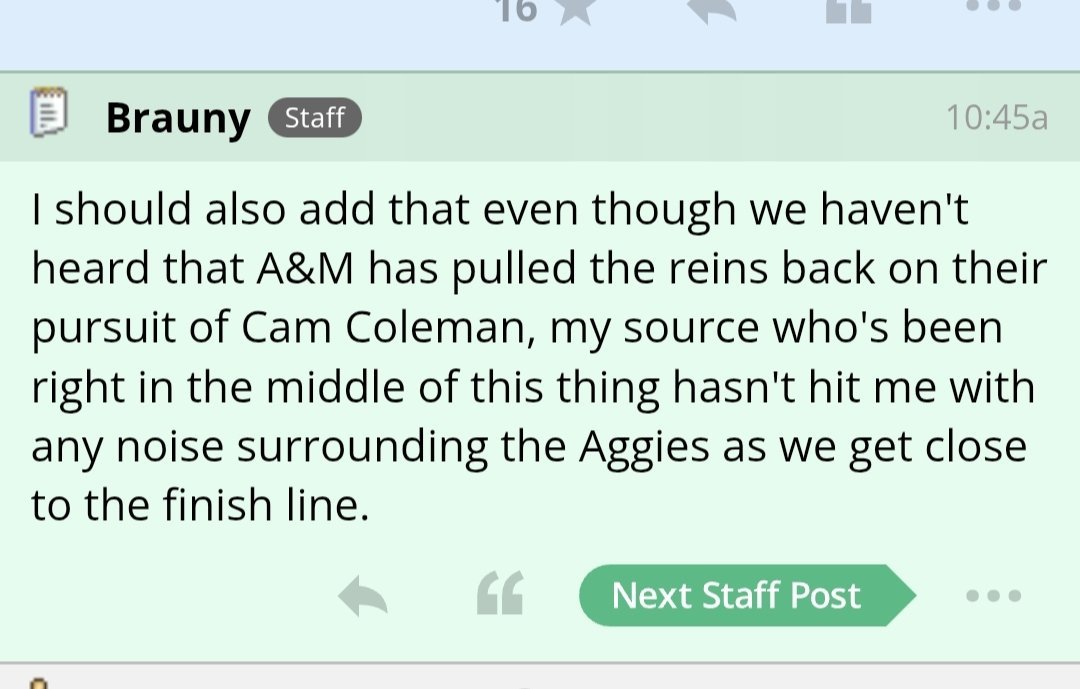
Images aren't loading so not sure if this was posted
Who was the guy that used to post shit like ^ all the time. I don't think he posts her anymore
Anyone pick up that Wyoming kid yet?
Sherrone is that you?Football ... Basketball ... Baseball ... Other Sports ... Futbol ... 🤫995🤫 ... Gambling ... Movies & TV ... Music ... Hobbies ... Lulz ... Food & Travel ... Daily Texan ... Business & Markets ... Cloak Room ... Help ... For Sale ... Board Discussion ... Advertise... Tailgate Donations


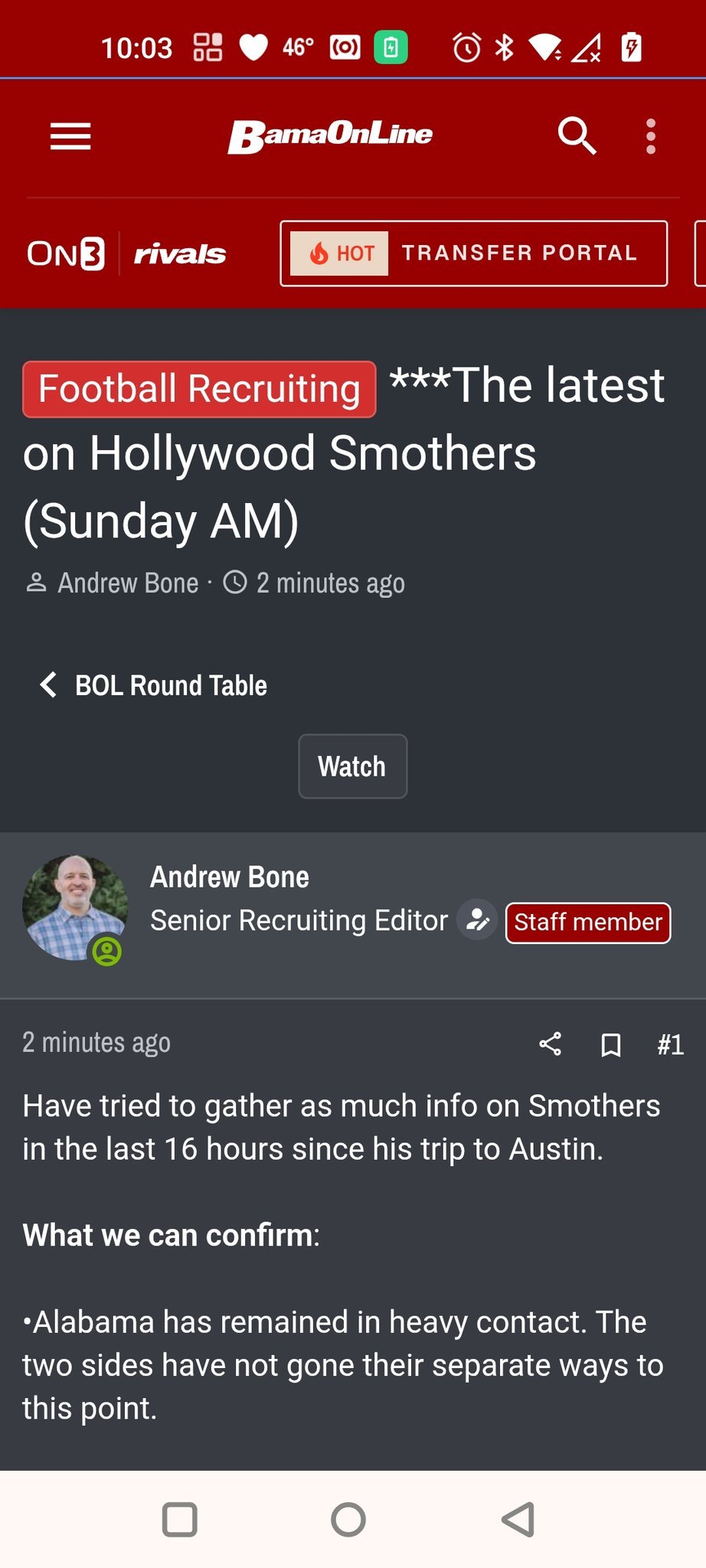
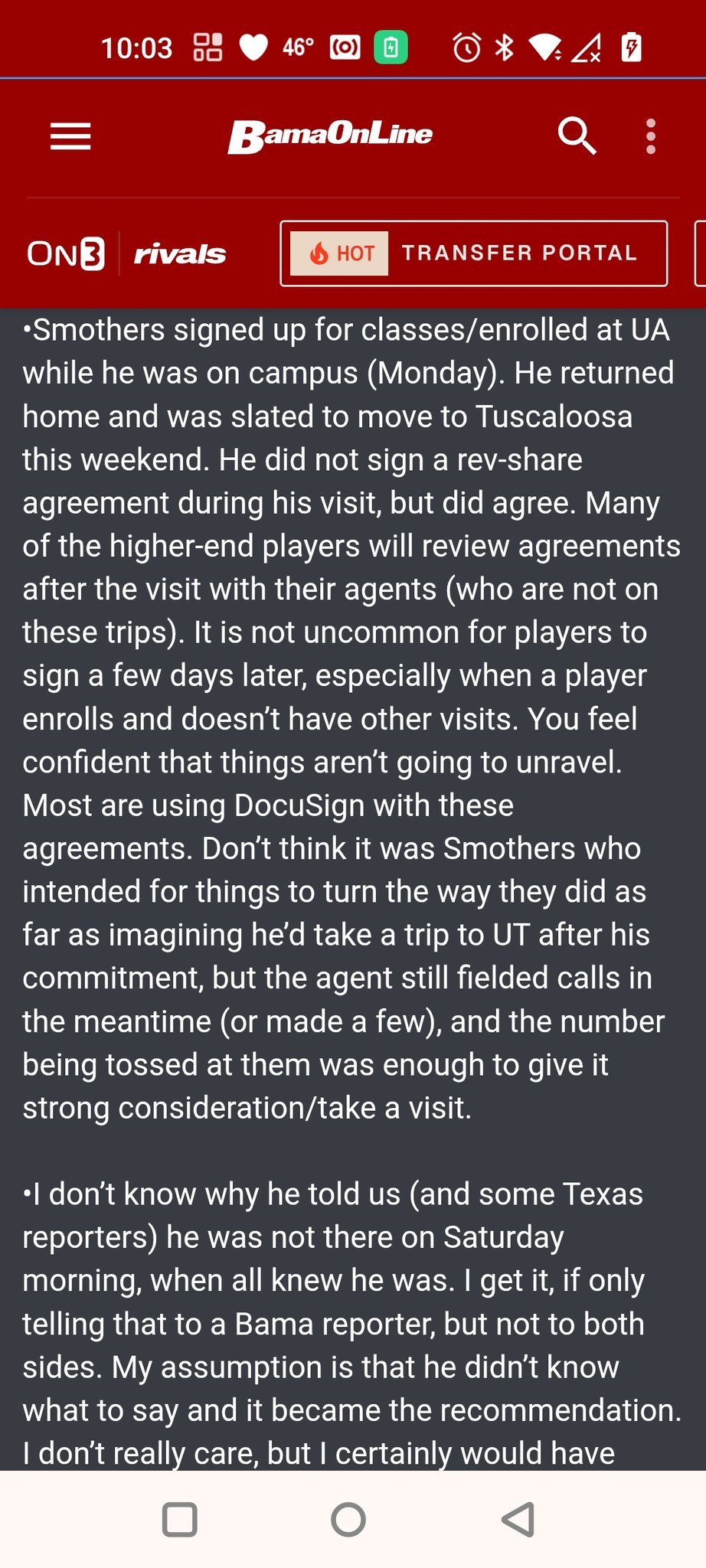



Account
Search
Configure browser push notifications
Chrome (Android)
- Tap the lock icon next to the address bar.
- Tap Permissions → Notifications.
- Adjust your preference.
Chrome (Desktop)
- Click the padlock icon in the address bar.
- Select Site settings.
- Find Notifications and adjust your preference.
Safari (iOS 16.4+)
- Ensure the site is installed via Add to Home Screen.
- Open Settings App → Notifications.
- Find your app name and adjust your preference.
Safari (macOS)
- Go to Safari → Preferences.
- Click the Websites tab.
- Select Notifications in the sidebar.
- Find this website and adjust your preference.
Edge (Android)
- Tap the lock icon next to the address bar.
- Tap Permissions.
- Find Notifications and adjust your preference.
Edge (Desktop)
- Click the padlock icon in the address bar.
- Click Permissions for this site.
- Find Notifications and adjust your preference.
Firefox (Android)
- Go to Settings → Site permissions.
- Tap Notifications.
- Find this site in the list and adjust your preference.
Firefox (Desktop)
- Open Firefox Settings.
- Search for Notifications.
- Find this site in the list and adjust your preference.