
JesusSweatDuck
Certifiably Surly
-
Joined
-
Last visited
Everything posted by JesusSweatDuck
-
 Last check wasn't going to show up until Sunday. Needed that payday
Emergency Looch
Last check wasn't going to show up until Sunday. Needed that payday
Emergency Looch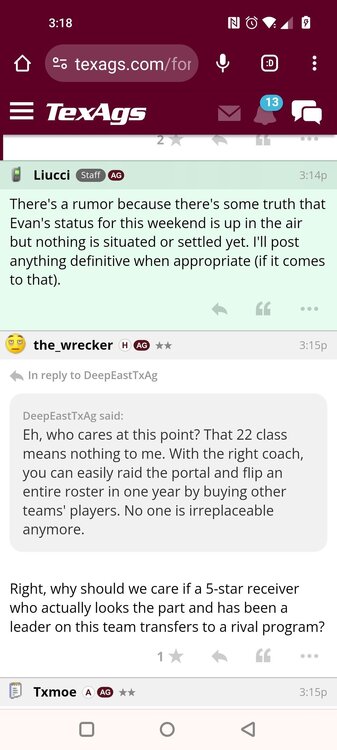
 Honestly, every time I see Matt Campbell I think he's a giant asshole too. He's always screaming at players after a mistake.
We actually scored a touchdown on the next play, but this spot was so horribly bad. Was happening all night
JWitt with several big plays tonight. Love that for him
EABOD Matt Campbell
So no change then?
Think we'll find out how much his buyout actually is/was if they hire him? I assume since they're a public institution they'll have to publish that data.
The learning curve can be quiet a muenster
God damnit, you're not helping
Can you motherfuckers stop talking about the aggy coach on this thread.
Football ... Basketball ... Baseball ... Other Sports ... Futbol ... 🤫995🤫 ... Gambling ... Movies & TV ... Music ... Hobbies ... Lulz ... Food & Travel ... Daily Texan ... Business & Markets ... Cloak Room ... Help ... For Sale ... Board Discussion ... Advertise... Tailgate Donations
Honestly, every time I see Matt Campbell I think he's a giant asshole too. He's always screaming at players after a mistake.
We actually scored a touchdown on the next play, but this spot was so horribly bad. Was happening all night
JWitt with several big plays tonight. Love that for him
EABOD Matt Campbell
So no change then?
Think we'll find out how much his buyout actually is/was if they hire him? I assume since they're a public institution they'll have to publish that data.
The learning curve can be quiet a muenster
God damnit, you're not helping
Can you motherfuckers stop talking about the aggy coach on this thread.
Football ... Basketball ... Baseball ... Other Sports ... Futbol ... 🤫995🤫 ... Gambling ... Movies & TV ... Music ... Hobbies ... Lulz ... Food & Travel ... Daily Texan ... Business & Markets ... Cloak Room ... Help ... For Sale ... Board Discussion ... Advertise... Tailgate DonationsAccount
Search
Configure browser push notifications
Chrome (Android)
- Tap the lock icon next to the address bar.
- Tap Permissions → Notifications.
- Adjust your preference.
Chrome (Desktop)
- Click the padlock icon in the address bar.
- Select Site settings.
- Find Notifications and adjust your preference.
Safari (iOS 16.4+)
- Ensure the site is installed via Add to Home Screen.
- Open Settings App → Notifications.
- Find your app name and adjust your preference.
Safari (macOS)
- Go to Safari → Preferences.
- Click the Websites tab.
- Select Notifications in the sidebar.
- Find this website and adjust your preference.
Edge (Android)
- Tap the lock icon next to the address bar.
- Tap Permissions.
- Find Notifications and adjust your preference.
Edge (Desktop)
- Click the padlock icon in the address bar.
- Click Permissions for this site.
- Find Notifications and adjust your preference.
Firefox (Android)
- Go to Settings → Site permissions.
- Tap Notifications.
- Find this site in the list and adjust your preference.
Firefox (Desktop)
- Open Firefox Settings.
- Search for Notifications.
- Find this site in the list and adjust your preference.