CowtownHorn
Burnt Ends
-
Joined
Everything posted by CowtownHorn
-
 Sounds like a bitch that’s been spurned.
 -
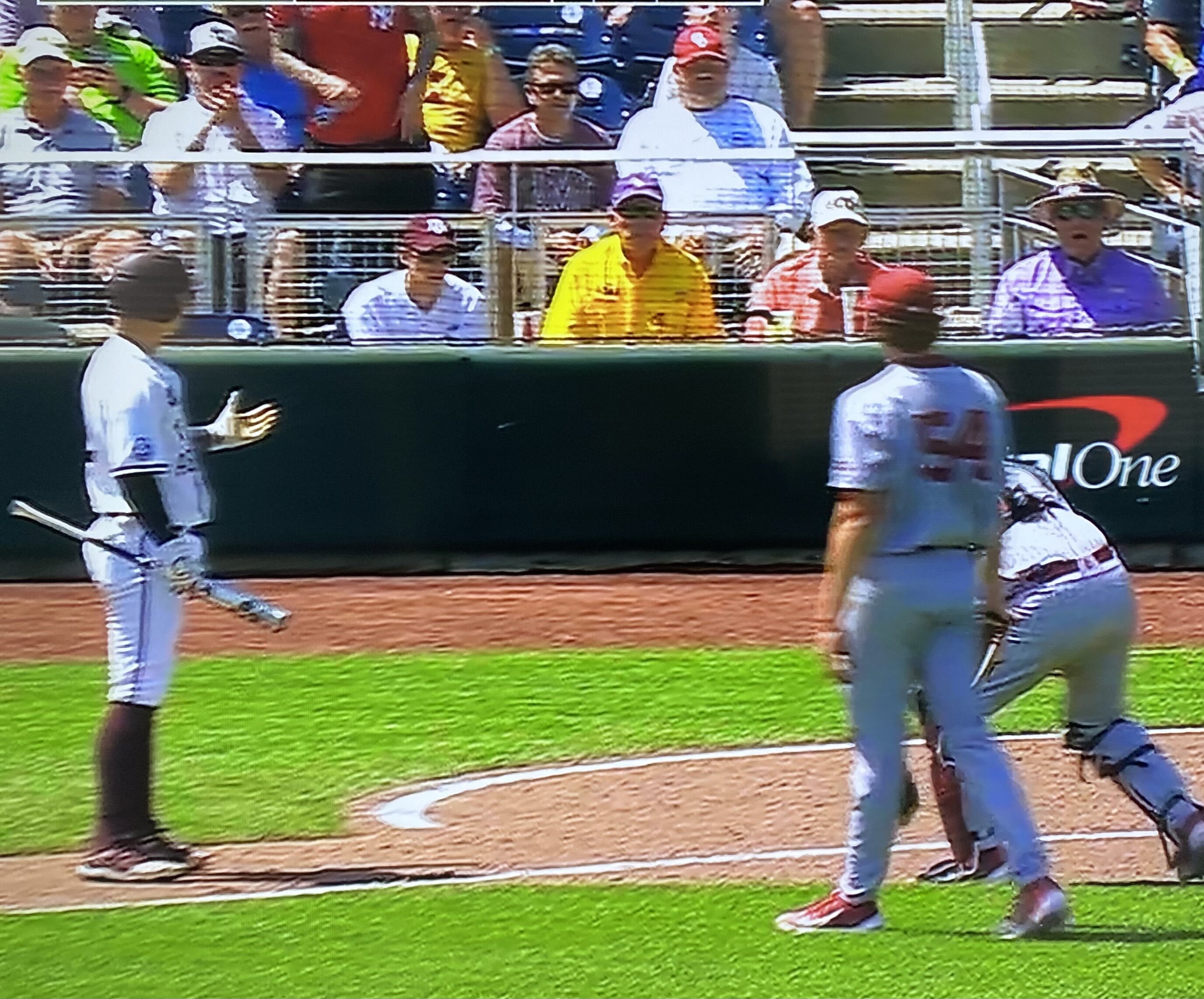
Schlossnagle 6 CWS visits, no titles.
Fuck around and find out.
 Damn, this might be one of those 27-25 type games.
They cold stole that sumbitch.
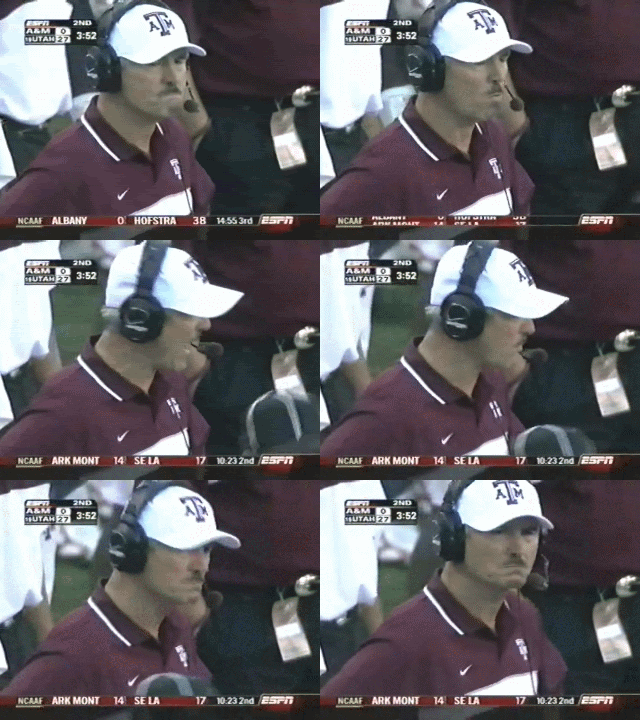
DICK Tomey would be a good one if he were still alive.
He also had a 12th man shirt on and was wearing maroon topsiders.
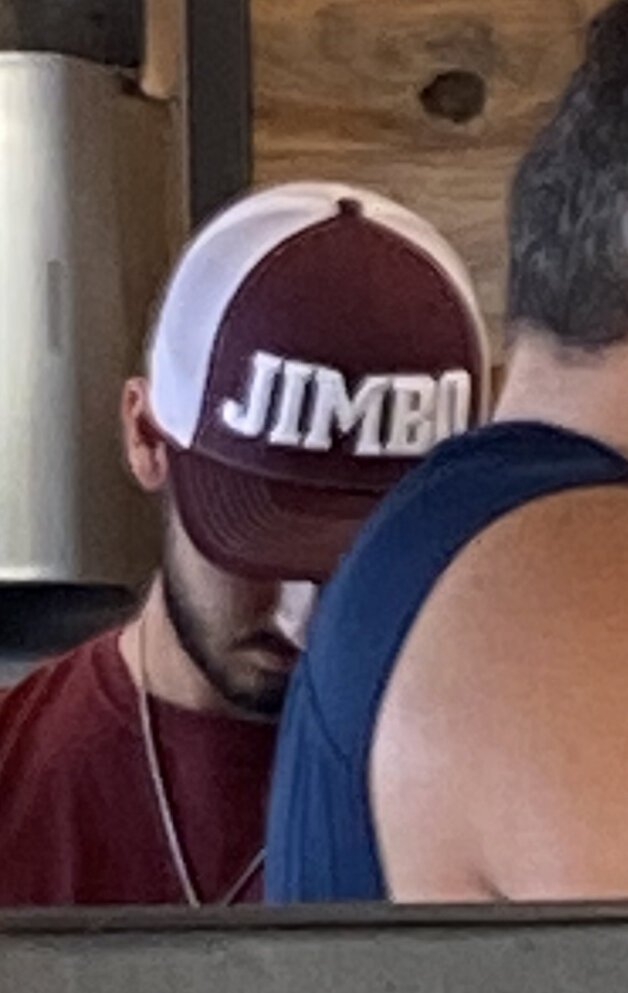
Mine said TOM
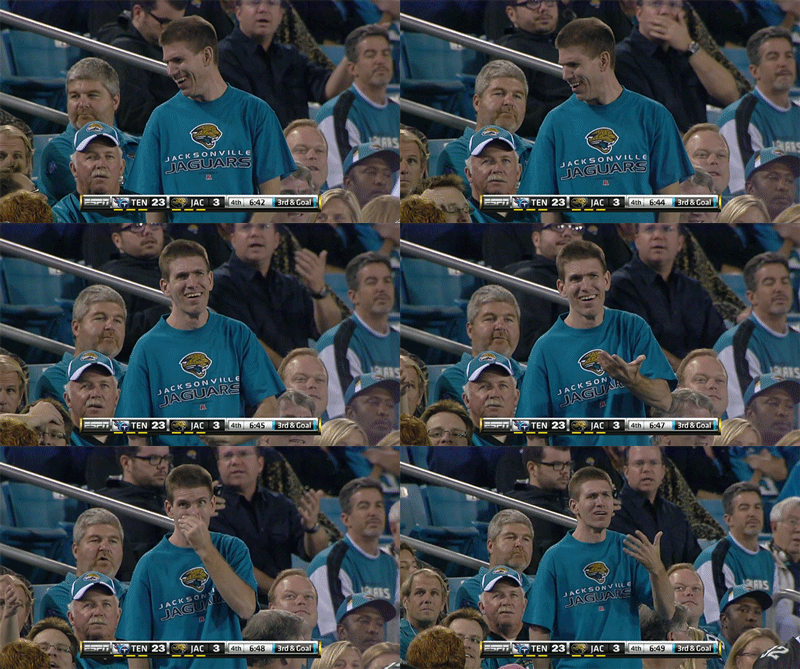
Can’t go anywhere without one of these fucks showing up. I just looked at my wife and we started laughing.
Damn, this might be one of those 27-25 type games.
They cold stole that sumbitch.
DICK Tomey would be a good one if he were still alive.
He also had a 12th man shirt on and was wearing maroon topsiders.
Mine said TOM
Can’t go anywhere without one of these fucks showing up. I just looked at my wife and we started laughing.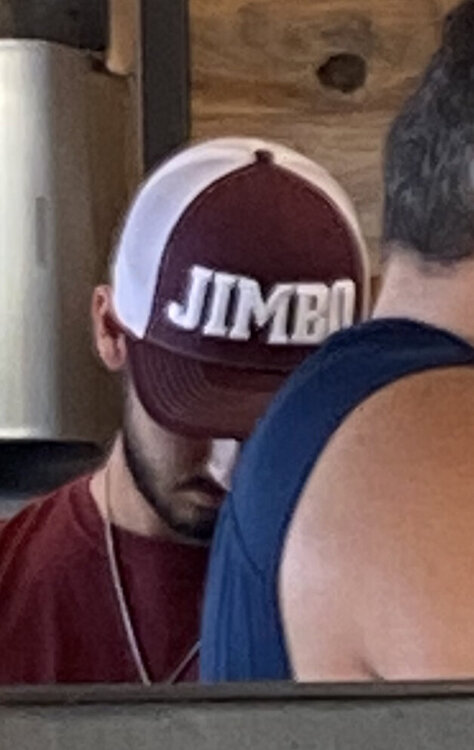 This right here. Only aggy could make me pull for OU. I can’t stand those mofos but at least they have some athletic skins on the wall. I always have my rankings of hate updated though just for this exact scenario. These rankings are subject to change, but the Top 3 are almost always the same. 1) aggy 2) OU 3) Arkansas 4) Texas Tech 5) Baylor
Way to go Texas!
This right here. Only aggy could make me pull for OU. I can’t stand those mofos but at least they have some athletic skins on the wall. I always have my rankings of hate updated though just for this exact scenario. These rankings are subject to change, but the Top 3 are almost always the same. 1) aggy 2) OU 3) Arkansas 4) Texas Tech 5) Baylor
Way to go Texas! Football ... Basketball ... Baseball ... Other Sports ... Futbol ... 🤫995🤫 ... Gambling ... Movies & TV ... Music ... Hobbies ... Lulz ... Food & Travel ... Daily Texan ... Business & Markets ... Cloak Room ... Help ... For Sale ... Board Discussion ... Advertise... Tailgate Donations
Account
Search
Configure browser push notifications
Chrome (Android)
- Tap the lock icon next to the address bar.
- Tap Permissions → Notifications.
- Adjust your preference.
Chrome (Desktop)
- Click the padlock icon in the address bar.
- Select Site settings.
- Find Notifications and adjust your preference.
Safari (iOS 16.4+)
- Ensure the site is installed via Add to Home Screen.
- Open Settings App → Notifications.
- Find your app name and adjust your preference.
Safari (macOS)
- Go to Safari → Preferences.
- Click the Websites tab.
- Select Notifications in the sidebar.
- Find this website and adjust your preference.
Edge (Android)
- Tap the lock icon next to the address bar.
- Tap Permissions.
- Find Notifications and adjust your preference.
Edge (Desktop)
- Click the padlock icon in the address bar.
- Click Permissions for this site.
- Find Notifications and adjust your preference.
Firefox (Android)
- Go to Settings → Site permissions.
- Tap Notifications.
- Find this site in the list and adjust your preference.
Firefox (Desktop)
- Open Firefox Settings.
- Search for Notifications.
- Find this site in the list and adjust your preference.