CowtownHorn
Burnt Ends
-
Joined
Everything posted by CowtownHorn
-
 Nice to see Dak running again.
 -
Damn they just gave them that one.
-
Zuerlein gonna Zuerlein.
I had a much cooler shirt. Was stationed at Tinker AFB at the time. Loved wearing my James Brown “I Feel Good” shirt around OKC.
 Oh well. At least the twelf man has been exposed to be total fantasyland bullshit to the entire nation. They need to go ahead and retire that.
Merry MrPhlegmas!
Oh well. At least the twelf man has been exposed to be total fantasyland bullshit to the entire nation. They need to go ahead and retire that.
Merry MrPhlegmas!
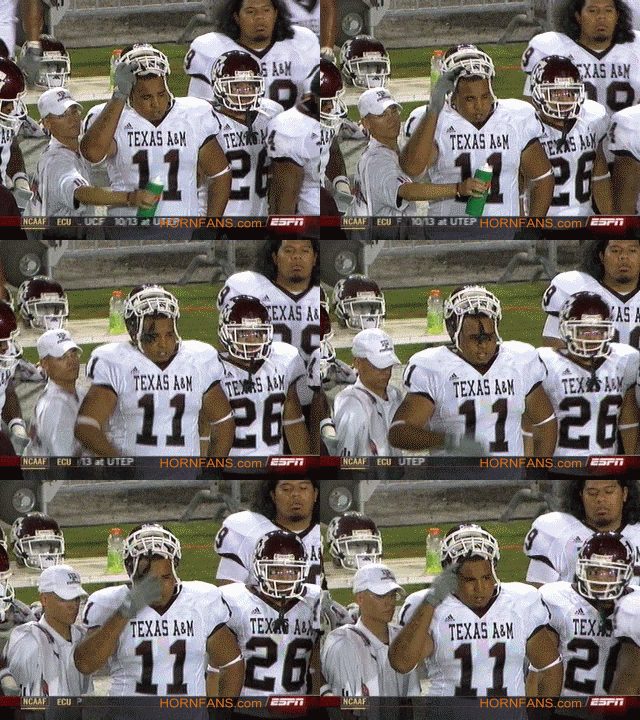

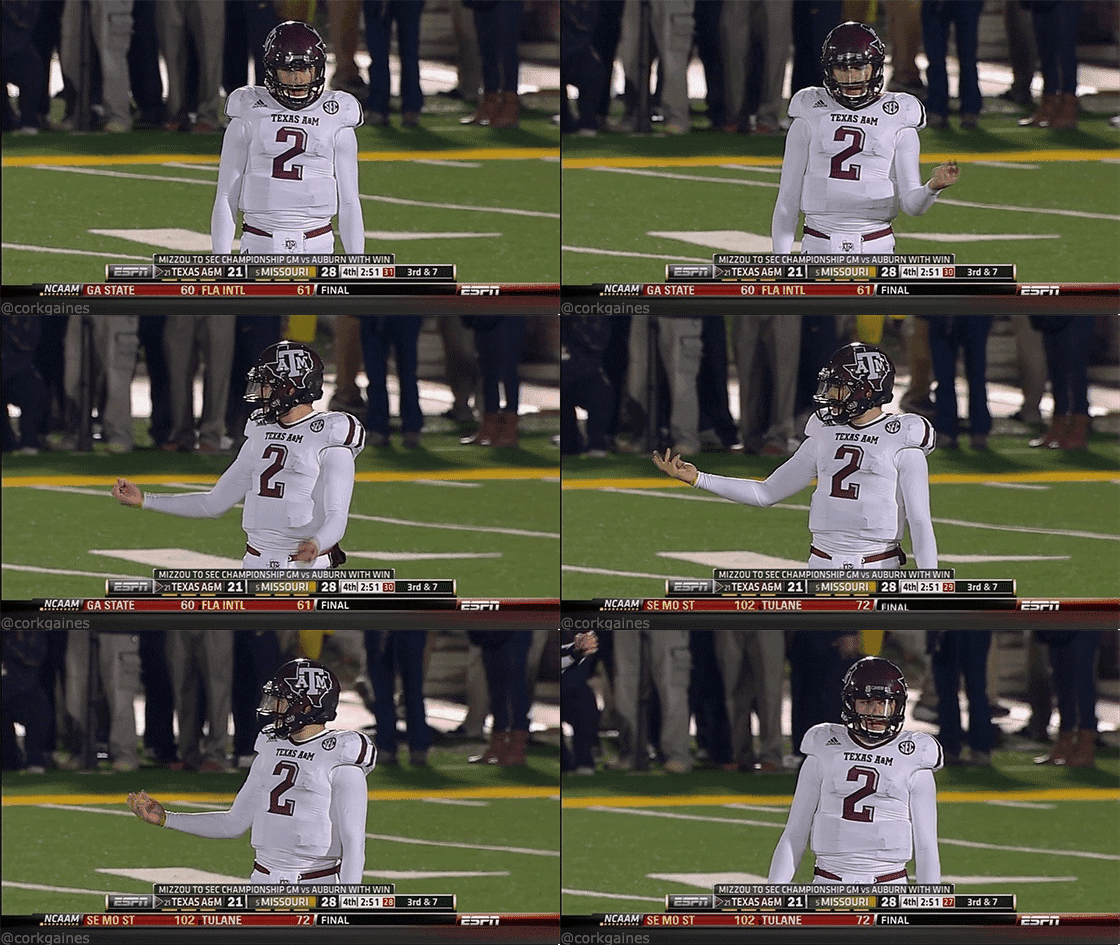
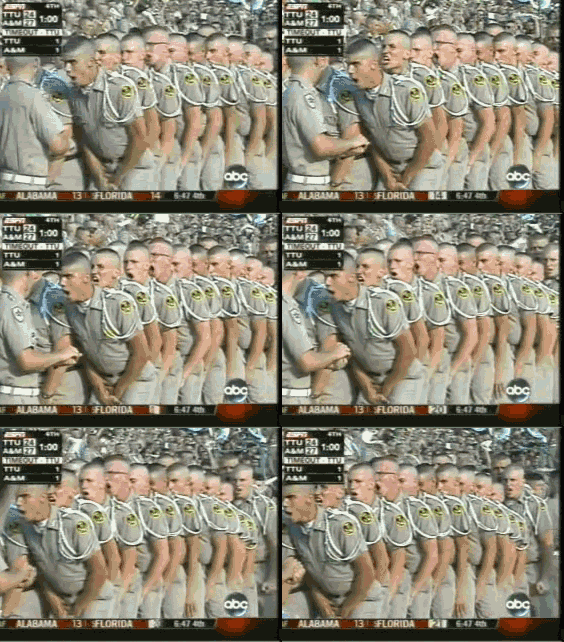

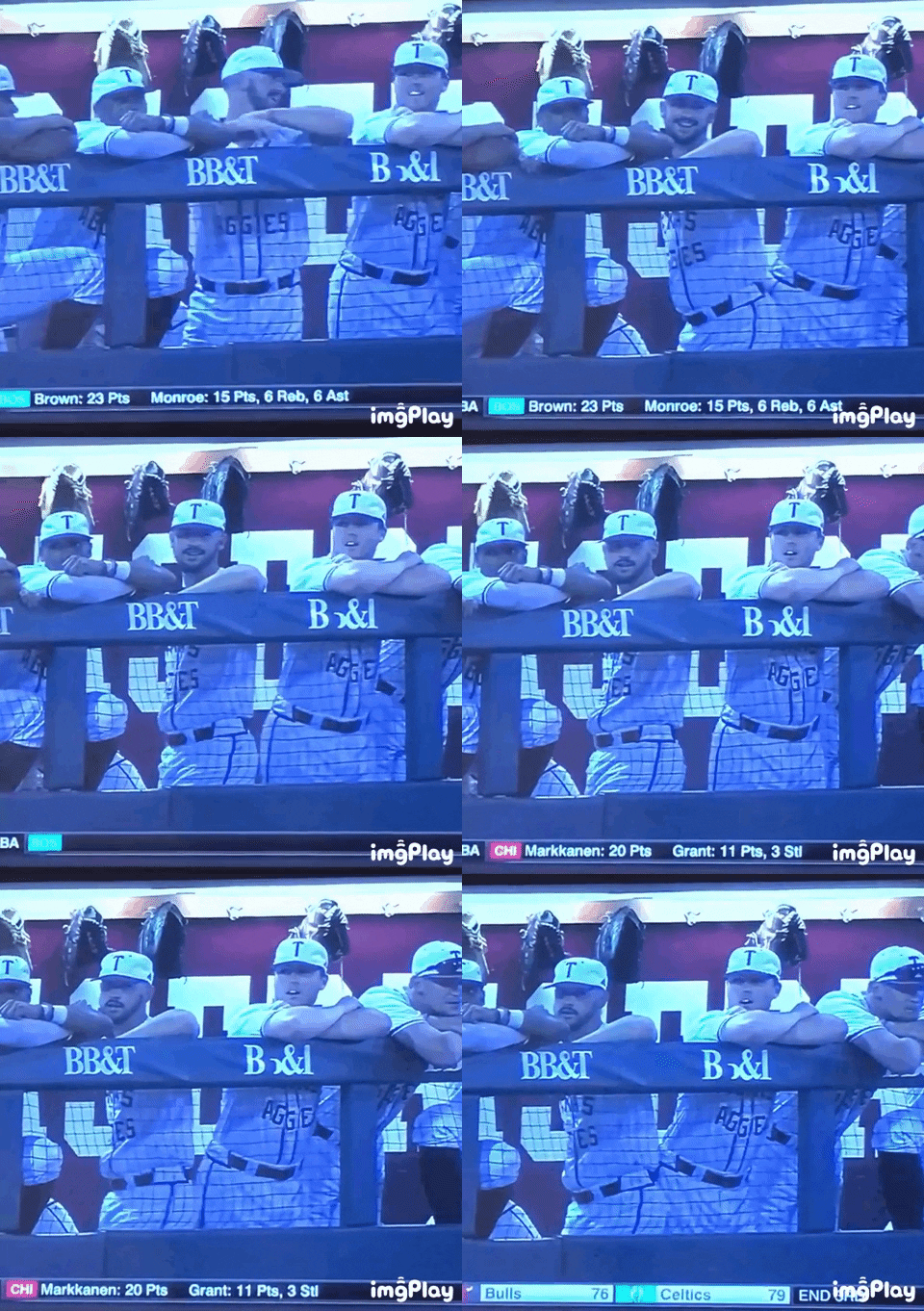 Better luck next time…
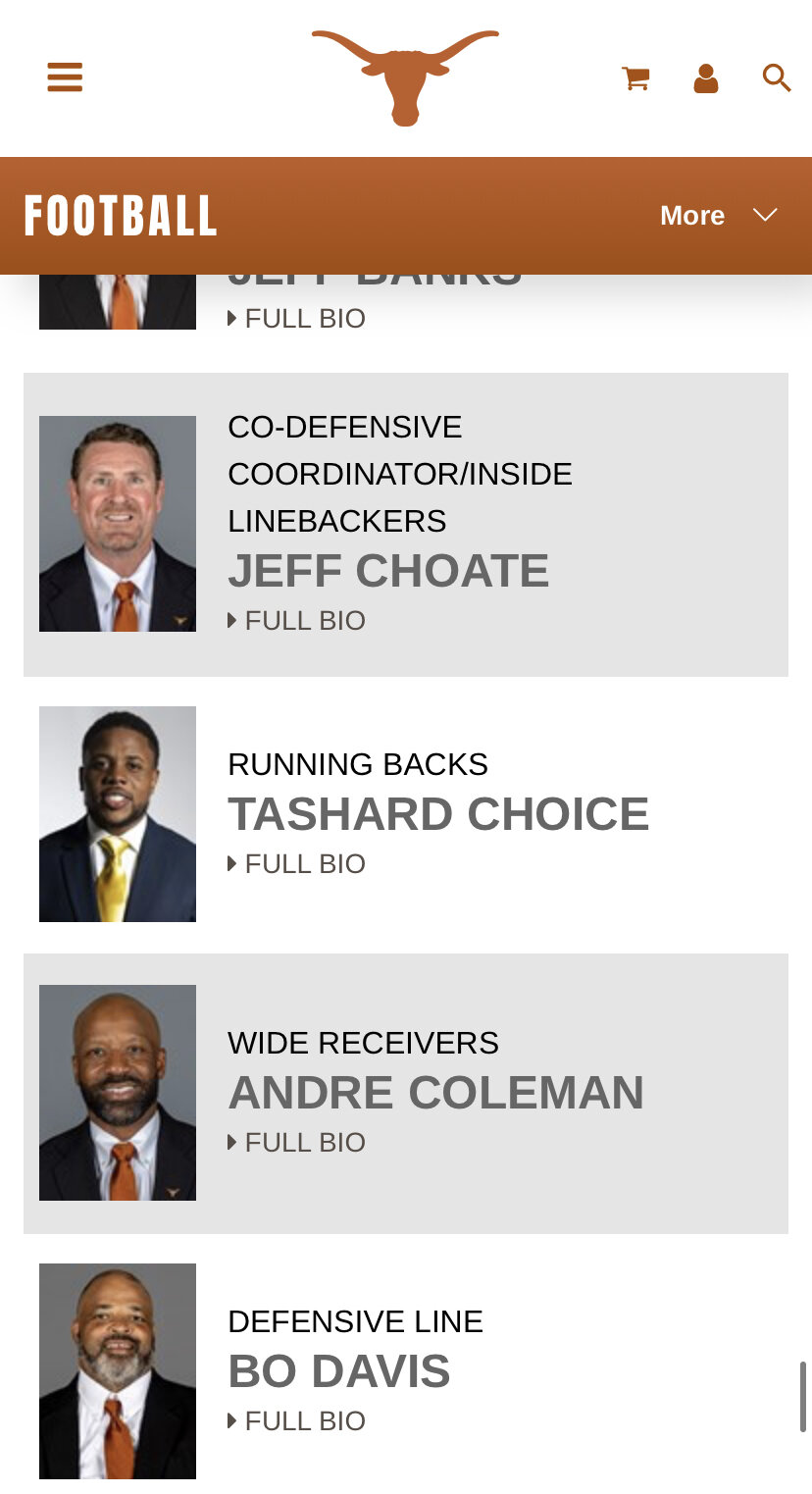
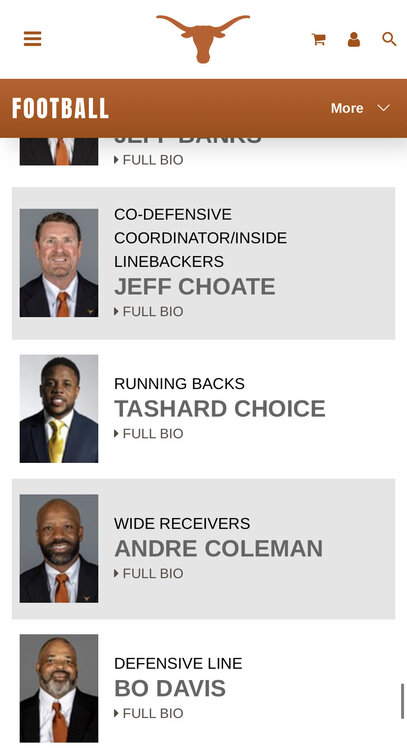
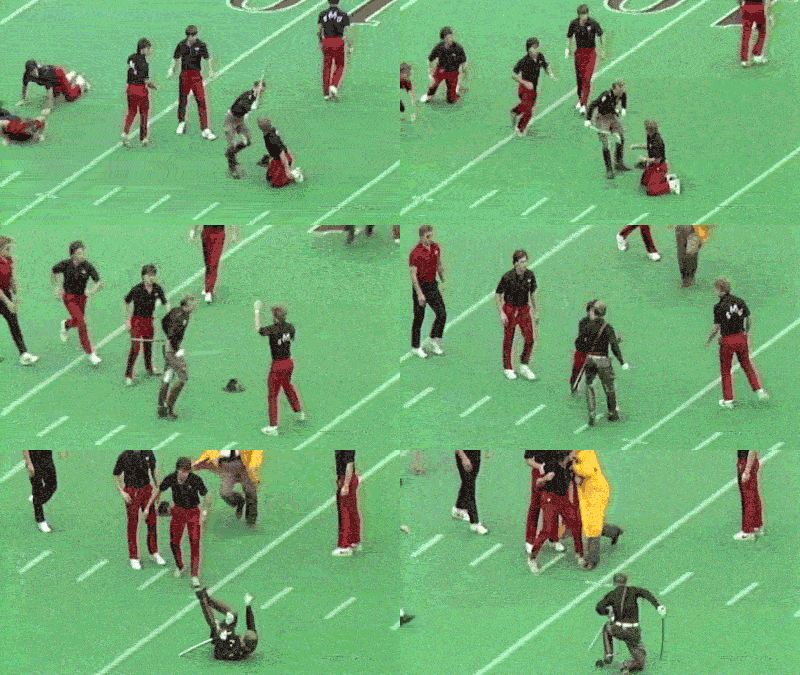 Still on the website. Also, Choice’s tie is the wrong shade of burnt orange.
 Football ... Basketball ... Baseball ... Other Sports ... Futbol ... 🤫995🤫 ... Gambling ... Movies & TV ... Music ... Hobbies ... Lulz ... Food & Travel ... Daily Texan ... Business & Markets ... Cloak Room ... Help ... For Sale ... Board Discussion ... Advertise... Tailgate Donations
Account
Search
Configure browser push notifications
Chrome (Android)
- Tap the lock icon next to the address bar.
- Tap Permissions → Notifications.
- Adjust your preference.
Chrome (Desktop)
- Click the padlock icon in the address bar.
- Select Site settings.
- Find Notifications and adjust your preference.
Safari (iOS 16.4+)
- Ensure the site is installed via Add to Home Screen.
- Open Settings App → Notifications.
- Find your app name and adjust your preference.
Safari (macOS)
- Go to Safari → Preferences.
- Click the Websites tab.
- Select Notifications in the sidebar.
- Find this website and adjust your preference.
Edge (Android)
- Tap the lock icon next to the address bar.
- Tap Permissions.
- Find Notifications and adjust your preference.
Edge (Desktop)
- Click the padlock icon in the address bar.
- Click Permissions for this site.
- Find Notifications and adjust your preference.
Firefox (Android)
- Go to Settings → Site permissions.
- Tap Notifications.
- Find this site in the list and adjust your preference.
Firefox (Desktop)
- Open Firefox Settings.
- Search for Notifications.
- Find this site in the list and adjust your preference.