CowtownHorn
Burnt Ends
-
Joined
Everything posted by CowtownHorn
-
 Soon.
Soon. Saved for future reference.
 FIGHT!!!!!!!
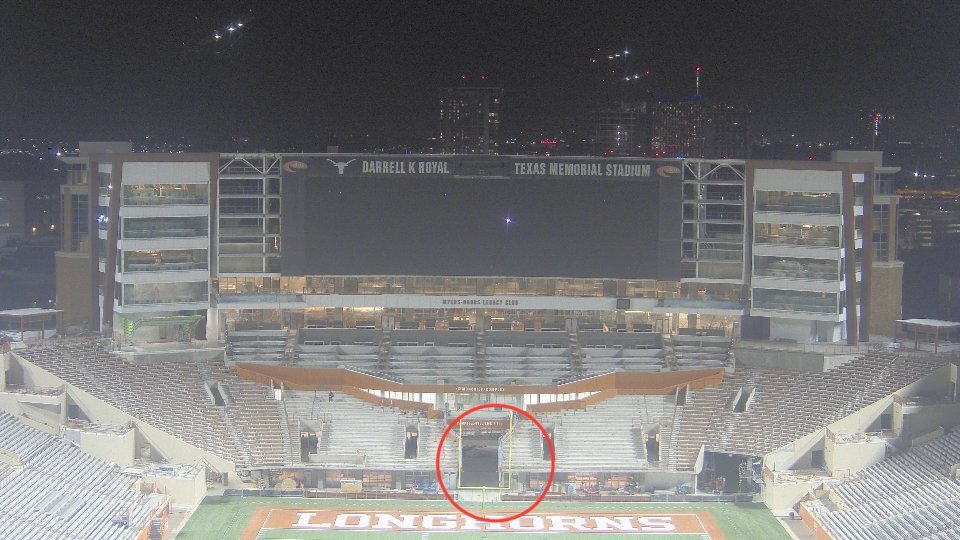
 Yes! They finally closed off the nose. Looks much better.
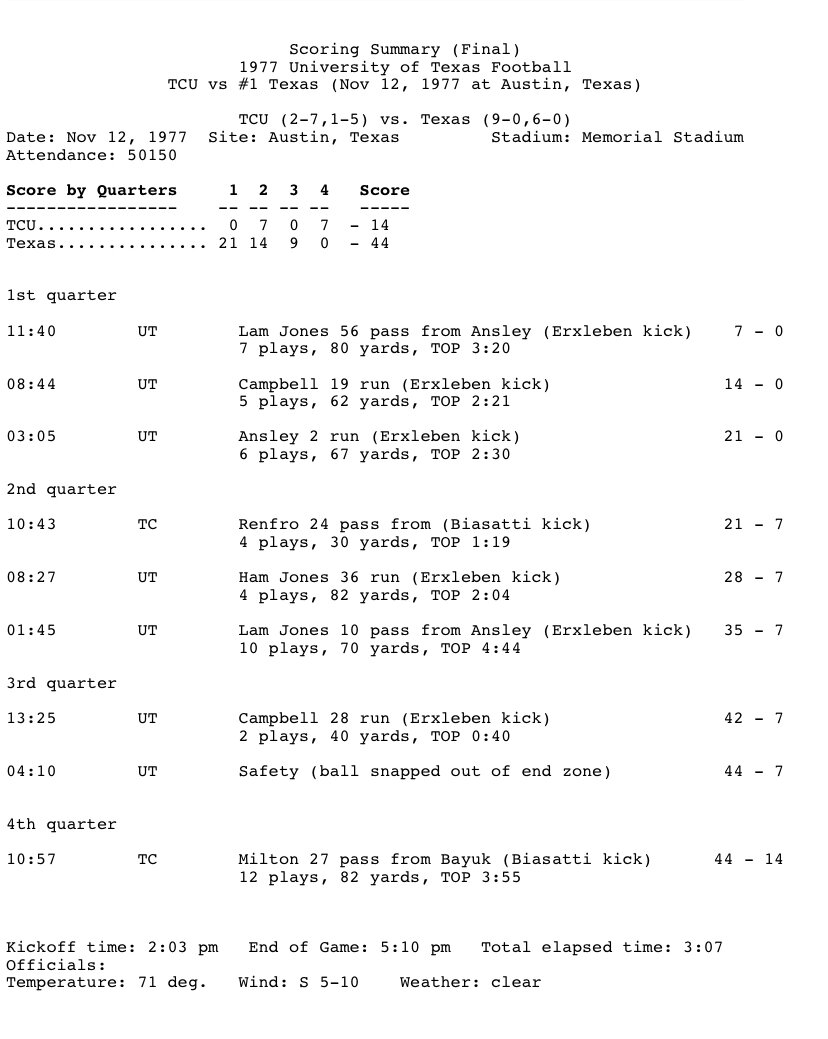
I was 5 years old. Just me and my Dad (Texas Ex). Watched Earl Campbell run up, down, and over the Frogs. I’ll never forget the sights and sounds of Memorial Stadium that day.
Yes! They finally closed off the nose. Looks much better.
I was 5 years old. Just me and my Dad (Texas Ex). Watched Earl Campbell run up, down, and over the Frogs. I’ll never forget the sights and sounds of Memorial Stadium that day. That was greatness!Football ... Basketball ... Baseball ... Other Sports ... Futbol ... 🤫995🤫 ... Gambling ... Movies & TV ... Music ... Hobbies ... Lulz ... Food & Travel ... Daily Texan ... Business & Markets ... Cloak Room ... Help ... For Sale ... Board Discussion ... Advertise... Tailgate Donations
Account
Search
Configure browser push notifications
Chrome (Android)
- Tap the lock icon next to the address bar.
- Tap Permissions → Notifications.
- Adjust your preference.
Chrome (Desktop)
- Click the padlock icon in the address bar.
- Select Site settings.
- Find Notifications and adjust your preference.
Safari (iOS 16.4+)
- Ensure the site is installed via Add to Home Screen.
- Open Settings App → Notifications.
- Find your app name and adjust your preference.
Safari (macOS)
- Go to Safari → Preferences.
- Click the Websites tab.
- Select Notifications in the sidebar.
- Find this website and adjust your preference.
Edge (Android)
- Tap the lock icon next to the address bar.
- Tap Permissions.
- Find Notifications and adjust your preference.
Edge (Desktop)
- Click the padlock icon in the address bar.
- Click Permissions for this site.
- Find Notifications and adjust your preference.
Firefox (Android)
- Go to Settings → Site permissions.
- Tap Notifications.
- Find this site in the list and adjust your preference.
Firefox (Desktop)
- Open Firefox Settings.
- Search for Notifications.
- Find this site in the list and adjust your preference.