
Jump to content
View in the app

A better way to browse. Learn more.

Surly Horns

A full-screen app on your home screen with push notifications, badges and more.

To install this app on iOS and iPadOS
  1. Tap the Share icon in Safari
  2. Scroll the menu and tap Add to Home Screen.
  3. Tap Add in the top-right corner.
To install this app on Android
  1. Tap the 3-dot menu (⋮) in the top-right corner of the browser.
  2. Tap Add to Home screen or Install app.
  3. Confirm by tapping Install.
Football ... Basketball ... Baseball ... Other Sports ... Futbol ... 🤫995🤫 ... Gambling ... Movies & TV ... Music ... Hobbies ... Lulz ... Food & Travel ... Daily Texan ... Business & Markets ... Cloak Room ... Help ... For Sale ... Board Discussion ... Advertise... Tailgate Donations

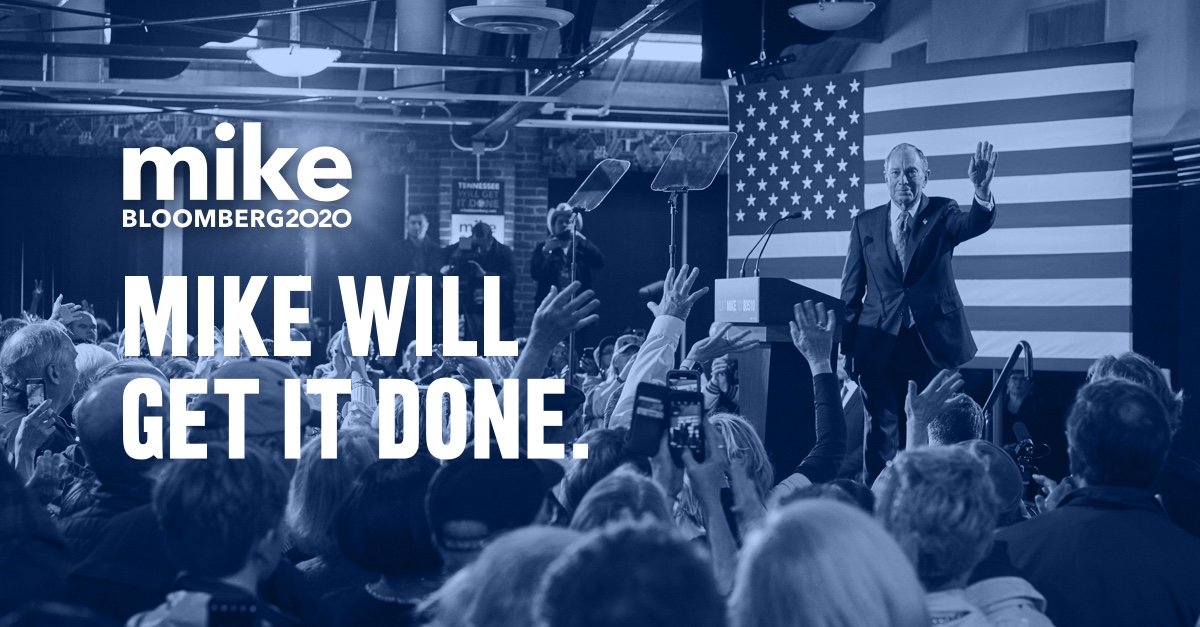
MikeBloomberg2020

New Members
  • Joined

  • Last visited

  1. For the record, Mike was *not* mayor when all this happened. He wanted me to make that perfectly clear. -CZ
  2. Carrie from the Bloomberg Campaign here! Thanks to all the first responders and others who died at the World Trade Center. We thank you for your sacrifice. It is on this day this year that we remember what you all stood for, and for the freedoms that make America the envy of the world. New York is a better place because of you!
  3. Hi everybody! Angie here from the Bloomberg campaign! Mike wanted me to let you know that he understands the dangers people like Alex pose to our nation. That’s why he’s working with our country’s top minds to develop a plan to deal with America’s gingers once and for all. Onward! Angie
  4. Hi everybody! I'm Angie, from the Bloomberg campaign! Mike wanted me to let you know that all of this could have been avoided with a stop and frisk policy. Onward! Angie
  5. Hi everybody! Im Angie, and on behalf of Mike I just want to say thank you, and we're working on it. Thanks for having me on Your Forum! Mike needs you to know that he hears you, and America hears you! Always, Angie

Football ... Basketball ... Baseball ... Other Sports ... Futbol ... 🤫995🤫 ... Gambling ... Movies & TV ... Music ... Hobbies ... Lulz ... Food & Travel ... Daily Texan ... Business & Markets ... Cloak Room ... Help ... For Sale ... Board Discussion ... Advertise... Tailgate Donations

Configure browser push notifications

Chrome (Android)
  1. Tap the lock icon next to the address bar.
  2. Tap Permissions → Notifications.
  3. Adjust your preference.
Chrome (Desktop)
  1. Click the padlock icon in the address bar.
  2. Select Site settings.
  3. Find Notifications and adjust your preference.