


CoachTex
Legacy Members
-
Joined
-
Last visited
Everything posted by CoachTex
-
 Real bit and hell yes those are Pik Nik potato sticks.
 -
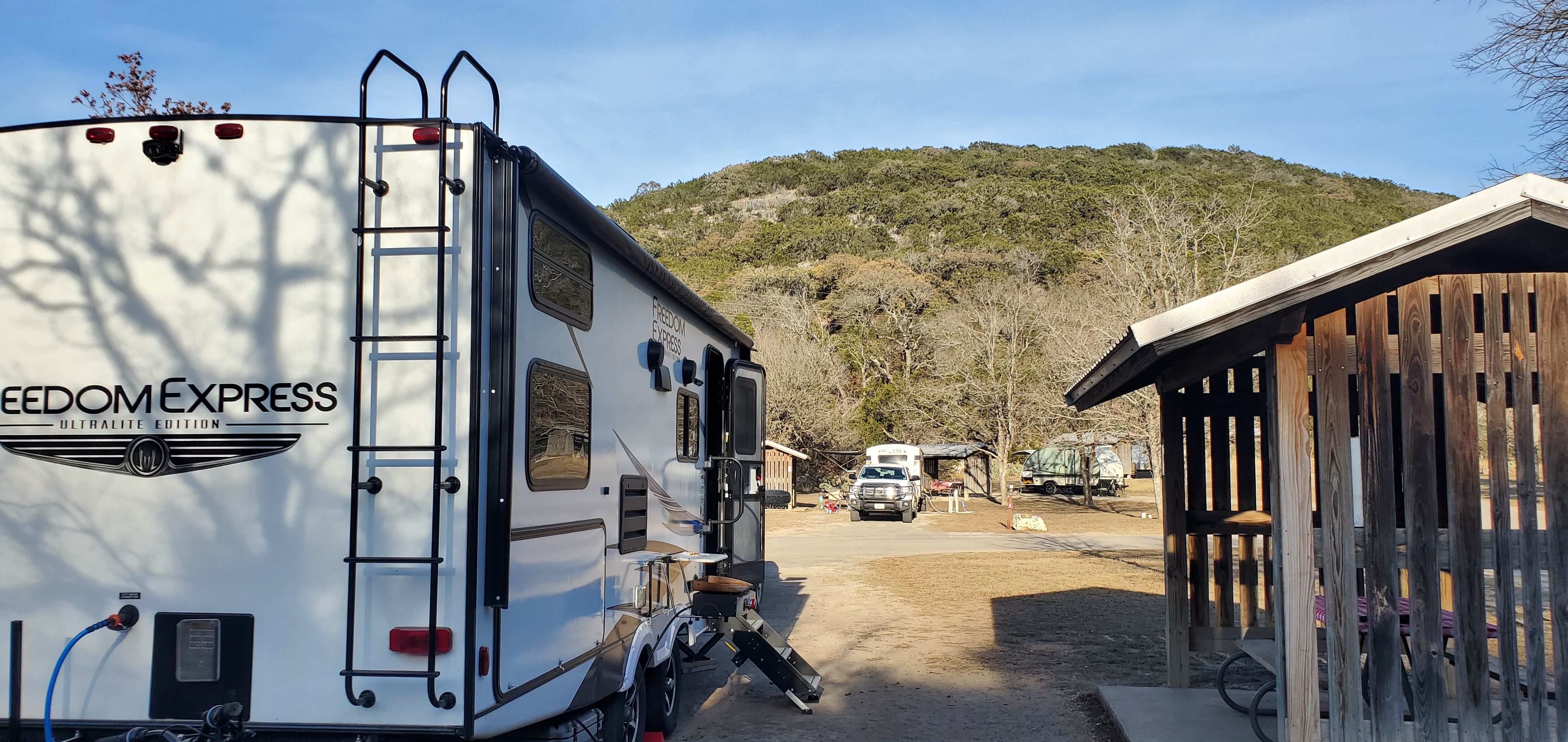
Lost Maples
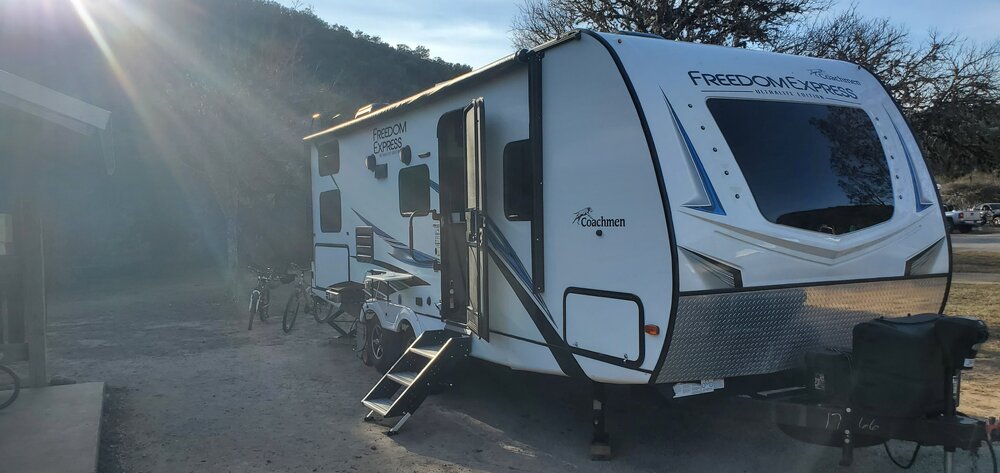
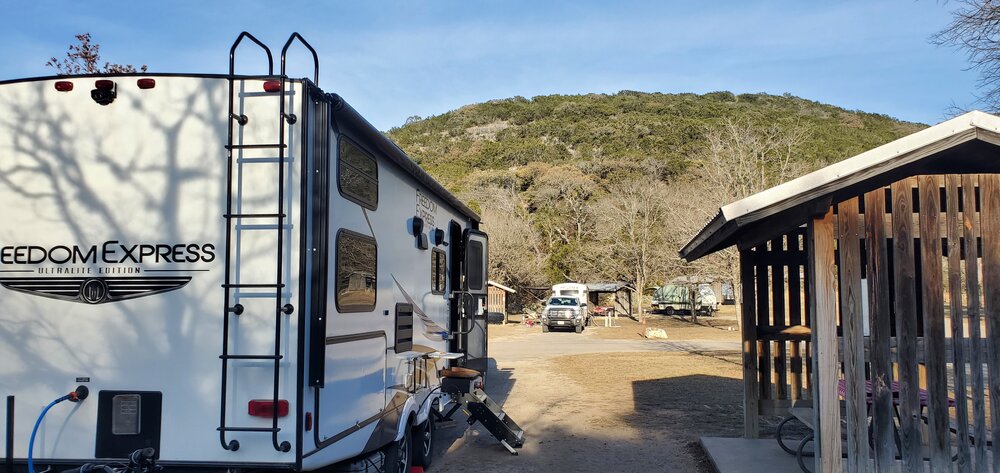



-
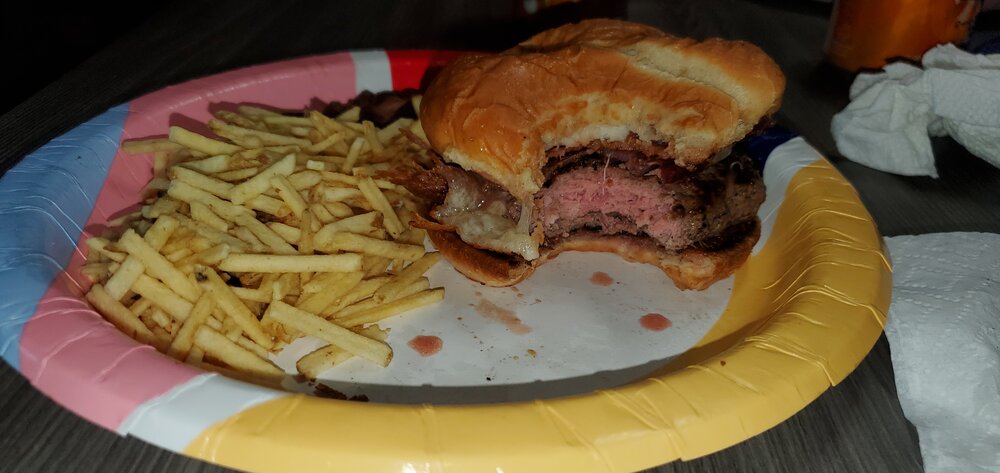
Bacon Jack cheeseburgers

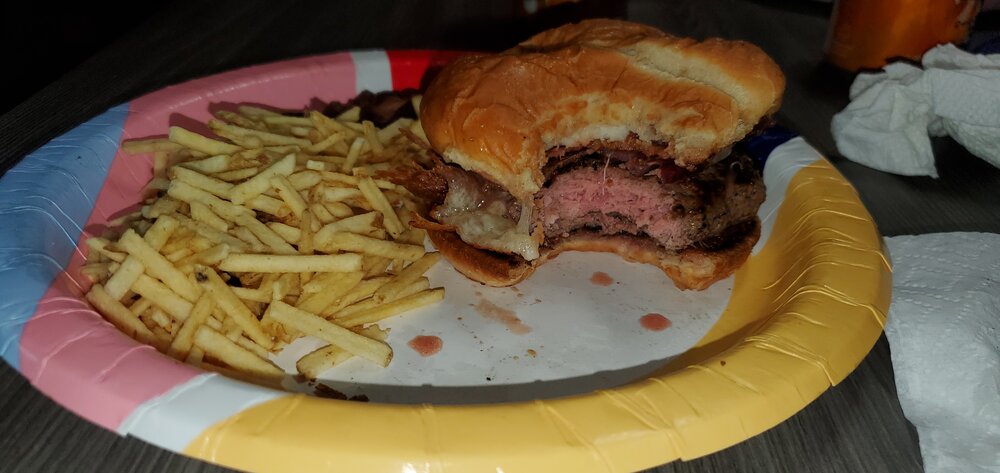
-
From the RV at lost maples.

-
Hook 'em!
.gif.9a26ee2631eb173692933a679bd04ef8.gif)
-
Why are you dragging @immamac into this?
-
Hook' em!
.gif.15305c085766b1a302fce9caf6634b15.gif)

-
-
I once ran a 5.6. Yeah it was 40 yards. When I was in college. Damn it.

-
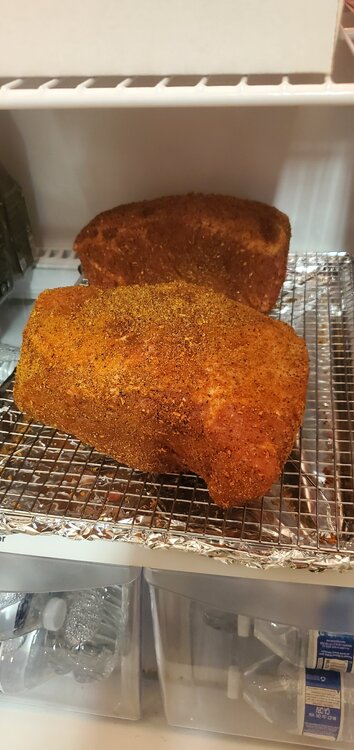
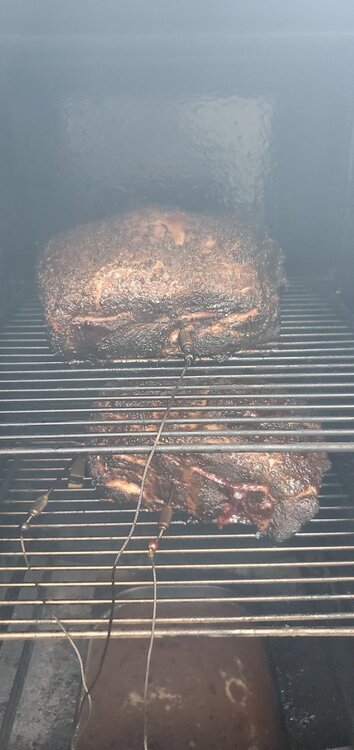
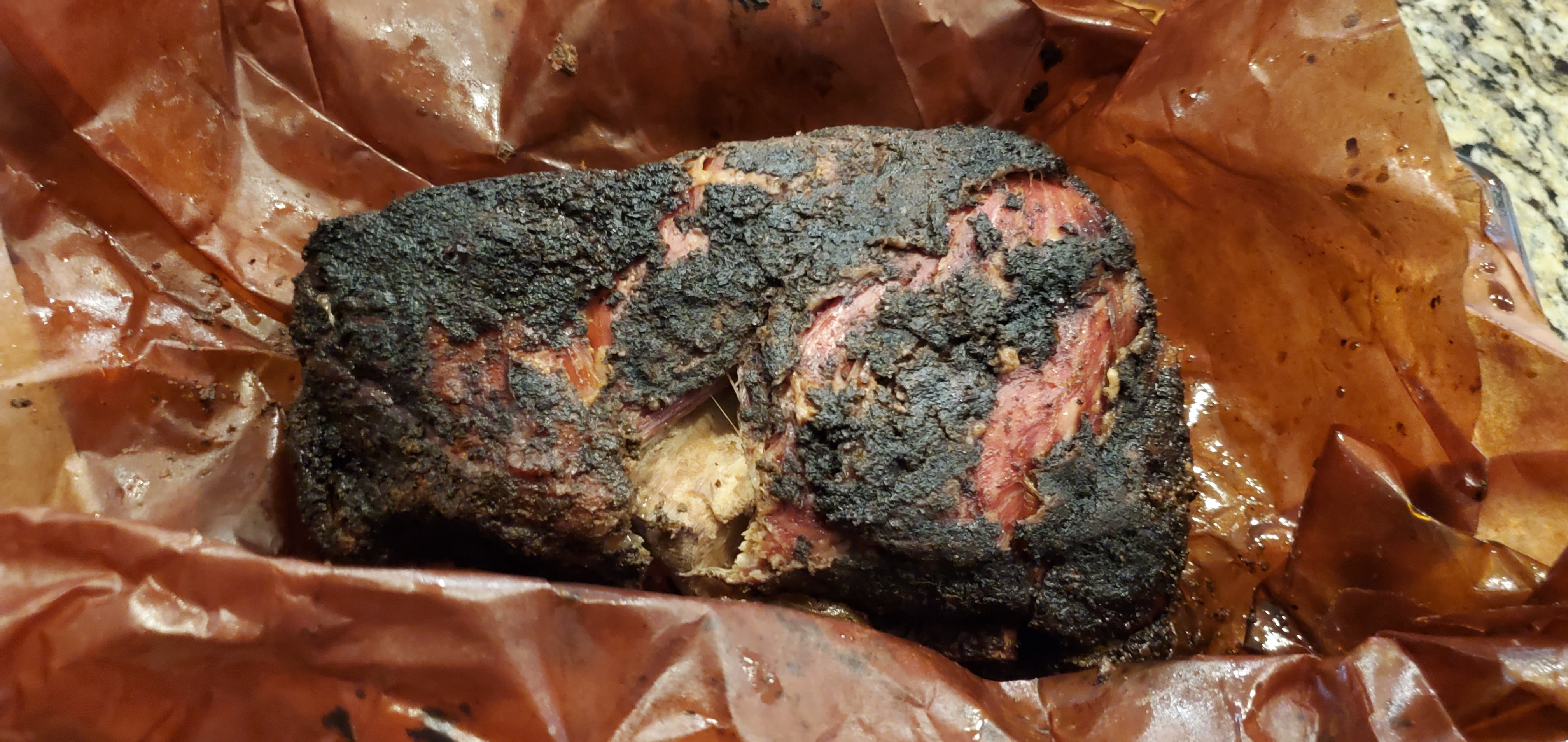
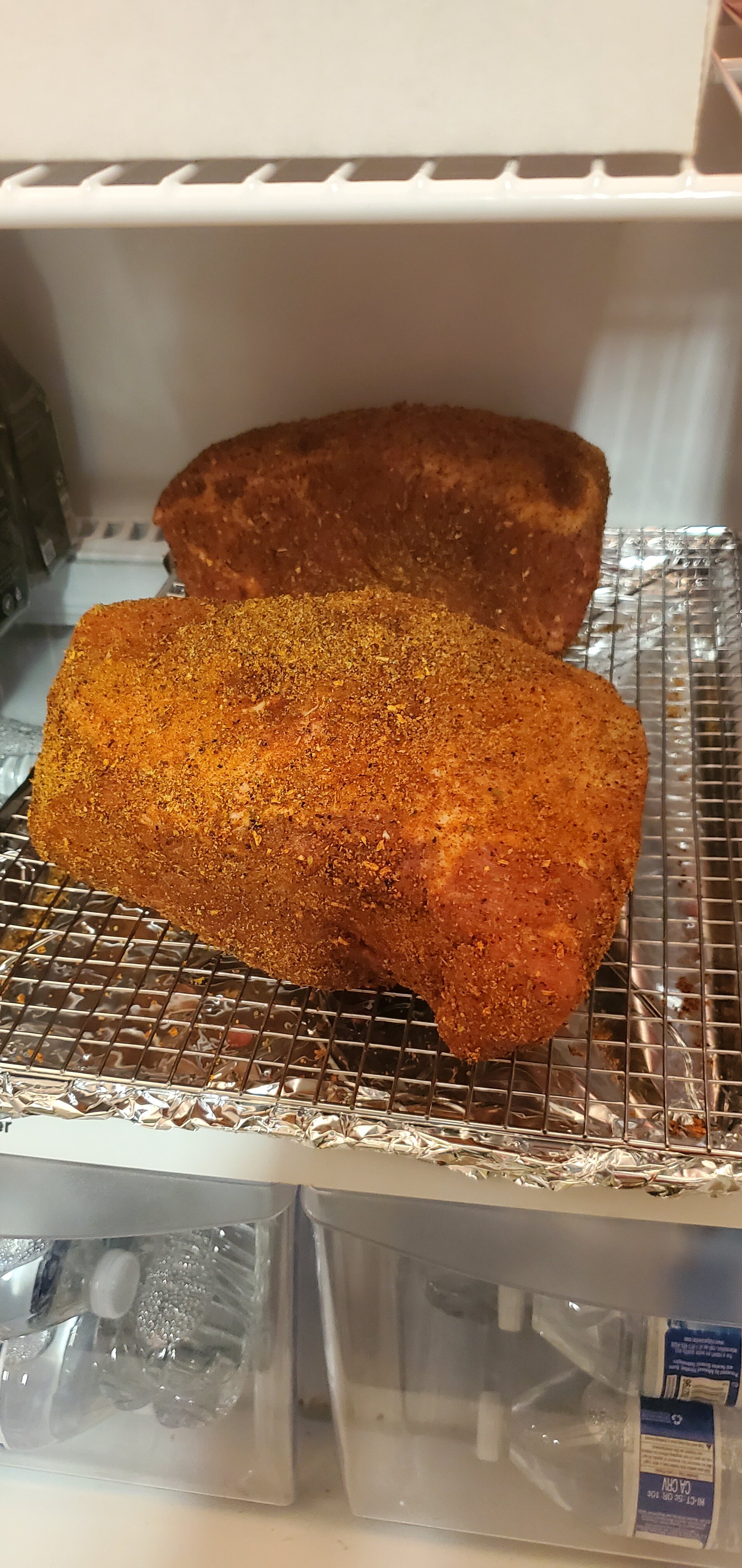
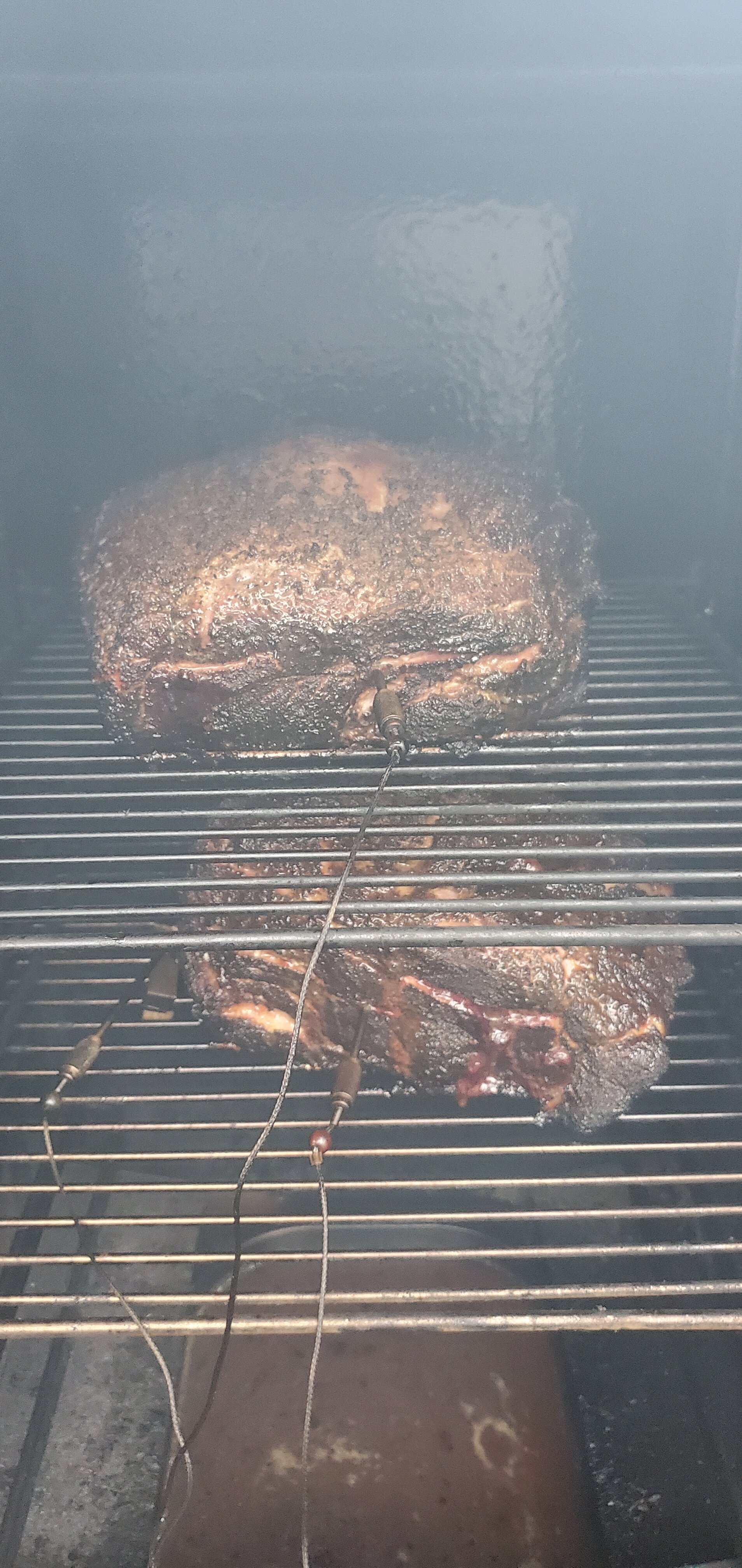
Smoking a couple pork butts for pulled pork. Looking good so far.

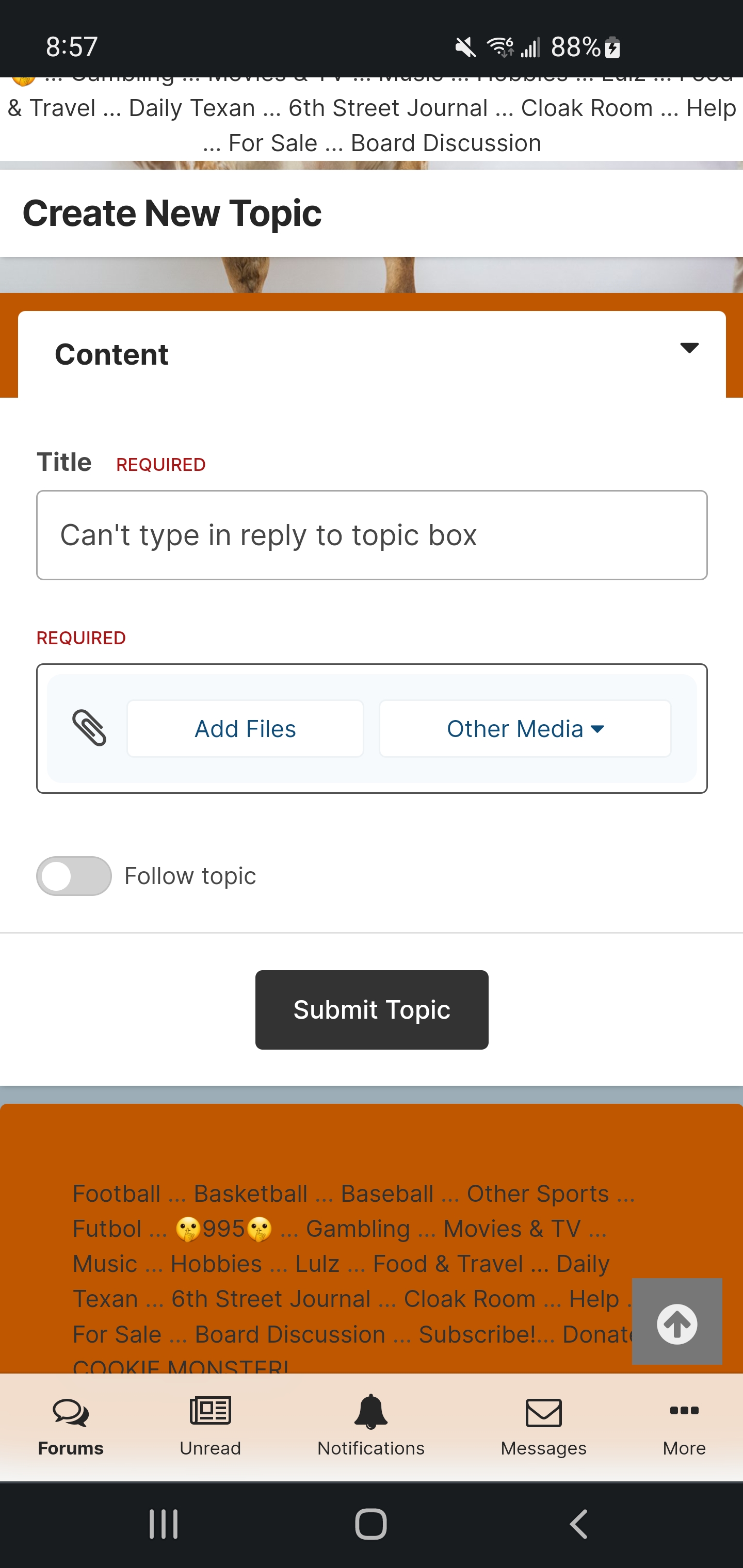
 Still borked for me. Reply works off and on in incognito. Android with chrome
Hook 'em!
Still borked for me. Reply works off and on in incognito. Android with chrome
Hook 'em!.gif.67263402c3a07acfb40b3f99b18b11bd.gif) So the Alamodome is not downtown by that logic. 🤔
Pos rep for Filling Station. I miss that place.
Cheese dog with onion serrano hinge
So the Alamodome is not downtown by that logic. 🤔
Pos rep for Filling Station. I miss that place.
Cheese dog with onion serrano hinge Football ... Basketball ... Baseball ... Other Sports ... Futbol ... 🤫995🤫 ... Gambling ... Movies & TV ... Music ... Hobbies ... Lulz ... Food & Travel ... Daily Texan ... Business & Markets ... Cloak Room ... Help ... For Sale ... Board Discussion ... Advertise... Tailgate Donations












.gif.19774a3070008da1c4f3375e660a0a8f.gif)






.gif.27b94186de8e8ccdf675e3b48a4cb62f.gif)

Account
Search
Configure browser push notifications
Chrome (Android)
- Tap the lock icon next to the address bar.
- Tap Permissions → Notifications.
- Adjust your preference.
Chrome (Desktop)
- Click the padlock icon in the address bar.
- Select Site settings.
- Find Notifications and adjust your preference.
Safari (iOS 16.4+)
- Ensure the site is installed via Add to Home Screen.
- Open Settings App → Notifications.
- Find your app name and adjust your preference.
Safari (macOS)
- Go to Safari → Preferences.
- Click the Websites tab.
- Select Notifications in the sidebar.
- Find this website and adjust your preference.
Edge (Android)
- Tap the lock icon next to the address bar.
- Tap Permissions.
- Find Notifications and adjust your preference.
Edge (Desktop)
- Click the padlock icon in the address bar.
- Click Permissions for this site.
- Find Notifications and adjust your preference.
Firefox (Android)
- Go to Settings → Site permissions.
- Tap Notifications.
- Find this site in the list and adjust your preference.
Firefox (Desktop)
- Open Firefox Settings.
- Search for Notifications.
- Find this site in the list and adjust your preference.