
Mr. Mojo Risin'
Burnt Ends
-
Joined
-
Last visited
Everything posted by Mr. Mojo Risin'
-
 But do you squeeze Parkay into your salsa first?
 -
Got eeeem! 🤘🏽
I barely know shit about fuck re: details of the new house settlement. What I do know has been gleaned from y'all. I don't think I know enough to ask pertinent questions. If someone has time and is willing, I would enjoy a breakdown of how this impacts recruits going forward (esp related to Texas) from someone with an "insider" perspective. If/when this post is written, maybe some of us on the out looking in would have some relevant/specific questions to ask to those of you who have the knowledge to answer. Maybe it's been posted above, but if there are sites, articles, etc to read to gain knowledge on this without y'all having to regurgitate something already mentioned, please post a link. I am interested in this discussion, but feel I don't have the knowledge of the current landscape to be involved. So... 2026+ recruiting 101?
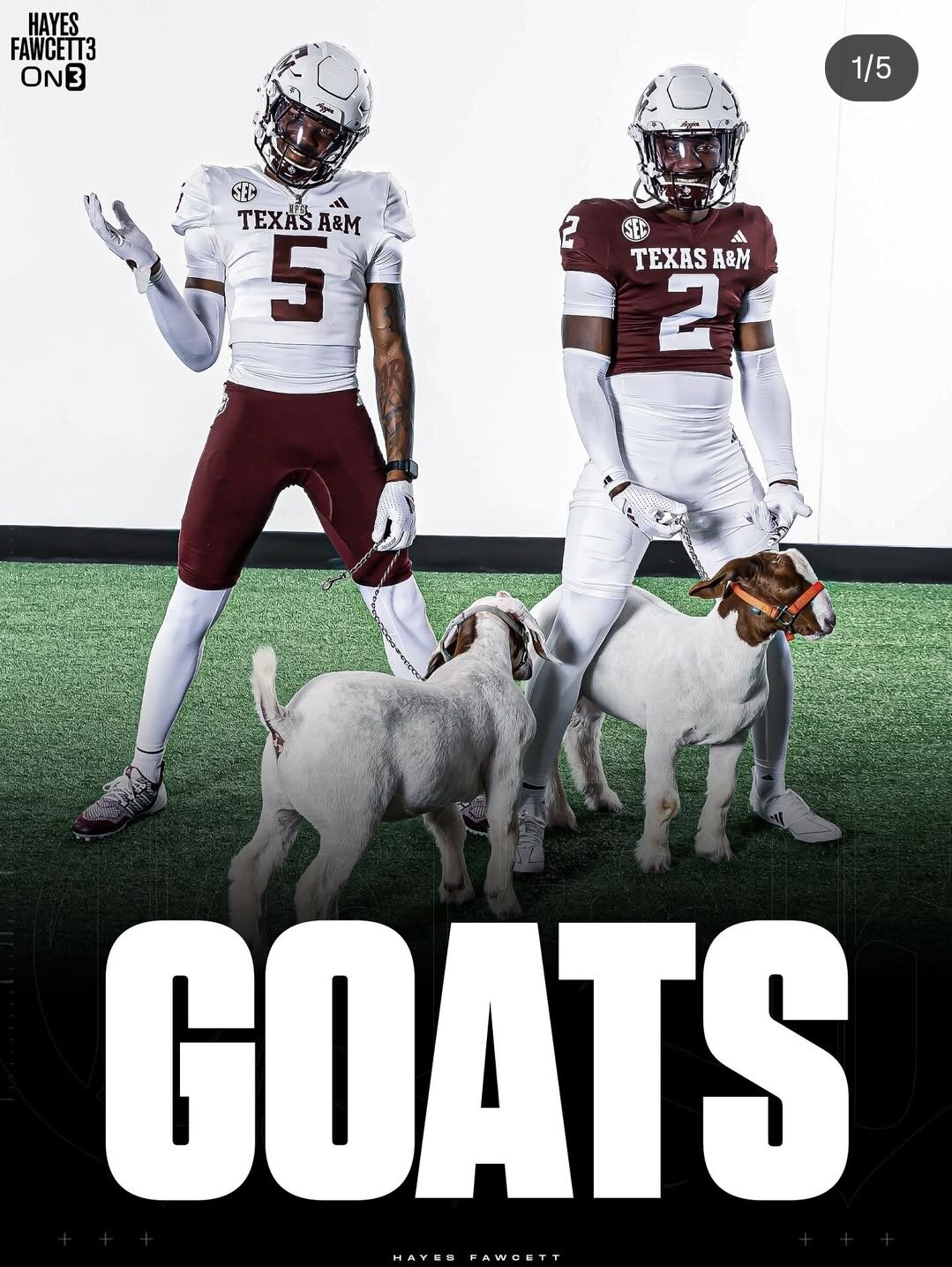
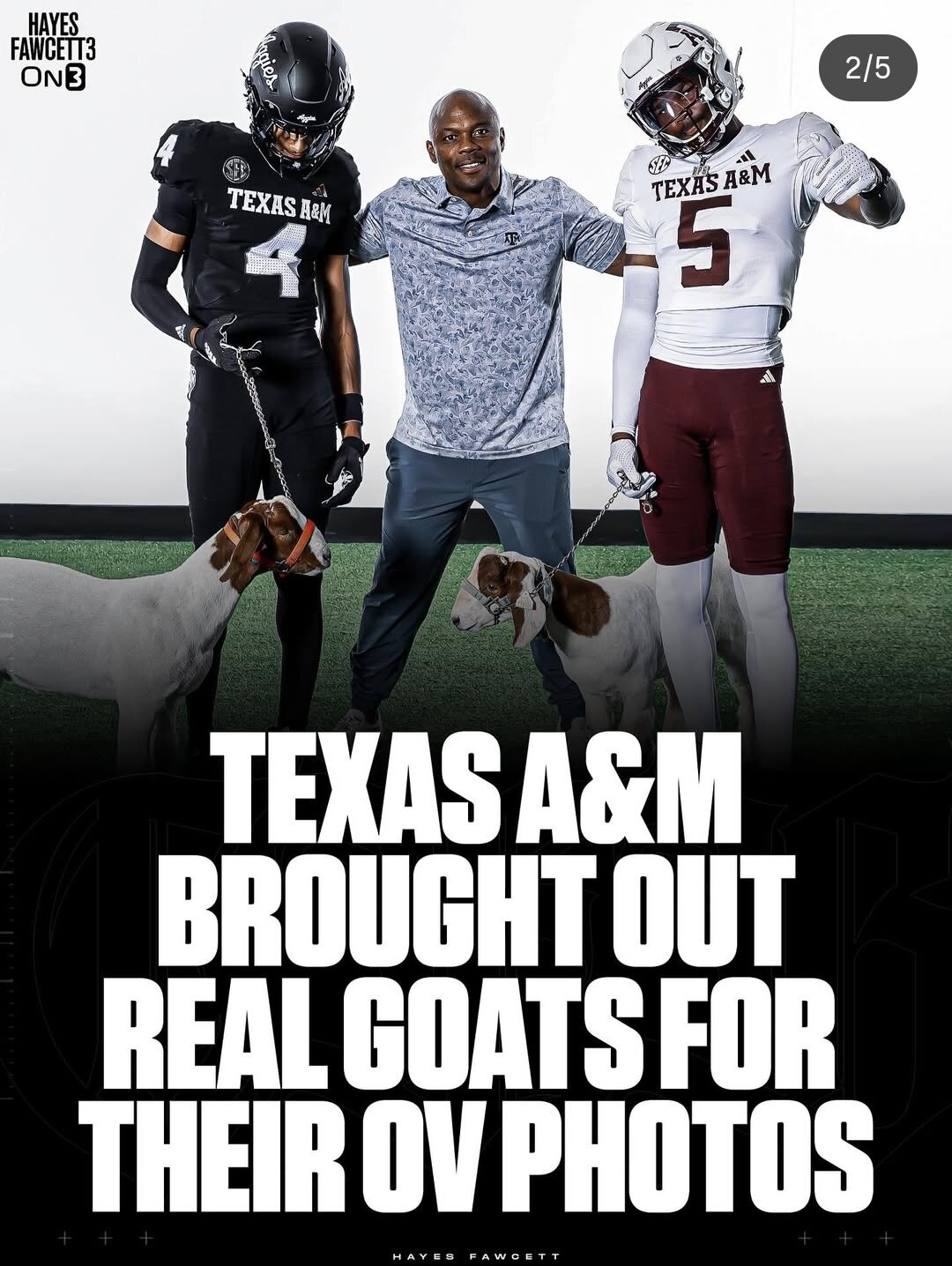
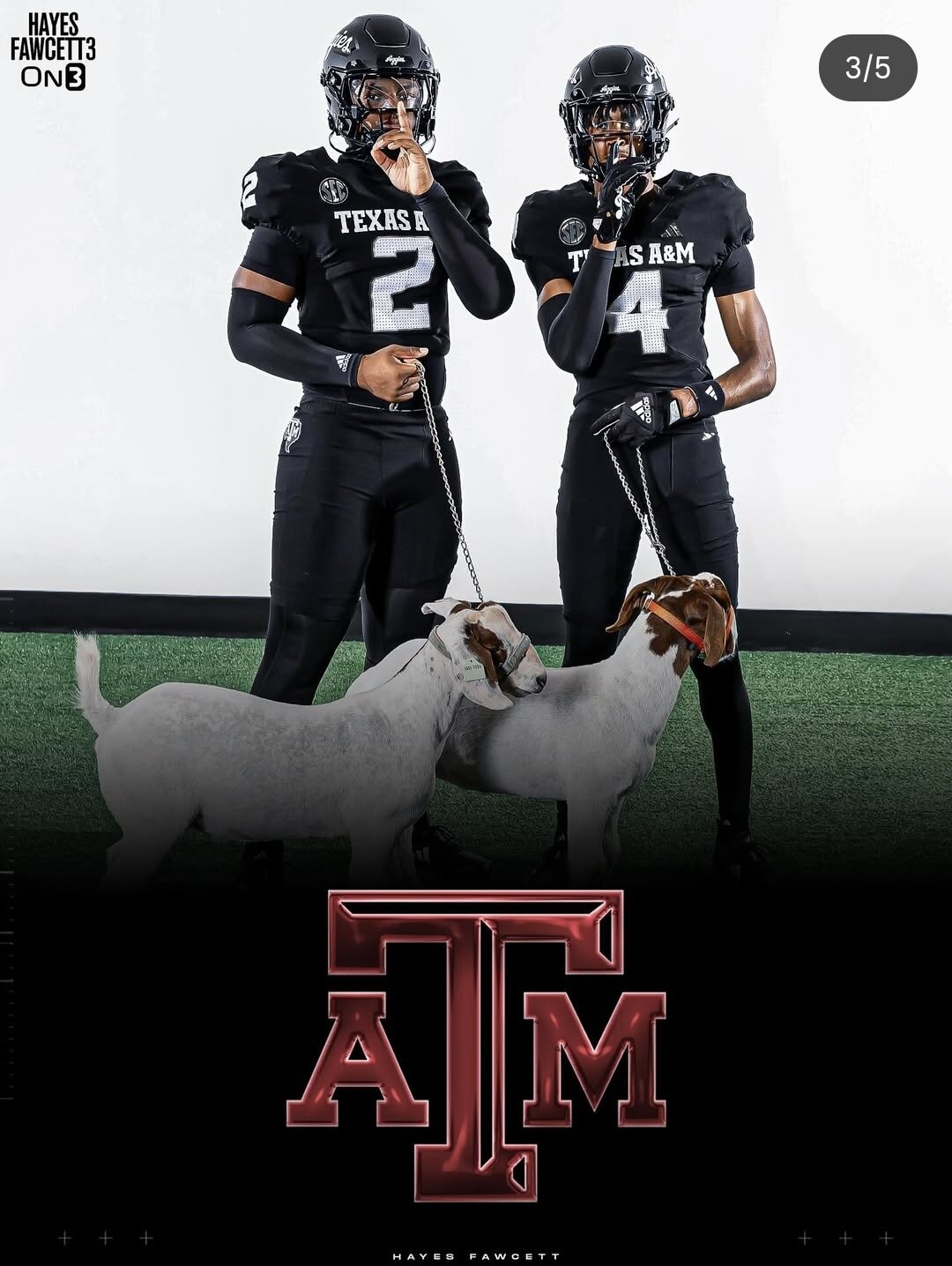
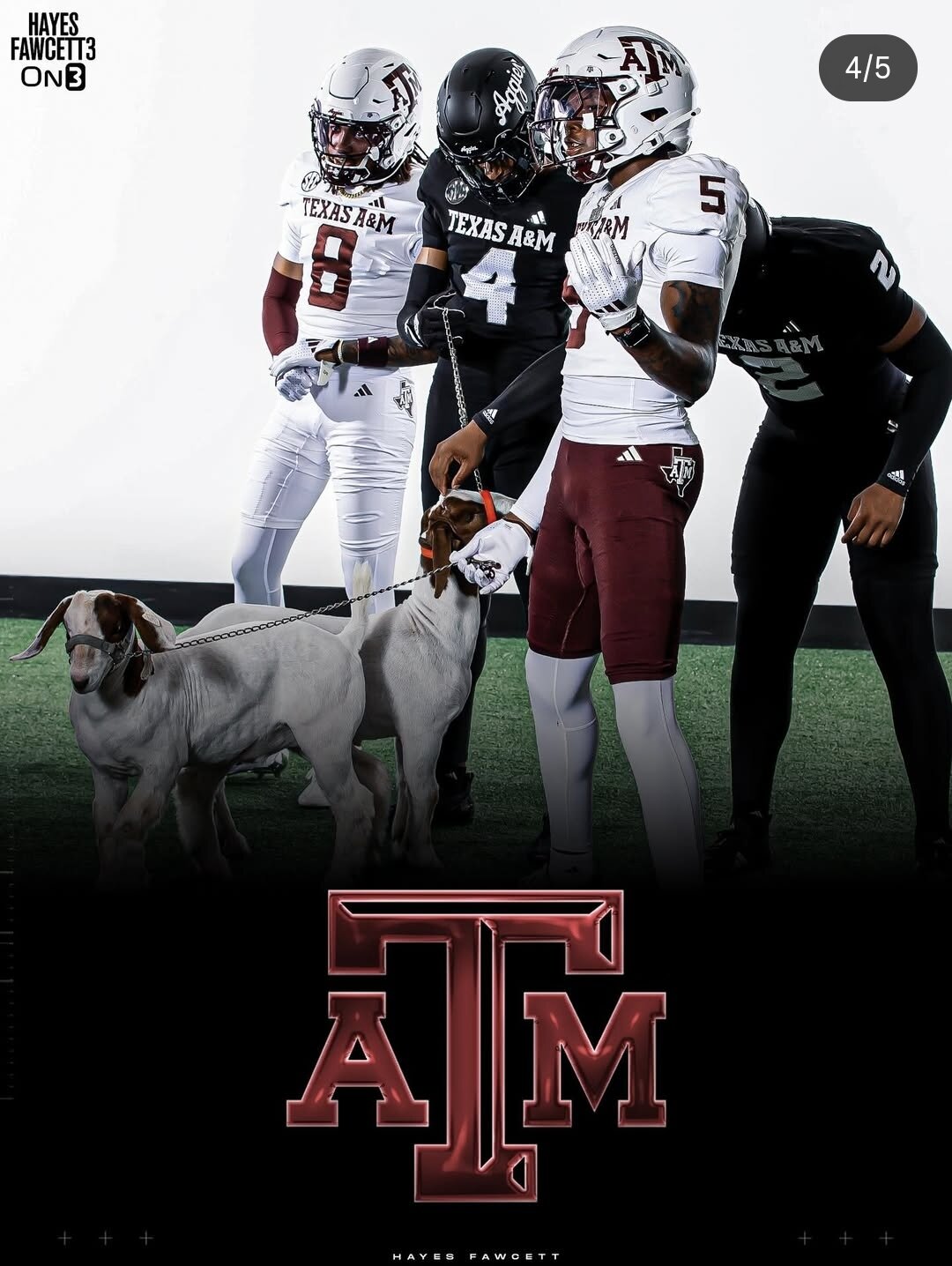
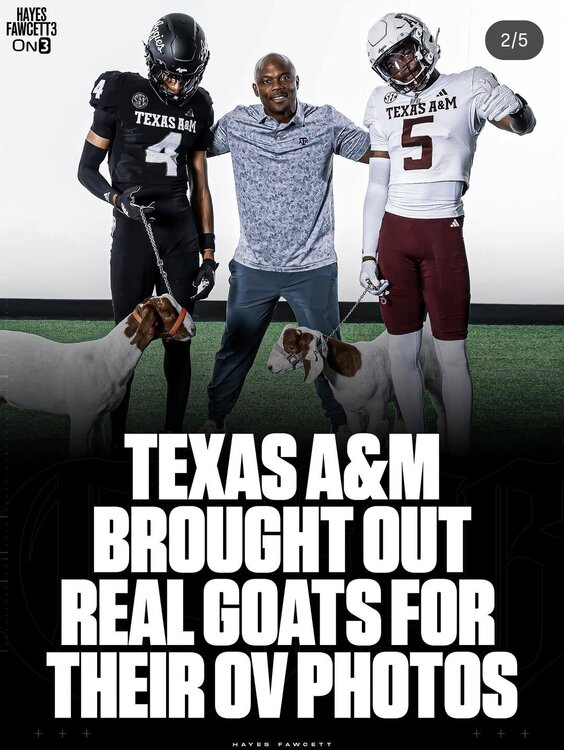
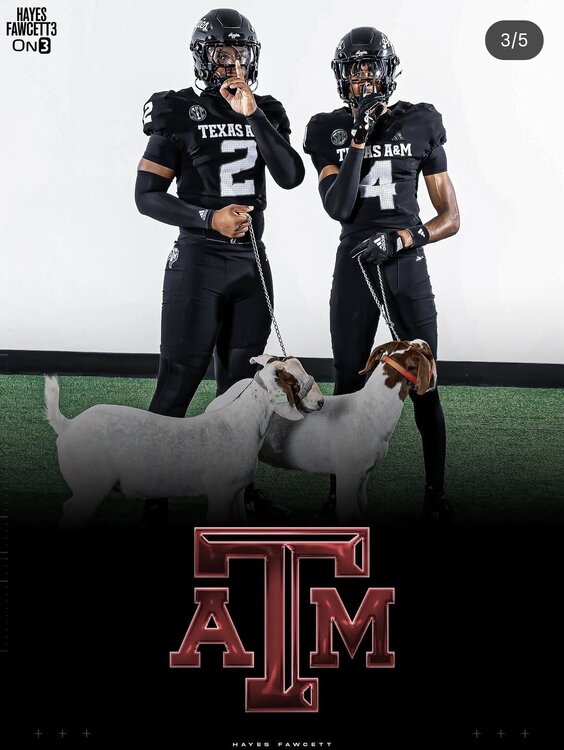
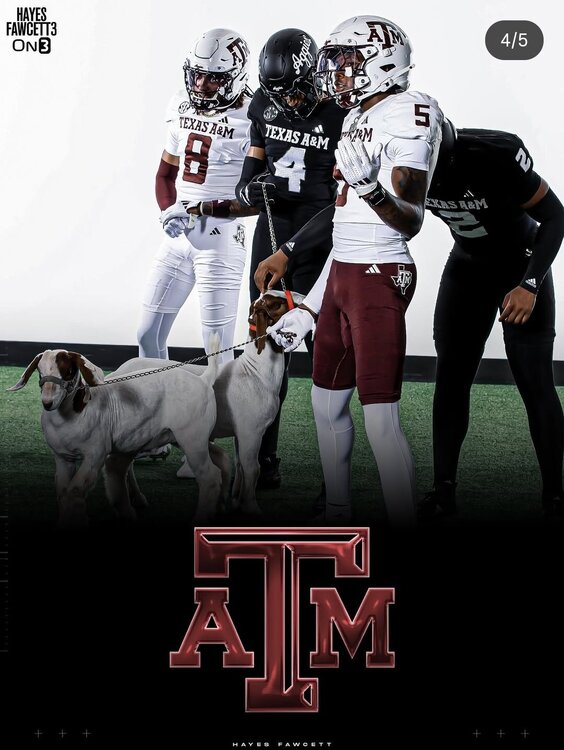
They've moved on to goats
They say father time is undefeated... But he has apparently decided to ignore Heather Graham.
However many one consumes when chewing through the bars on a sheep paddock, I suppose. 🤷🏽
Everything was free when I initially downloaded the app. The Rangers pkg was the only cost item. I have it on my firestick. Works great
Victory+ is a streaming service providing access to Texas Rangers (for a fee) and Dallas Stars games. They also have other sports and outdoors related content. I didn't know the title game was included but I've never used it for much more than the 2 major sports teams. Idk if they have any ties to Dave Campbell or if it's just being promoted there.
The jokes write themselves folks

 Waltersobchakeit
Not all monkeys have scrotums... Look it up
I think that's already the standard vetting process
I've heard Virginia coach being floated around too
History made on the diamond this year, ags! First preseason #1 team to miss the CWS in baseball. First #1 overall seed to lose the CWS regional in softball. Whoop(s)!
How does he feel about Charleston?Football ... Basketball ... Baseball ... Other Sports ... Futbol ... 🤫995🤫 ... Gambling ... Movies & TV ... Music ... Hobbies ... Lulz ... Food & Travel ... Daily Texan ... Business & Markets ... Cloak Room ... Help ... For Sale ... Board Discussion ... Advertise... Tailgate Donations
Waltersobchakeit
Not all monkeys have scrotums... Look it up
I think that's already the standard vetting process
I've heard Virginia coach being floated around too
History made on the diamond this year, ags! First preseason #1 team to miss the CWS in baseball. First #1 overall seed to lose the CWS regional in softball. Whoop(s)!
How does he feel about Charleston?Football ... Basketball ... Baseball ... Other Sports ... Futbol ... 🤫995🤫 ... Gambling ... Movies & TV ... Music ... Hobbies ... Lulz ... Food & Travel ... Daily Texan ... Business & Markets ... Cloak Room ... Help ... For Sale ... Board Discussion ... Advertise... Tailgate DonationsAccount
Search
Configure browser push notifications
Chrome (Android)
- Tap the lock icon next to the address bar.
- Tap Permissions → Notifications.
- Adjust your preference.
Chrome (Desktop)
- Click the padlock icon in the address bar.
- Select Site settings.
- Find Notifications and adjust your preference.
Safari (iOS 16.4+)
- Ensure the site is installed via Add to Home Screen.
- Open Settings App → Notifications.
- Find your app name and adjust your preference.
Safari (macOS)
- Go to Safari → Preferences.
- Click the Websites tab.
- Select Notifications in the sidebar.
- Find this website and adjust your preference.
Edge (Android)
- Tap the lock icon next to the address bar.
- Tap Permissions.
- Find Notifications and adjust your preference.
Edge (Desktop)
- Click the padlock icon in the address bar.
- Click Permissions for this site.
- Find Notifications and adjust your preference.
Firefox (Android)
- Go to Settings → Site permissions.
- Tap Notifications.
- Find this site in the list and adjust your preference.
Firefox (Desktop)
- Open Firefox Settings.
- Search for Notifications.
- Find this site in the list and adjust your preference.