Born Burnt
Legacy Members
-
Joined
Everything posted by Born Burnt
-
 But are they playing ping-pong together?
Not really "Holy Shit," but still...
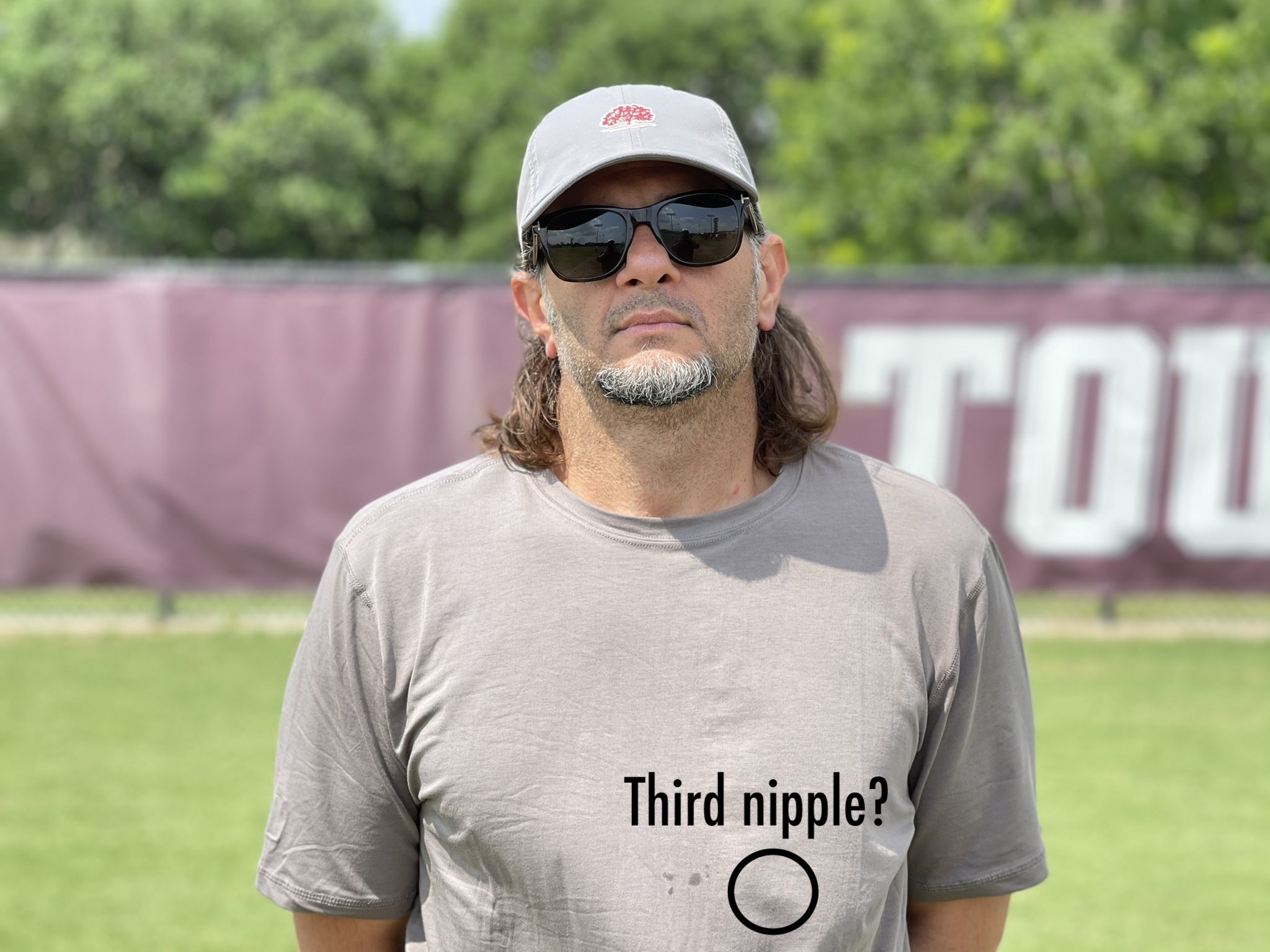
Finally realized who his smug face reminds me of...
But are they playing ping-pong together?
Not really "Holy Shit," but still...
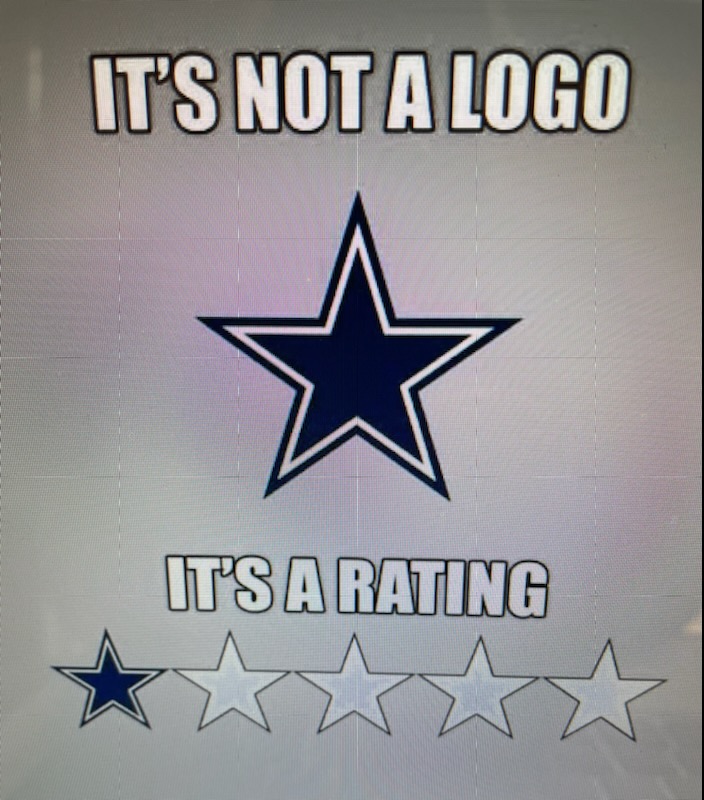
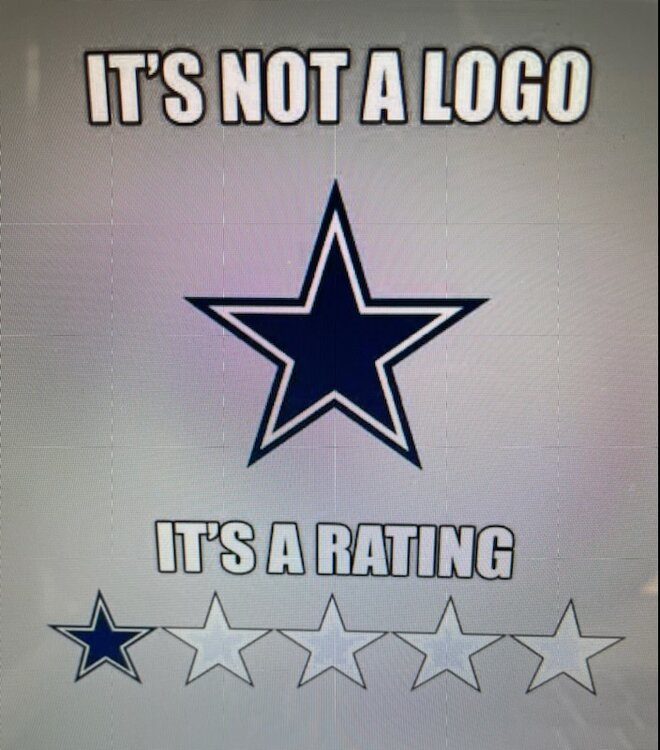
Finally realized who his smug face reminds me of... I'm a Cowboys fan, but after the last 26 years, it's hard to argue...
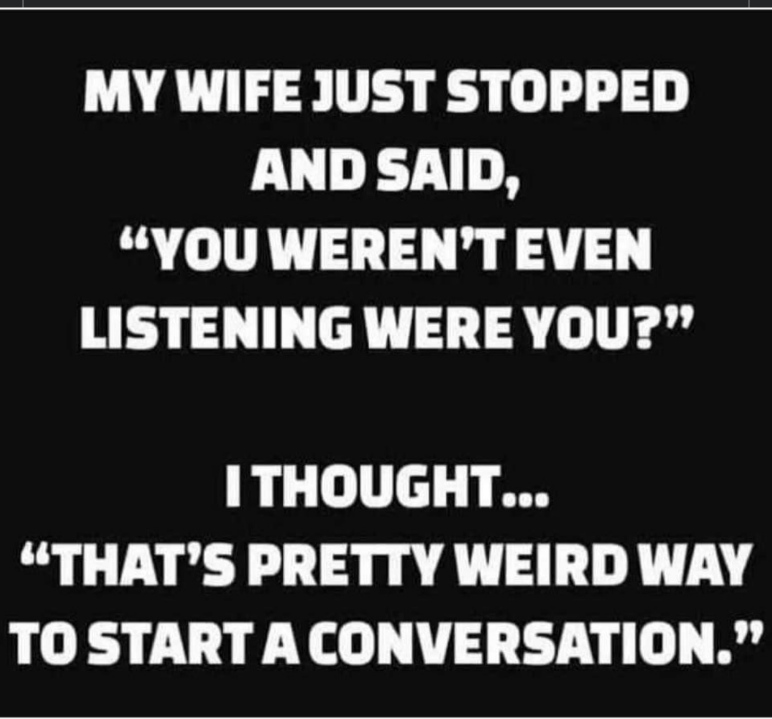
 That machine rejects bad tomatoes almost as quickly as my wife rejects my restaurant suggestions.
For those who care and didn't get the link. 2022 Season Guide: http://digital.learfield.com/texas-football-yearbook.html
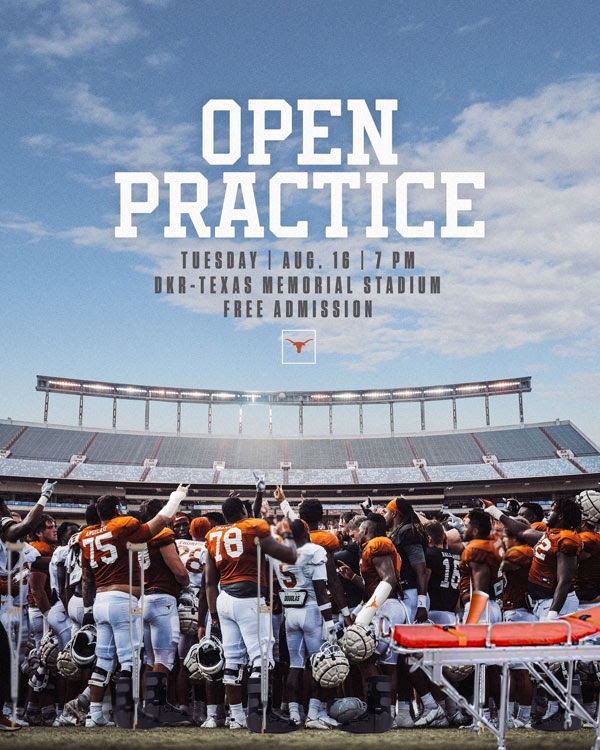
2022 Fall Camp: Trippin', Slippin' & Rippin'
Unless it's got tiddies, I usually just give avatars a cursory glance. Until today, I always thought yours was Thomas the Tank.
That machine rejects bad tomatoes almost as quickly as my wife rejects my restaurant suggestions.
For those who care and didn't get the link. 2022 Season Guide: http://digital.learfield.com/texas-football-yearbook.html
2022 Fall Camp: Trippin', Slippin' & Rippin'
Unless it's got tiddies, I usually just give avatars a cursory glance. Until today, I always thought yours was Thomas the Tank. In 2003 I asked a guy involved in college sports what he thought about some Texas players getting arrested. He responded, "Sounds like they're finally getting the right kind of players."
Foreman
Special delivery, bitches!
In 2003 I asked a guy involved in college sports what he thought about some Texas players getting arrested. He responded, "Sounds like they're finally getting the right kind of players."
Foreman
Special delivery, bitches! The opening credits to these old toons always look impressive af. Like you know you're about to watch something important.Football ... Basketball ... Baseball ... Other Sports ... Futbol ... 🤫995🤫 ... Gambling ... Movies & TV ... Music ... Hobbies ... Lulz ... Food & Travel ... Daily Texan ... Business & Markets ... Cloak Room ... Help ... For Sale ... Board Discussion ... Advertise... Tailgate Donations
Account
Search
Configure browser push notifications
Chrome (Android)
- Tap the lock icon next to the address bar.
- Tap Permissions → Notifications.
- Adjust your preference.
Chrome (Desktop)
- Click the padlock icon in the address bar.
- Select Site settings.
- Find Notifications and adjust your preference.
Safari (iOS 16.4+)
- Ensure the site is installed via Add to Home Screen.
- Open Settings App → Notifications.
- Find your app name and adjust your preference.
Safari (macOS)
- Go to Safari → Preferences.
- Click the Websites tab.
- Select Notifications in the sidebar.
- Find this website and adjust your preference.
Edge (Android)
- Tap the lock icon next to the address bar.
- Tap Permissions.
- Find Notifications and adjust your preference.
Edge (Desktop)
- Click the padlock icon in the address bar.
- Click Permissions for this site.
- Find Notifications and adjust your preference.
Firefox (Android)
- Go to Settings → Site permissions.
- Tap Notifications.
- Find this site in the list and adjust your preference.
Firefox (Desktop)
- Open Firefox Settings.
- Search for Notifications.
- Find this site in the list and adjust your preference.