Born Burnt
Legacy Members
-
Joined
Everything posted by Born Burnt
-
 Moments later...
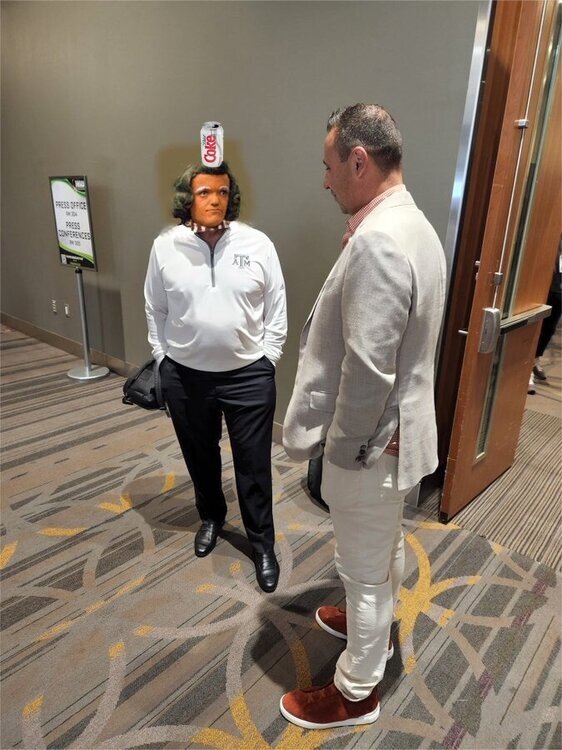 Would love to know the story of how the white couple ended up in the middle there. Feels like a sequel to The Year of Living Dangerously.
Only one Mike Farrell I know worth mentioning.
Titties, snails and former quarterbacks. These are the things Surly obsesses over.
Come on, @texifornia! I need another hit.
If da Pool Party™ is anything like last year's...iT gOnNa Be LiT!
Would love to know the story of how the white couple ended up in the middle there. Feels like a sequel to The Year of Living Dangerously.
Only one Mike Farrell I know worth mentioning.
Titties, snails and former quarterbacks. These are the things Surly obsesses over.
Come on, @texifornia! I need another hit.
If da Pool Party™ is anything like last year's...iT gOnNa Be LiT!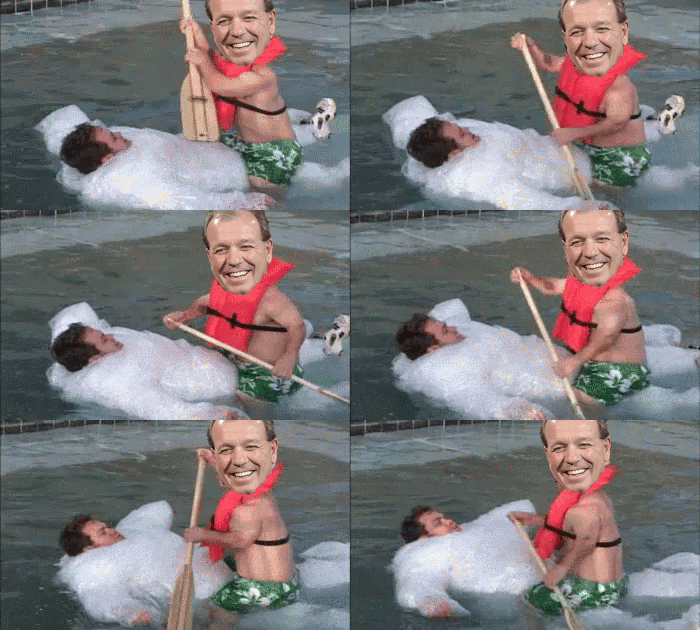 I'm just relieved to learn this thread isn't about @6th Street.
Future Surly poster.
Well, Jimbo does refer to it as a "cement pond."
Some of you fuckers obviously ain't driven on this...
Back in the day, I visited a friend who was attending summer school at A&M. Late one night we snuck into Kyle Field, sat in the middle of the field and drank a 12-pack of cheap beer. Then I peed on the 50-yard line.
Football ... Basketball ... Baseball ... Other Sports ... Futbol ... 🤫995🤫 ... Gambling ... Movies & TV ... Music ... Hobbies ... Lulz ... Food & Travel ... Daily Texan ... Business & Markets ... Cloak Room ... Help ... For Sale ... Board Discussion ... Advertise... Tailgate Donations
I'm just relieved to learn this thread isn't about @6th Street.
Future Surly poster.
Well, Jimbo does refer to it as a "cement pond."
Some of you fuckers obviously ain't driven on this...
Back in the day, I visited a friend who was attending summer school at A&M. Late one night we snuck into Kyle Field, sat in the middle of the field and drank a 12-pack of cheap beer. Then I peed on the 50-yard line.
Football ... Basketball ... Baseball ... Other Sports ... Futbol ... 🤫995🤫 ... Gambling ... Movies & TV ... Music ... Hobbies ... Lulz ... Food & Travel ... Daily Texan ... Business & Markets ... Cloak Room ... Help ... For Sale ... Board Discussion ... Advertise... Tailgate DonationsAccount
Search
Configure browser push notifications
Chrome (Android)
- Tap the lock icon next to the address bar.
- Tap Permissions → Notifications.
- Adjust your preference.
Chrome (Desktop)
- Click the padlock icon in the address bar.
- Select Site settings.
- Find Notifications and adjust your preference.
Safari (iOS 16.4+)
- Ensure the site is installed via Add to Home Screen.
- Open Settings App → Notifications.
- Find your app name and adjust your preference.
Safari (macOS)
- Go to Safari → Preferences.
- Click the Websites tab.
- Select Notifications in the sidebar.
- Find this website and adjust your preference.
Edge (Android)
- Tap the lock icon next to the address bar.
- Tap Permissions.
- Find Notifications and adjust your preference.
Edge (Desktop)
- Click the padlock icon in the address bar.
- Click Permissions for this site.
- Find Notifications and adjust your preference.
Firefox (Android)
- Go to Settings → Site permissions.
- Tap Notifications.
- Find this site in the list and adjust your preference.
Firefox (Desktop)
- Open Firefox Settings.
- Search for Notifications.
- Find this site in the list and adjust your preference.