

Longboard Horn
Legacy Members
-
Joined
-
Last visited
Everything posted by Longboard Horn
-
 It's officially day 66. @msucolt45 have at it!
 -
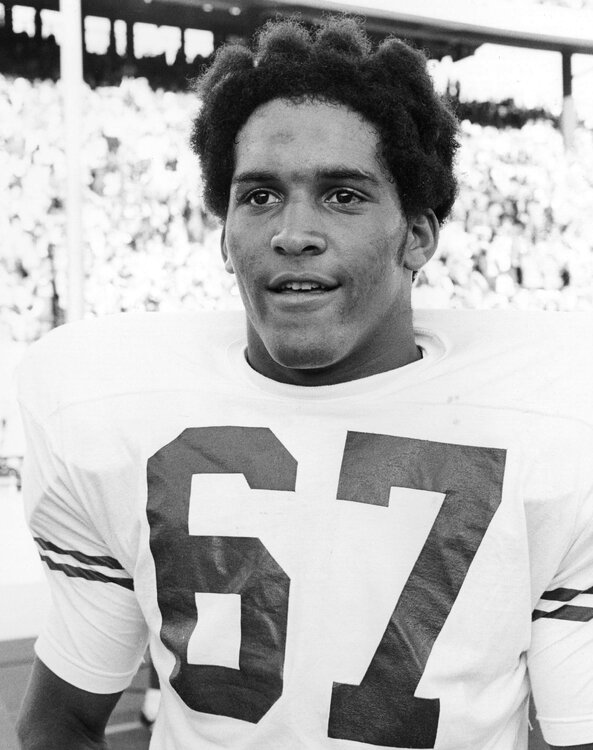
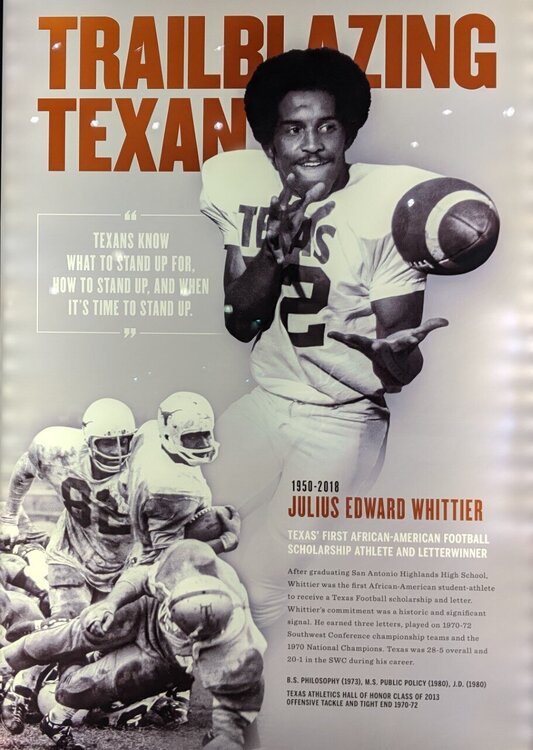
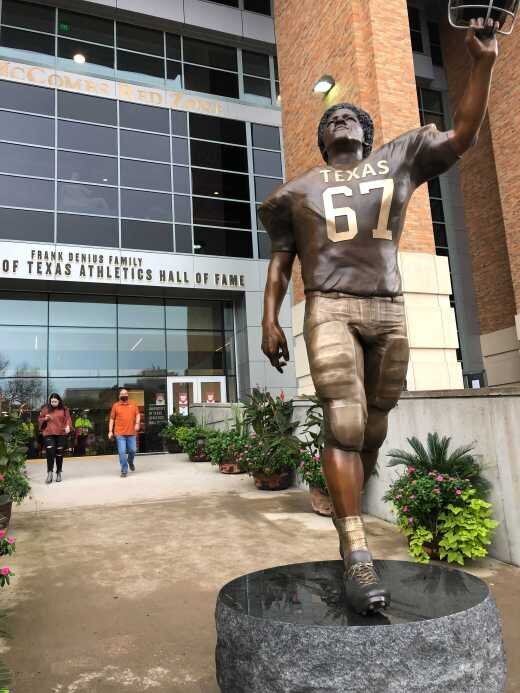
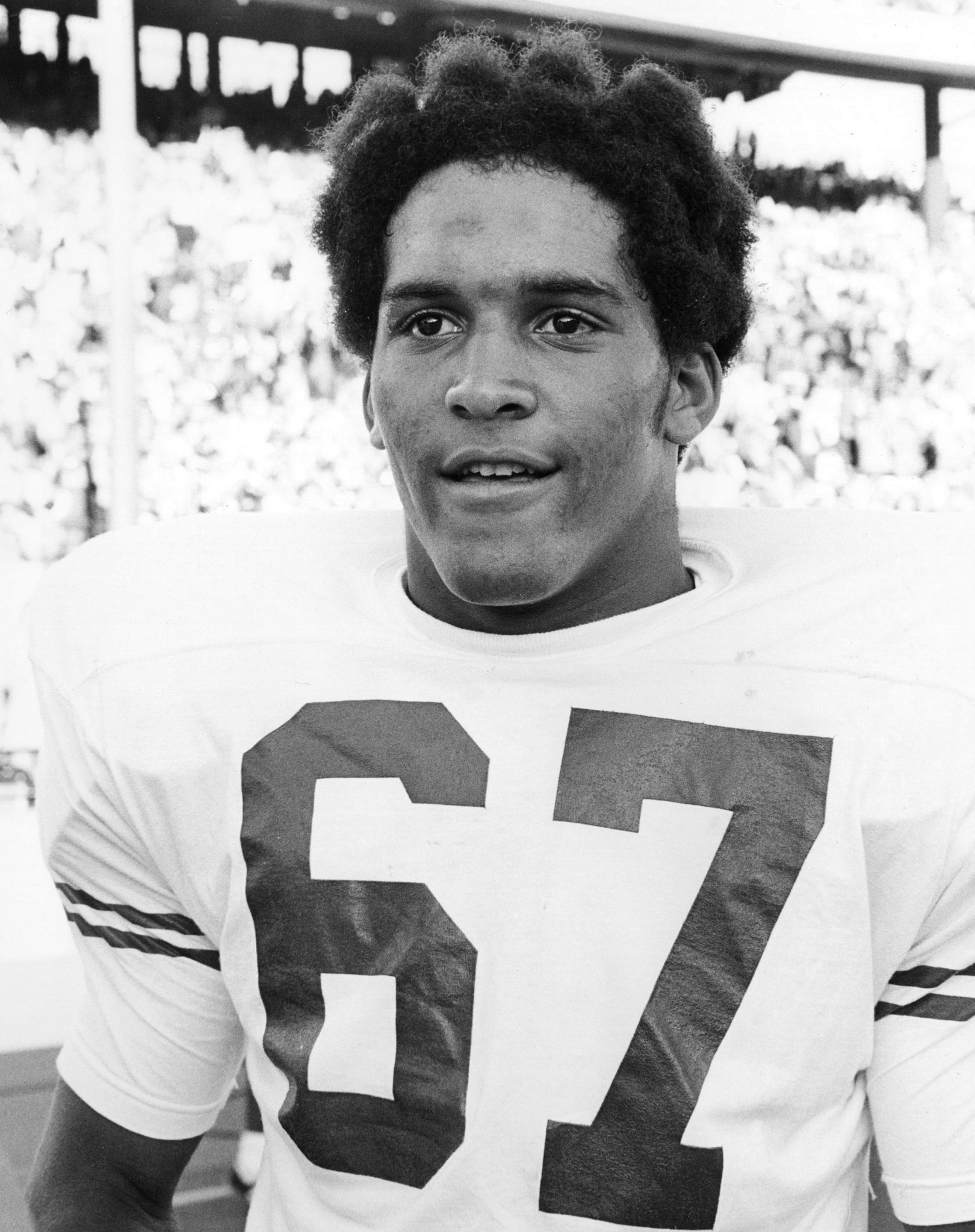
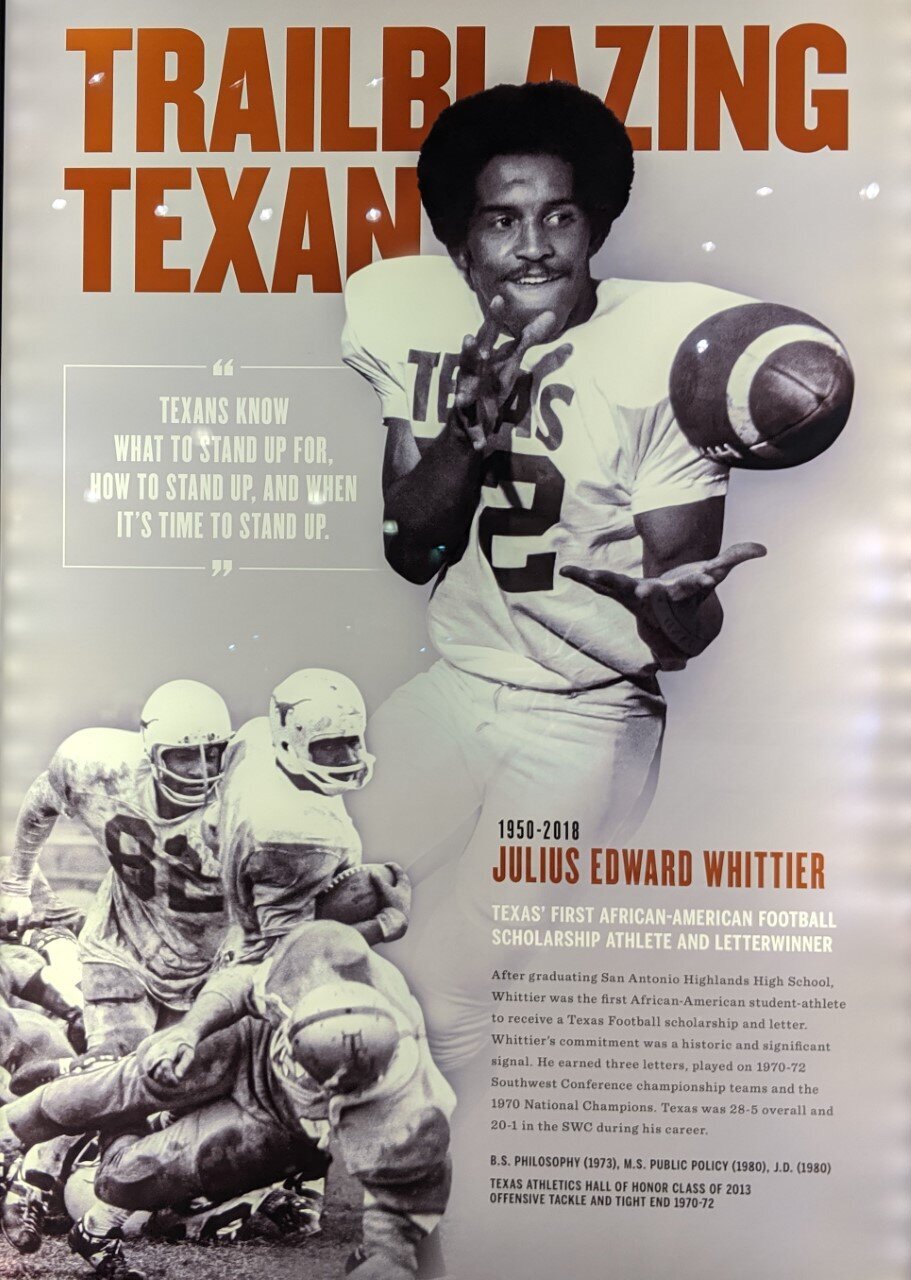
Julius Whittier
 Why do women talk so much and men think so much? Because men have two heads, and women have four lips
Ken Hackemack
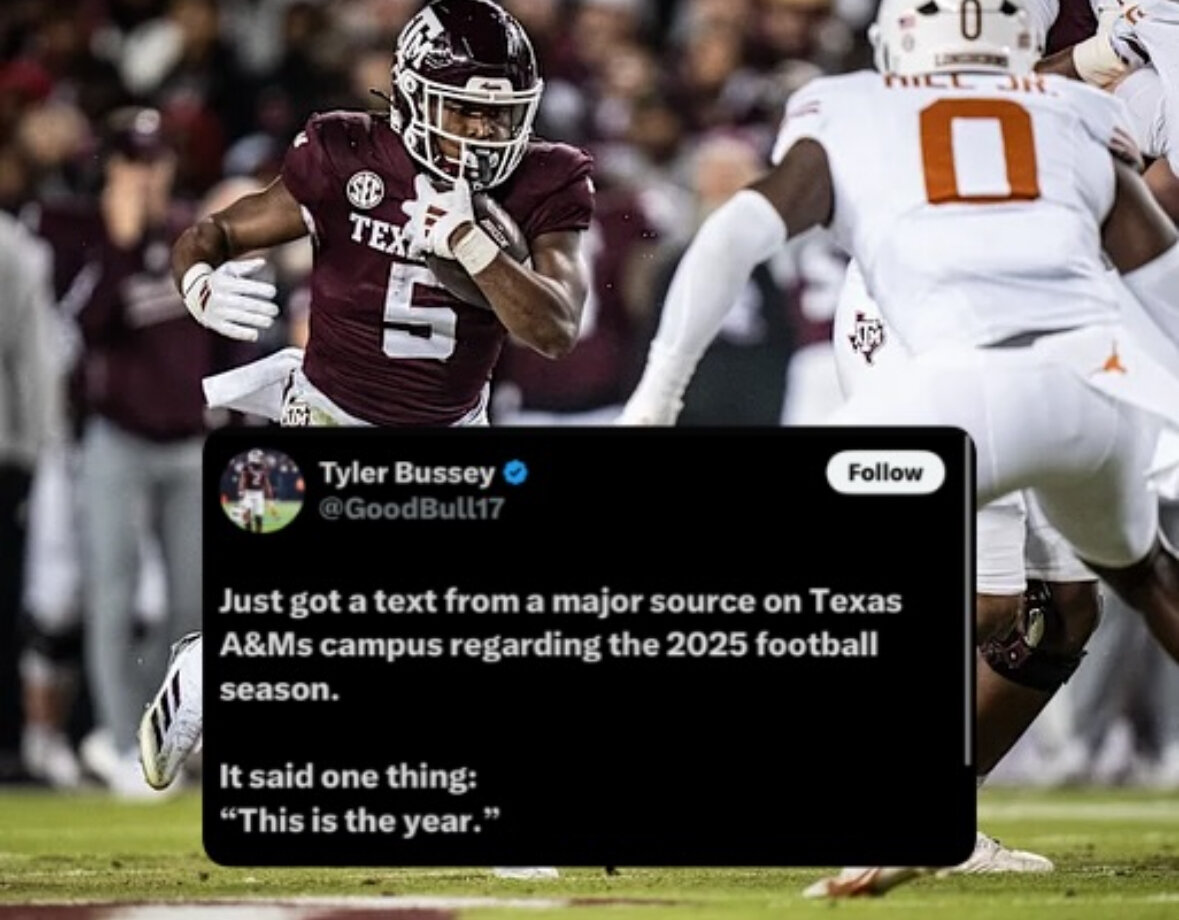
🤣🤣🤣 every year is “their year.” They truly are the Cowboys of college football
Why do women talk so much and men think so much? Because men have two heads, and women have four lips
Ken Hackemack
🤣🤣🤣 every year is “their year.” They truly are the Cowboys of college football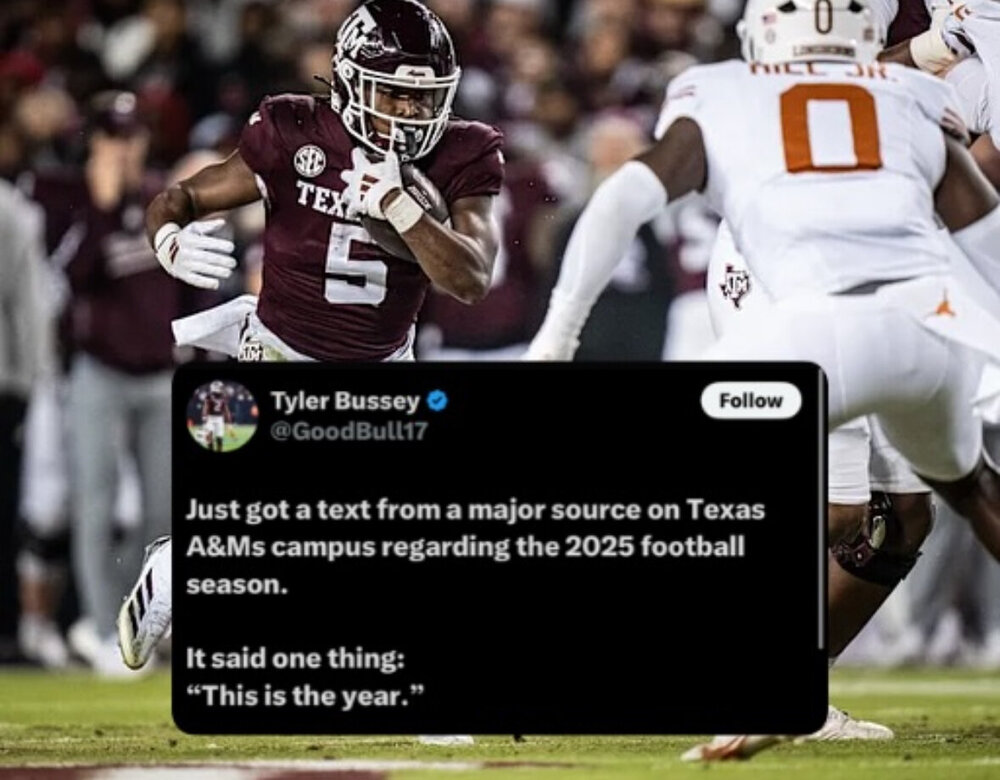 All good. Though Honolulu Horn is probably a lot better than me at surfing since he lives closer to the ocean.
1969 National Championship team
Yeah he didn't do much, just won a National Championship, no big deal lol
Dan Neil
1970 National Championship team
All good. Though Honolulu Horn is probably a lot better than me at surfing since he lives closer to the ocean.
1969 National Championship team
Yeah he didn't do much, just won a National Championship, no big deal lol
Dan Neil
1970 National Championship team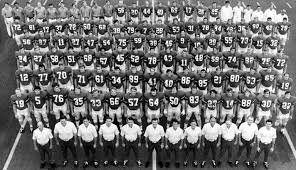 I'm still shocked that murder didn't get them kicked out of the Big 12
Chris Hall
Leo Brooks
It’s times like this I’m glad he threw a fit and didn’t come to Texas. All because Mack Brown told him that Cedric Benson was going to be the featured back so he threw a tantrum and went to OU instead.
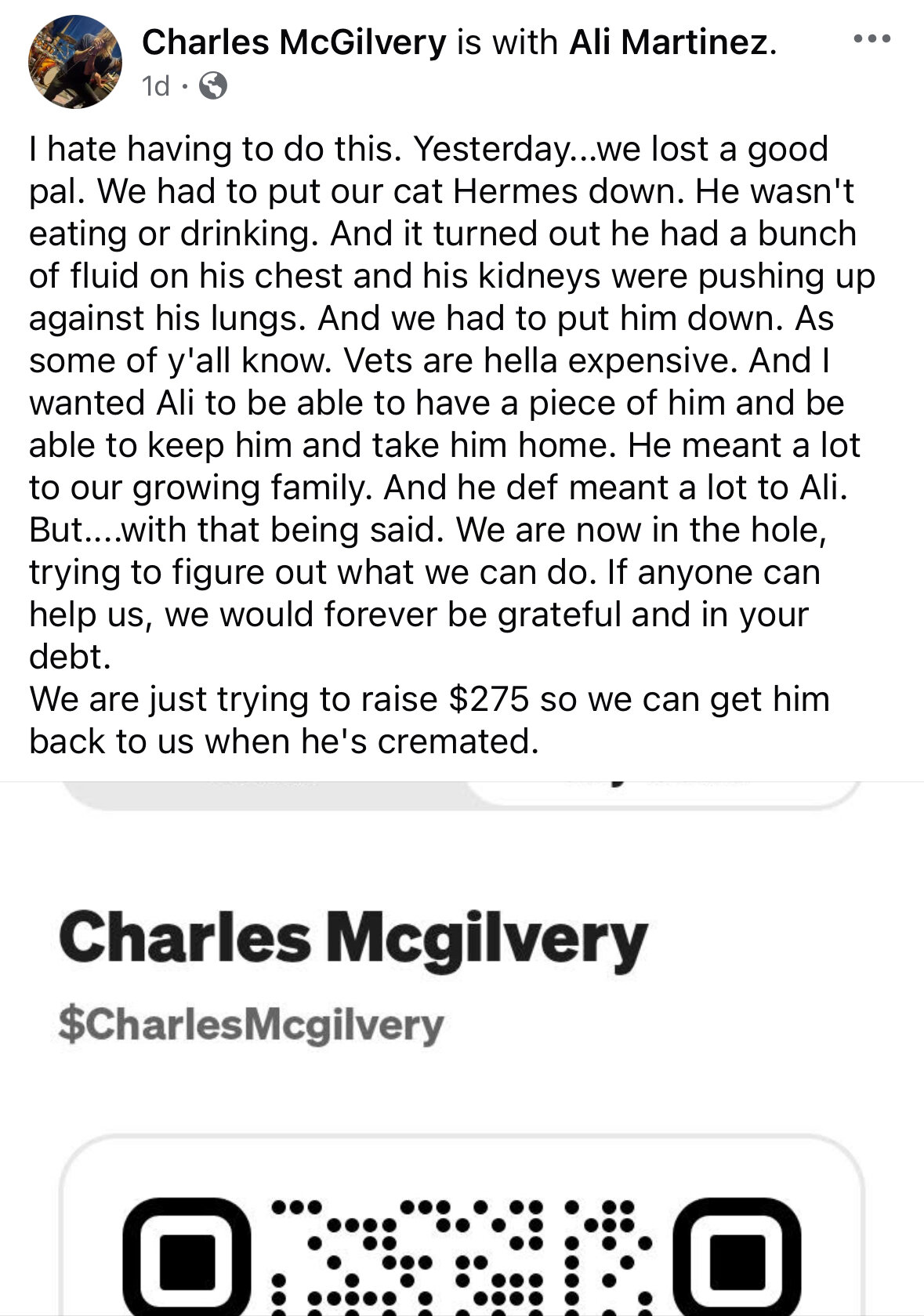
Now I’ve heard it all. Putting out your cash app to raise money to have your cat cremated… What in the world? Trying to figure out what to do? It’s a friggin cat, not a person.
I'm still shocked that murder didn't get them kicked out of the Big 12
Chris Hall
Leo Brooks
It’s times like this I’m glad he threw a fit and didn’t come to Texas. All because Mack Brown told him that Cedric Benson was going to be the featured back so he threw a tantrum and went to OU instead.
Now I’ve heard it all. Putting out your cash app to raise money to have your cat cremated… What in the world? Trying to figure out what to do? It’s a friggin cat, not a person.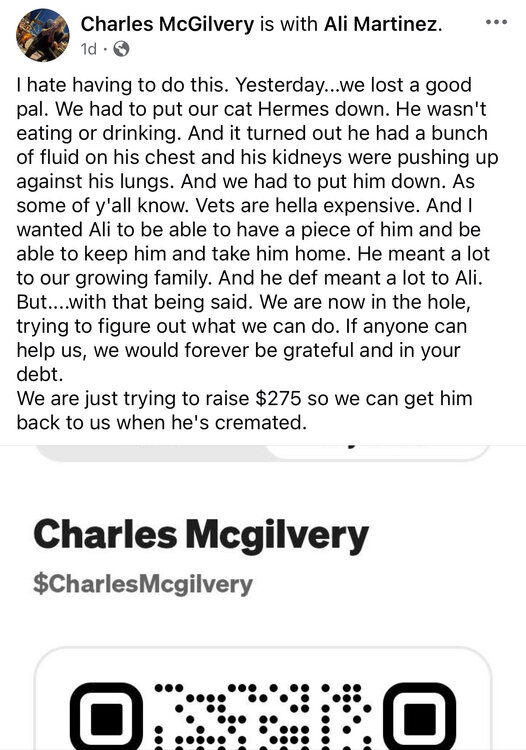 “Call me after 6pm when my minutes are free.”
Football ... Basketball ... Baseball ... Other Sports ... Futbol ... 🤫995🤫 ... Gambling ... Movies & TV ... Music ... Hobbies ... Lulz ... Food & Travel ... Daily Texan ... Business & Markets ... Cloak Room ... Help ... For Sale ... Board Discussion ... Advertise... Tailgate Donations
“Call me after 6pm when my minutes are free.”
Football ... Basketball ... Baseball ... Other Sports ... Futbol ... 🤫995🤫 ... Gambling ... Movies & TV ... Music ... Hobbies ... Lulz ... Food & Travel ... Daily Texan ... Business & Markets ... Cloak Room ... Help ... For Sale ... Board Discussion ... Advertise... Tailgate Donations








Account
Search
Configure browser push notifications
Chrome (Android)
- Tap the lock icon next to the address bar.
- Tap Permissions → Notifications.
- Adjust your preference.
Chrome (Desktop)
- Click the padlock icon in the address bar.
- Select Site settings.
- Find Notifications and adjust your preference.
Safari (iOS 16.4+)
- Ensure the site is installed via Add to Home Screen.
- Open Settings App → Notifications.
- Find your app name and adjust your preference.
Safari (macOS)
- Go to Safari → Preferences.
- Click the Websites tab.
- Select Notifications in the sidebar.
- Find this website and adjust your preference.
Edge (Android)
- Tap the lock icon next to the address bar.
- Tap Permissions.
- Find Notifications and adjust your preference.
Edge (Desktop)
- Click the padlock icon in the address bar.
- Click Permissions for this site.
- Find Notifications and adjust your preference.
Firefox (Android)
- Go to Settings → Site permissions.
- Tap Notifications.
- Find this site in the list and adjust your preference.
Firefox (Desktop)
- Open Firefox Settings.
- Search for Notifications.
- Find this site in the list and adjust your preference.