
Longboard Horn
Legacy Members
-
Joined
-
Last visited
Everything posted by Longboard Horn
-
 Foolin!
 Maybe it is, maybe it’s not
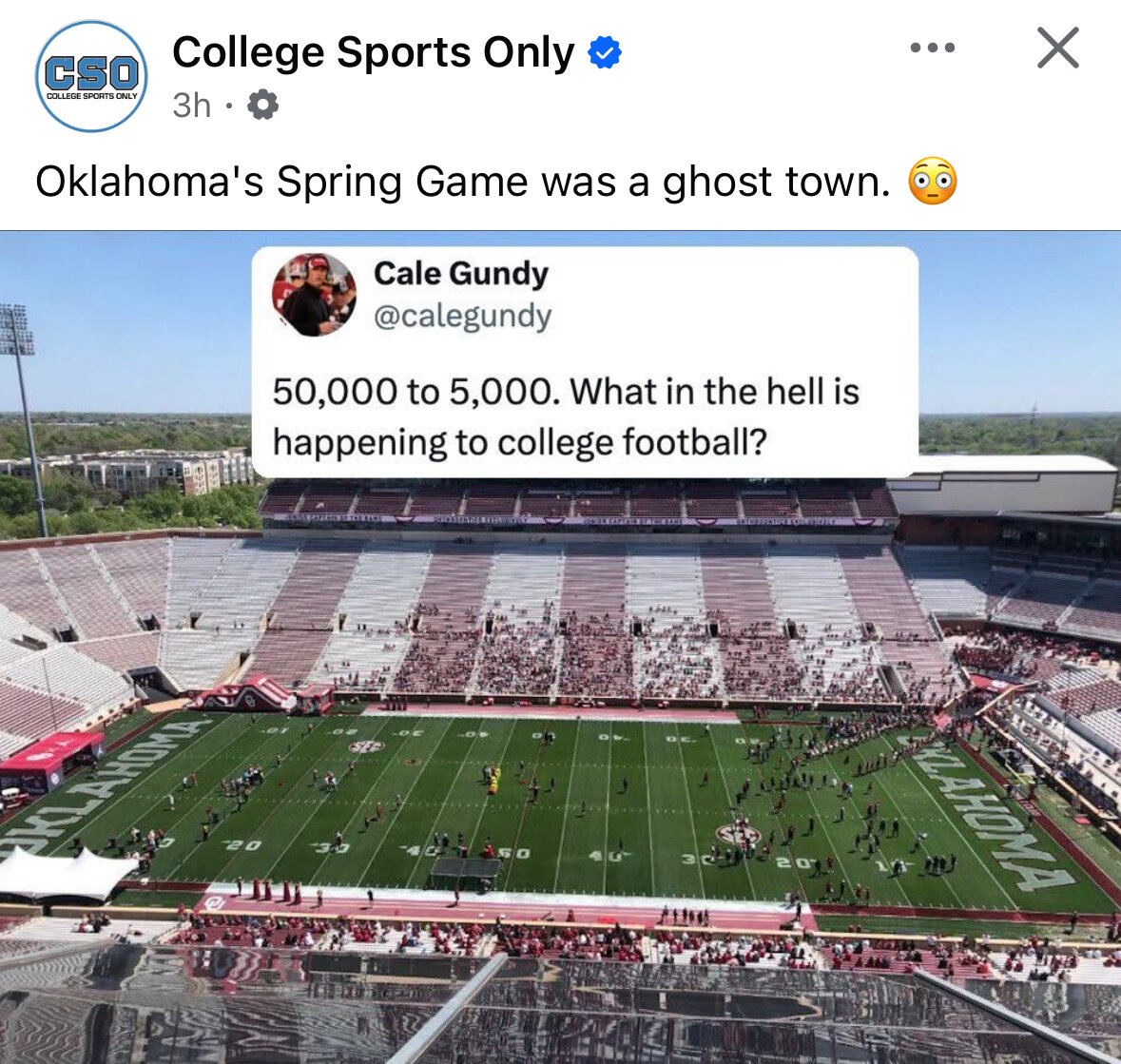
Lol funny you mention that because most of them that I talked to drove down from OKC, Norman and Tulsa for the game.
I talked to a handful of sooner ticket holders at the stars game this past weekend and they all said unanimously that if Brent doesn’t go 8-4, then he’s done in Norman.
Shitty offense. Then again that’s why this is minor league ball.
Not again….
Maybe it is, maybe it’s not
Lol funny you mention that because most of them that I talked to drove down from OKC, Norman and Tulsa for the game.
I talked to a handful of sooner ticket holders at the stars game this past weekend and they all said unanimously that if Brent doesn’t go 8-4, then he’s done in Norman.
Shitty offense. Then again that’s why this is minor league ball.
Not again…. lol what was that?! Houston choked! Paws down! Yormark is drinking somewhere. SEC! SEC! SEC! lol
Houston’s gonna choke. I can feel it
Hookers don't fart, they let out little prosti-toots
Any takers?
Football ... Basketball ... Baseball ... Other Sports ... Futbol ... 🤫995🤫 ... Gambling ... Movies & TV ... Music ... Hobbies ... Lulz ... Food & Travel ... Daily Texan ... Business & Markets ... Cloak Room ... Help ... For Sale ... Board Discussion ... Advertise... Tailgate Donations
lol what was that?! Houston choked! Paws down! Yormark is drinking somewhere. SEC! SEC! SEC! lol
Houston’s gonna choke. I can feel it
Hookers don't fart, they let out little prosti-toots
Any takers?
Football ... Basketball ... Baseball ... Other Sports ... Futbol ... 🤫995🤫 ... Gambling ... Movies & TV ... Music ... Hobbies ... Lulz ... Food & Travel ... Daily Texan ... Business & Markets ... Cloak Room ... Help ... For Sale ... Board Discussion ... Advertise... Tailgate DonationsAccount
Search
Configure browser push notifications
Chrome (Android)
- Tap the lock icon next to the address bar.
- Tap Permissions → Notifications.
- Adjust your preference.
Chrome (Desktop)
- Click the padlock icon in the address bar.
- Select Site settings.
- Find Notifications and adjust your preference.
Safari (iOS 16.4+)
- Ensure the site is installed via Add to Home Screen.
- Open Settings App → Notifications.
- Find your app name and adjust your preference.
Safari (macOS)
- Go to Safari → Preferences.
- Click the Websites tab.
- Select Notifications in the sidebar.
- Find this website and adjust your preference.
Edge (Android)
- Tap the lock icon next to the address bar.
- Tap Permissions.
- Find Notifications and adjust your preference.
Edge (Desktop)
- Click the padlock icon in the address bar.
- Click Permissions for this site.
- Find Notifications and adjust your preference.
Firefox (Android)
- Go to Settings → Site permissions.
- Tap Notifications.
- Find this site in the list and adjust your preference.
Firefox (Desktop)
- Open Firefox Settings.
- Search for Notifications.
- Find this site in the list and adjust your preference.