
Jump to content
View in the app

A better way to browse. Learn more.

Surly Horns

A full-screen app on your home screen with push notifications, badges and more.

To install this app on iOS and iPadOS
  1. Tap the Share icon in Safari
  2. Scroll the menu and tap Add to Home Screen.
  3. Tap Add in the top-right corner.
To install this app on Android
  1. Tap the 3-dot menu (⋮) in the top-right corner of the browser.
  2. Tap Add to Home screen or Install app.
  3. Confirm by tapping Install.
Football ... Basketball ... Baseball ... Other Sports ... Futbol ... 🤫995🤫 ... Gambling ... Movies & TV ... Music ... Hobbies ... Lulz ... Food & Travel ... Daily Texan ... Business & Markets ... Cloak Room ... Help ... For Sale ... Board Discussion ... Advertise... Tailgate Donations

XStan

New Members
  • Joined

  • Last visited

  1. Maybe Red? Brown said it was a speedy kid that was gonna commit today.
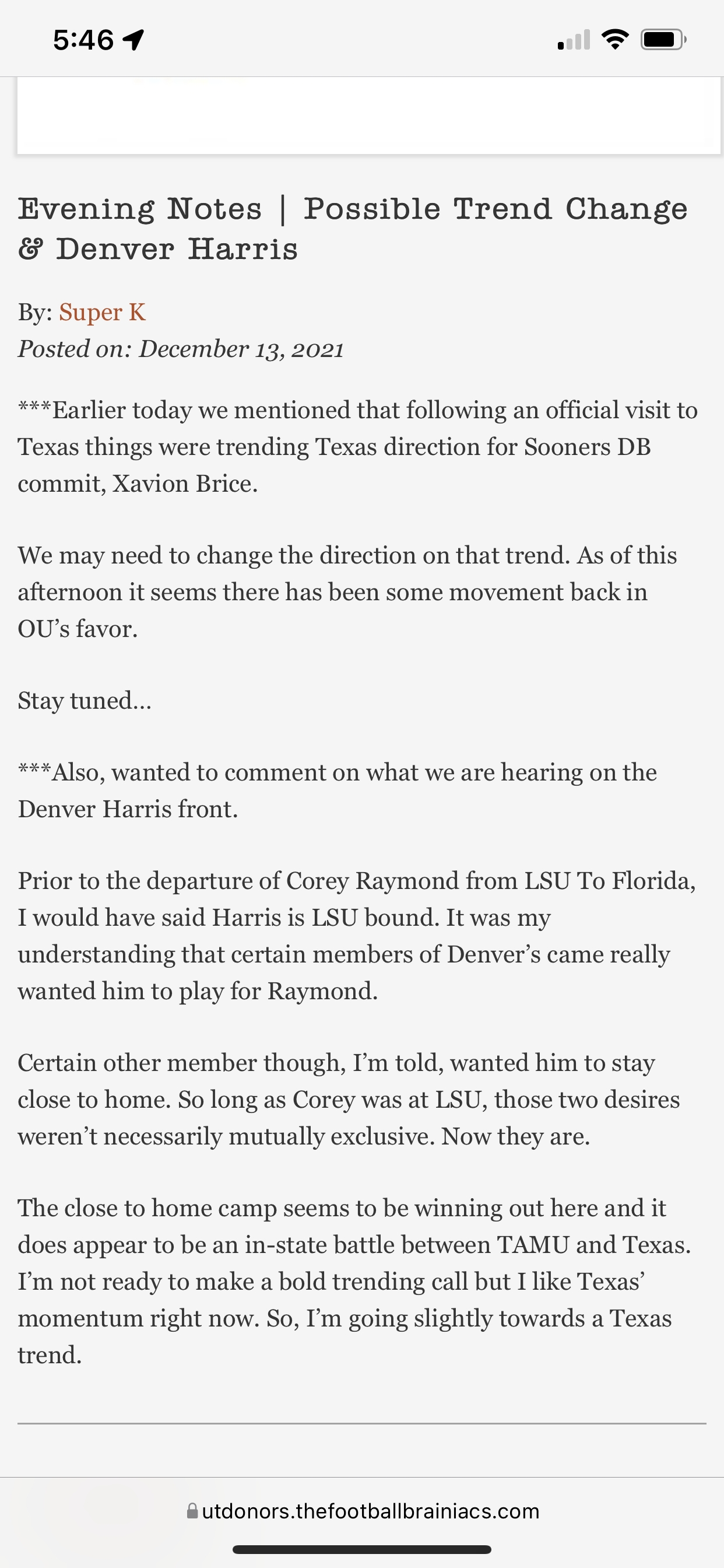
  2. Well I think this the first I have seen Super K make really any kind of statement of Denver.
  3. Chill. He literally said just a quick recap of everything that happened yesterday. Bobby actually one of the good ones. Lol
  4. He played the second half of the season. And looked good.
  5. Not officially but he was also there “visiting”.
  6. XStan joined the community
  7. Just got a push notification from espn about the new NIL deal. I’m sure most recruits already know about it but it’s amusing that aggy thinks it’s a small deal when it’s a national headline. Obviously a bigger deal than they claim.
Football ... Basketball ... Baseball ... Other Sports ... Futbol ... 🤫995🤫 ... Gambling ... Movies & TV ... Music ... Hobbies ... Lulz ... Food & Travel ... Daily Texan ... Business & Markets ... Cloak Room ... Help ... For Sale ... Board Discussion ... Advertise... Tailgate Donations

Configure browser push notifications

Chrome (Android)
  1. Tap the lock icon next to the address bar.
  2. Tap Permissions → Notifications.
  3. Adjust your preference.
Chrome (Desktop)
  1. Click the padlock icon in the address bar.
  2. Select Site settings.
  3. Find Notifications and adjust your preference.
