

speed817
Legacy Members
-
Joined
-
Last visited
Everything posted by speed817
-
 Wordle 1,665 3/6 ⬛⬛🟨🟨⬛ 🟨🟨🟨⬛⬛ 🟩🟩🟩🟩🟩 🙂 Daily Quordle 1446 5️⃣6️⃣ 7️⃣4️⃣ m-w.com/games/quordle/
 -
-
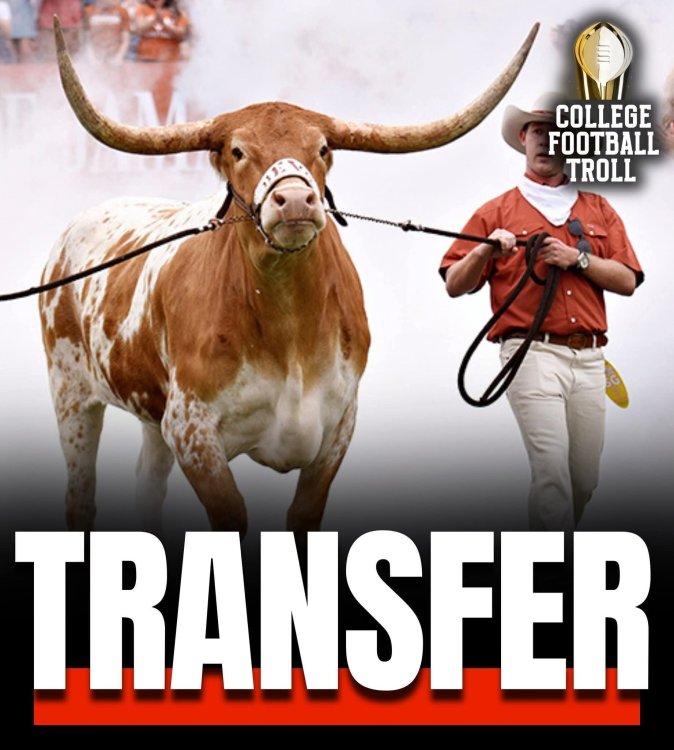
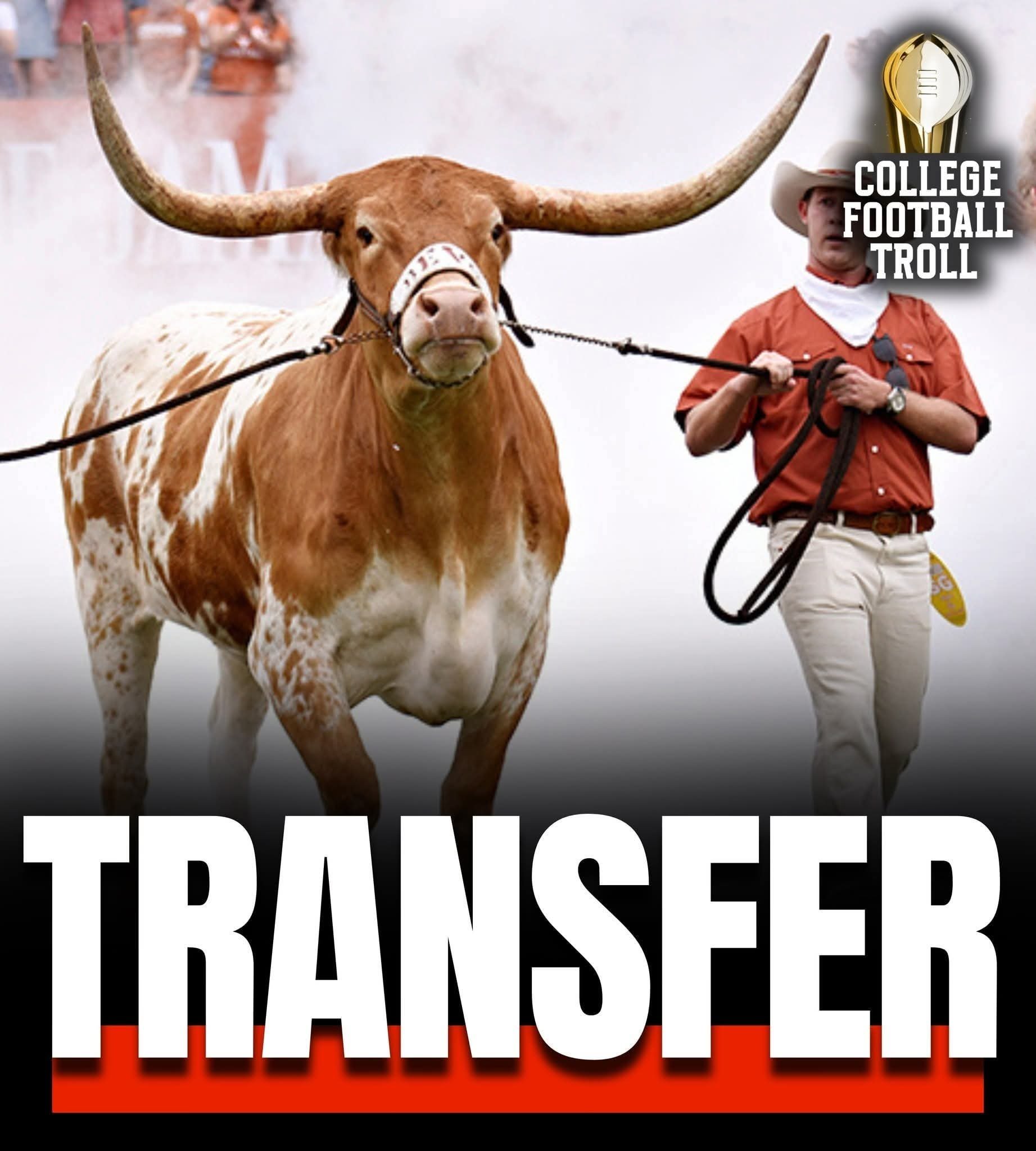
BREAKING: Texas mascot “Bevo” plans to enter the NCAA transfer portal, Pete Thamel reports. “Price of beef has gone up, my NIL check has NOT.” 👀
-
Fucking Uncle Leo here 🤣
-
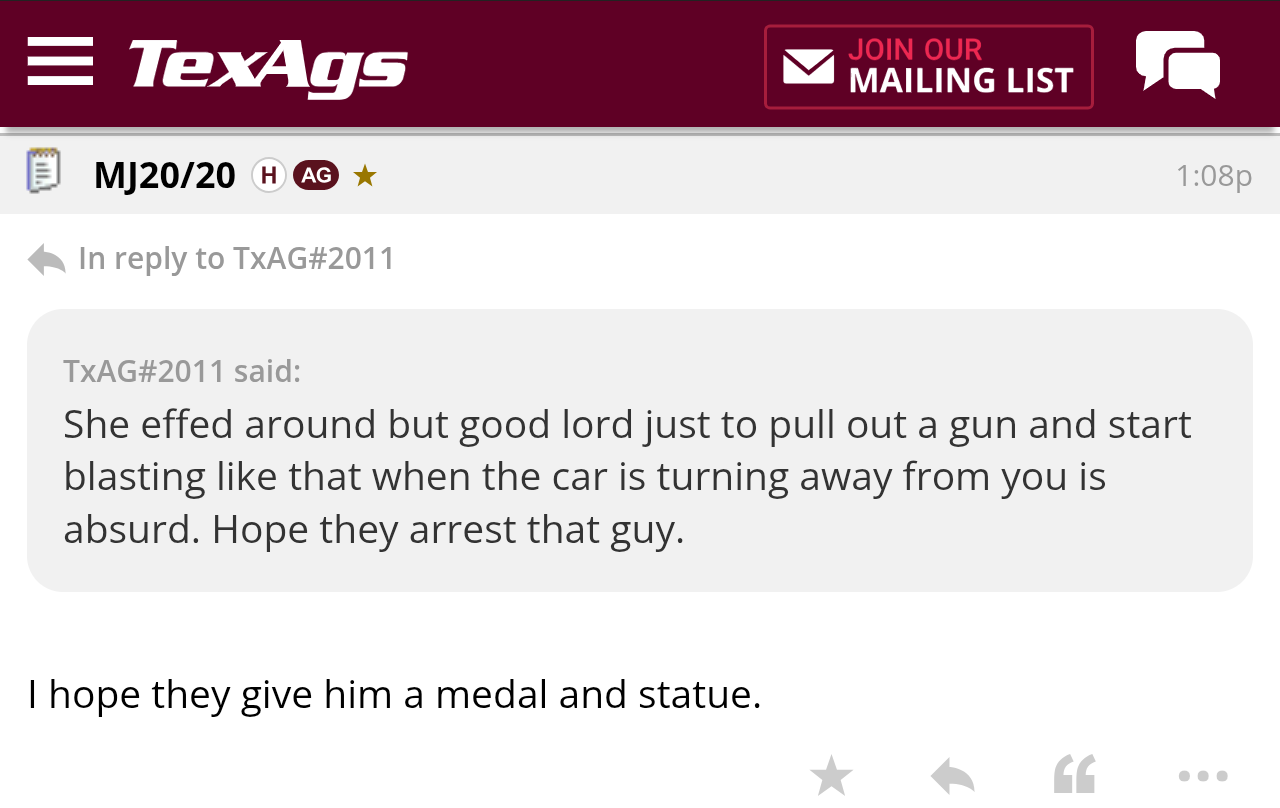
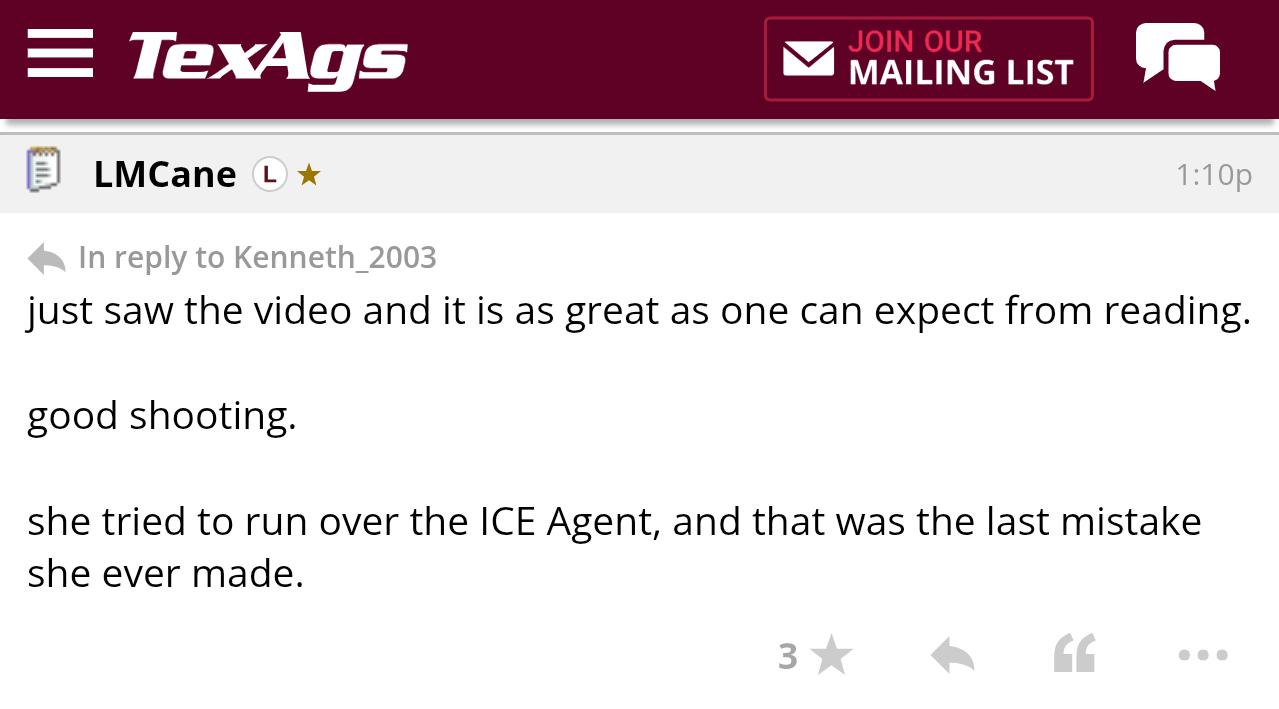
Now that we have the name of the shooter, the state can issue an arrest warrant right???
-
Longhorns are ALL IN alright
-
Needs to be more like South Austin's mom and not discriminate on size
Don't forget about the Epstein files!!!
Wordle 1,664 3/6 ⬛🟨🟨⬛🟨 🟨🟨🟩⬛⬛ 🟩🟩🟩🟩🟩 🙂 Daily Quordle 1445 6️⃣7️⃣ 5️⃣8️⃣ m-w.com/games/quordle/
Image of dead body in the car.....
Texas A&M Bans Platohttps://dailynous.com/2026/01/06/texas-am-bans-plato/
so much gaslighting
Also ran a Somali daycare center
We are fucked
Texags at it's finest....
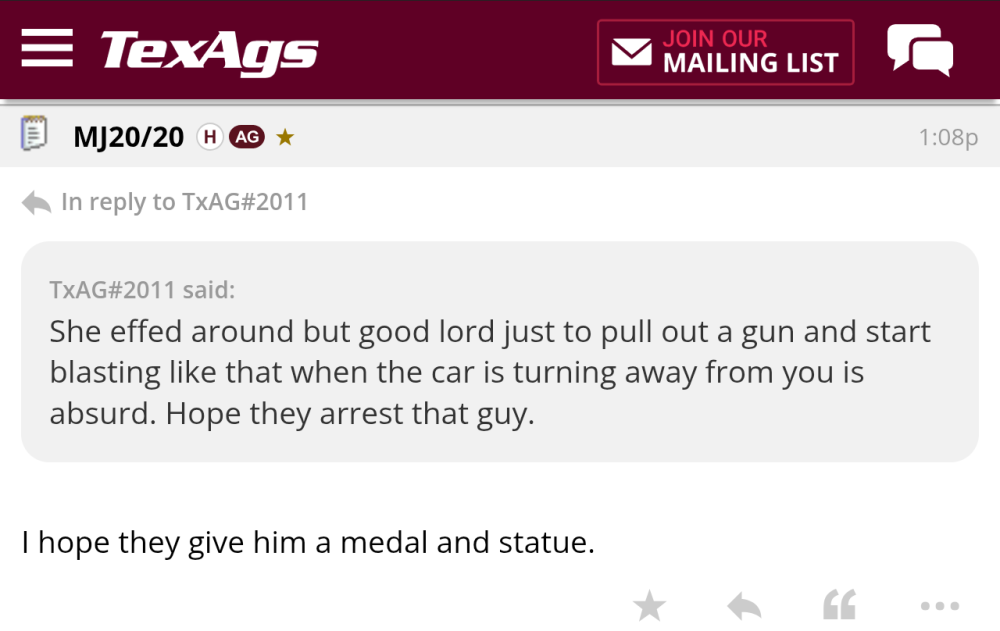
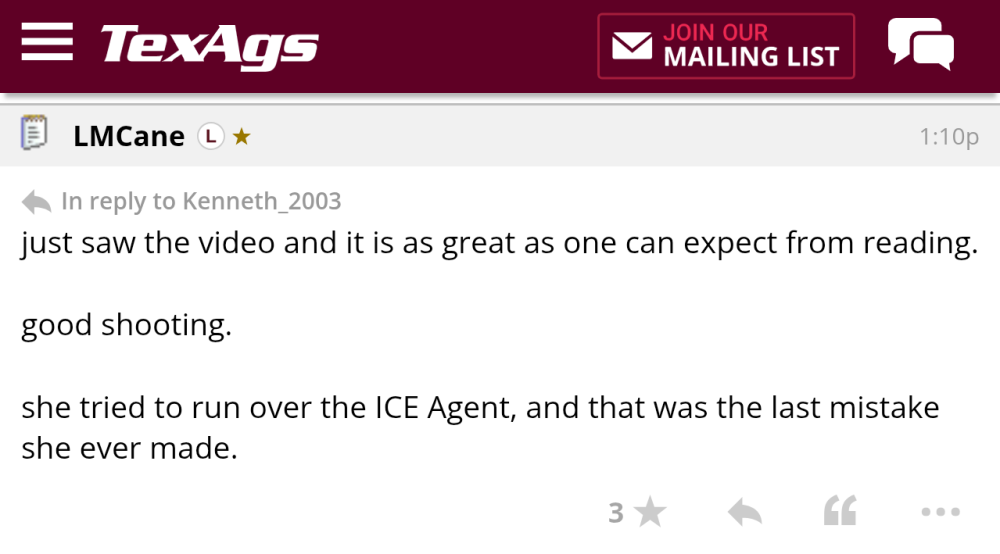
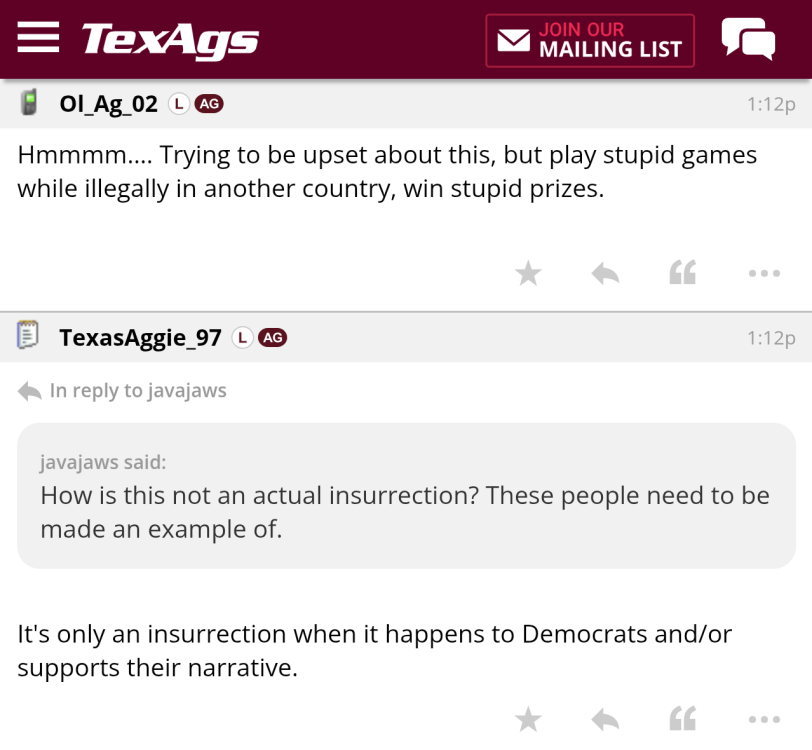
 From another angle....
About the same as TexAgs I assume....Football ... Basketball ... Baseball ... Other Sports ... Futbol ... 🤫995🤫 ... Gambling ... Movies & TV ... Music ... Hobbies ... Lulz ... Food & Travel ... Daily Texan ... Business & Markets ... Cloak Room ... Help ... For Sale ... Board Discussion ... Advertise... Tailgate Donations
From another angle....
About the same as TexAgs I assume....Football ... Basketball ... Baseball ... Other Sports ... Futbol ... 🤫995🤫 ... Gambling ... Movies & TV ... Music ... Hobbies ... Lulz ... Food & Travel ... Daily Texan ... Business & Markets ... Cloak Room ... Help ... For Sale ... Board Discussion ... Advertise... Tailgate Donations









Account
Search
Configure browser push notifications
Chrome (Android)
- Tap the lock icon next to the address bar.
- Tap Permissions → Notifications.
- Adjust your preference.
Chrome (Desktop)
- Click the padlock icon in the address bar.
- Select Site settings.
- Find Notifications and adjust your preference.
Safari (iOS 16.4+)
- Ensure the site is installed via Add to Home Screen.
- Open Settings App → Notifications.
- Find your app name and adjust your preference.
Safari (macOS)
- Go to Safari → Preferences.
- Click the Websites tab.
- Select Notifications in the sidebar.
- Find this website and adjust your preference.
Edge (Android)
- Tap the lock icon next to the address bar.
- Tap Permissions.
- Find Notifications and adjust your preference.
Edge (Desktop)
- Click the padlock icon in the address bar.
- Click Permissions for this site.
- Find Notifications and adjust your preference.
Firefox (Android)
- Go to Settings → Site permissions.
- Tap Notifications.
- Find this site in the list and adjust your preference.
Firefox (Desktop)
- Open Firefox Settings.
- Search for Notifications.
- Find this site in the list and adjust your preference.