Jump to content
View in the app

A better way to browse. Learn more.

Surly Horns

A full-screen app on your home screen with push notifications, badges and more.

To install this app on iOS and iPadOS
  1. Tap the Share icon in Safari
  2. Scroll the menu and tap Add to Home Screen.
  3. Tap Add in the top-right corner.
To install this app on Android
  1. Tap the 3-dot menu (⋮) in the top-right corner of the browser.
  2. Tap Add to Home screen or Install app.
  3. Confirm by tapping Install.
Football ... Basketball ... Baseball ... Other Sports ... Futbol ... 🤫995🤫 ... Gambling ... Movies & TV ... Music ... Hobbies ... Lulz ... Food & Travel ... Daily Texan ... Business & Markets ... Cloak Room ... Help ... For Sale ... Board Discussion ... Advertise... Tailgate Donations

Limp Brisket

Legacy Members
  • Joined

  • Last visited

Everything posted by Limp Brisket

  1. It sure was a perfect defensive bounce. When it’s not your night it’s not your night.
  2. Not Dubon’s best game lol
  3. He’s been ready!
  4. Abreu as closer has been killer.
  5. Ort has the flattest most non movement fastball ever.
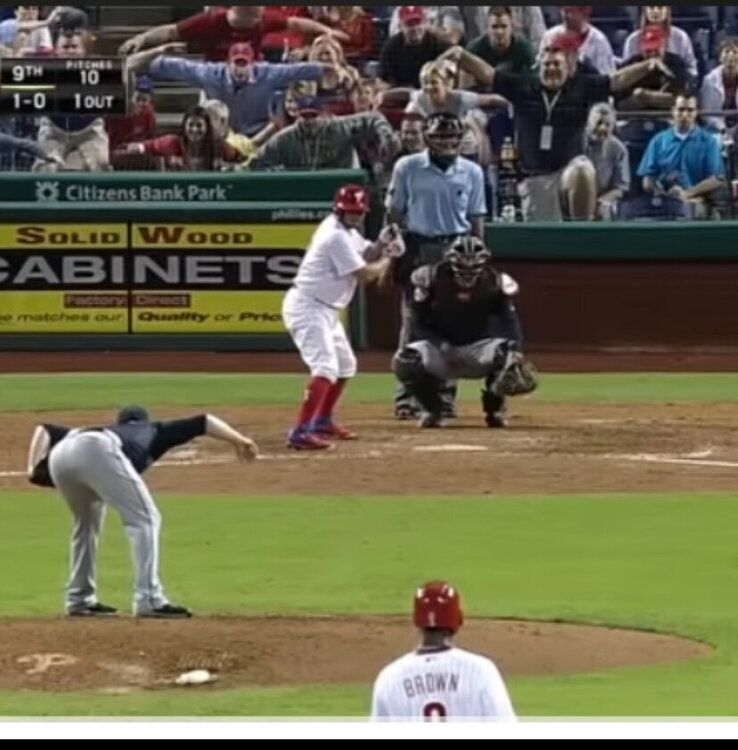
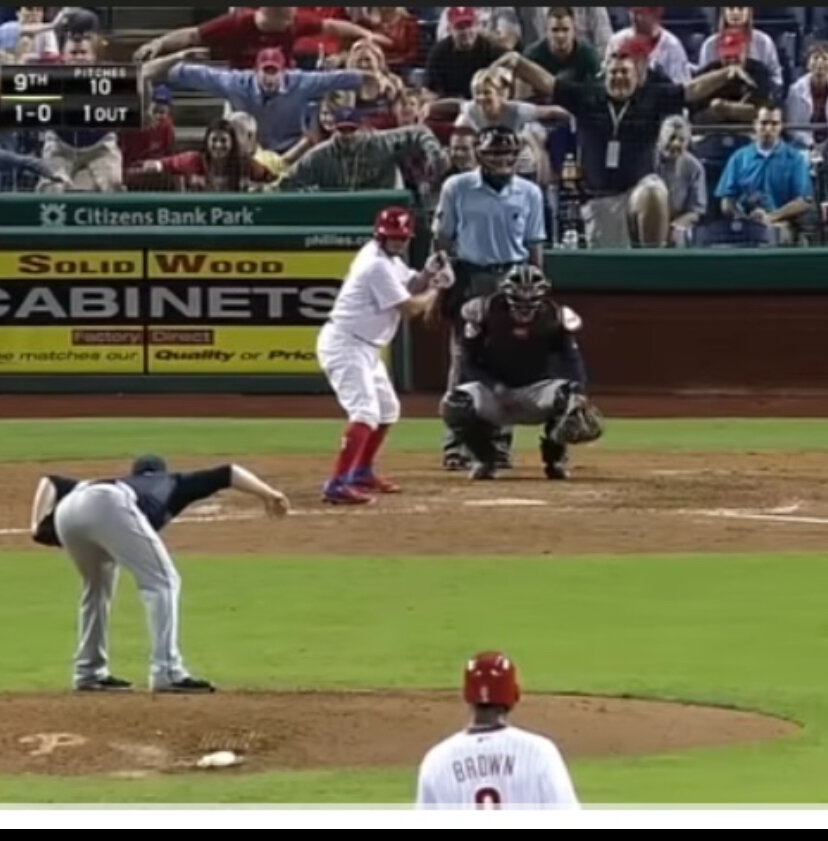
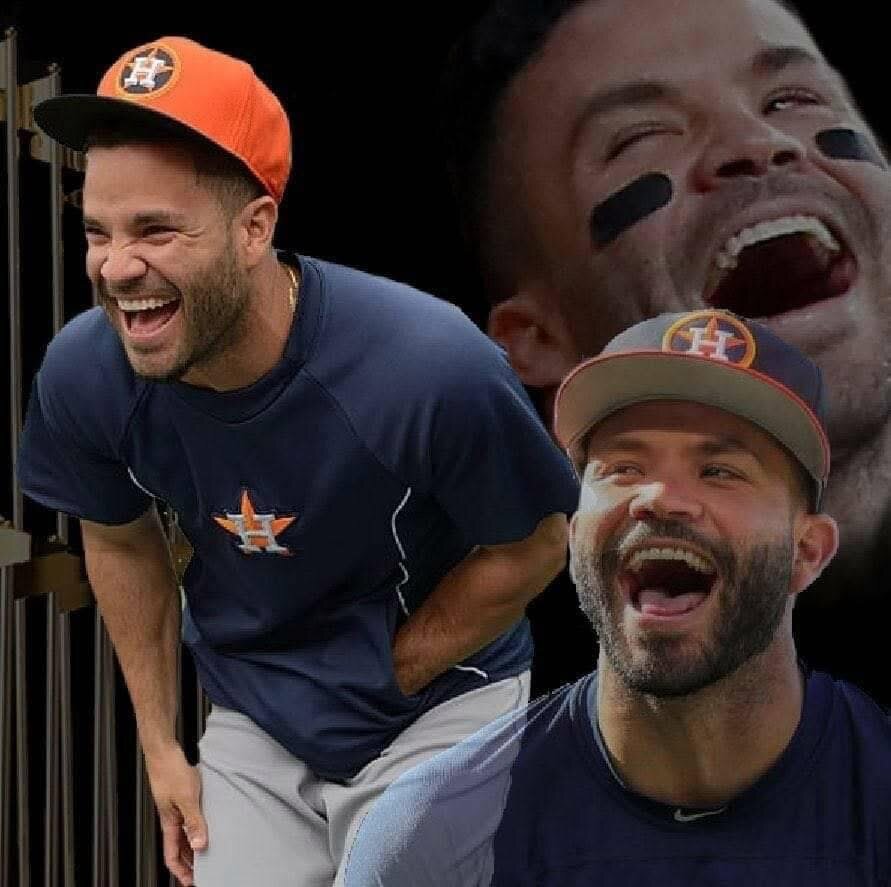
  6. Remember the Philly fans mocking him?
  7. So I went to the ESPN app on my tv, clicked on the Astros game and it went to my MLBtv app and worked. When I went straight to the MLBtv it did not. I have no fucking idea.
  8. We put TOOTBLAN on 2nd. What could go wrong?
  9. Clown show holyshit
  10. No wonder he was let go
  11. Somebody is going to spoil a great pitched game. Let it be us.
  12. I guess we’ve found our setup and closer?
  13. I wish I had something else to do now.
  14. I feel like I’m watching a first place 2013 Astros. It’s weird.
  15. Damn Tuve I just cussed Chas for the same swing.
  16. We’ve got a moron whistler in the crowd that needs to be shut down.
  17. Boston +11 run diff, Astros win series.
Football ... Basketball ... Baseball ... Other Sports ... Futbol ... 🤫995🤫 ... Gambling ... Movies & TV ... Music ... Hobbies ... Lulz ... Food & Travel ... Daily Texan ... Business & Markets ... Cloak Room ... Help ... For Sale ... Board Discussion ... Advertise... Tailgate Donations

Configure browser push notifications

Chrome (Android)
  1. Tap the lock icon next to the address bar.
  2. Tap Permissions → Notifications.
  3. Adjust your preference.
Chrome (Desktop)
  1. Click the padlock icon in the address bar.
  2. Select Site settings.
  3. Find Notifications and adjust your preference.