
RandomIdoit
Legacy Members
-
Joined
-
Last visited
Everything posted by RandomIdoit
-
 But does he have the grades!?
missed on “Christmas Tree”
Forearms are adequate but he doesn’t smile with his eyes.
From Surly reaction, it sounds like it should be Golden Juice Burks
Ahead of Juice?
The Portal Potty ™️
siap
Mack Brown was clappin’ cheeks
poo raggy
The craziest thing is that if Florida State had won convincingly, I wouldn’t put it past the committee to make their rankings Michigan, Washington, FSU, Alabama and left us off. At least next year we will have the benefit of being in the SEC.
Alabama and FSU
OMG
Don't fuck this up.
But does he have the grades!?
missed on “Christmas Tree”
Forearms are adequate but he doesn’t smile with his eyes.
From Surly reaction, it sounds like it should be Golden Juice Burks
Ahead of Juice?
The Portal Potty ™️
siap
Mack Brown was clappin’ cheeks
poo raggy
The craziest thing is that if Florida State had won convincingly, I wouldn’t put it past the committee to make their rankings Michigan, Washington, FSU, Alabama and left us off. At least next year we will have the benefit of being in the SEC.
Alabama and FSU
OMG
Don't fuck this up.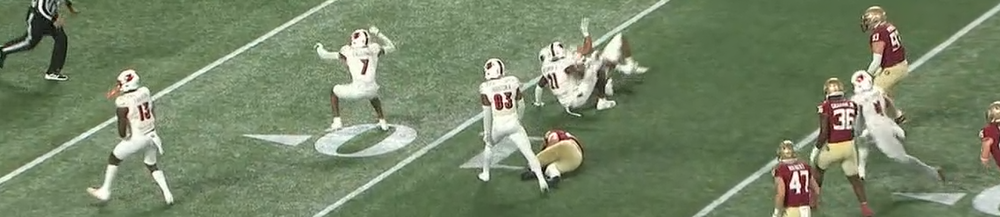 Who TF is calling these plays?
Dudes should be trying to get a first down instead of gaining 20.
Have you watched their game today?
If we are a 3, I'd want Washington as 1. Texas matches up with Michigan better imo.
Guy could have got the first but ran out of bounds. Dumbass.
Can we put Papa John in at QB for Louisville?
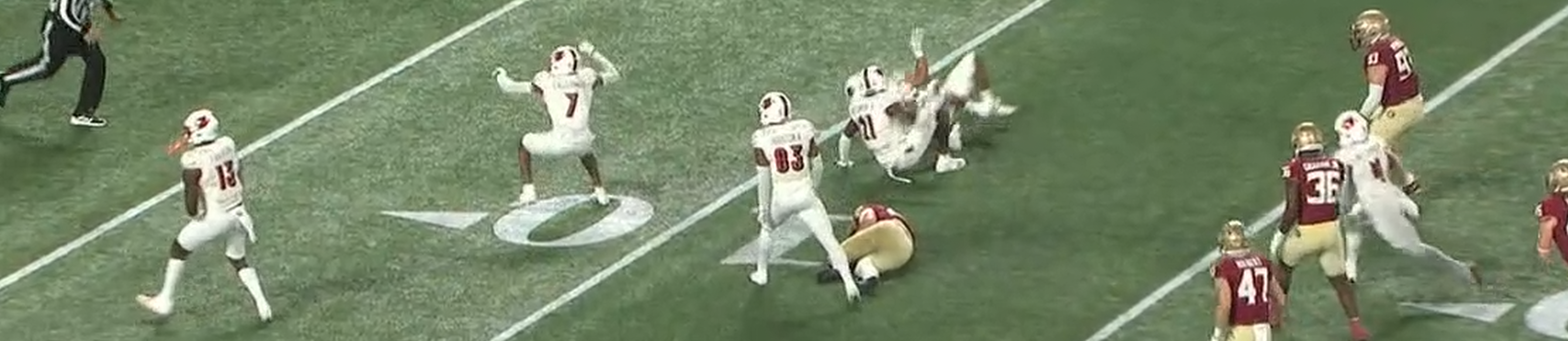
Who TF is calling these plays?
Dudes should be trying to get a first down instead of gaining 20.
Have you watched their game today?
If we are a 3, I'd want Washington as 1. Texas matches up with Michigan better imo.
Guy could have got the first but ran out of bounds. Dumbass.
Can we put Papa John in at QB for Louisville?




Football ...
Basketball ...
Baseball ...
Other Sports ...
Futbol ...
🤫995🤫 ...
Gambling ...
Movies & TV ...
Music ...
Hobbies ...
Lulz ...
Food & Travel
...
Daily Texan ...
Business & Markets ...
Cloak Room ...
Help ...
For Sale ...
Board Discussion ...
Advertise...
Tailgate Donations
Account
Search
Configure browser push notifications
Chrome (Android)
- Tap the lock icon next to the address bar.
- Tap Permissions → Notifications.
- Adjust your preference.
Chrome (Desktop)
- Click the padlock icon in the address bar.
- Select Site settings.
- Find Notifications and adjust your preference.
Safari (iOS 16.4+)
- Ensure the site is installed via Add to Home Screen.
- Open Settings App → Notifications.
- Find your app name and adjust your preference.
Safari (macOS)
- Go to Safari → Preferences.
- Click the Websites tab.
- Select Notifications in the sidebar.
- Find this website and adjust your preference.
Edge (Android)
- Tap the lock icon next to the address bar.
- Tap Permissions.
- Find Notifications and adjust your preference.
Edge (Desktop)
- Click the padlock icon in the address bar.
- Click Permissions for this site.
- Find Notifications and adjust your preference.
Firefox (Android)
- Go to Settings → Site permissions.
- Tap Notifications.
- Find this site in the list and adjust your preference.
Firefox (Desktop)
- Open Firefox Settings.
- Search for Notifications.
- Find this site in the list and adjust your preference.