
CashMcCoy
Burnt Ends
-
Joined
-
Last visited
Everything posted by CashMcCoy
-
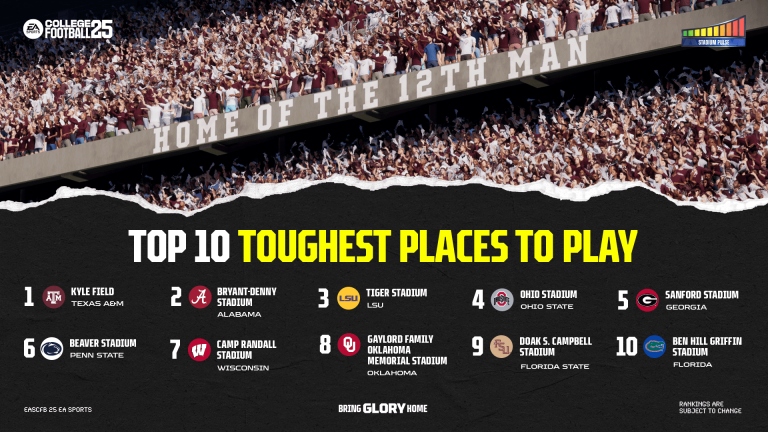
 Maybe this will help them get through a tough week: Full top 25
 Havoc?
New motto
Deion Jr’s rebuttal
Rumor is he had an issue with his lambo
Havoc?
New motto
Deion Jr’s rebuttal
Rumor is he had an issue with his lambo Is that Jett Bush?
It’s just a TCU fan that changed their display name and profile picture
From the same UGA 9.95 loser who laughed off Texas’ chances in the Arch recruitment for months. He mad.
Never forget the GOAT
Is that Jett Bush?
It’s just a TCU fan that changed their display name and profile picture
From the same UGA 9.95 loser who laughed off Texas’ chances in the Arch recruitment for months. He mad.
Never forget the GOAT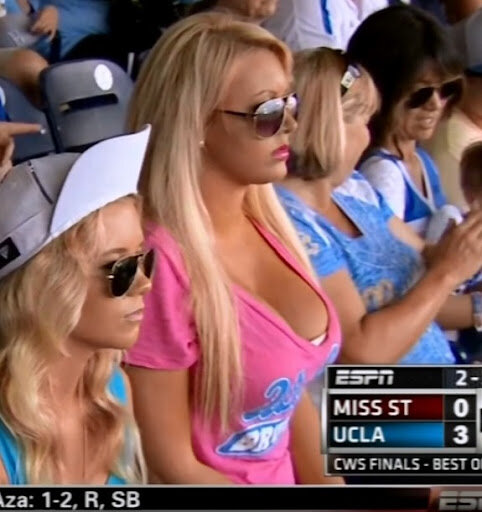 Checks out
 -5 @ Michigan -8 vs OU +2 vs UGA -18 vs Florida -5 @ A&M
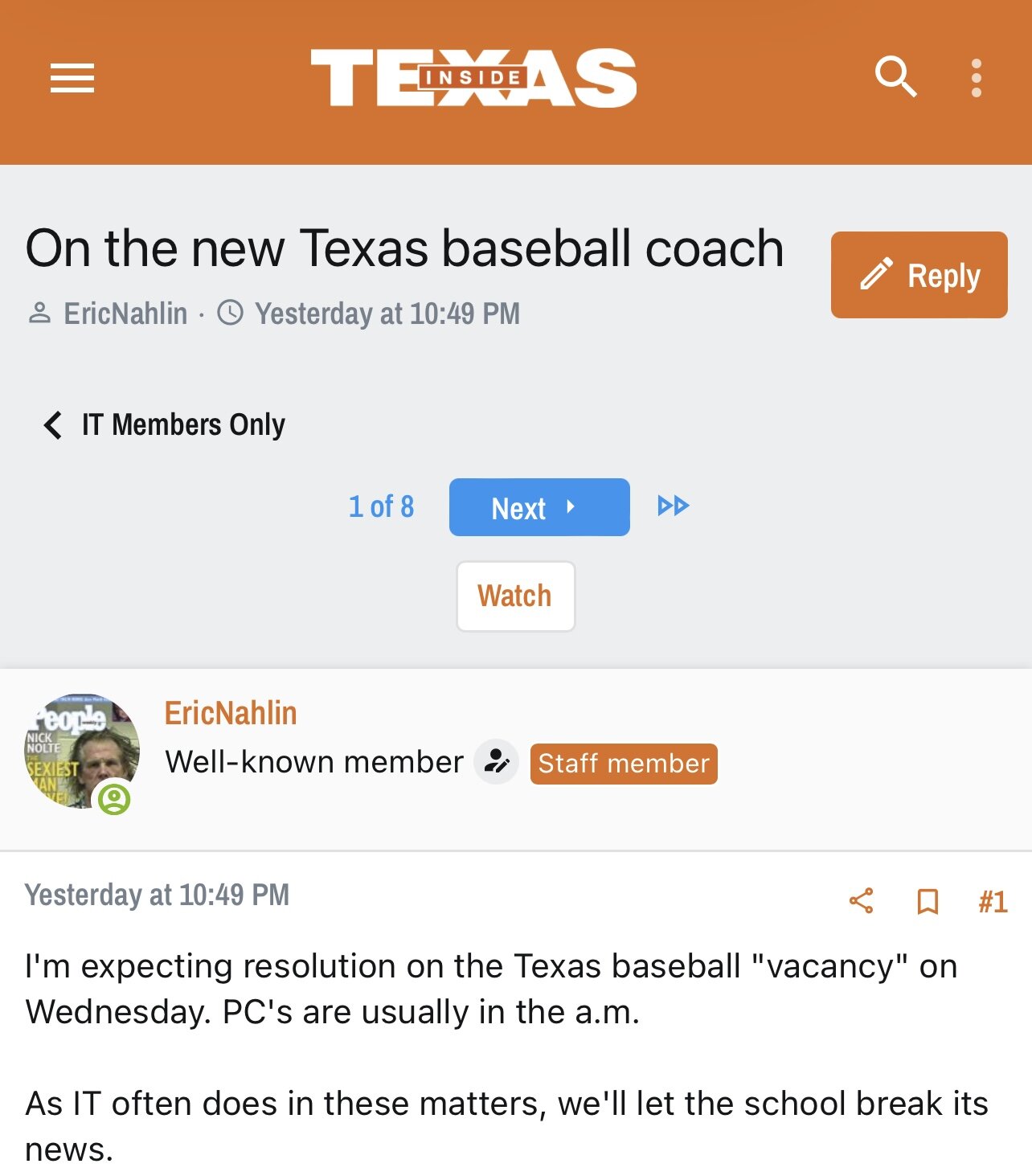
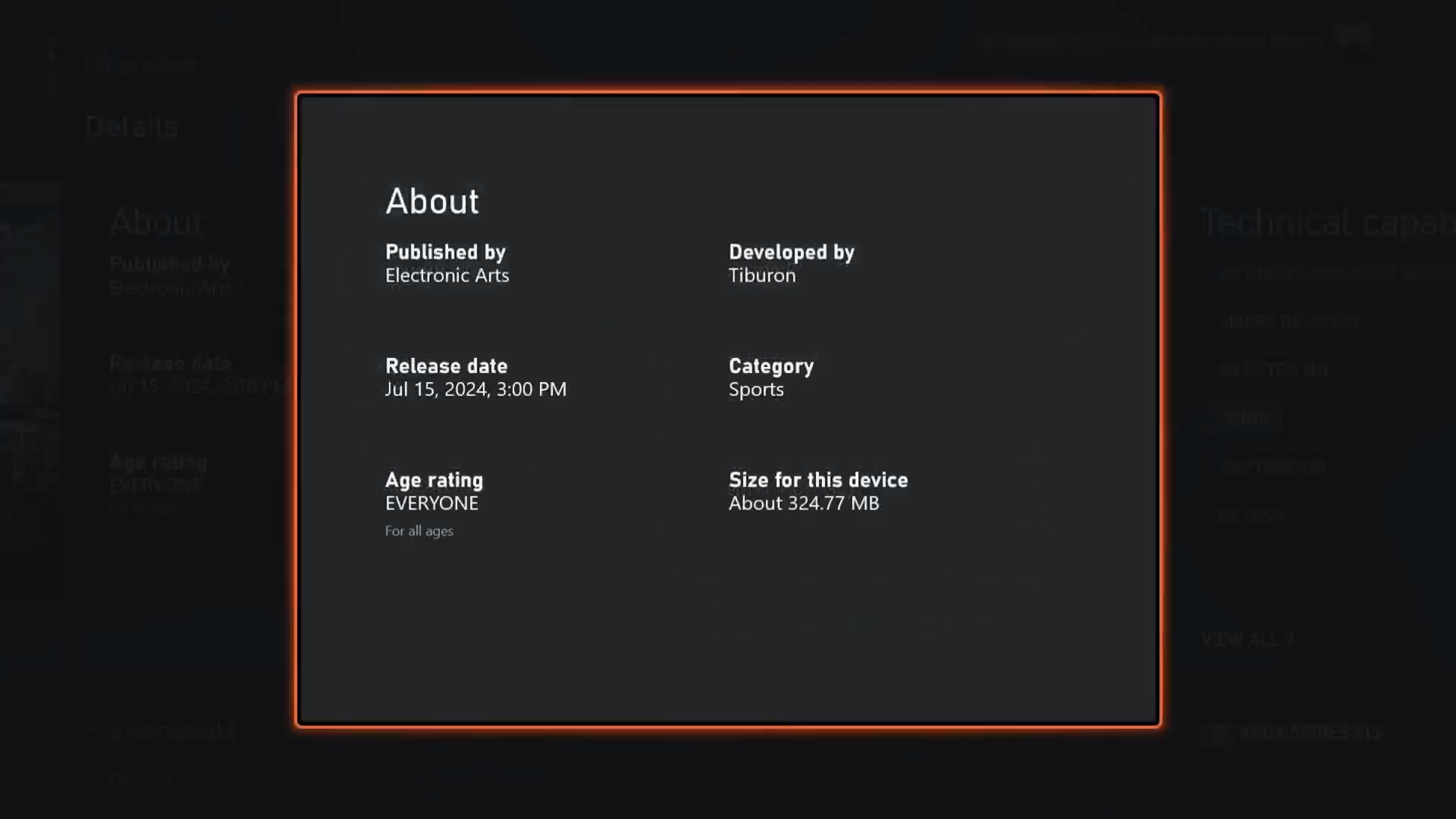
July 15th at 3PM central, to be exact
-5 @ Michigan -8 vs OU +2 vs UGA -18 vs Florida -5 @ A&M
July 15th at 3PM central, to be exact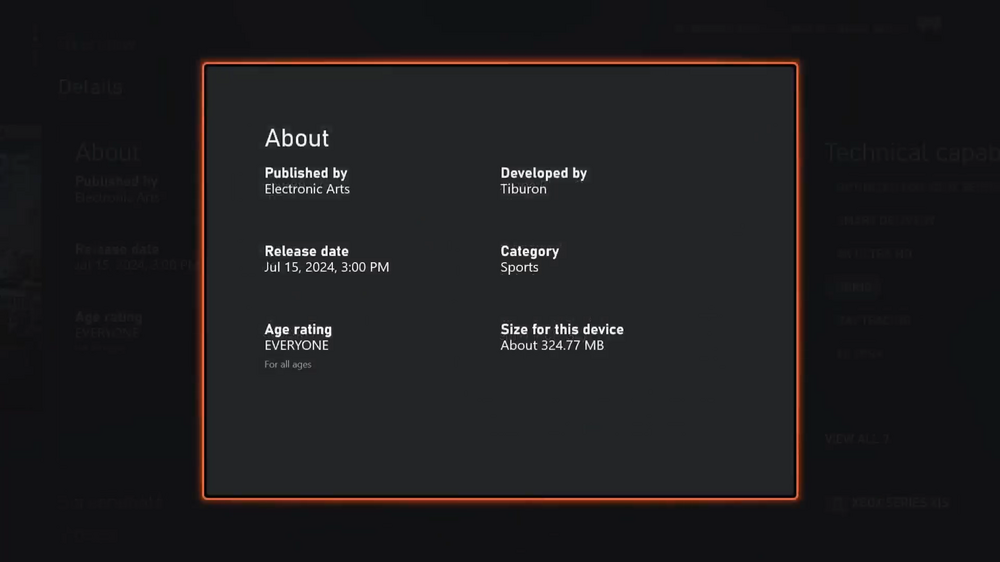 Doubt he’s updated anything but the opponents for a while now, seeing that he still thinks the standalone Cotton Bowl will be an option. A Creighton-aggy double cult member is a truly terrifying image.
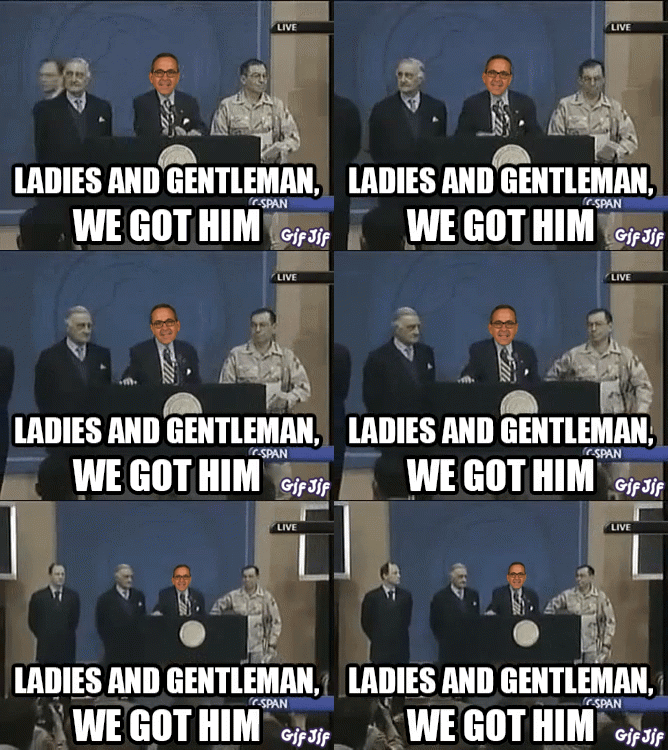
Sark was also hired before the national championship
Hold my Fong BombFootball ... Basketball ... Baseball ... Other Sports ... Futbol ... 🤫995🤫 ... Gambling ... Movies & TV ... Music ... Hobbies ... Lulz ... Food & Travel ... Daily Texan ... Business & Markets ... Cloak Room ... Help ... For Sale ... Board Discussion ... Advertise... Tailgate Donations
Doubt he’s updated anything but the opponents for a while now, seeing that he still thinks the standalone Cotton Bowl will be an option. A Creighton-aggy double cult member is a truly terrifying image.
Sark was also hired before the national championship
Hold my Fong BombFootball ... Basketball ... Baseball ... Other Sports ... Futbol ... 🤫995🤫 ... Gambling ... Movies & TV ... Music ... Hobbies ... Lulz ... Food & Travel ... Daily Texan ... Business & Markets ... Cloak Room ... Help ... For Sale ... Board Discussion ... Advertise... Tailgate DonationsAccount
Search
Configure browser push notifications
Chrome (Android)
- Tap the lock icon next to the address bar.
- Tap Permissions → Notifications.
- Adjust your preference.
Chrome (Desktop)
- Click the padlock icon in the address bar.
- Select Site settings.
- Find Notifications and adjust your preference.
Safari (iOS 16.4+)
- Ensure the site is installed via Add to Home Screen.
- Open Settings App → Notifications.
- Find your app name and adjust your preference.
Safari (macOS)
- Go to Safari → Preferences.
- Click the Websites tab.
- Select Notifications in the sidebar.
- Find this website and adjust your preference.
Edge (Android)
- Tap the lock icon next to the address bar.
- Tap Permissions.
- Find Notifications and adjust your preference.
Edge (Desktop)
- Click the padlock icon in the address bar.
- Click Permissions for this site.
- Find Notifications and adjust your preference.
Firefox (Android)
- Go to Settings → Site permissions.
- Tap Notifications.
- Find this site in the list and adjust your preference.
Firefox (Desktop)
- Open Firefox Settings.
- Search for Notifications.
- Find this site in the list and adjust your preference.