
Jump to content
View in the app

A better way to browse. Learn more.

Surly Horns

A full-screen app on your home screen with push notifications, badges and more.

To install this app on iOS and iPadOS
  1. Tap the Share icon in Safari
  2. Scroll the menu and tap Add to Home Screen.
  3. Tap Add in the top-right corner.
To install this app on Android
  1. Tap the 3-dot menu (⋮) in the top-right corner of the browser.
  2. Tap Add to Home screen or Install app.
  3. Confirm by tapping Install.
Football ... Basketball ... Baseball ... Other Sports ... Futbol ... 🤫995🤫 ... Gambling ... Movies & TV ... Music ... Hobbies ... Lulz ... Food & Travel ... Daily Texan ... Business & Markets ... Cloak Room ... Help ... For Sale ... Board Discussion ... Advertise... Tailgate Donations

Zepol87

Legacy Members
  • Joined

Everything posted by Zepol87

  1. I’m very sad fuck this shit
  2. Yea I have tickets. Fuck this shit getting next to nothing for Luka is criminal
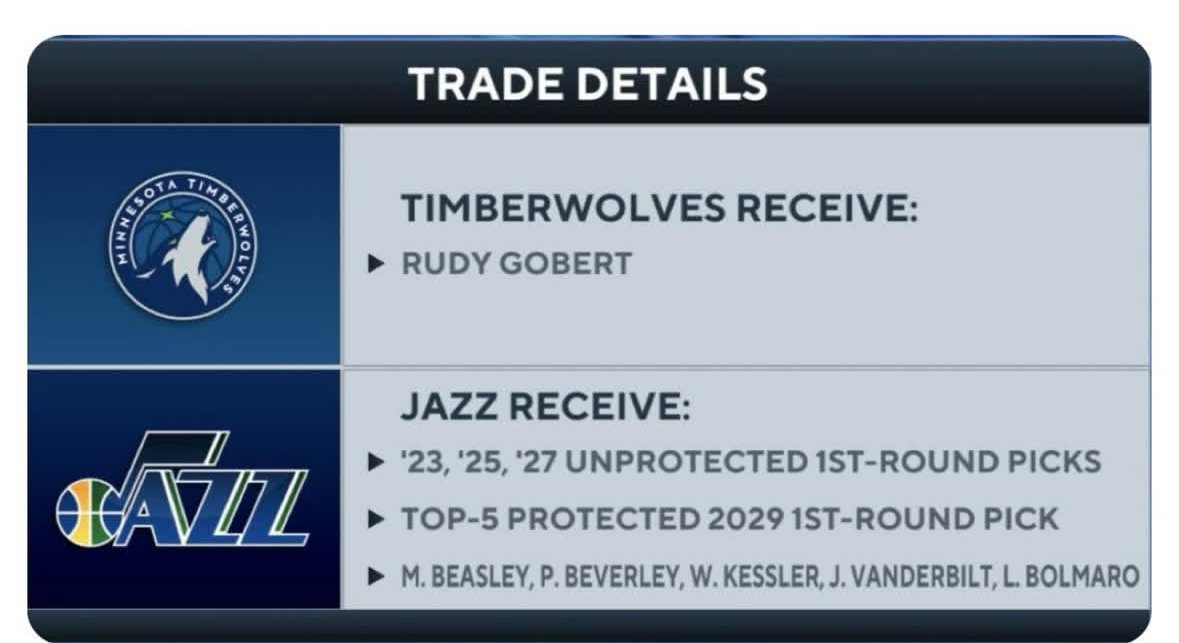
  3. This better be fucking fake news
  4. Damn I liked this and damn I forgot everything
  5. Oh hell yea
  6. Sounds like I need another Tijuana trip to get this back on track
  7. Damn, RIP Mr Brisket. Sorry for your loss
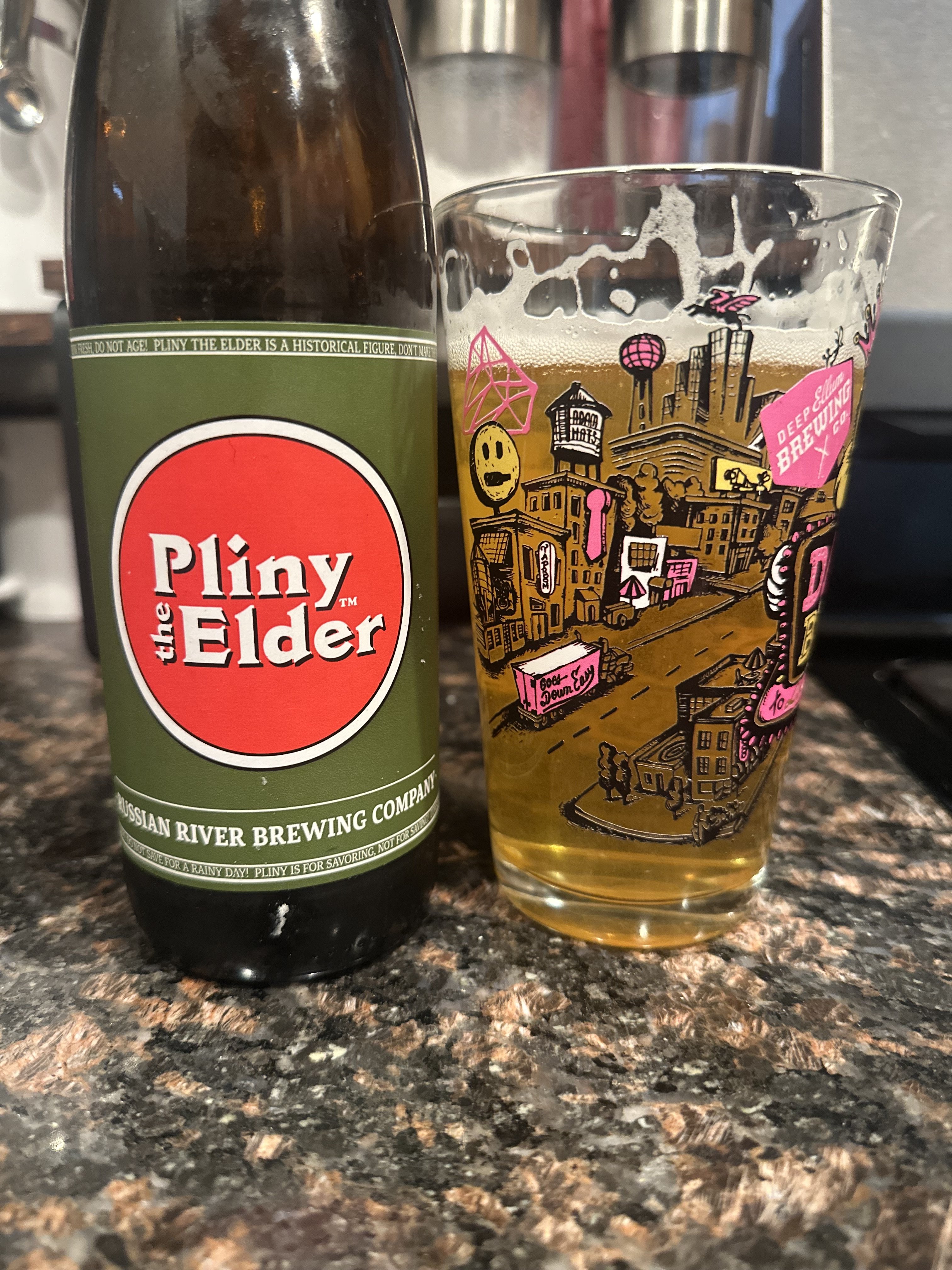
  8. Did the Whole Foods 1 dollar oyster thing yesterday and grabbed a couple
  9. Just watched The Lost Children and damn the story is crazy. I am high on some edibles but I want to read more about it. Amazon jungle as a human sounds insane for that amount of time
  10. Is 1 parent being a citizen cool? Asking for myself
  11. Catch the god damn ball fuck
  12. Fucking holding again god damnit
  13. Weak ass PI
  14. Lets fucking go!!!
  15. Yea he had some fuck ups at the worst time
  16. Flag if that was Mahomes
Football ... Basketball ... Baseball ... Other Sports ... Futbol ... 🤫995🤫 ... Gambling ... Movies & TV ... Music ... Hobbies ... Lulz ... Food & Travel ... Daily Texan ... Business & Markets ... Cloak Room ... Help ... For Sale ... Board Discussion ... Advertise... Tailgate Donations

Configure browser push notifications

Chrome (Android)
  1. Tap the lock icon next to the address bar.
  2. Tap Permissions → Notifications.
  3. Adjust your preference.
Chrome (Desktop)
  1. Click the padlock icon in the address bar.
  2. Select Site settings.
  3. Find Notifications and adjust your preference.