

Henry Hill
Legacy Members
-
Joined
-
Last visited
Everything posted by Henry Hill
-
 Great ball, Sam
 -
-
Get the fuck out of here with that bullshit.
-
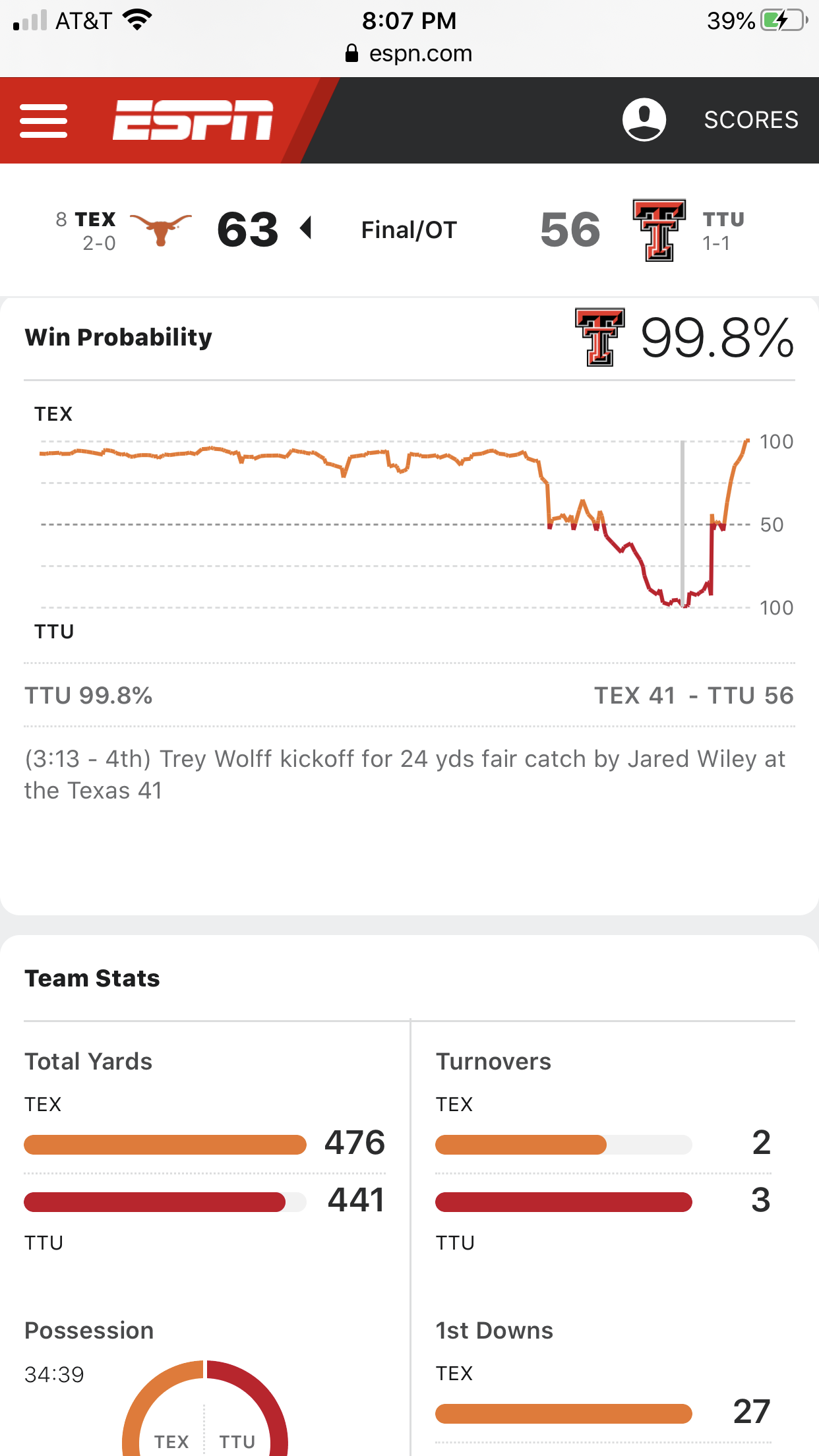
Worst officiated game I’ve seen. Ridiculous.
-
wish we kept QJ.
-
Whole quarter has been a real kick in the dicker.
-
Nice job by the OL on this drive. Refs are killing this game.
-
-
Incomplete but no flag on the obvious interference. Cool.
-
Penalty on every play. Nice.
-
Stop the bs option calls. Gets blown up every time. Christ.
Special teams are special.
Stop fielding the kicks in the end zone, fuccbois.
When will the commemorative cups be available?
New site motto?
Obligatory
Did they write this on MySpace? Looks legit.Football ... Basketball ... Baseball ... Other Sports ... Futbol ... 🤫995🤫 ... Gambling ... Movies & TV ... Music ... Hobbies ... Lulz ... Food & Travel ... Daily Texan ... Business & Markets ... Cloak Room ... Help ... For Sale ... Board Discussion ... Advertise... Tailgate Donations



Account
Search
Configure browser push notifications
Chrome (Android)
- Tap the lock icon next to the address bar.
- Tap Permissions → Notifications.
- Adjust your preference.
Chrome (Desktop)
- Click the padlock icon in the address bar.
- Select Site settings.
- Find Notifications and adjust your preference.
Safari (iOS 16.4+)
- Ensure the site is installed via Add to Home Screen.
- Open Settings App → Notifications.
- Find your app name and adjust your preference.
Safari (macOS)
- Go to Safari → Preferences.
- Click the Websites tab.
- Select Notifications in the sidebar.
- Find this website and adjust your preference.
Edge (Android)
- Tap the lock icon next to the address bar.
- Tap Permissions.
- Find Notifications and adjust your preference.
Edge (Desktop)
- Click the padlock icon in the address bar.
- Click Permissions for this site.
- Find Notifications and adjust your preference.
Firefox (Android)
- Go to Settings → Site permissions.
- Tap Notifications.
- Find this site in the list and adjust your preference.
Firefox (Desktop)
- Open Firefox Settings.
- Search for Notifications.
- Find this site in the list and adjust your preference.