Jump to content
View in the app

A better way to browse. Learn more.

Surly Horns

A full-screen app on your home screen with push notifications, badges and more.

To install this app on iOS and iPadOS
  1. Tap the Share icon in Safari
  2. Scroll the menu and tap Add to Home Screen.
  3. Tap Add in the top-right corner.
To install this app on Android
  1. Tap the 3-dot menu (⋮) in the top-right corner of the browser.
  2. Tap Add to Home screen or Install app.
  3. Confirm by tapping Install.
Football ... Basketball ... Baseball ... Other Sports ... Futbol ... 🤫995🤫 ... Gambling ... Movies & TV ... Music ... Hobbies ... Lulz ... Food & Travel ... Daily Texan ... Business & Markets ... Cloak Room ... Help ... For Sale ... Board Discussion ... Advertise... Tailgate Donations

MontereyMX

Legacy Members
  • Joined

  • Last visited

Everything posted by MontereyMX

  1. Hope not god damn though
  2. yep he’s crooked
  3. hell no I didn’t follow him I’m 53. never had a facespace, instabook or mygram
  4. biggest defensive back ive ever seen
  5. don’t fill alone, ygifs as well…fuck
  6. Aggie softball team?
  7. just playing
  8. its steam
  9. Pretty sure Rossi’s bar is in that pic
  10. mail this motherfucker his cup already!
  11. and drives a Honda pickup
  12. MontereyMX replied to WBT's topic in Baseball
    shoulda named that kid Doppler
  13. are you an actual attorney or a play pretend? you appear to be fascinated with play pretend…
  14. how did the practice go?
  15. speak for yourself
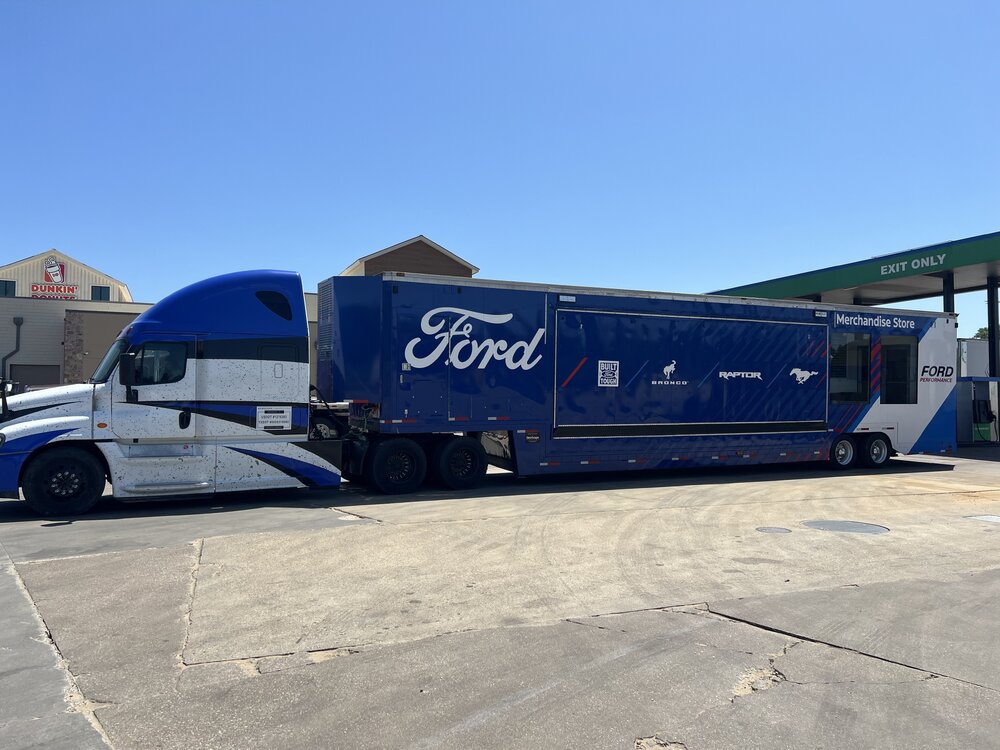
  16. of course lol. corporate hosted the 60 anniversary of the mustang there. cool I guess
  17. took that over to Charlotte Motor Speedway a couple weeks ago.
  18. IMG_5530.mov
Football ... Basketball ... Baseball ... Other Sports ... Futbol ... 🤫995🤫 ... Gambling ... Movies & TV ... Music ... Hobbies ... Lulz ... Food & Travel ... Daily Texan ... Business & Markets ... Cloak Room ... Help ... For Sale ... Board Discussion ... Advertise... Tailgate Donations

Configure browser push notifications

Chrome (Android)
  1. Tap the lock icon next to the address bar.
  2. Tap Permissions → Notifications.
  3. Adjust your preference.
Chrome (Desktop)
  1. Click the padlock icon in the address bar.
  2. Select Site settings.
  3. Find Notifications and adjust your preference.