Jump to content
View in the app

A better way to browse. Learn more.

Surly Horns

A full-screen app on your home screen with push notifications, badges and more.

To install this app on iOS and iPadOS
  1. Tap the Share icon in Safari
  2. Scroll the menu and tap Add to Home Screen.
  3. Tap Add in the top-right corner.
To install this app on Android
  1. Tap the 3-dot menu (⋮) in the top-right corner of the browser.
  2. Tap Add to Home screen or Install app.
  3. Confirm by tapping Install.
Football ... Basketball ... Baseball ... Other Sports ... Futbol ... 🤫995🤫 ... Gambling ... Movies & TV ... Music ... Hobbies ... Lulz ... Food & Travel ... Daily Texan ... Business & Markets ... Cloak Room ... Help ... For Sale ... Board Discussion ... Advertise... Tailgate Donations

MontereyMX

Legacy Members
  • Joined

  • Last visited

Everything posted by MontereyMX

  1. This is interesting. Ive got 360 acres in Runnels county with two wells but neither is listed.
  2. fuck if there’s not
  3. No fucking way they get a guy from that powerhouse
  4. Sportclips lolololol
  5. Just a quick trip to Baton Rouge for the lsu gymnastics game vs Kentucky and yes she is…
  6. When will they begin construction on a casino?
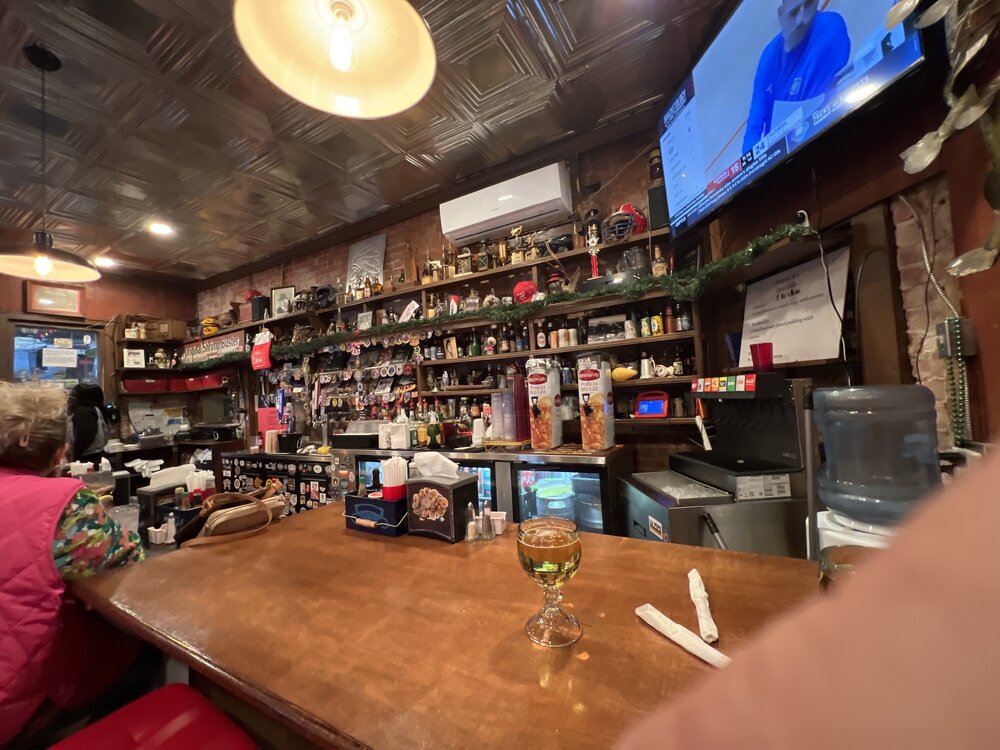
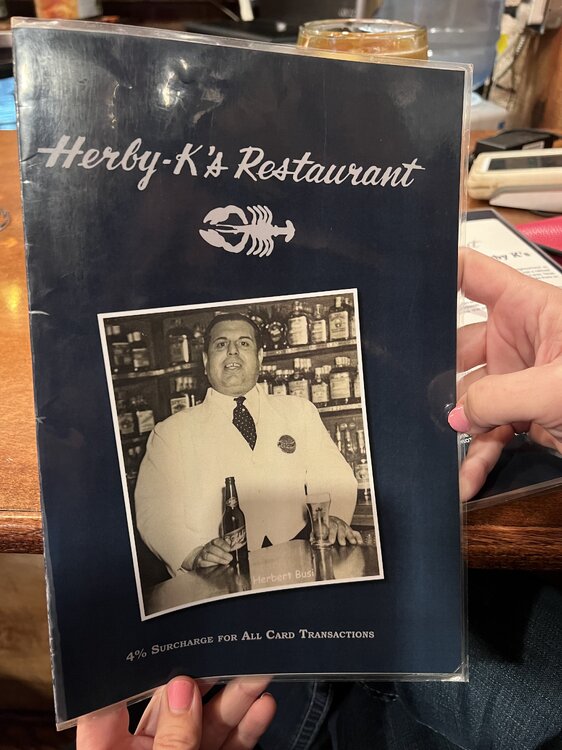
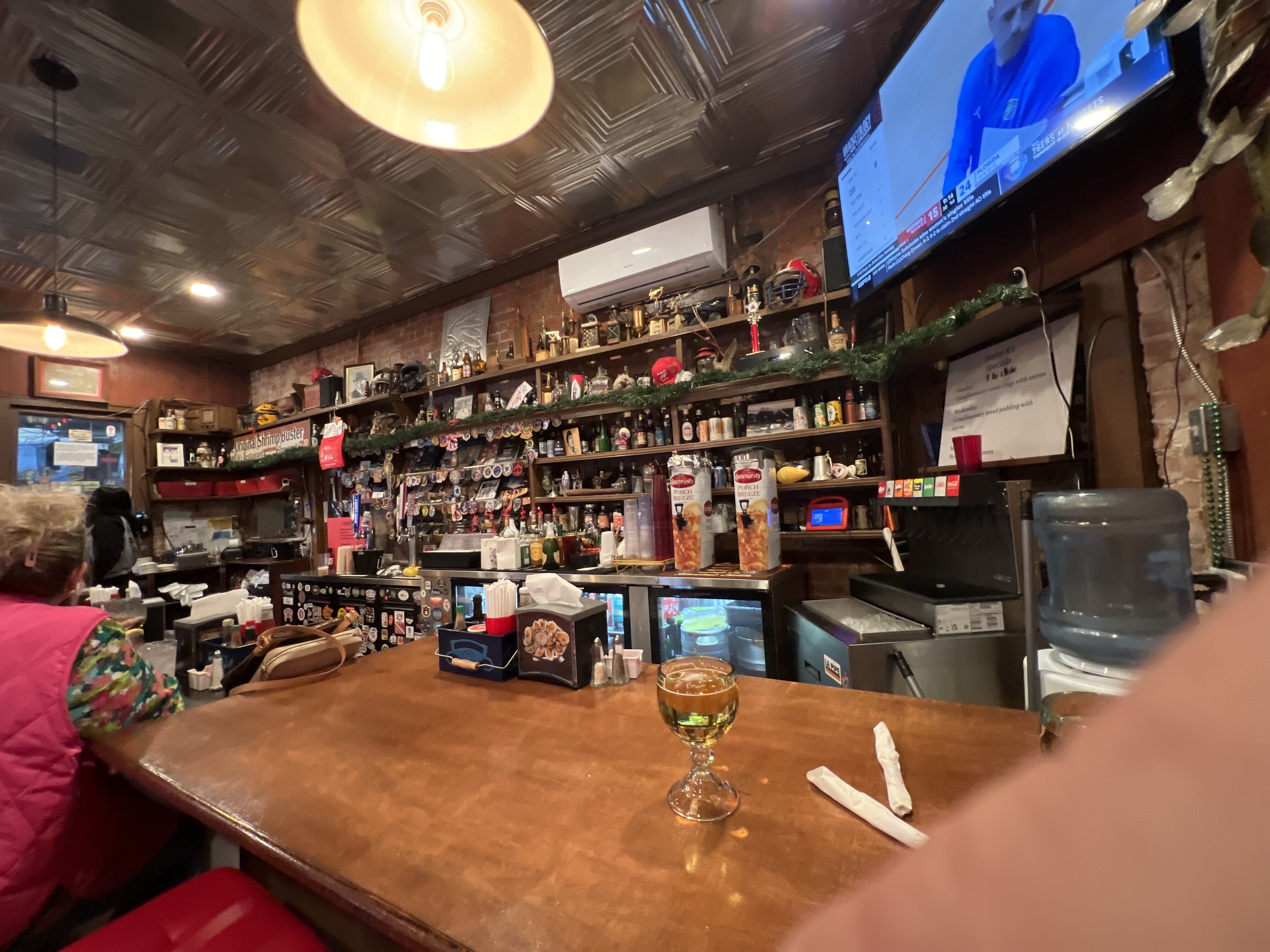
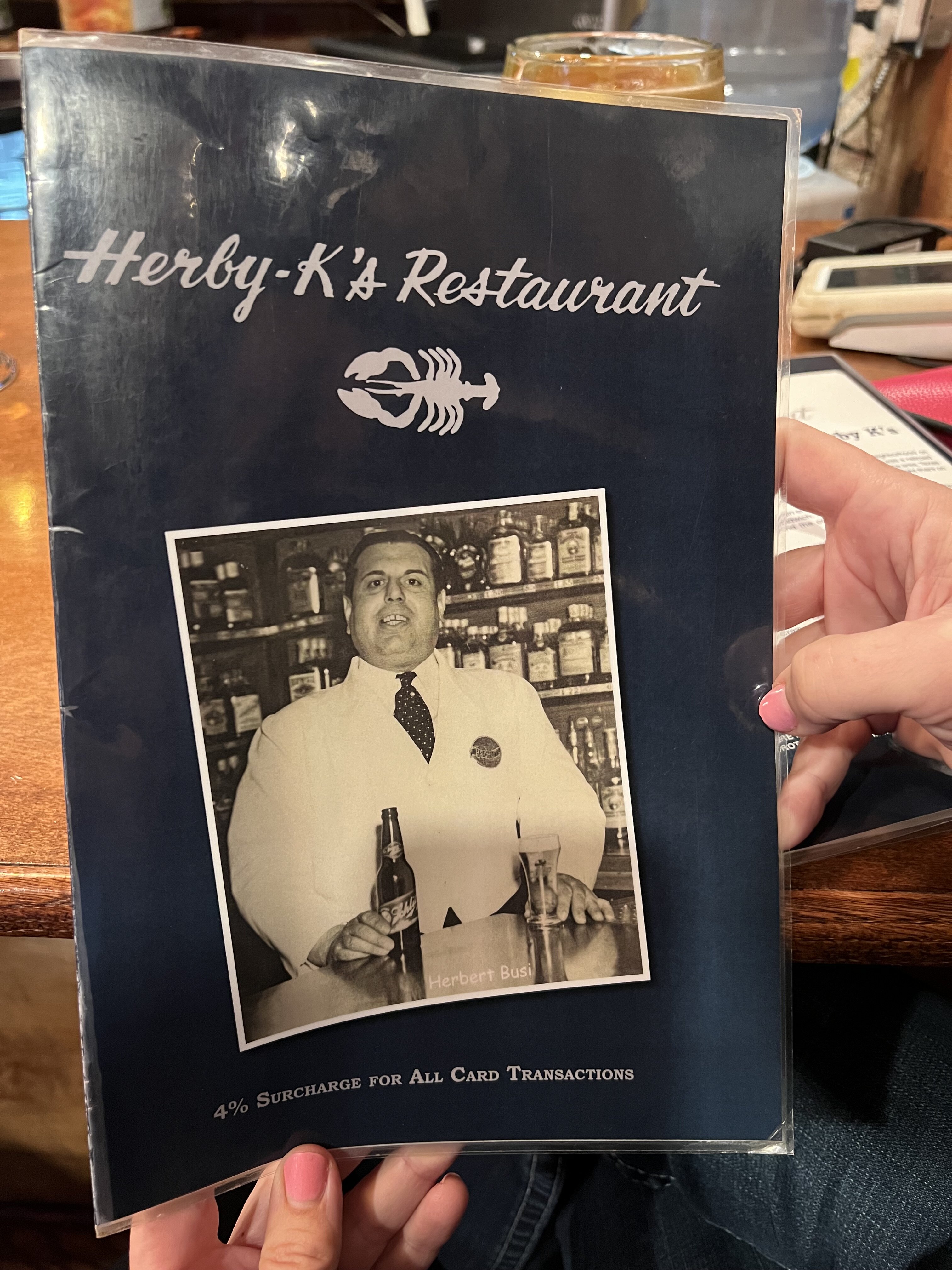
  7. Stopped in today. Unbelievably good!
  8. does the wall have a category for this glorious feat?
  9. Fo fiddy here
  10. Oh shit no
  11. and it needs to be slow and painful like putting him in a huge pot of cold water and then lighting and fire under it and then let him just boil
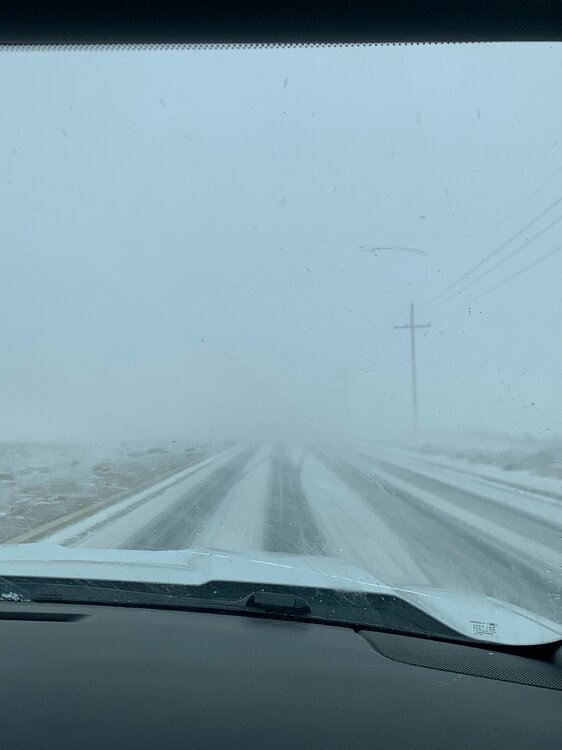
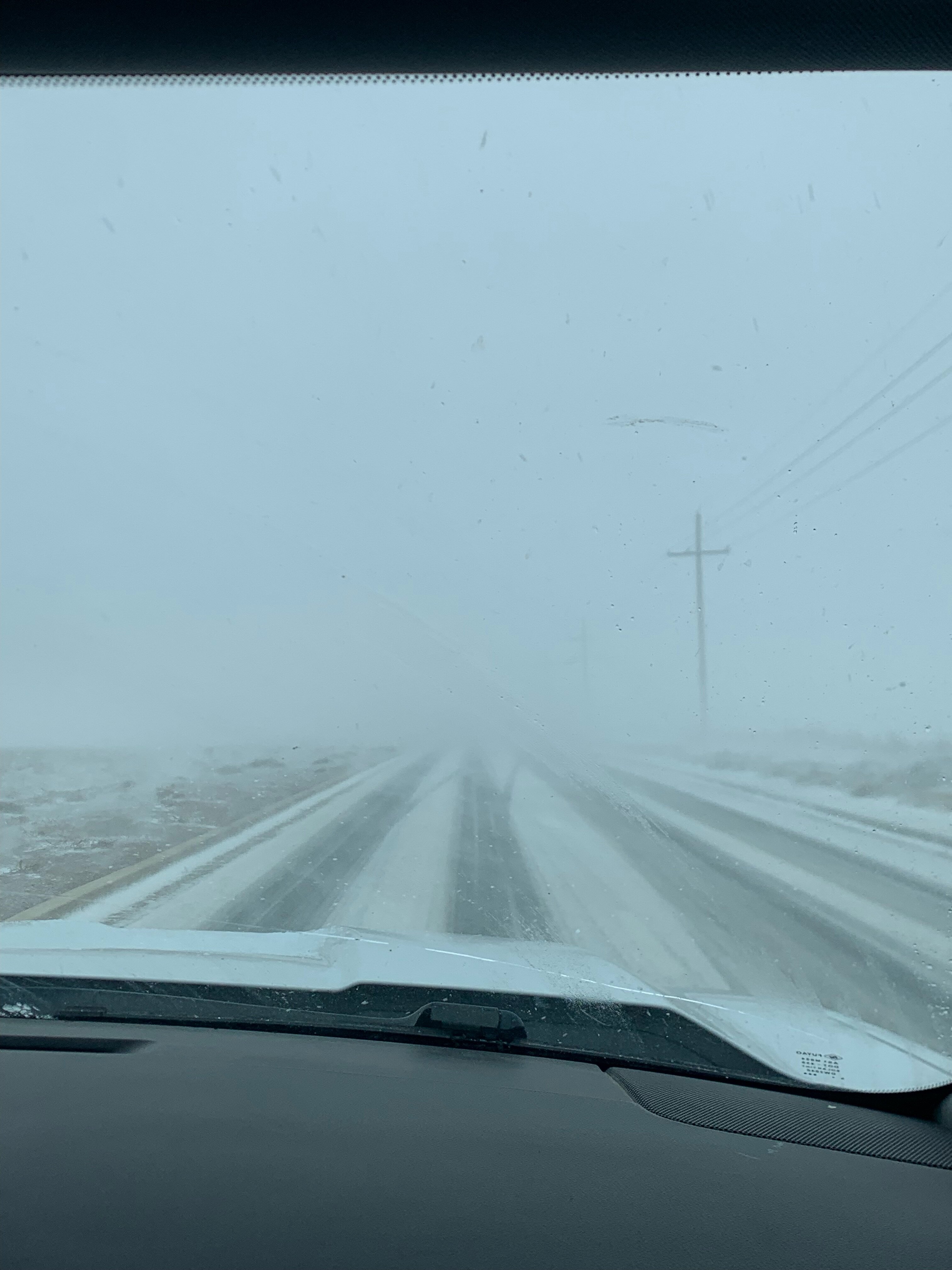
  12. amarillo today
  13. wtf is a tech chick man? im out
  14. MontereyMX replied to Vic Mackey's topic in Football
    His sister is named Lacey
Football ... Basketball ... Baseball ... Other Sports ... Futbol ... 🤫995🤫 ... Gambling ... Movies & TV ... Music ... Hobbies ... Lulz ... Food & Travel ... Daily Texan ... Business & Markets ... Cloak Room ... Help ... For Sale ... Board Discussion ... Advertise... Tailgate Donations

Configure browser push notifications

Chrome (Android)
  1. Tap the lock icon next to the address bar.
  2. Tap Permissions → Notifications.
  3. Adjust your preference.
Chrome (Desktop)
  1. Click the padlock icon in the address bar.
  2. Select Site settings.
  3. Find Notifications and adjust your preference.