
Jump to content
View in the app

A better way to browse. Learn more.

Surly Horns

A full-screen app on your home screen with push notifications, badges and more.

To install this app on iOS and iPadOS
  1. Tap the Share icon in Safari
  2. Scroll the menu and tap Add to Home Screen.
  3. Tap Add in the top-right corner.
To install this app on Android
  1. Tap the 3-dot menu (⋮) in the top-right corner of the browser.
  2. Tap Add to Home screen or Install app.
  3. Confirm by tapping Install.
Football ... Basketball ... Baseball ... Other Sports ... Futbol ... 🤫995🤫 ... Gambling ... Movies & TV ... Music ... Hobbies ... Lulz ... Food & Travel ... Daily Texan ... Business & Markets ... Cloak Room ... Help ... For Sale ... Board Discussion ... Advertise... Tailgate Donations

The Dude

Certifiably Surly
  • Joined

  • Last visited

Everything posted by The Dude

  1. Fire this idiot. Same shit as last year
  2. The Dude replied to Ghost of LL's topic in Football
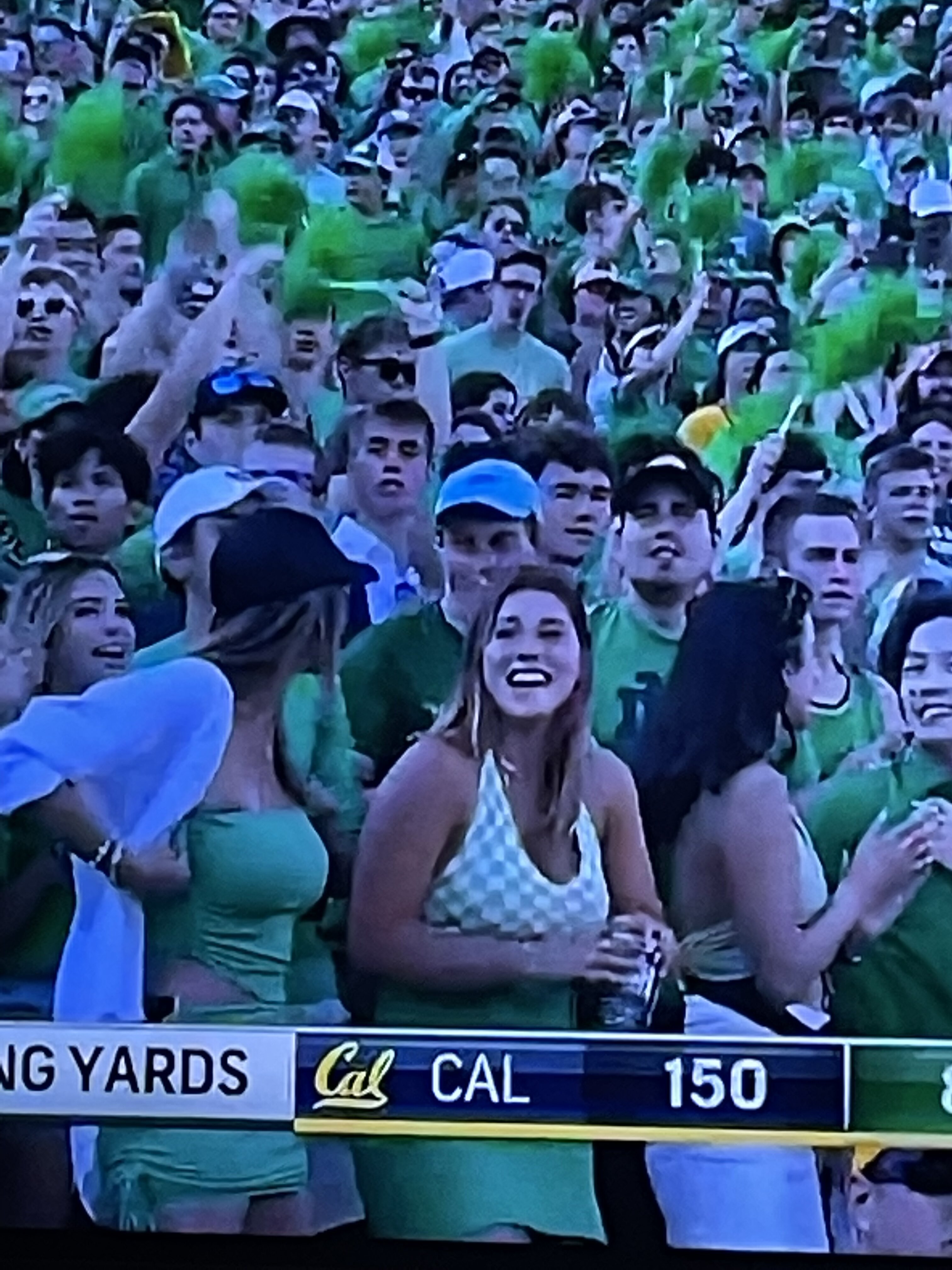
    Great crowd
  3. The Dude replied to Ghost of LL's topic in Football
    Everything, production wise, about this game is shit
  4. I think it means “fuck you, fire me”
  5. The Dude replied to Ghost of LL's topic in Football
    Lol. What a corrupt organization. Refs suck too
  6. This is the opposite of surly
  7. Wrong post
  8. who would know better than half drunk doctors of various specialties on a cfb message board who haven't examined the patient
  9. LOL "POTENTIAL" AND "NEXT YEAR"
  10. holy shit, weak af
  11. furk
  12. ass, my dude
  13. terrible
  14. Sure we can. This is surly
  15. Criminal no call
  16. Who needs instructions to ride a stationary bike?

Football ... Basketball ... Baseball ... Other Sports ... Futbol ... 🤫995🤫 ... Gambling ... Movies & TV ... Music ... Hobbies ... Lulz ... Food & Travel ... Daily Texan ... Business & Markets ... Cloak Room ... Help ... For Sale ... Board Discussion ... Advertise... Tailgate Donations

Configure browser push notifications

Chrome (Android)
  1. Tap the lock icon next to the address bar.
  2. Tap Permissions → Notifications.
  3. Adjust your preference.
Chrome (Desktop)
  1. Click the padlock icon in the address bar.
  2. Select Site settings.
  3. Find Notifications and adjust your preference.