

petscii
Certifiably Surly
-
Joined
-
Last visited
Everything posted by petscii
-
 Are you worried about the weaker non-conference schedule or do you think it'll just be a tune up for conference then full out to the post season? Hell of a plan if it works.
 -
The Sunday game is SEC+ on my tv, your millage may vary.
-
I like this.
-
"If you are unable to attend in person, the 2026 Alumni Game will be streamed LIVE on the Longhorn Network app."
Tell them to talk shit when they actually beat Texas... Or to be nice ask them how many times Michigan has defeated Texas at football.
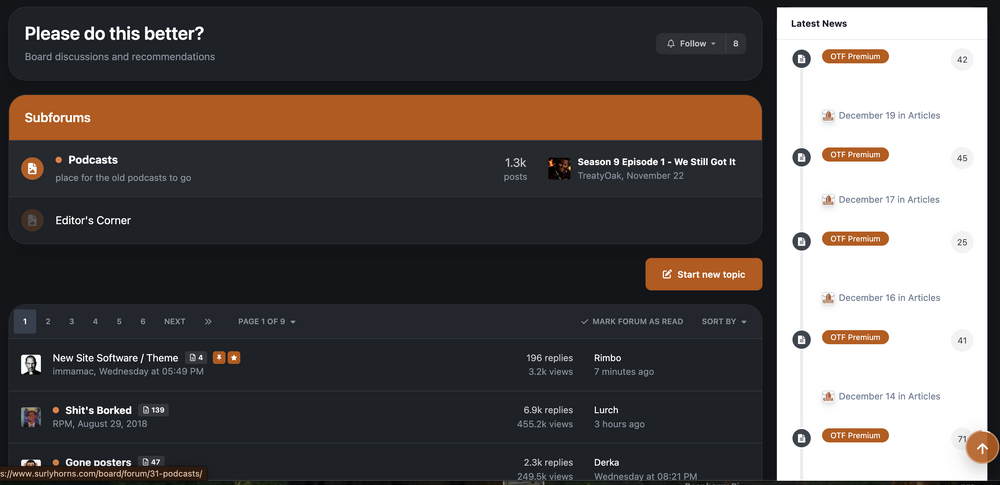
This is not the 9-3 Texas football making the playoffs post so I can't be arsed to read all the messages, Is there a way to turn off the latest news card on the right of the of the listing of posts in forum? SIAP.
 Check it with a UV light...
You hope.
Check it with a UV light...
You hope.






Football ...
Basketball ...
Baseball ...
Other Sports ...
Futbol ...
🤫995🤫 ...
Gambling ...
Movies & TV ...
Music ...
Hobbies ...
Lulz ...
Food & Travel
...
Daily Texan ...
Business & Markets ...
Cloak Room ...
Help ...
For Sale ...
Board Discussion ...
Advertise...
Tailgate Donations