elguapo
Burnt Ends
-
Joined
-
Last visited
Everything posted by elguapo
-
 100% false. If your feed hasn't noticeably changed to include significantly more far right slanted/conspiracy theory BS tweets then I can only assume the algo was already feeding them to you.
 -
Only a matter of time until all the evangelicals renounce Trump since he’s now a proven sexual assaulter, right?
I don't think I know how to cook an eel, but maybe I do?
He's doing pretty good for a guy that can't see the ball at all
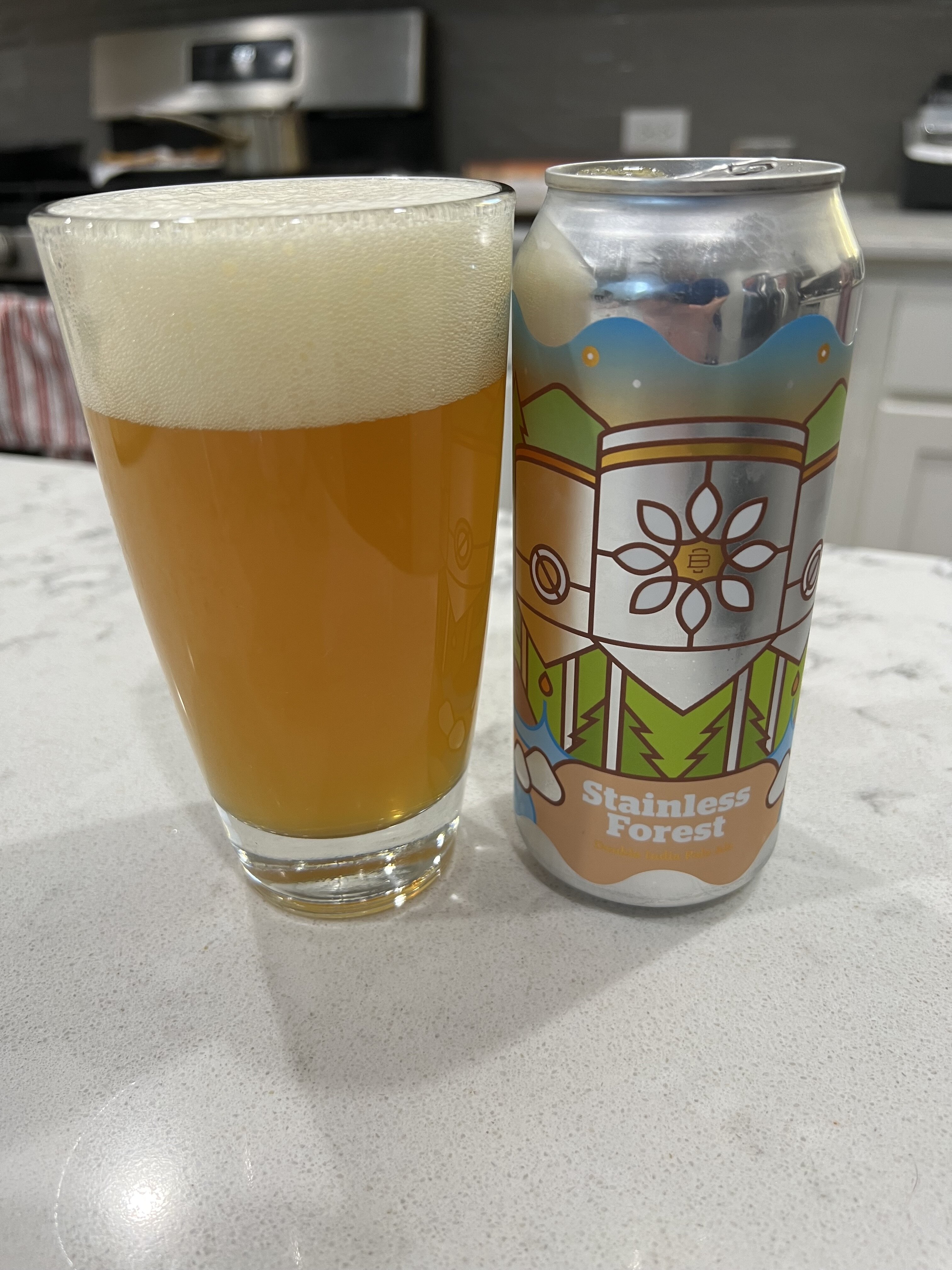
This one is Burlington Beer Company, brewery name is on the can but small font
 A presumably smart person on this message board voted for Gary What is Aleppo? Johnson over a woman who had been Secretary of State for 4 years because "she rode Bill's coattails to power" and he was "unconvinced that she was prepared to run the country". This is the kind of bullshit women have to overcome in the USA.
🖕
Football ... Basketball ... Baseball ... Other Sports ... Futbol ... 🤫995🤫 ... Gambling ... Movies & TV ... Music ... Hobbies ... Lulz ... Food & Travel ... Daily Texan ... Business & Markets ... Cloak Room ... Help ... For Sale ... Board Discussion ... Advertise... Tailgate Donations
A presumably smart person on this message board voted for Gary What is Aleppo? Johnson over a woman who had been Secretary of State for 4 years because "she rode Bill's coattails to power" and he was "unconvinced that she was prepared to run the country". This is the kind of bullshit women have to overcome in the USA.
🖕
Football ... Basketball ... Baseball ... Other Sports ... Futbol ... 🤫995🤫 ... Gambling ... Movies & TV ... Music ... Hobbies ... Lulz ... Food & Travel ... Daily Texan ... Business & Markets ... Cloak Room ... Help ... For Sale ... Board Discussion ... Advertise... Tailgate DonationsAccount
Search
Configure browser push notifications
Chrome (Android)
- Tap the lock icon next to the address bar.
- Tap Permissions → Notifications.
- Adjust your preference.
Chrome (Desktop)
- Click the padlock icon in the address bar.
- Select Site settings.
- Find Notifications and adjust your preference.
Safari (iOS 16.4+)
- Ensure the site is installed via Add to Home Screen.
- Open Settings App → Notifications.
- Find your app name and adjust your preference.
Safari (macOS)
- Go to Safari → Preferences.
- Click the Websites tab.
- Select Notifications in the sidebar.
- Find this website and adjust your preference.
Edge (Android)
- Tap the lock icon next to the address bar.
- Tap Permissions.
- Find Notifications and adjust your preference.
Edge (Desktop)
- Click the padlock icon in the address bar.
- Click Permissions for this site.
- Find Notifications and adjust your preference.
Firefox (Android)
- Go to Settings → Site permissions.
- Tap Notifications.
- Find this site in the list and adjust your preference.
Firefox (Desktop)
- Open Firefox Settings.
- Search for Notifications.
- Find this site in the list and adjust your preference.