

Bevoette
Full Members
-
Joined
-
Last visited
Everything posted by Bevoette
-
 D is fuckin up for this game, offense is offensive 🤬
 -
He fuckin' better
-
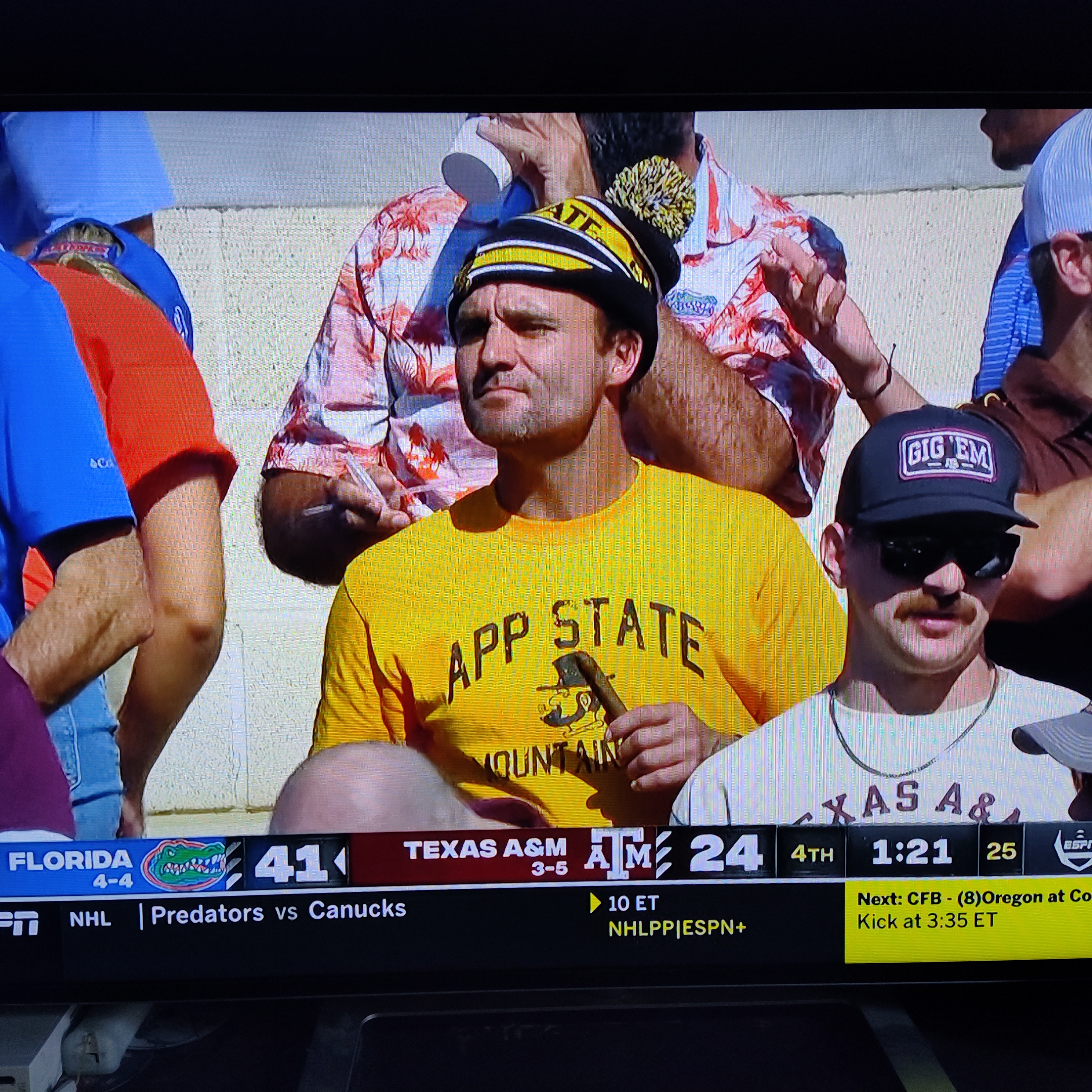
Not a picture but a video 20221029_012732.mp4
All I see was how shitty our play calling is in the 2nd half. 31 points 1st half only 3 2nd. Just like Okie St game. That fumble was a game winner
Hahaha haha Trolling aggie
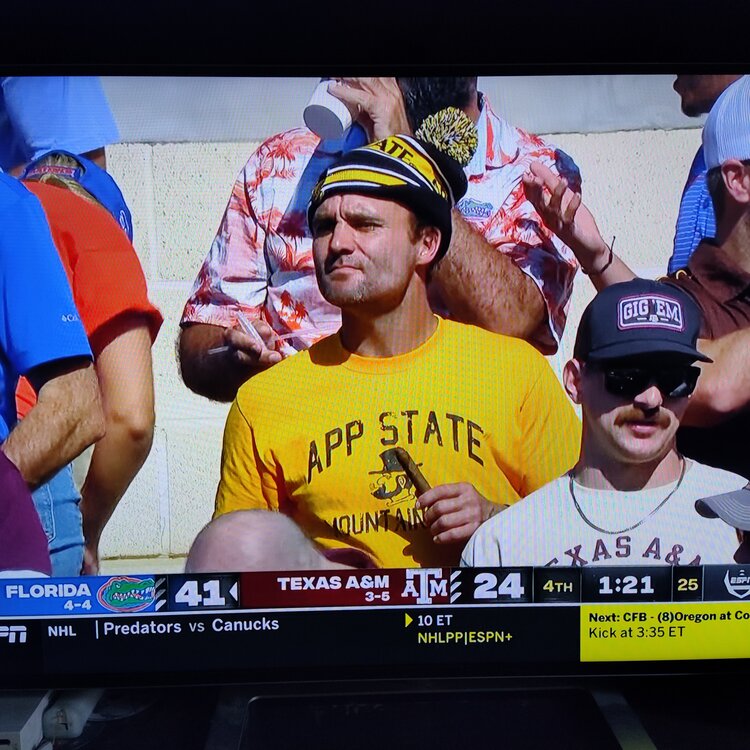 It's funny cause it's true
 What a cluster fuck. CARD could have moved the ball better. 🙄
Throw in the flat or put Card in. Ewers two piss poor games in a row
What the serious 🤬🤬🤬🤬🤬
Need a freaking score Horns
Announcers are annoying as fuck
No catch but should have picked that off.
Ewers was a hit better in the flat. Too many deep ball over throws
Passing game.
What a cluster fuck. CARD could have moved the ball better. 🙄
Throw in the flat or put Card in. Ewers two piss poor games in a row
What the serious 🤬🤬🤬🤬🤬
Need a freaking score Horns
Announcers are annoying as fuck
No catch but should have picked that off.
Ewers was a hit better in the flat. Too many deep ball over throws
Passing game.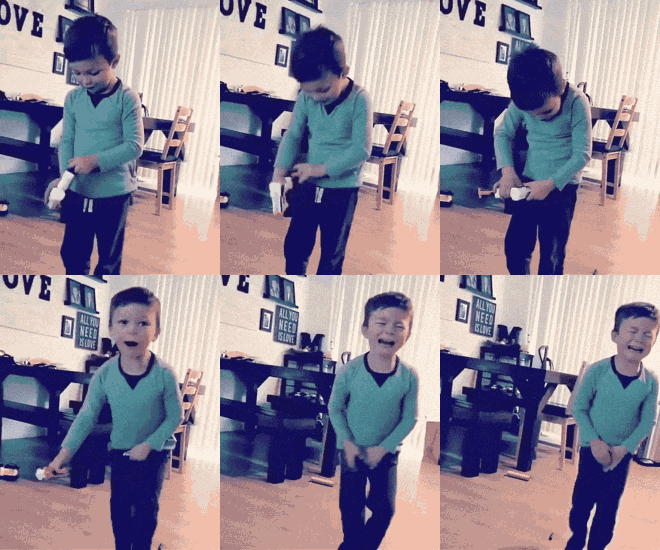 Texas
Texas We need to stop with the fucking penalties, Jesus
Just told the Mr Ro Jo should get the ball.. sweet 😋
You'd think this was our first game ever
We need to stop with the fucking penalties, Jesus
Just told the Mr Ro Jo should get the ball.. sweet 😋
You'd think this was our first game ever









Football ...
Basketball ...
Baseball ...
Other Sports ...
Futbol ...
🤫995🤫 ...
Gambling ...
Movies & TV ...
Music ...
Hobbies ...
Lulz ...
Food & Travel
...
Daily Texan ...
Business & Markets ...
Cloak Room ...
Help ...
For Sale ...
Board Discussion ...
Advertise...
Tailgate Donations
Account
Search
Configure browser push notifications
Chrome (Android)
- Tap the lock icon next to the address bar.
- Tap Permissions → Notifications.
- Adjust your preference.
Chrome (Desktop)
- Click the padlock icon in the address bar.
- Select Site settings.
- Find Notifications and adjust your preference.
Safari (iOS 16.4+)
- Ensure the site is installed via Add to Home Screen.
- Open Settings App → Notifications.
- Find your app name and adjust your preference.
Safari (macOS)
- Go to Safari → Preferences.
- Click the Websites tab.
- Select Notifications in the sidebar.
- Find this website and adjust your preference.
Edge (Android)
- Tap the lock icon next to the address bar.
- Tap Permissions.
- Find Notifications and adjust your preference.
Edge (Desktop)
- Click the padlock icon in the address bar.
- Click Permissions for this site.
- Find Notifications and adjust your preference.
Firefox (Android)
- Go to Settings → Site permissions.
- Tap Notifications.
- Find this site in the list and adjust your preference.
Firefox (Desktop)
- Open Firefox Settings.
- Search for Notifications.
- Find this site in the list and adjust your preference.