
Bevoette
Full Members
-
Joined
-
Last visited
Everything posted by Bevoette
-
 Went to Este Park for my daughter's wedding
-
We just better win tomorrow, aggy is celebrating Omaha
-
-
Sort of
-
Some messaged me on FB a while back and said people were wondering about me lmao
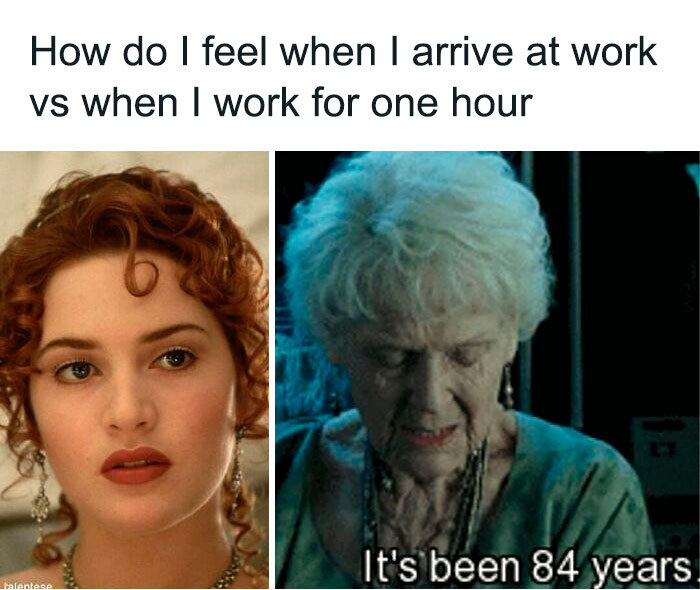
Just fucking old and tired. Turned 60. Working with toddlers is gonna kill me dead.
My fucking reality
 Well , I'm not dead ya'll. Great win today! 1
http://www.kbtx.com/content/news/Report-118-million-gallons-of-sewage-found-flowing-from-AM-to-golf-course-Wolf-Pen-Creek-481553711.html the head line made me literally laugh out loud
If I win for real? I would pay off debt give my family some money get a new home then open as many NO KILL shelters I can
http://www.youtube.com/watch?v=0VM5TsdrbsY waaaaaaaa I can find a way to link youtube to just play
Football ... Basketball ... Baseball ... Other Sports ... Futbol ... 🤫995🤫 ... Gambling ... Movies & TV ... Music ... Hobbies ... Lulz ... Food & Travel ... Daily Texan ... Business & Markets ... Cloak Room ... Help ... For Sale ... Board Discussion ... Advertise... Tailgate Donations
Well , I'm not dead ya'll. Great win today! 1
http://www.kbtx.com/content/news/Report-118-million-gallons-of-sewage-found-flowing-from-AM-to-golf-course-Wolf-Pen-Creek-481553711.html the head line made me literally laugh out loud
If I win for real? I would pay off debt give my family some money get a new home then open as many NO KILL shelters I can
http://www.youtube.com/watch?v=0VM5TsdrbsY waaaaaaaa I can find a way to link youtube to just play
Football ... Basketball ... Baseball ... Other Sports ... Futbol ... 🤫995🤫 ... Gambling ... Movies & TV ... Music ... Hobbies ... Lulz ... Food & Travel ... Daily Texan ... Business & Markets ... Cloak Room ... Help ... For Sale ... Board Discussion ... Advertise... Tailgate DonationsAccount
Search
Configure browser push notifications
Chrome (Android)
- Tap the lock icon next to the address bar.
- Tap Permissions → Notifications.
- Adjust your preference.
Chrome (Desktop)
- Click the padlock icon in the address bar.
- Select Site settings.
- Find Notifications and adjust your preference.
Safari (iOS 16.4+)
- Ensure the site is installed via Add to Home Screen.
- Open Settings App → Notifications.
- Find your app name and adjust your preference.
Safari (macOS)
- Go to Safari → Preferences.
- Click the Websites tab.
- Select Notifications in the sidebar.
- Find this website and adjust your preference.
Edge (Android)
- Tap the lock icon next to the address bar.
- Tap Permissions.
- Find Notifications and adjust your preference.
Edge (Desktop)
- Click the padlock icon in the address bar.
- Click Permissions for this site.
- Find Notifications and adjust your preference.
Firefox (Android)
- Go to Settings → Site permissions.
- Tap Notifications.
- Find this site in the list and adjust your preference.
Firefox (Desktop)
- Open Firefox Settings.
- Search for Notifications.
- Find this site in the list and adjust your preference.