tfoolry
Legacy Members
-
Joined
-
Last visited
Everything posted by tfoolry
-
 As long as she don’t talk about her career or how much she lifts. -Mike B.
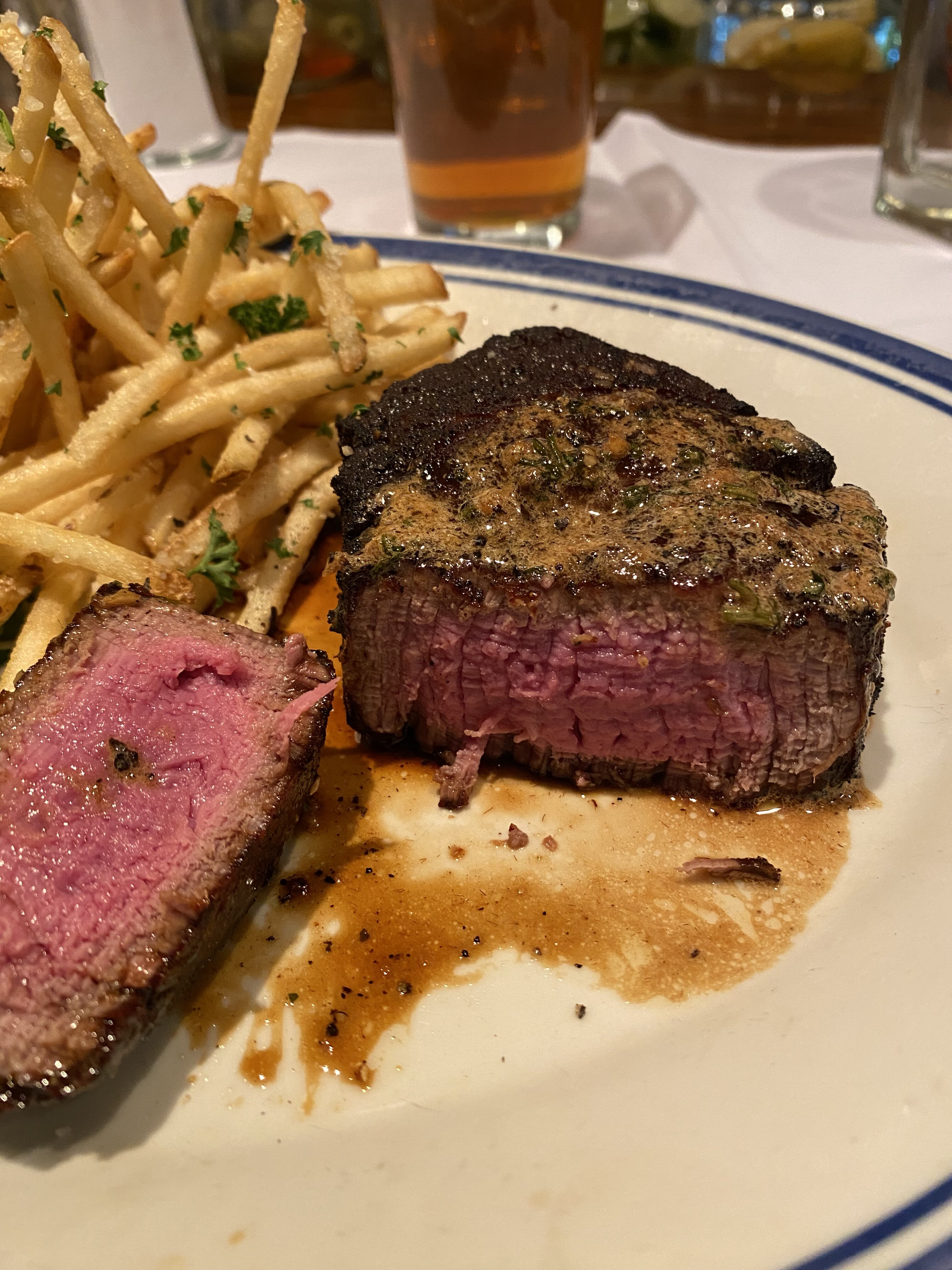
One of best tenderloins I’ve ever had. The spices in the sear were delicious.
Hudson House. Lovers Ln.
As long as she don’t talk about her career or how much she lifts. -Mike B.
One of best tenderloins I’ve ever had. The spices in the sear were delicious.
Hudson House. Lovers Ln.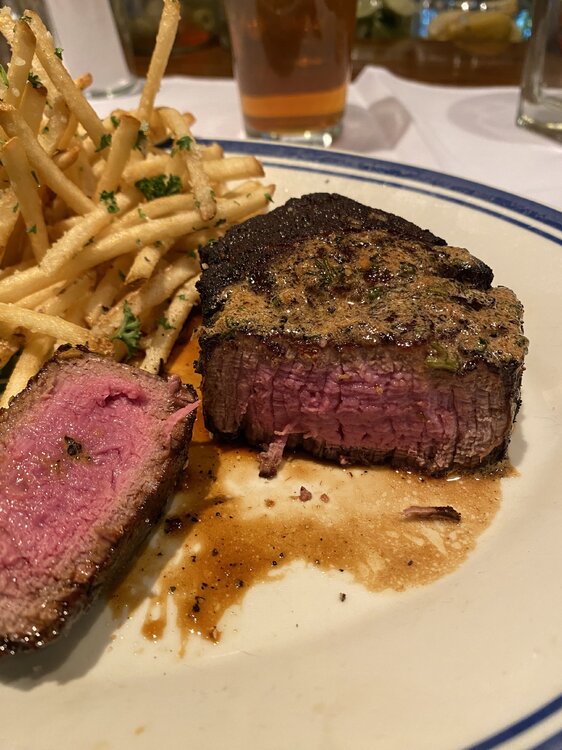 Holy shit is right.
Don’t make eye contact when unloading peoples garbage from those hoods into the truck big guy.
Im drinking in Gil Bang’s driveway.
She likes donuts.
Holy shit is right.
Don’t make eye contact when unloading peoples garbage from those hoods into the truck big guy.
Im drinking in Gil Bang’s driveway.
She likes donuts. That’s Justin Weiss. He had to relocate to Colorado as too many chicks had restraining orders on him.
Are Jake & Justin related?
That’s Justin Weiss. He had to relocate to Colorado as too many chicks had restraining orders on him.
Are Jake & Justin related? Dude lost his lunch money.
I was waiting for a Billy Squier stroke.
Dude lost his lunch money.
I was waiting for a Billy Squier stroke. I finally clicked on this thread.
Football ... Basketball ... Baseball ... Other Sports ... Futbol ... 🤫995🤫 ... Gambling ... Movies & TV ... Music ... Hobbies ... Lulz ... Food & Travel ... Daily Texan ... Business & Markets ... Cloak Room ... Help ... For Sale ... Board Discussion ... Advertise... Tailgate Donations
I finally clicked on this thread.
Football ... Basketball ... Baseball ... Other Sports ... Futbol ... 🤫995🤫 ... Gambling ... Movies & TV ... Music ... Hobbies ... Lulz ... Food & Travel ... Daily Texan ... Business & Markets ... Cloak Room ... Help ... For Sale ... Board Discussion ... Advertise... Tailgate DonationsAccount
Search
Configure browser push notifications
Chrome (Android)
- Tap the lock icon next to the address bar.
- Tap Permissions → Notifications.
- Adjust your preference.
Chrome (Desktop)
- Click the padlock icon in the address bar.
- Select Site settings.
- Find Notifications and adjust your preference.
Safari (iOS 16.4+)
- Ensure the site is installed via Add to Home Screen.
- Open Settings App → Notifications.
- Find your app name and adjust your preference.
Safari (macOS)
- Go to Safari → Preferences.
- Click the Websites tab.
- Select Notifications in the sidebar.
- Find this website and adjust your preference.
Edge (Android)
- Tap the lock icon next to the address bar.
- Tap Permissions.
- Find Notifications and adjust your preference.
Edge (Desktop)
- Click the padlock icon in the address bar.
- Click Permissions for this site.
- Find Notifications and adjust your preference.
Firefox (Android)
- Go to Settings → Site permissions.
- Tap Notifications.
- Find this site in the list and adjust your preference.
Firefox (Desktop)
- Open Firefox Settings.
- Search for Notifications.
- Find this site in the list and adjust your preference.