maninblack
Burnt Ends
-
Joined
-
Last visited
Everything posted by maninblack
-
 He's getting a suspension for that
Thanks!
He's getting a suspension for that
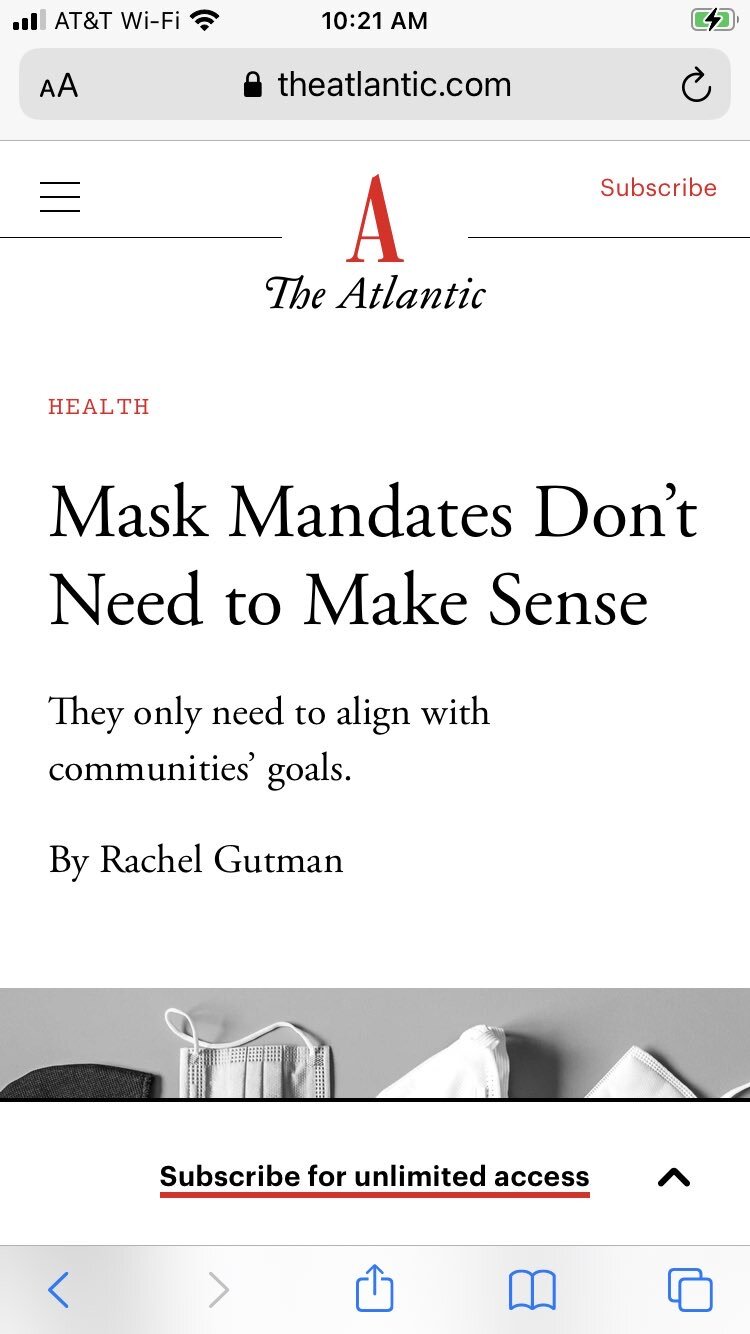
Thanks! Science™
 This guy knew Why Canada Will Become a Dictatorship Under Trudeau
I think that's a generous ranking
Commie cloakers vs honk
This guy knew Why Canada Will Become a Dictatorship Under Trudeau
I think that's a generous ranking
Commie cloakers vs honk Anyone City haven't bought?
First of many
Ali is always good for at least one squeaky bum moment
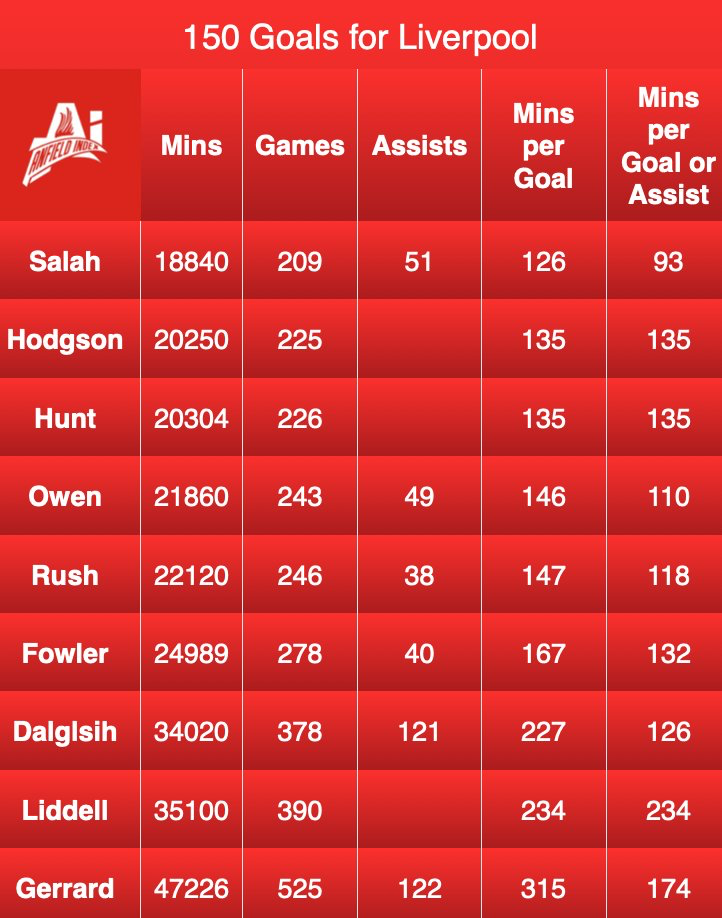
Salah goal
that was lazy from Matip
Diaz fucked up but he sprinted back. That's what you want to see
lfg boys
Damn Timmy thatwas your moment
Lets tonk these hoes
Football ... Basketball ... Baseball ... Other Sports ... Futbol ... 🤫995🤫 ... Gambling ... Movies & TV ... Music ... Hobbies ... Lulz ... Food & Travel ... Daily Texan ... Business & Markets ... Cloak Room ... Help ... For Sale ... Board Discussion ... Advertise... Tailgate Donations
Anyone City haven't bought?
First of many
Ali is always good for at least one squeaky bum moment
Salah goal
that was lazy from Matip
Diaz fucked up but he sprinted back. That's what you want to see
lfg boys
Damn Timmy thatwas your moment
Lets tonk these hoes
Football ... Basketball ... Baseball ... Other Sports ... Futbol ... 🤫995🤫 ... Gambling ... Movies & TV ... Music ... Hobbies ... Lulz ... Food & Travel ... Daily Texan ... Business & Markets ... Cloak Room ... Help ... For Sale ... Board Discussion ... Advertise... Tailgate DonationsAccount
Search
Configure browser push notifications
Chrome (Android)
- Tap the lock icon next to the address bar.
- Tap Permissions → Notifications.
- Adjust your preference.
Chrome (Desktop)
- Click the padlock icon in the address bar.
- Select Site settings.
- Find Notifications and adjust your preference.
Safari (iOS 16.4+)
- Ensure the site is installed via Add to Home Screen.
- Open Settings App → Notifications.
- Find your app name and adjust your preference.
Safari (macOS)
- Go to Safari → Preferences.
- Click the Websites tab.
- Select Notifications in the sidebar.
- Find this website and adjust your preference.
Edge (Android)
- Tap the lock icon next to the address bar.
- Tap Permissions.
- Find Notifications and adjust your preference.
Edge (Desktop)
- Click the padlock icon in the address bar.
- Click Permissions for this site.
- Find Notifications and adjust your preference.
Firefox (Android)
- Go to Settings → Site permissions.
- Tap Notifications.
- Find this site in the list and adjust your preference.
Firefox (Desktop)
- Open Firefox Settings.
- Search for Notifications.
- Find this site in the list and adjust your preference.