
TexEx15
Legacy Members
-
Joined
-
Last visited
Everything posted by TexEx15
-
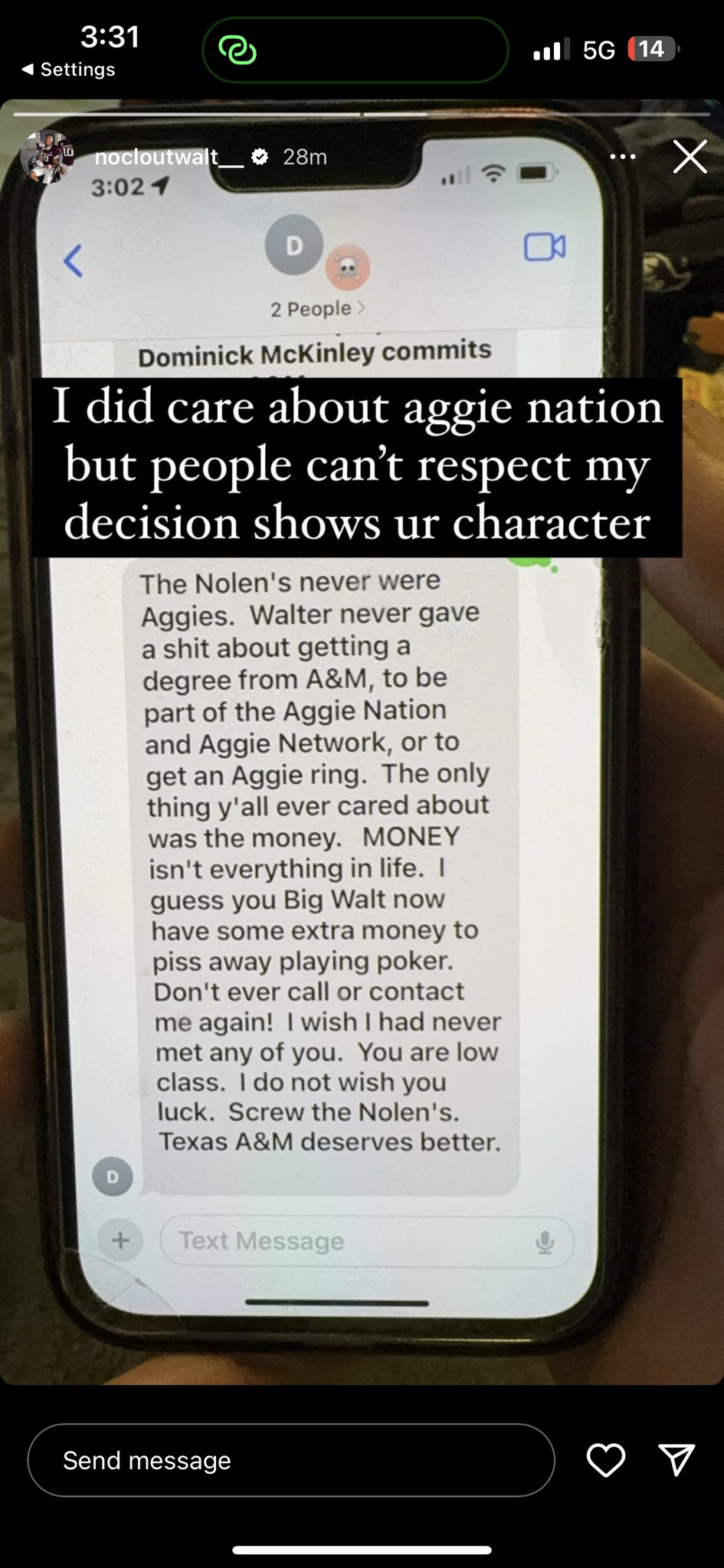
 I feel like this is perfect for the season and it really speaks to what it’s like half the time reading the board. Merry Christmas fuckers.
Found on Twitter.
I feel like this is perfect for the season and it really speaks to what it’s like half the time reading the board. Merry Christmas fuckers.
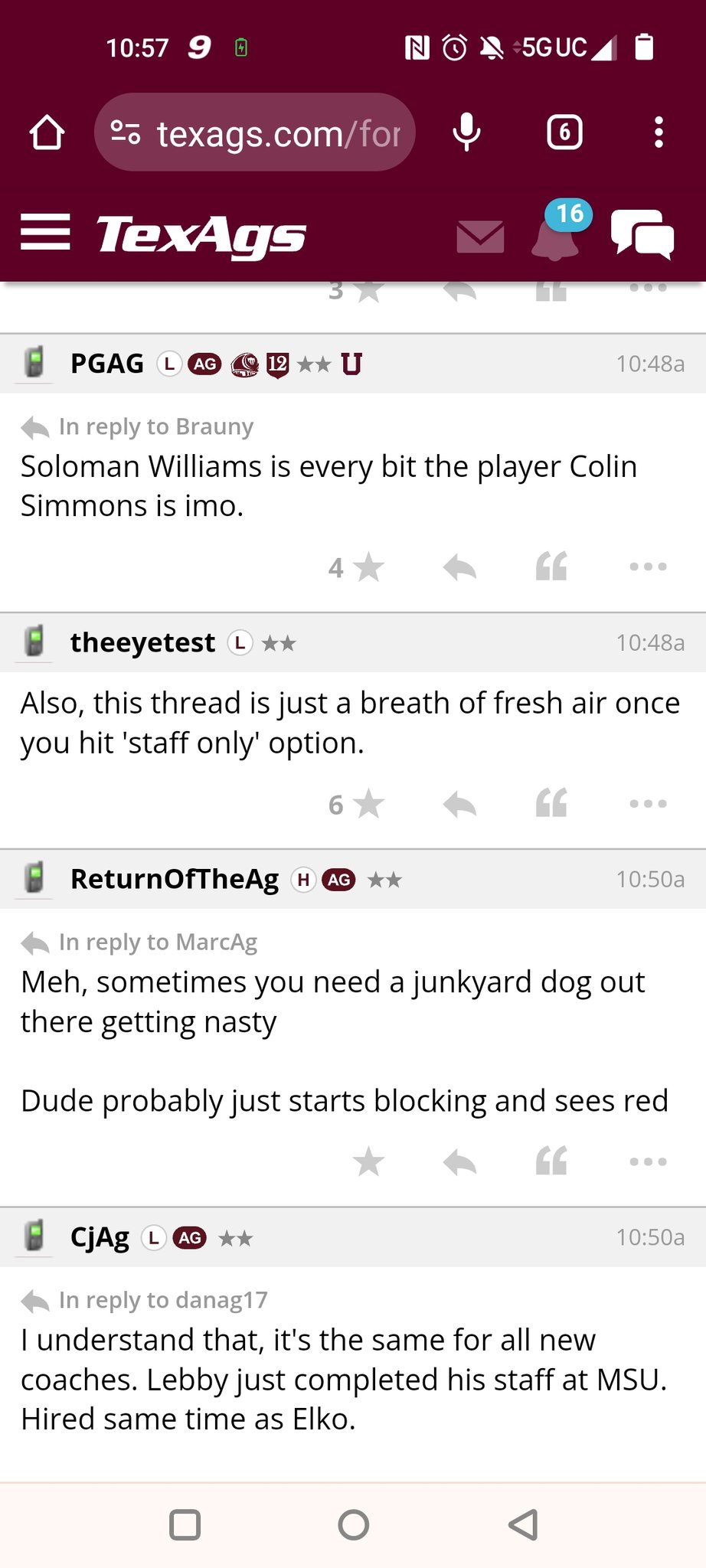
Found on Twitter. How in the fuck is Hill not on there?
https://www.megaslamhoops.com/basketball-hoops/in-ground-adjustable/megaslam-72
Well he will have plenty of time to sling it around then trying to keep up.
Clockwork.
What does Brock Purdy have to do with anything?
Love to see this. Dude will always be a fan favorite!
3/4 = 75% 4/4 = 100%
Arguing housing affordability as a pro for Texas…
FIFY
Love the athletics support from the president.
2 sets down. 1 more!
How in the fuck is Hill not on there?
https://www.megaslamhoops.com/basketball-hoops/in-ground-adjustable/megaslam-72
Well he will have plenty of time to sling it around then trying to keep up.
Clockwork.
What does Brock Purdy have to do with anything?
Love to see this. Dude will always be a fan favorite!
3/4 = 75% 4/4 = 100%
Arguing housing affordability as a pro for Texas…
FIFY
Love the athletics support from the president.
2 sets down. 1 more! Well good news he’s just as good as Simmons. Picture courtesy of LF.
 Football ... Basketball ... Baseball ... Other Sports ... Futbol ... 🤫995🤫 ... Gambling ... Movies & TV ... Music ... Hobbies ... Lulz ... Food & Travel ... Daily Texan ... Business & Markets ... Cloak Room ... Help ... For Sale ... Board Discussion ... Advertise... Tailgate Donations
Account
Search
Configure browser push notifications
Chrome (Android)
- Tap the lock icon next to the address bar.
- Tap Permissions → Notifications.
- Adjust your preference.
Chrome (Desktop)
- Click the padlock icon in the address bar.
- Select Site settings.
- Find Notifications and adjust your preference.
Safari (iOS 16.4+)
- Ensure the site is installed via Add to Home Screen.
- Open Settings App → Notifications.
- Find your app name and adjust your preference.
Safari (macOS)
- Go to Safari → Preferences.
- Click the Websites tab.
- Select Notifications in the sidebar.
- Find this website and adjust your preference.
Edge (Android)
- Tap the lock icon next to the address bar.
- Tap Permissions.
- Find Notifications and adjust your preference.
Edge (Desktop)
- Click the padlock icon in the address bar.
- Click Permissions for this site.
- Find Notifications and adjust your preference.
Firefox (Android)
- Go to Settings → Site permissions.
- Tap Notifications.
- Find this site in the list and adjust your preference.
Firefox (Desktop)
- Open Firefox Settings.
- Search for Notifications.
- Find this site in the list and adjust your preference.