
TexEx15
Legacy Members
-
Joined
-
Last visited
Everything posted by TexEx15
-
 Perusing through Tweets and can we just take a minute to talk about this (3rd) picture and how big Sweat is. His hand is half way up Sark’s arm.
 -
Well the good news is they get to play a playoff caliber team in the Orange Bowl and prove the committee wrong that they should have been in over Bama.
-
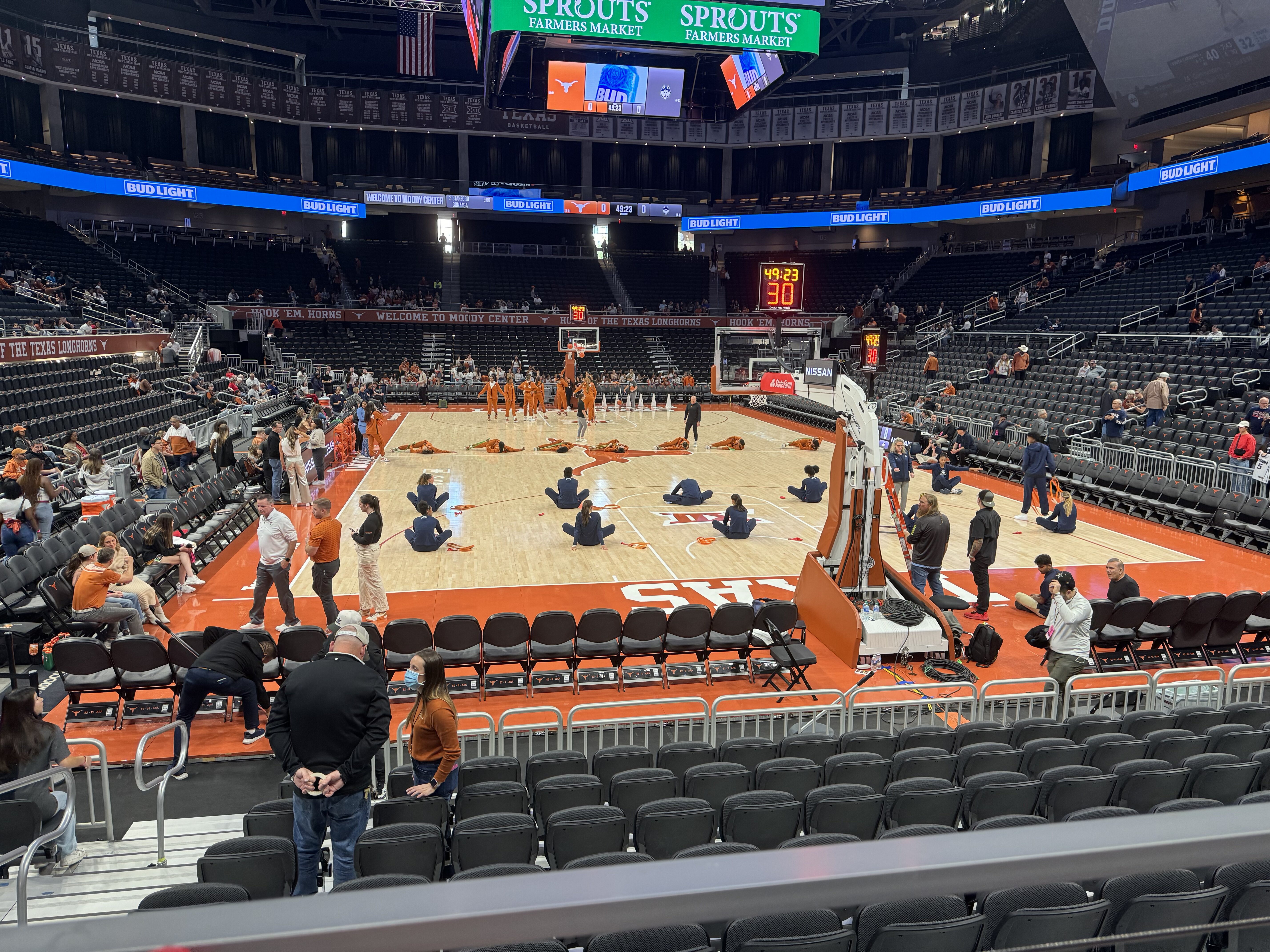
Great seats for GA! Women’s basketball is one of the best value opportunities to watch Texas athletics. Especially with 3 daughters.

-
Hopefully we can figure out a good tiebreaker for that tie…
-
Who is their loss to?
Hell even the second OU game he was amazing after those first two picks.
Peep the hat.
Prez from the top rope!
Still rat poison.
Looks like he got kneed in his hip.
Yes and it will be Arch scoring! No one said let up.
Fuck that rat poison. Heads down through the finish!
For anyone there in person what’s the fan distribution looking like?
Football ... Basketball ... Baseball ... Other Sports ... Futbol ... 🤫995🤫 ... Gambling ... Movies & TV ... Music ... Hobbies ... Lulz ... Food & Travel ... Daily Texan ... Business & Markets ... Cloak Room ... Help ... For Sale ... Board Discussion ... Advertise... Tailgate Donations
Account
Search
Configure browser push notifications
Chrome (Android)
- Tap the lock icon next to the address bar.
- Tap Permissions → Notifications.
- Adjust your preference.
Chrome (Desktop)
- Click the padlock icon in the address bar.
- Select Site settings.
- Find Notifications and adjust your preference.
Safari (iOS 16.4+)
- Ensure the site is installed via Add to Home Screen.
- Open Settings App → Notifications.
- Find your app name and adjust your preference.
Safari (macOS)
- Go to Safari → Preferences.
- Click the Websites tab.
- Select Notifications in the sidebar.
- Find this website and adjust your preference.
Edge (Android)
- Tap the lock icon next to the address bar.
- Tap Permissions.
- Find Notifications and adjust your preference.
Edge (Desktop)
- Click the padlock icon in the address bar.
- Click Permissions for this site.
- Find Notifications and adjust your preference.
Firefox (Android)
- Go to Settings → Site permissions.
- Tap Notifications.
- Find this site in the list and adjust your preference.
Firefox (Desktop)
- Open Firefox Settings.
- Search for Notifications.
- Find this site in the list and adjust your preference.