

hacker
Legacy Members
-
Joined
-
Last visited
Everything posted by hacker
-
Fantastic choice

-
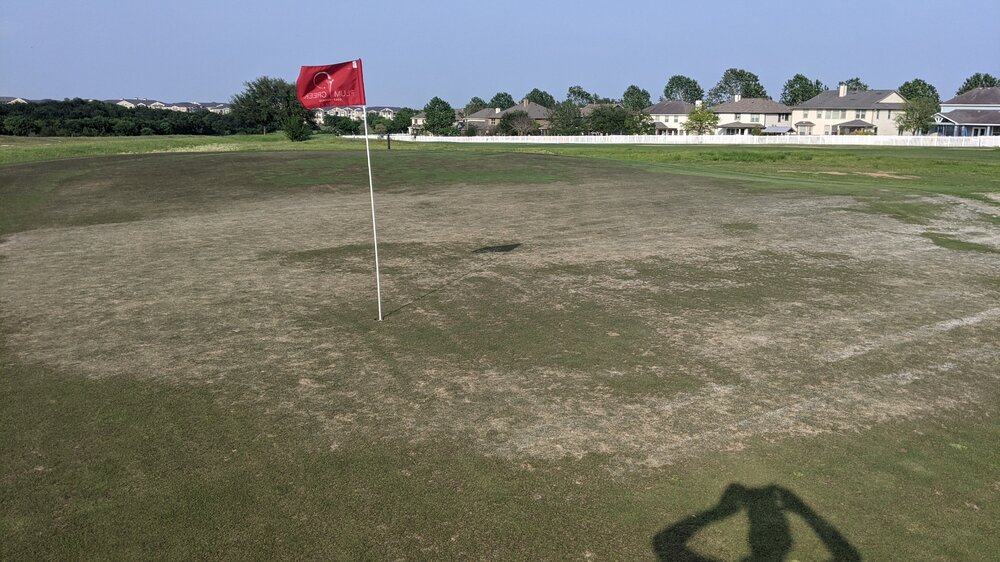
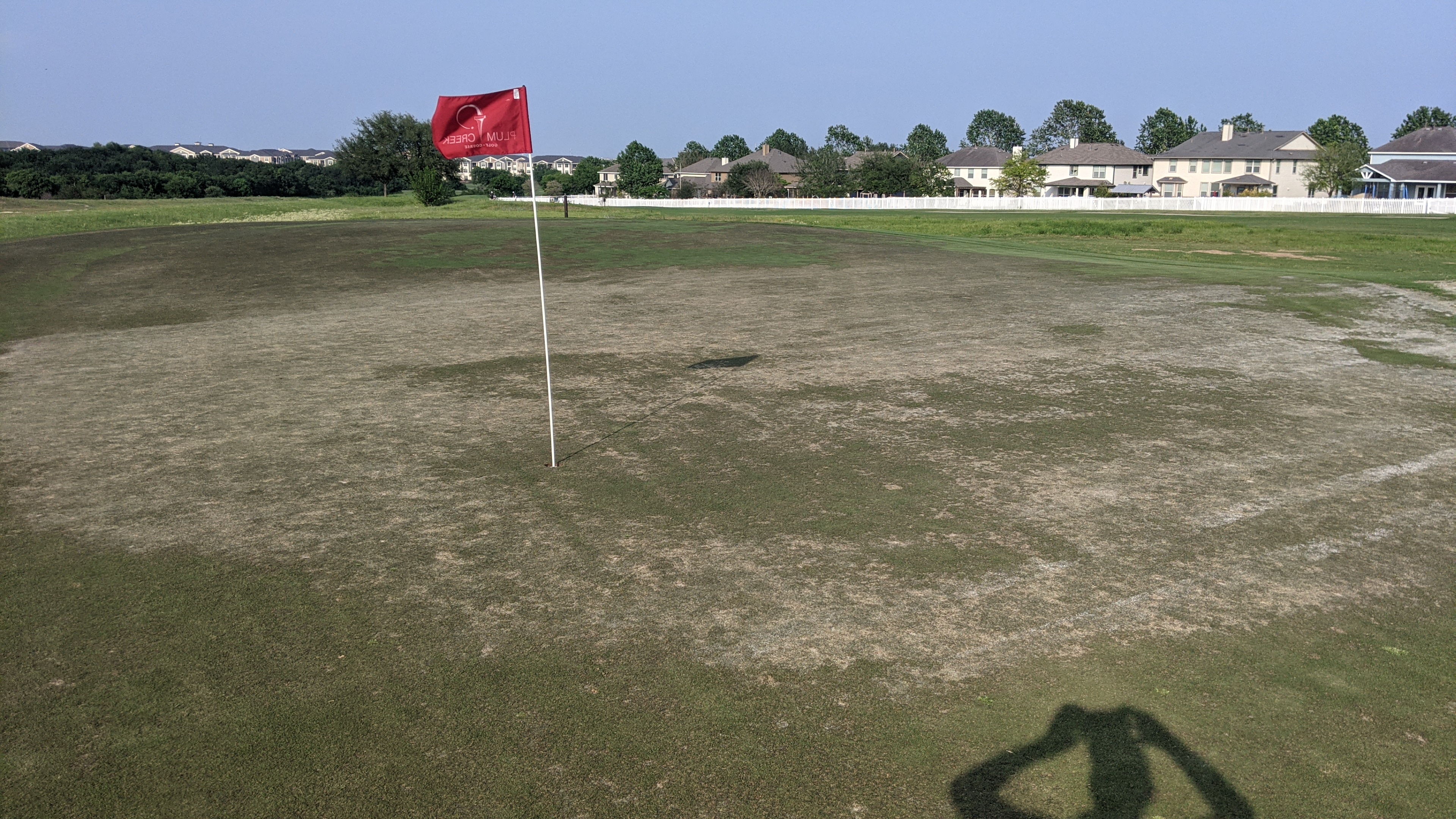
#4 for reference. The worst on the course but there are probably 4 out of the 18 in bad condition
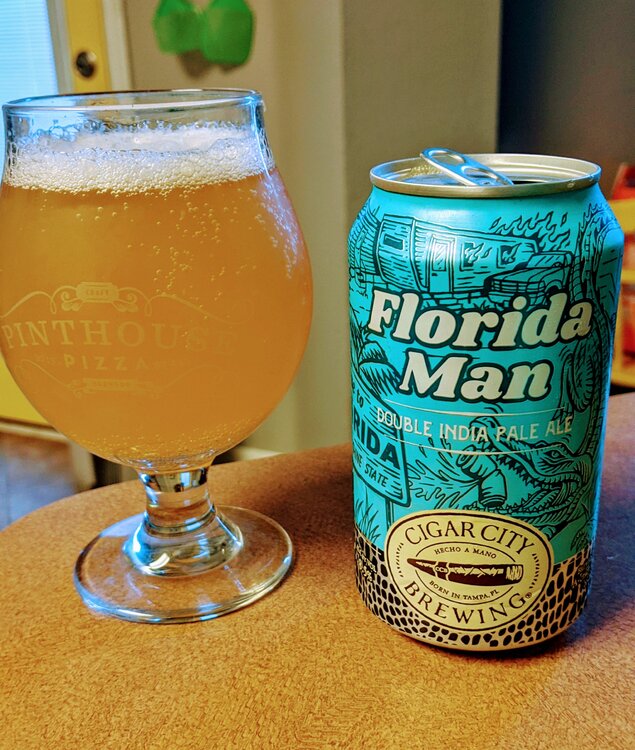
 Because why the fuck not
 The snow/freeze really hurt them. Combine that with the insane amount of golfers out there and they just haven't bounced back yet
Save your $. Greens are ok. Everything else is eh
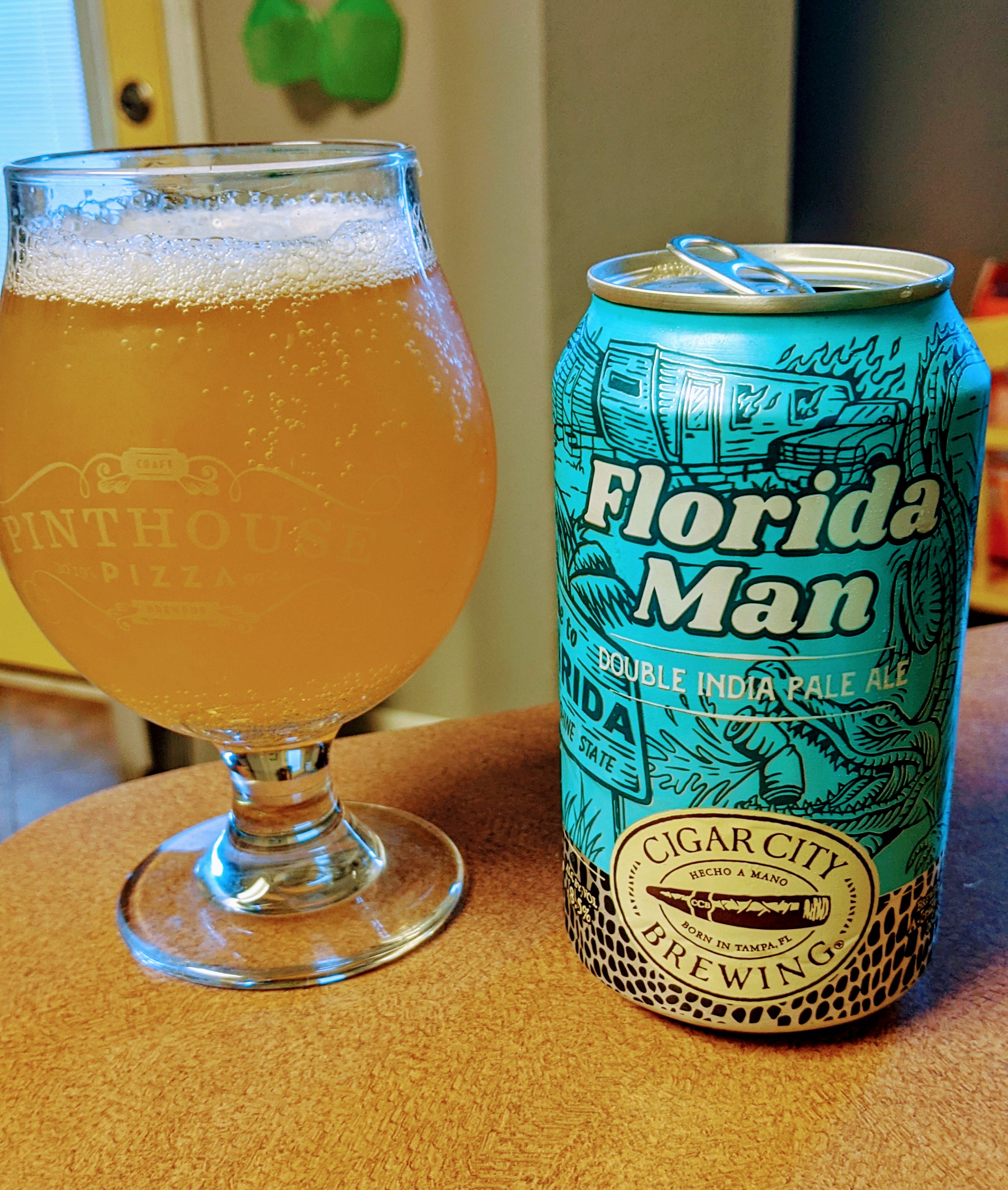
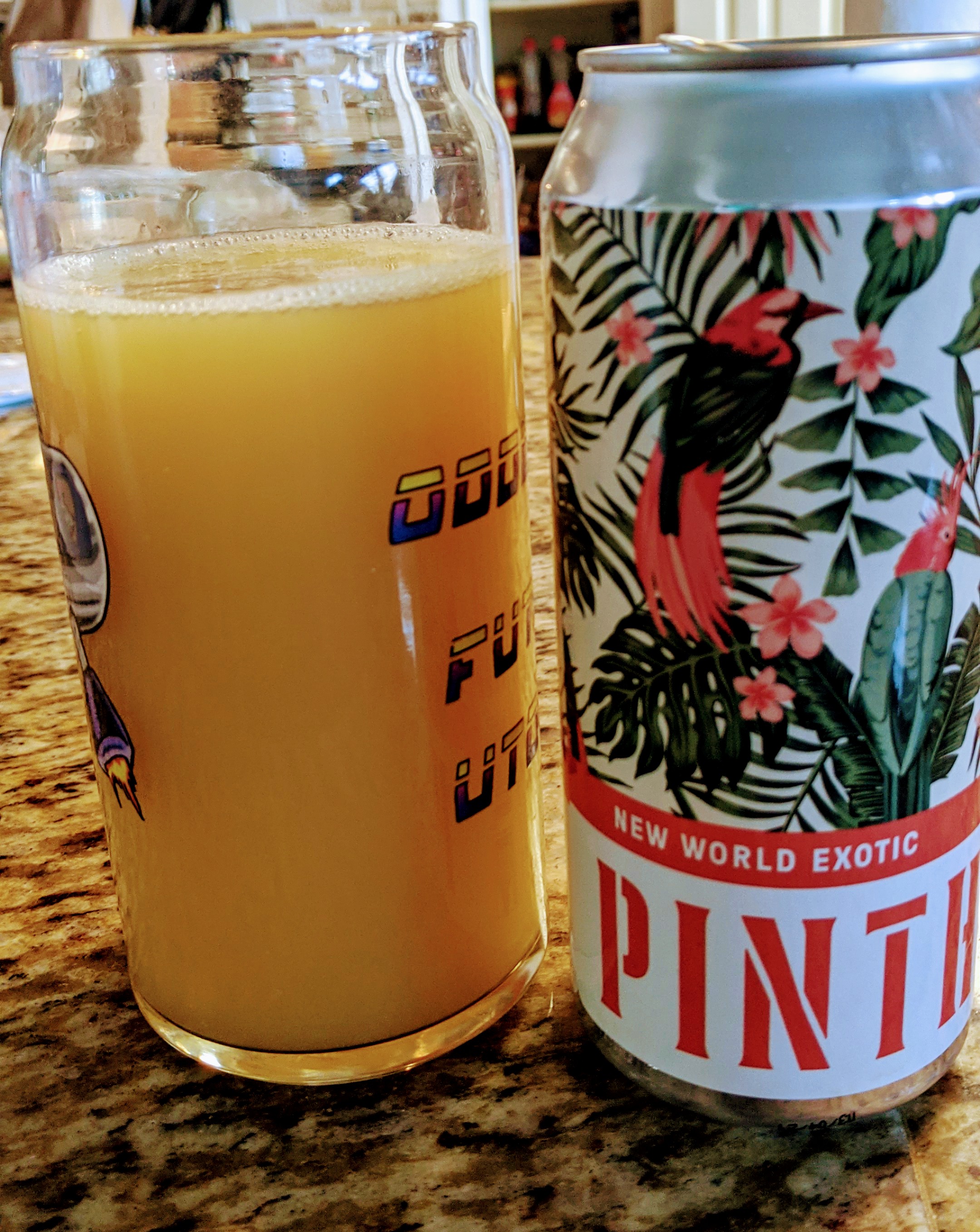
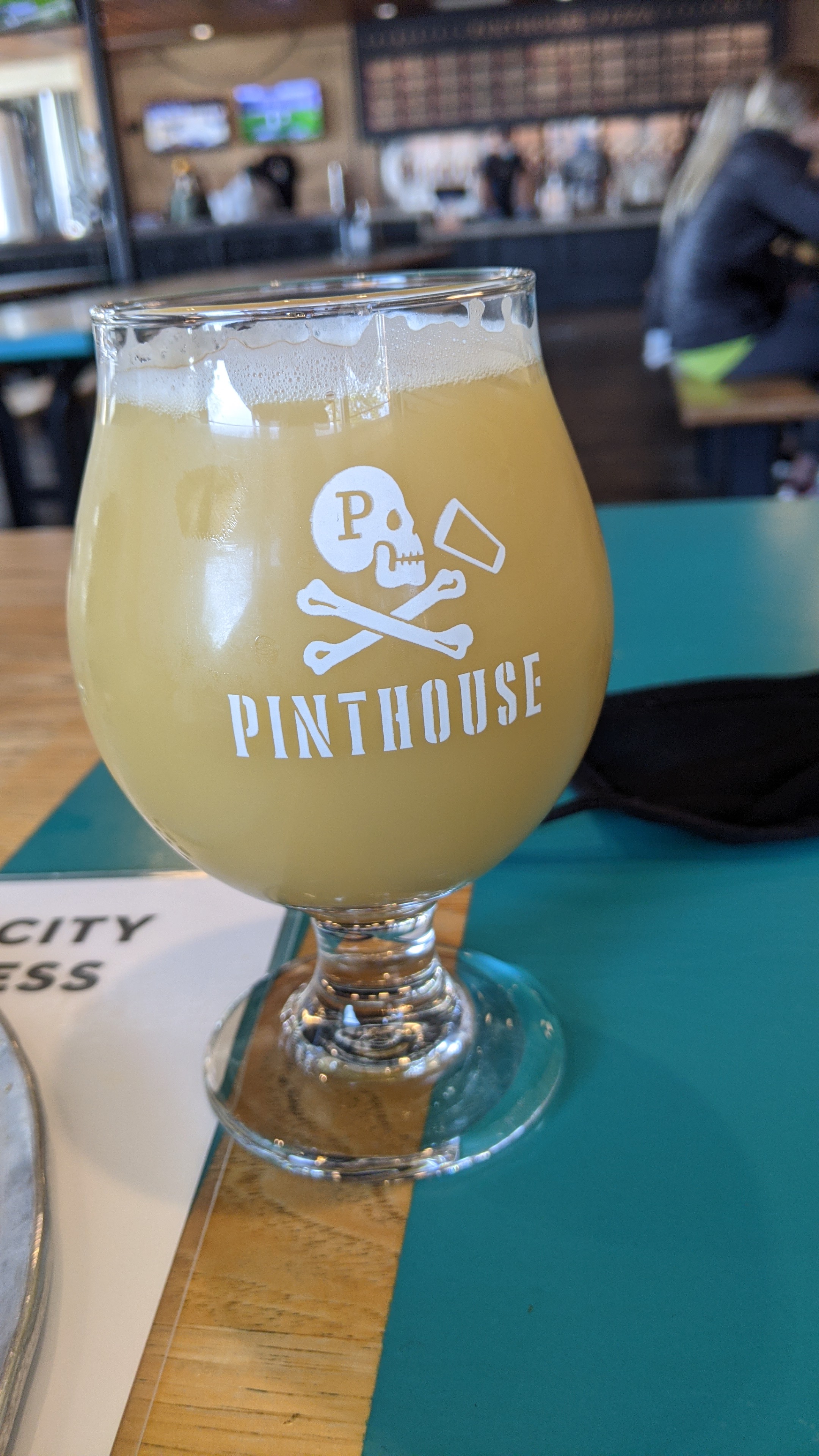
Pinthouse
The snow/freeze really hurt them. Combine that with the insane amount of golfers out there and they just haven't bounced back yet
Save your $. Greens are ok. Everything else is eh
Pinthouse Honored that St Elmo would name a beer after me
 I might be a hophead. Blah blah blah
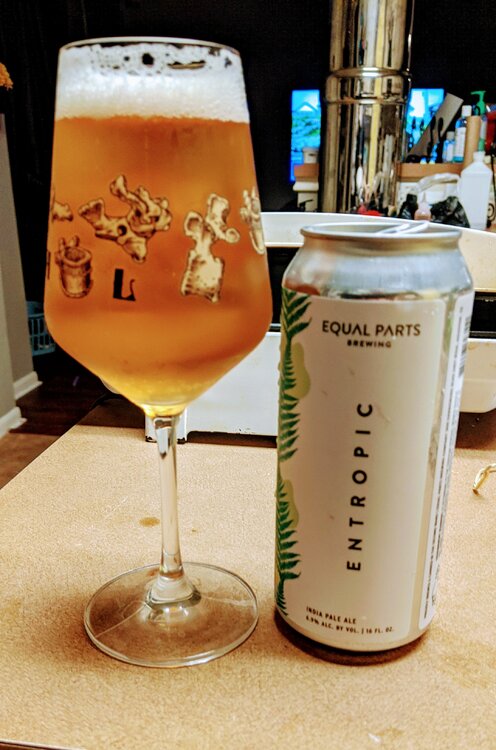 Spindletap has some good beers
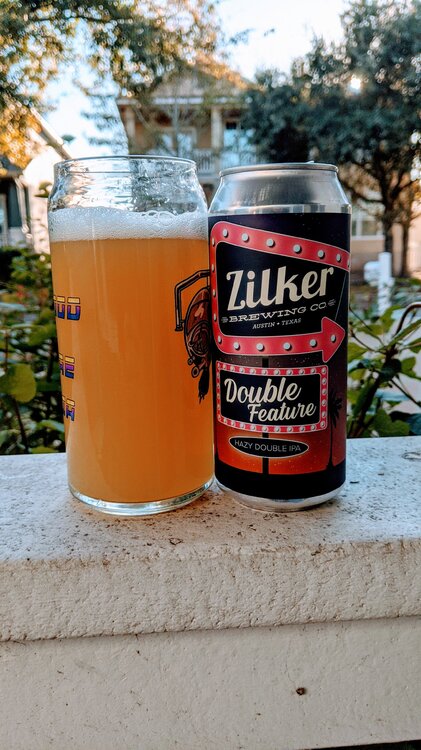
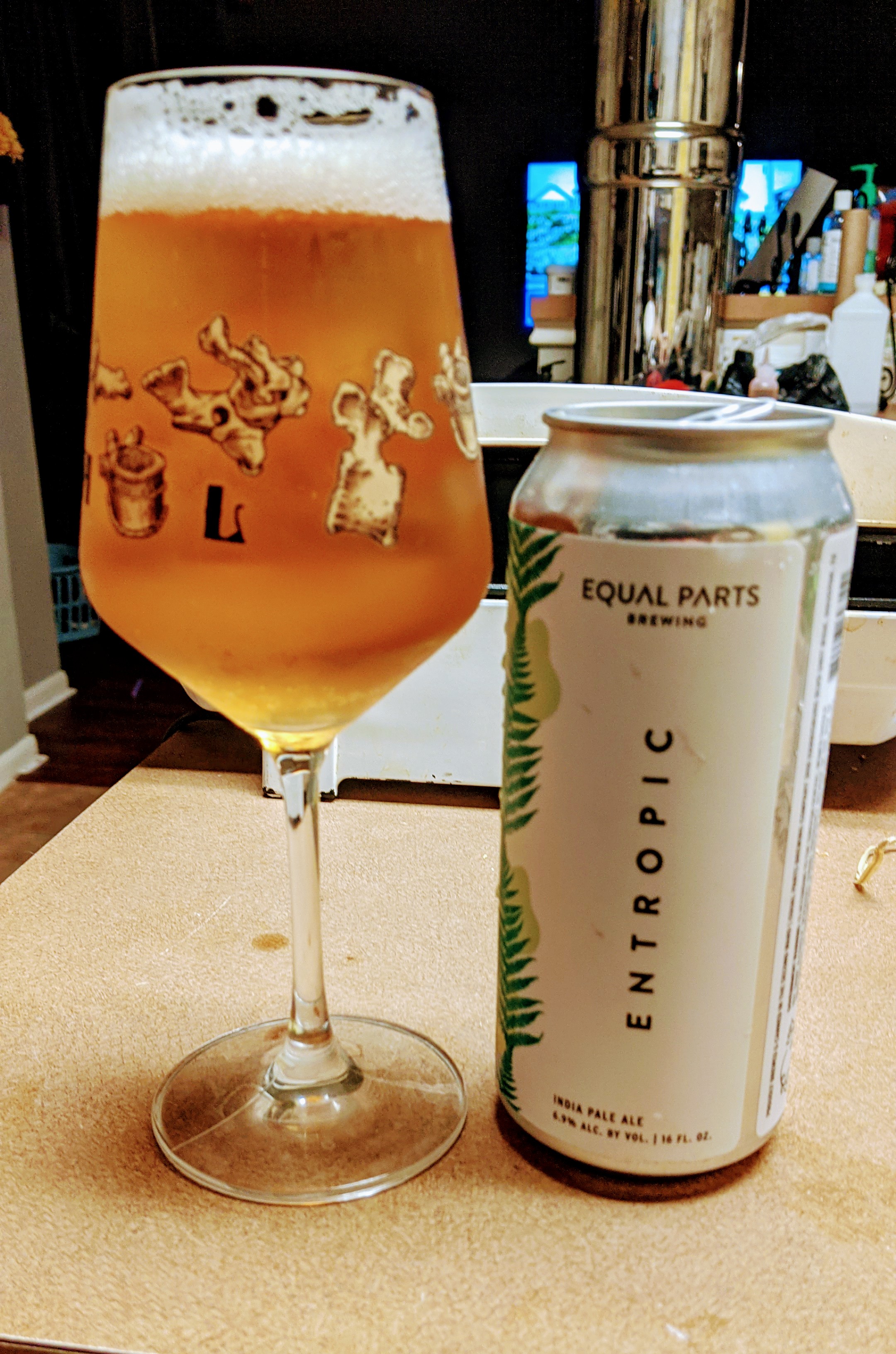
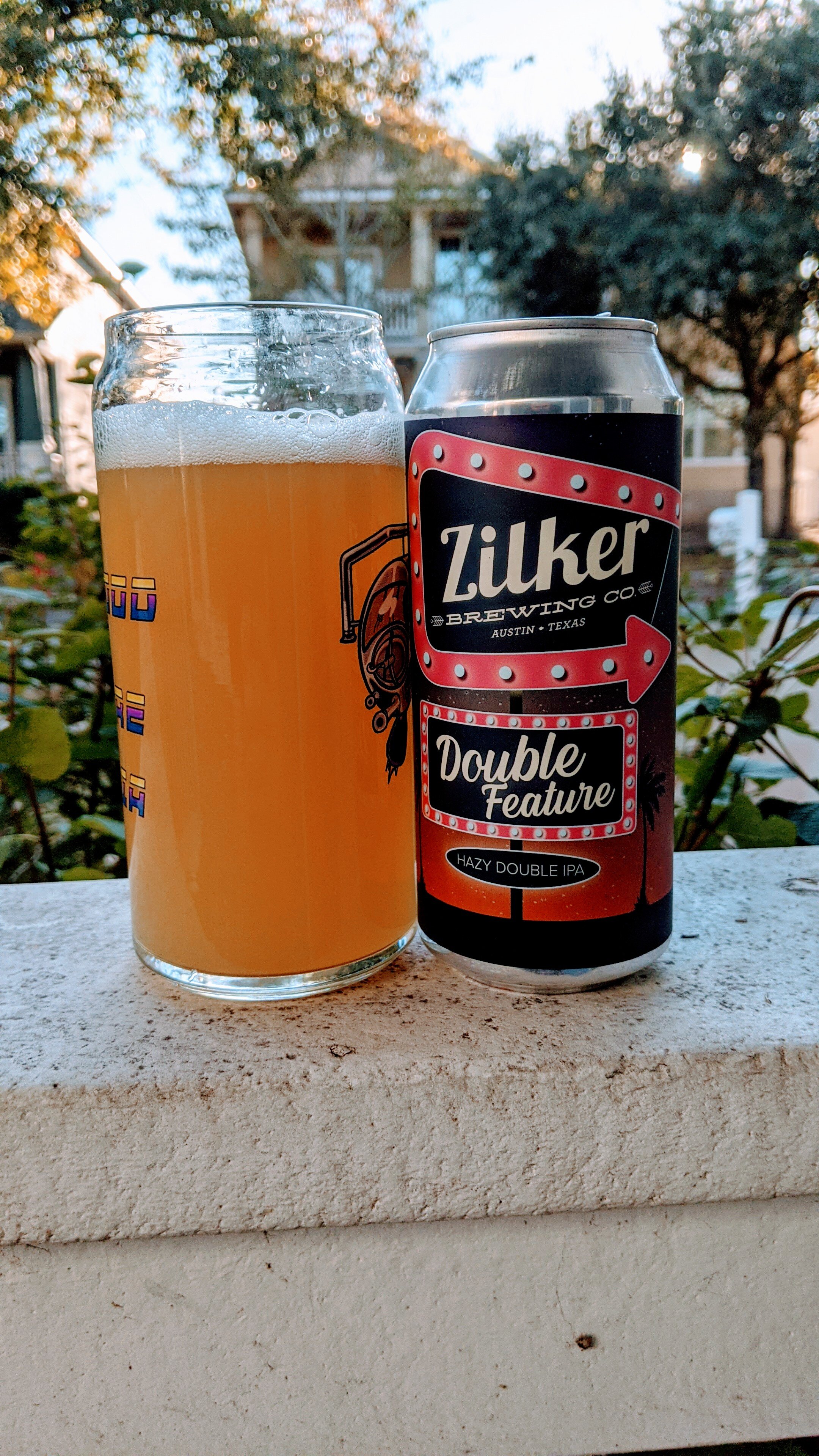
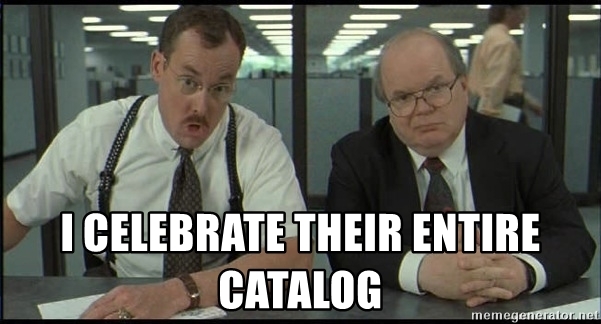 Zilker's Gratitude. Good but not as good as some of their other stuff
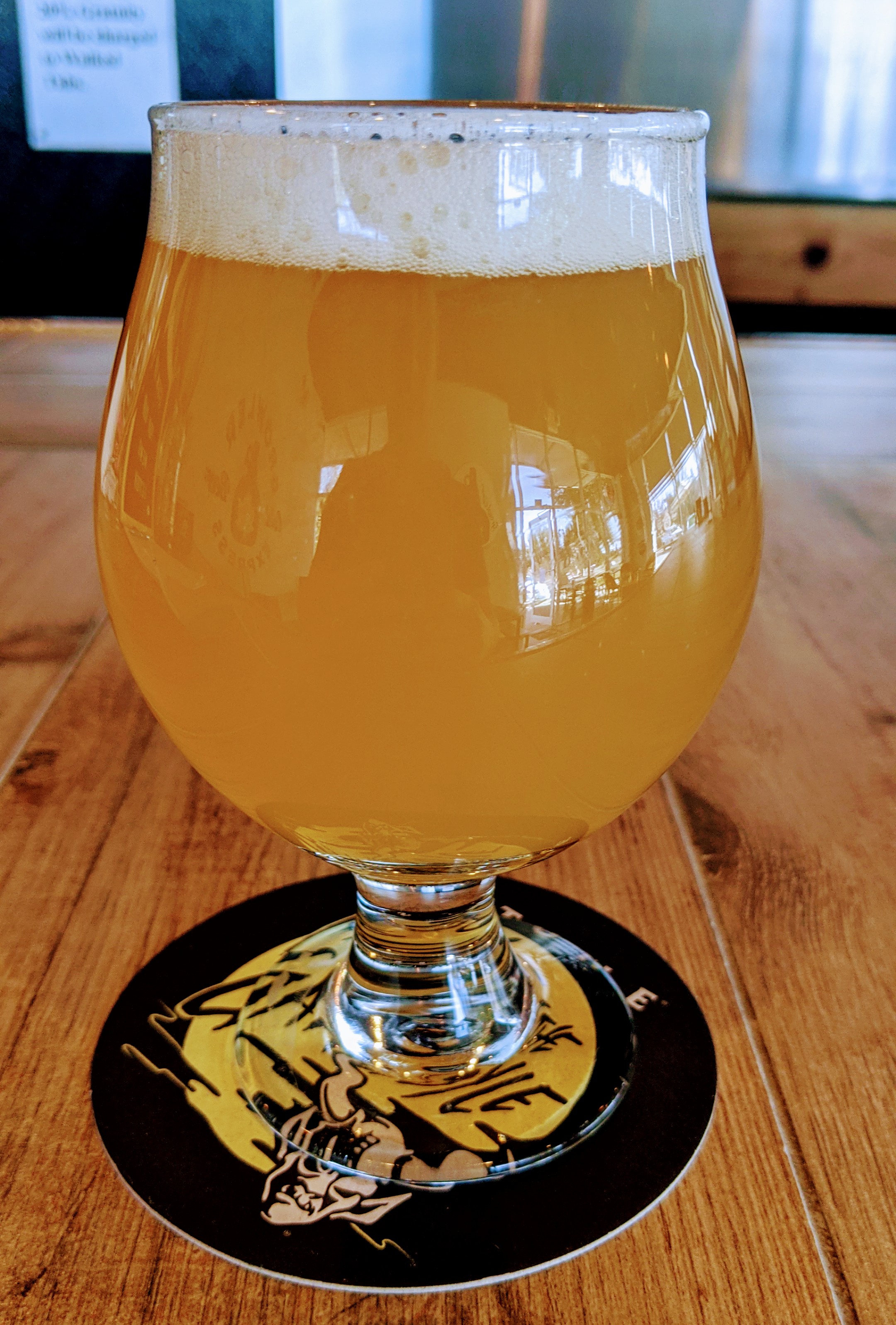
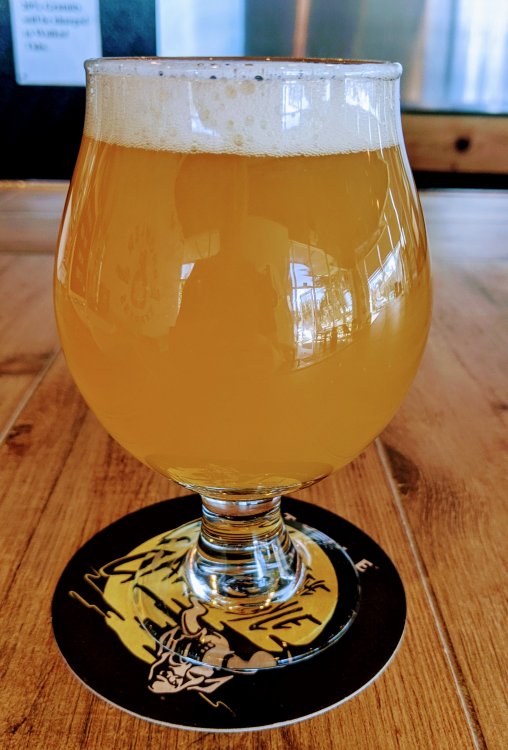 Counting Stars
Pinthouse Pizza
Counting Stars
Pinthouse Pizza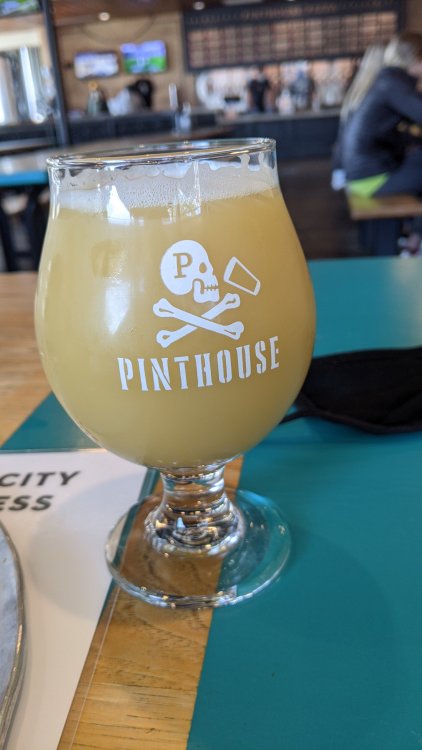 Played a shamble with some friends Sunday. Nice feeling on the tee knowing you can free wheel it. Was one of my best driving days in a while as I wasn't so result-oriented.
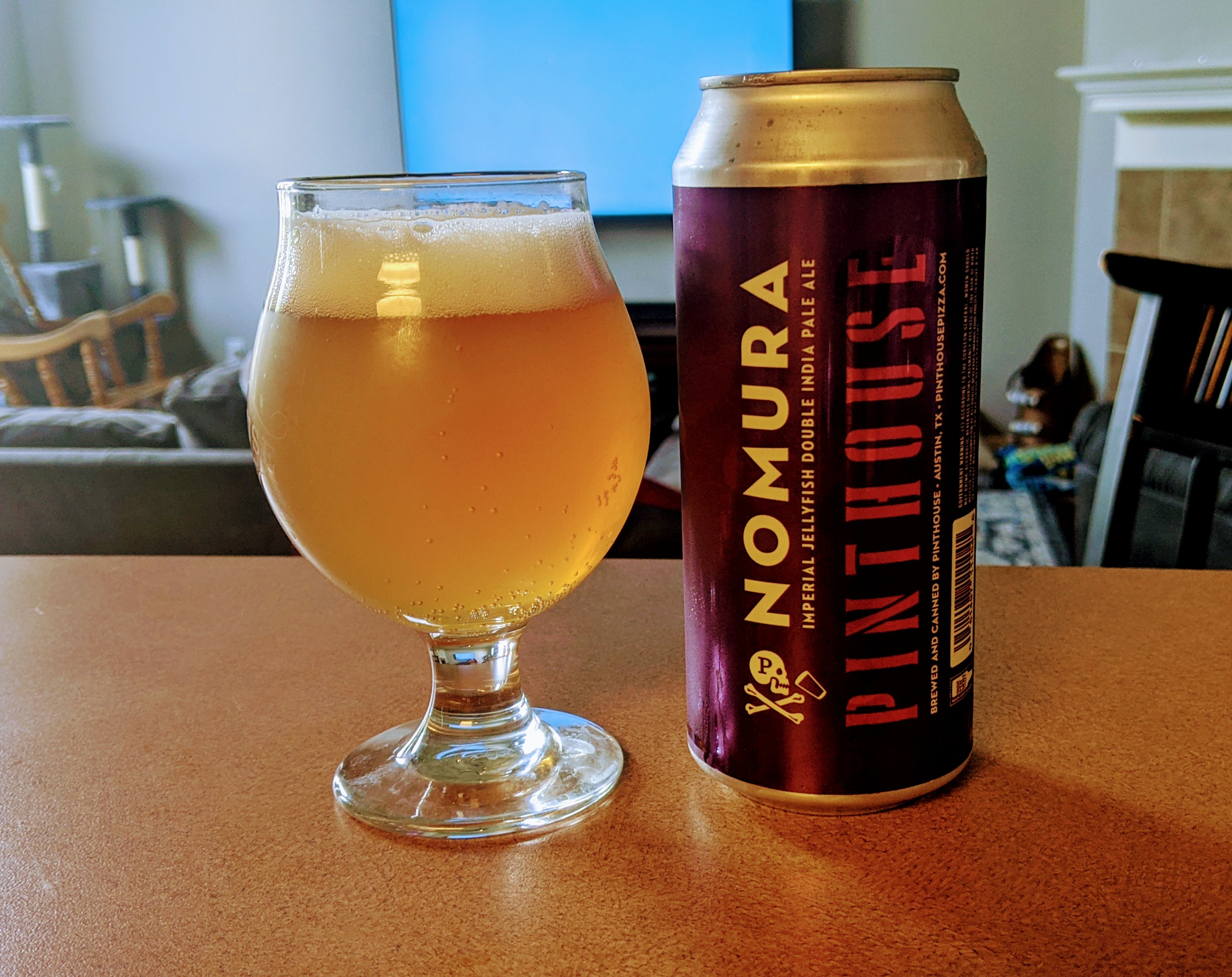
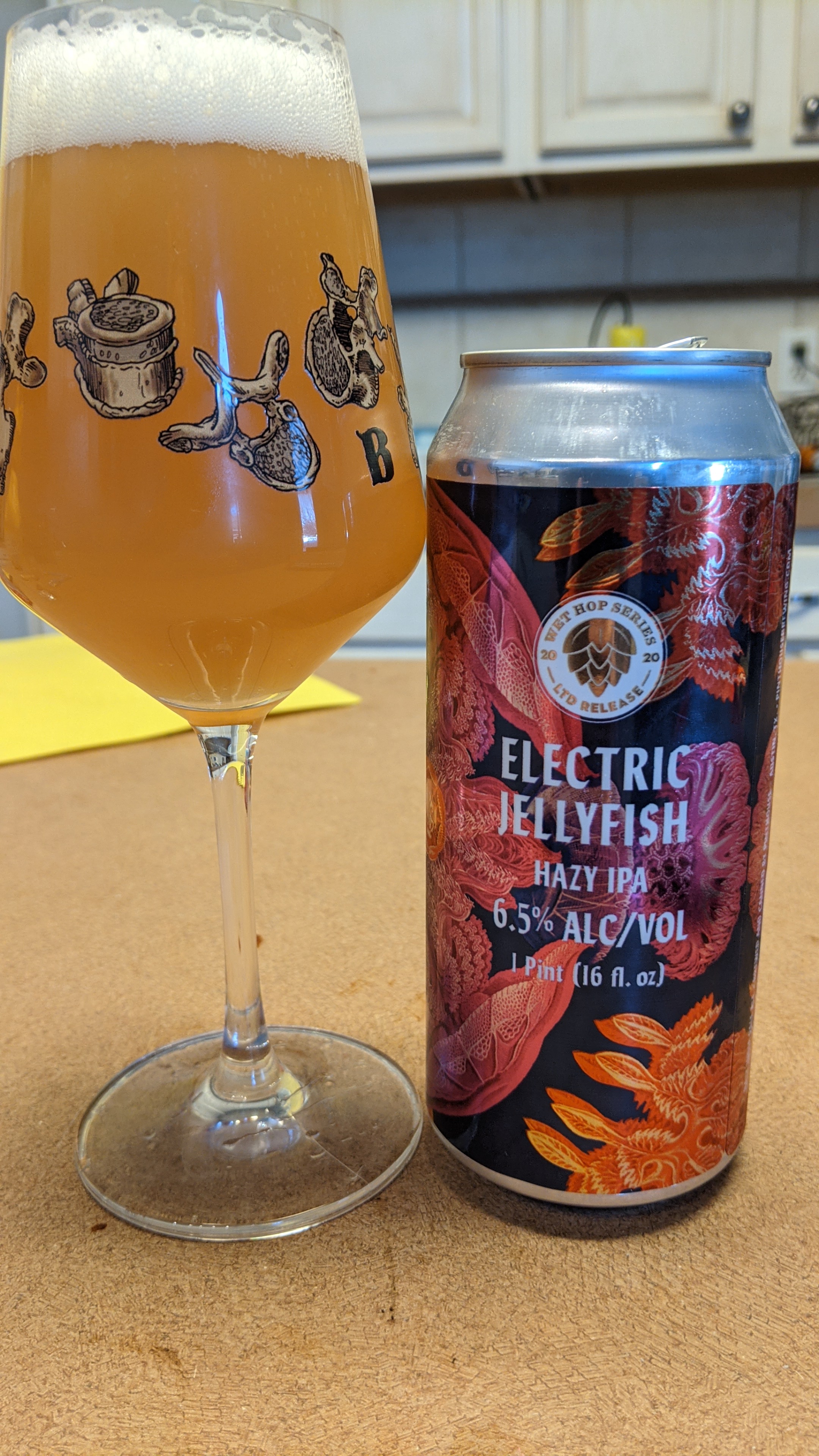
Wet hop Jellyfish which tastes just like a regular Jellyfish
Played a shamble with some friends Sunday. Nice feeling on the tee knowing you can free wheel it. Was one of my best driving days in a while as I wasn't so result-oriented.
Wet hop Jellyfish which tastes just like a regular Jellyfish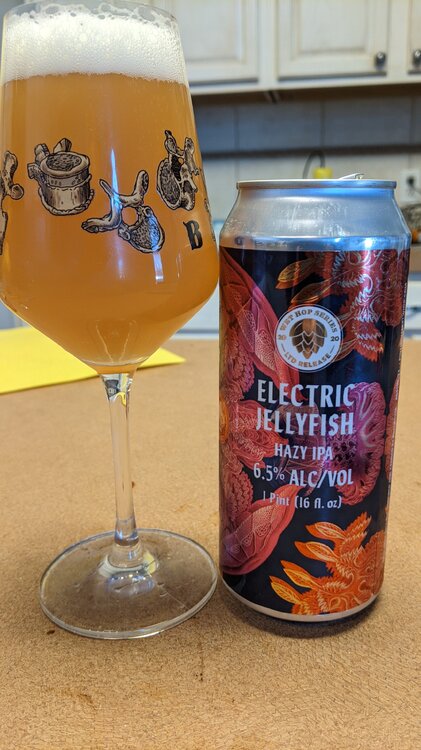 Zilker Brewing. I enjoy their entire collection
 He looked right at Bijan who was wide open in the flat
Hops and Grain closing their taproom. https://www.hopsandgrain.com/2020/12/03/the-next-chapter/
He looked right at Bijan who was wide open in the flat
Hops and Grain closing their taproom. https://www.hopsandgrain.com/2020/12/03/the-next-chapter/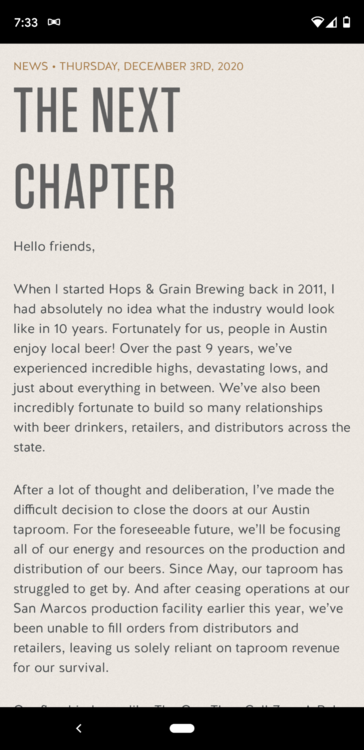 Feel like Bryson's drop on 13 is/was highly questionable. Seems to me it was closer to the hole.
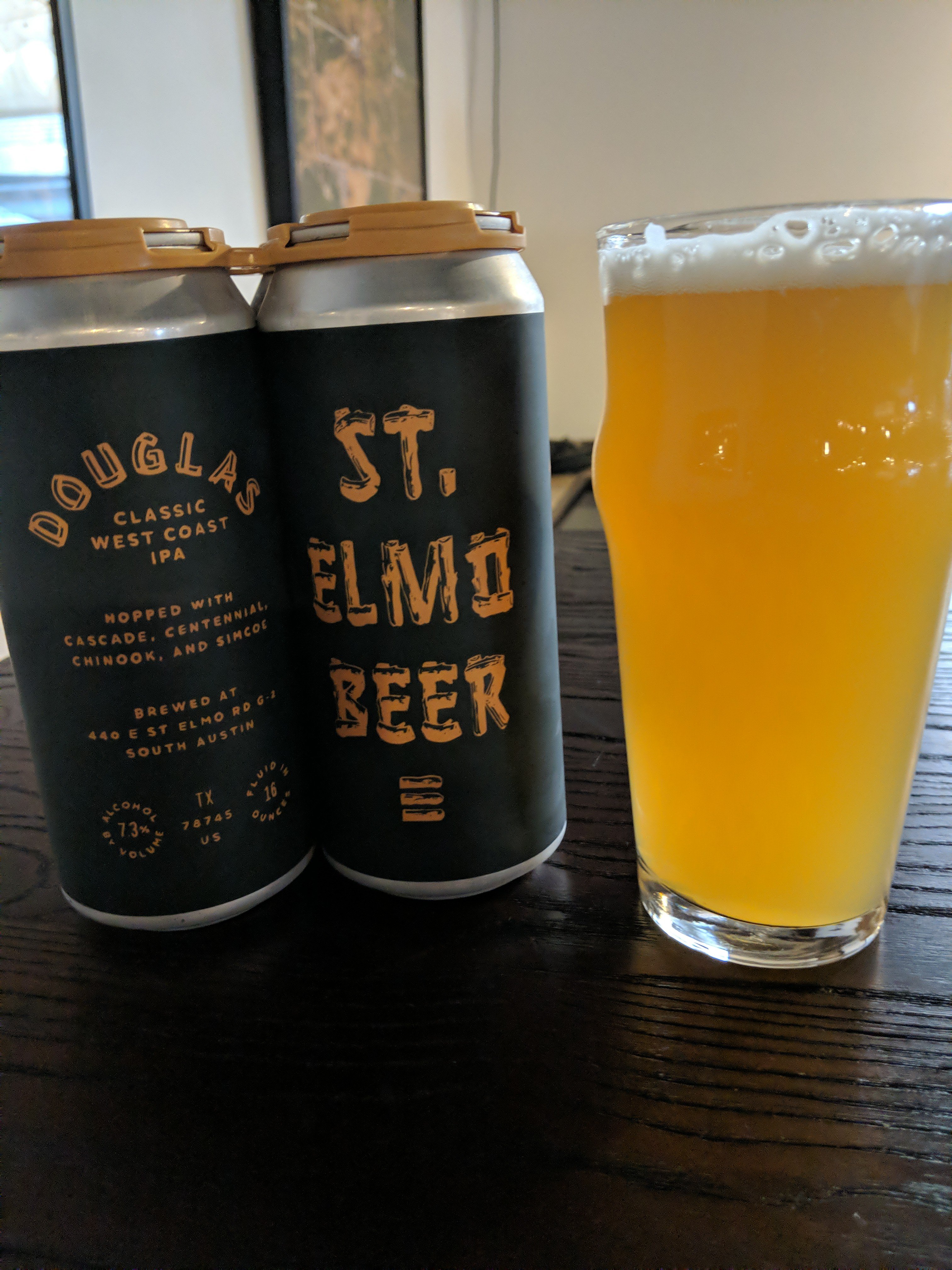
A little St Elmo while watching the World Series
Feel like Bryson's drop on 13 is/was highly questionable. Seems to me it was closer to the hole.
A little St Elmo while watching the World Series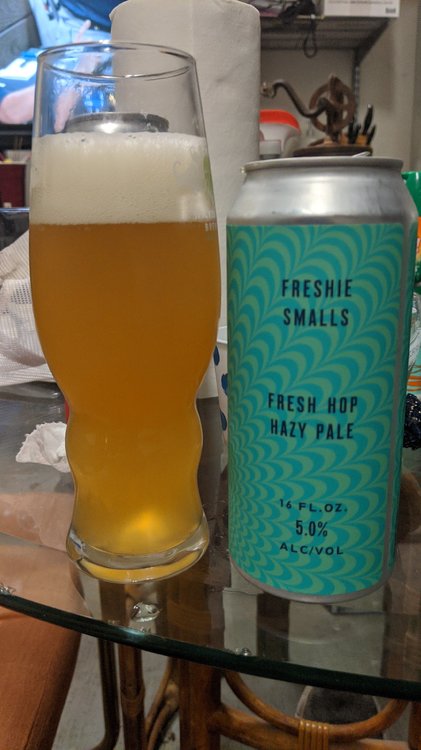 Listen to this man
Yes
Yellow Rose
Listen to this man
Yes
Yellow Rose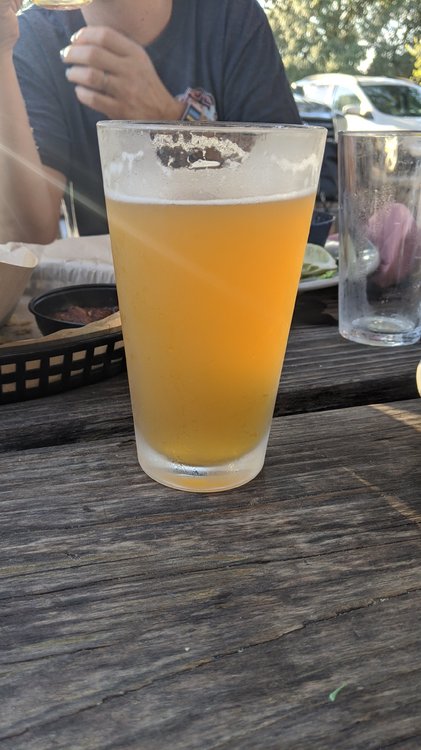






Football ...
Basketball ...
Baseball ...
Other Sports ...
Futbol ...
🤫995🤫 ...
Gambling ...
Movies & TV ...
Music ...
Hobbies ...
Lulz ...
Food & Travel
...
Daily Texan ...
Business & Markets ...
Cloak Room ...
Help ...
For Sale ...
Board Discussion ...
Advertise...
Tailgate Donations
Account
Search
Configure browser push notifications
Chrome (Android)
- Tap the lock icon next to the address bar.
- Tap Permissions → Notifications.
- Adjust your preference.
Chrome (Desktop)
- Click the padlock icon in the address bar.
- Select Site settings.
- Find Notifications and adjust your preference.
Safari (iOS 16.4+)
- Ensure the site is installed via Add to Home Screen.
- Open Settings App → Notifications.
- Find your app name and adjust your preference.
Safari (macOS)
- Go to Safari → Preferences.
- Click the Websites tab.
- Select Notifications in the sidebar.
- Find this website and adjust your preference.
Edge (Android)
- Tap the lock icon next to the address bar.
- Tap Permissions.
- Find Notifications and adjust your preference.
Edge (Desktop)
- Click the padlock icon in the address bar.
- Click Permissions for this site.
- Find Notifications and adjust your preference.
Firefox (Android)
- Go to Settings → Site permissions.
- Tap Notifications.
- Find this site in the list and adjust your preference.
Firefox (Desktop)
- Open Firefox Settings.
- Search for Notifications.
- Find this site in the list and adjust your preference.