

Scary Stranger
Legacy Members
-
Joined
-
Last visited
Everything posted by Scary Stranger
-
 He got fucked on that first pitch.
 -
Common is not a good actor. Looks cool but no range or ability to emote.
3 is the vampire from Fright Night.
Only one I don’t know if the green guy above the Joker.
RIP fecal freak.
March ‘24 is the date I think I saw for part 2.
I thought Cavil had moved on?
Well, poop.
Except they pulled Leon. WTF would they not let him finish out?
Robertson looks little like Awkwafina.
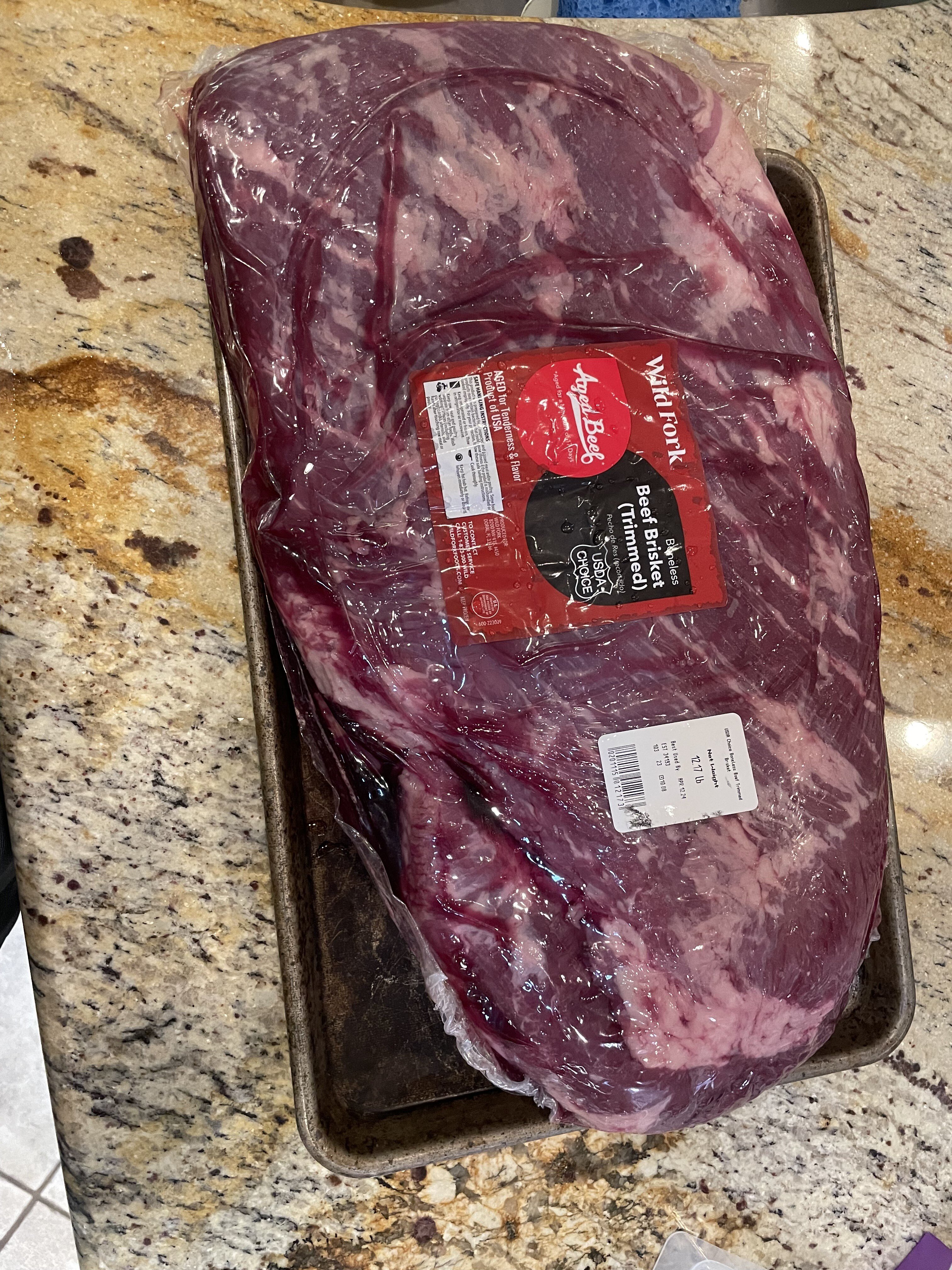
I put some Wagyu tallow from Cattleback on the brisket above.
Ump squeezing the rook.
I use the apps on my Samsung and have for years. The TV is wired into my LAN vs using wireless so I get better bandwidth than using a firestick. Never have issues.
Please don’t suck. Please don’t suck. Please don’t suck.
Saw it last night. Really good.
And by thought process, he means being fucking weird.
Poor Jerry/Gary
They should have used another end montage song. That was just used for the Yondu funeral. Otherwise, not too shabby.
At least Derka liked S1.





Football ...
Basketball ...
Baseball ...
Other Sports ...
Futbol ...
🤫995🤫 ...
Gambling ...
Movies & TV ...
Music ...
Hobbies ...
Lulz ...
Food & Travel
...
Daily Texan ...
Business & Markets ...
Cloak Room ...
Help ...
For Sale ...
Board Discussion ...
Advertise...
Tailgate Donations
Account
Search
Configure browser push notifications
Chrome (Android)
- Tap the lock icon next to the address bar.
- Tap Permissions → Notifications.
- Adjust your preference.
Chrome (Desktop)
- Click the padlock icon in the address bar.
- Select Site settings.
- Find Notifications and adjust your preference.
Safari (iOS 16.4+)
- Ensure the site is installed via Add to Home Screen.
- Open Settings App → Notifications.
- Find your app name and adjust your preference.
Safari (macOS)
- Go to Safari → Preferences.
- Click the Websites tab.
- Select Notifications in the sidebar.
- Find this website and adjust your preference.
Edge (Android)
- Tap the lock icon next to the address bar.
- Tap Permissions.
- Find Notifications and adjust your preference.
Edge (Desktop)
- Click the padlock icon in the address bar.
- Click Permissions for this site.
- Find Notifications and adjust your preference.
Firefox (Android)
- Go to Settings → Site permissions.
- Tap Notifications.
- Find this site in the list and adjust your preference.
Firefox (Desktop)
- Open Firefox Settings.
- Search for Notifications.
- Find this site in the list and adjust your preference.