


Lurch
Legacy Members
-
Joined
Everything posted by Lurch
-
 .
. -
Long time Tapa advocate here… if you’re on iPhone, try the safari “view as app” function for surly. Using this, it’s as good as tapa imo
-
Pretty sure he just suggested another thread title
-
Post in any random ass thread on Surly and you’re talking to at least 7 lawyers. But start here https://www.surlyhorns.com/board/forum/16-can-you-help-me-with-this/
-
Keep in mind, though, football is all some of these guys have in life. The alternate to that unsexy path is a somehow more unsexy path.
-
I dig the refresh hack. Thanks!
-
Bump
-
Many tried, but they were instantly targeted by Trump/Fox and either got primary'd or suddenly became the biggest bootlickers when they realized their financial supporters were cult members.
-
I’ve been working under the assumption that they saw the writing on the wall that they would soon become permanently in the minority. Democracy as currently enacted no longer works in their favor. Their positions will likely never be sufficiently popular in our evolving society going forward so they have to resort to thuggery to enable/maintain them.
-
It’s crazy that even needs to be said. Have these people not interneted the last 20 years?! In no world do other people have a responsibility to know and work around your block list.
-
Kids are out of high school so it’s just me. I’m not in a rush, so sounds like wait for Steam Machine to come out to see its price point before buying something else
-
50 years old. Setting up office in new house. Have room for a great recliner and a big TV on the wall. Spend a god awful amount of time playing games on my iPad but haven’t played consoles in probably 10 years. What console, accessories and games (and/or service) do I buy now and later this year? Let’s say $1k budget
-
On iPhone or iPad? If so grab left edge of screen and drag right
Regarding the “tampering” activity, I’m guessing the reality is we’ve been inundated with inbound phone calls from agents and have effectively had our own portal list to work with containing names that are not, were not or never will be in the official portal. It’s being referred to as tampering but unless we’re proactively contacting players, it’s not. …presumably
-Mitch Hedberg -Michael Scott -Lurch
Congrats on the first negative-free Vegas review since 2018!
Martin Bally‘s wife didn’t, but might have to now
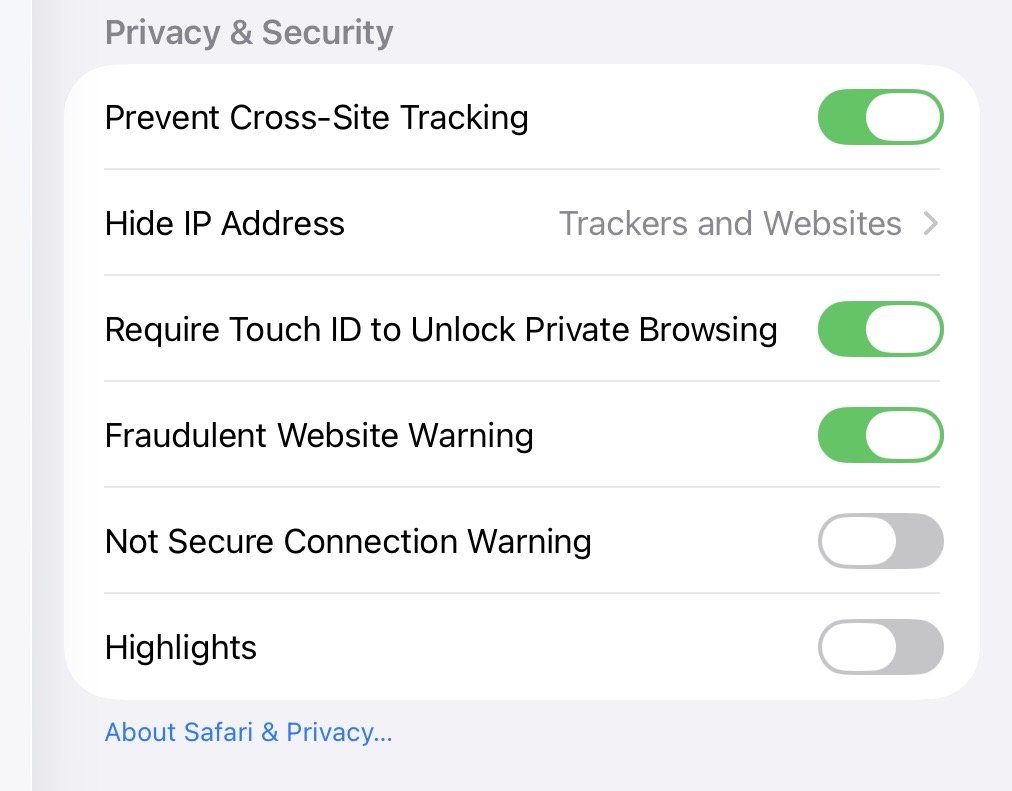
Ah that’s probably it. Safari using Private Browsing. Also hides IPs
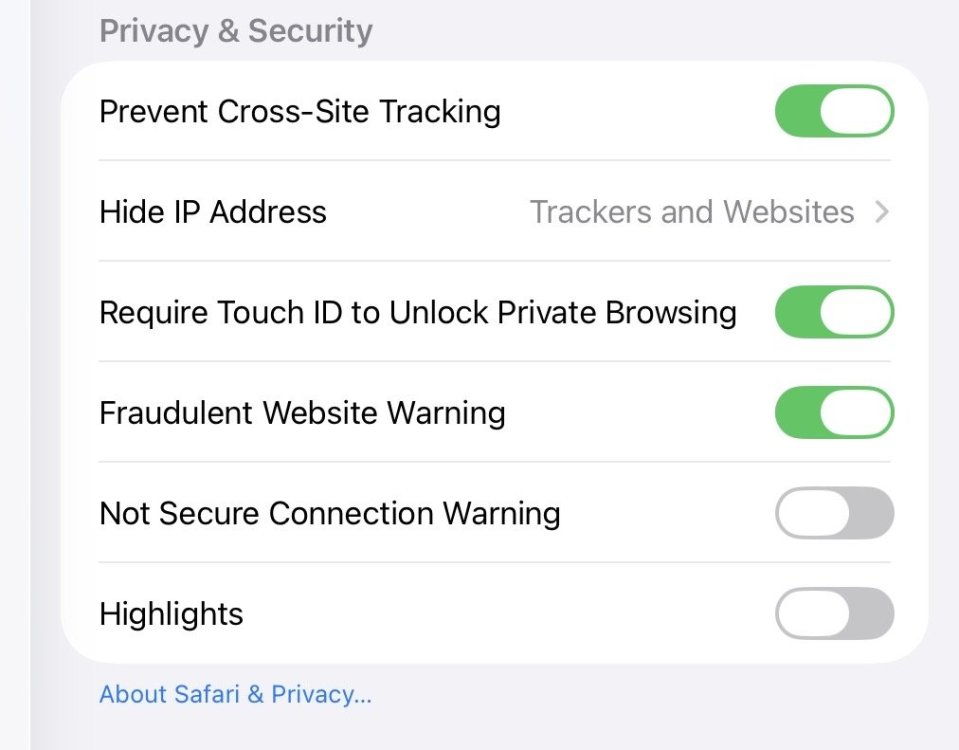 Interestingly I’m never logging out and that’s presumably driven by the same cookie, yeah?
I’m never clearing cookies.
Then iOS isn’t using it because I see it on both iPad and iPhone all day long every time I fire them up the missing format issue requires me to kill the app to clear and even that doesn’t always work. I’ve yet to see refresh solve it
Seeing this occasionally immediately following the bot check
Interestingly I’m never logging out and that’s presumably driven by the same cookie, yeah?
I’m never clearing cookies.
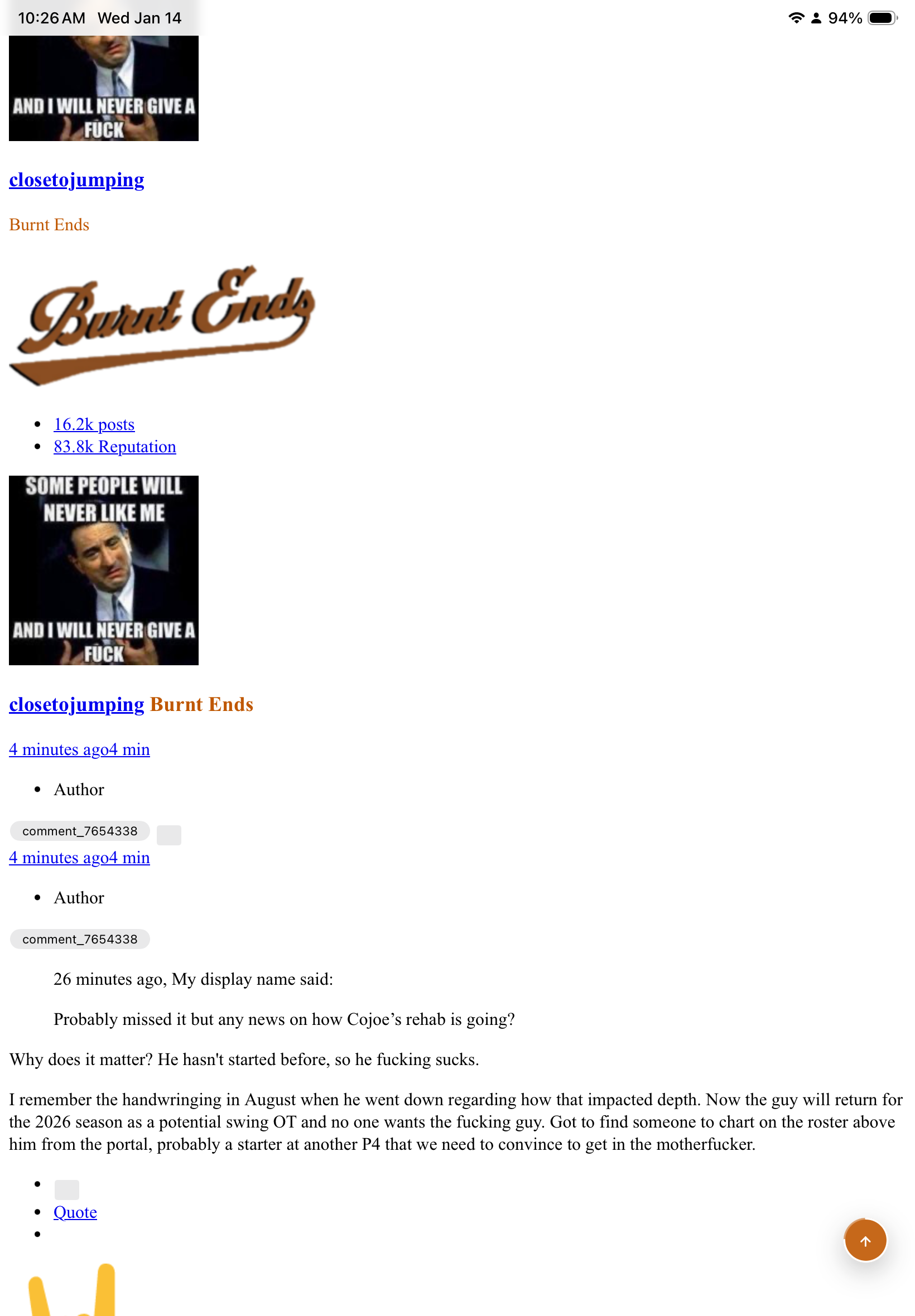
Then iOS isn’t using it because I see it on both iPad and iPhone all day long every time I fire them up the missing format issue requires me to kill the app to clear and even that doesn’t always work. I’ve yet to see refresh solve it
Seeing this occasionally immediately following the bot check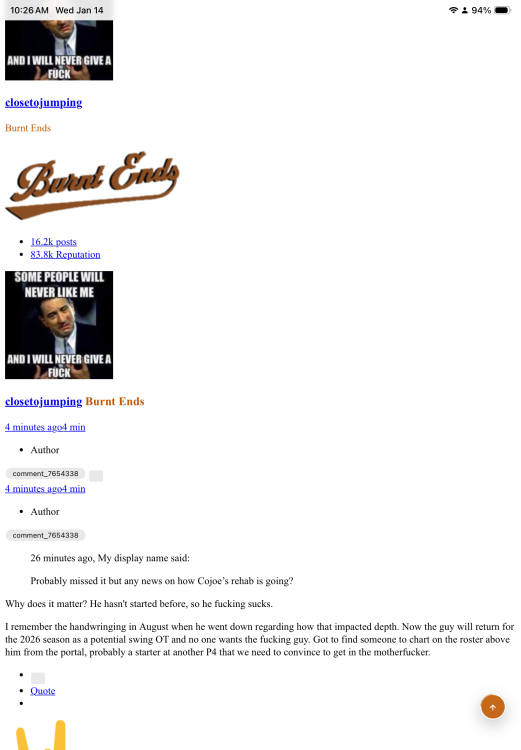


Football ...
Basketball ...
Baseball ...
Other Sports ...
Futbol ...
🤫995🤫 ...
Gambling ...
Movies & TV ...
Music ...
Hobbies ...
Lulz ...
Food & Travel
...
Daily Texan ...
Business & Markets ...
Cloak Room ...
Help ...
For Sale ...
Board Discussion ...
Advertise...
Tailgate Donations